
Screenshots
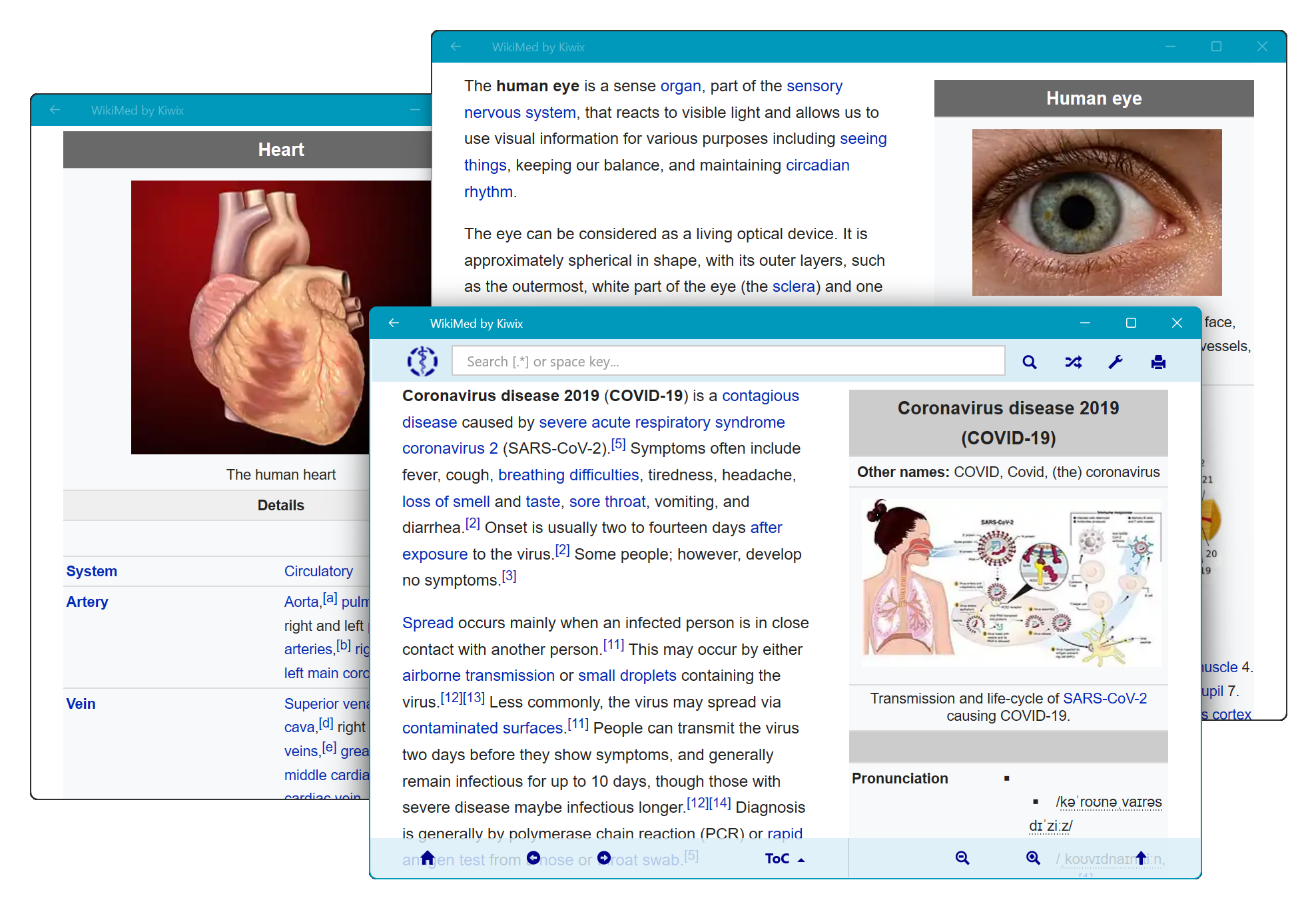
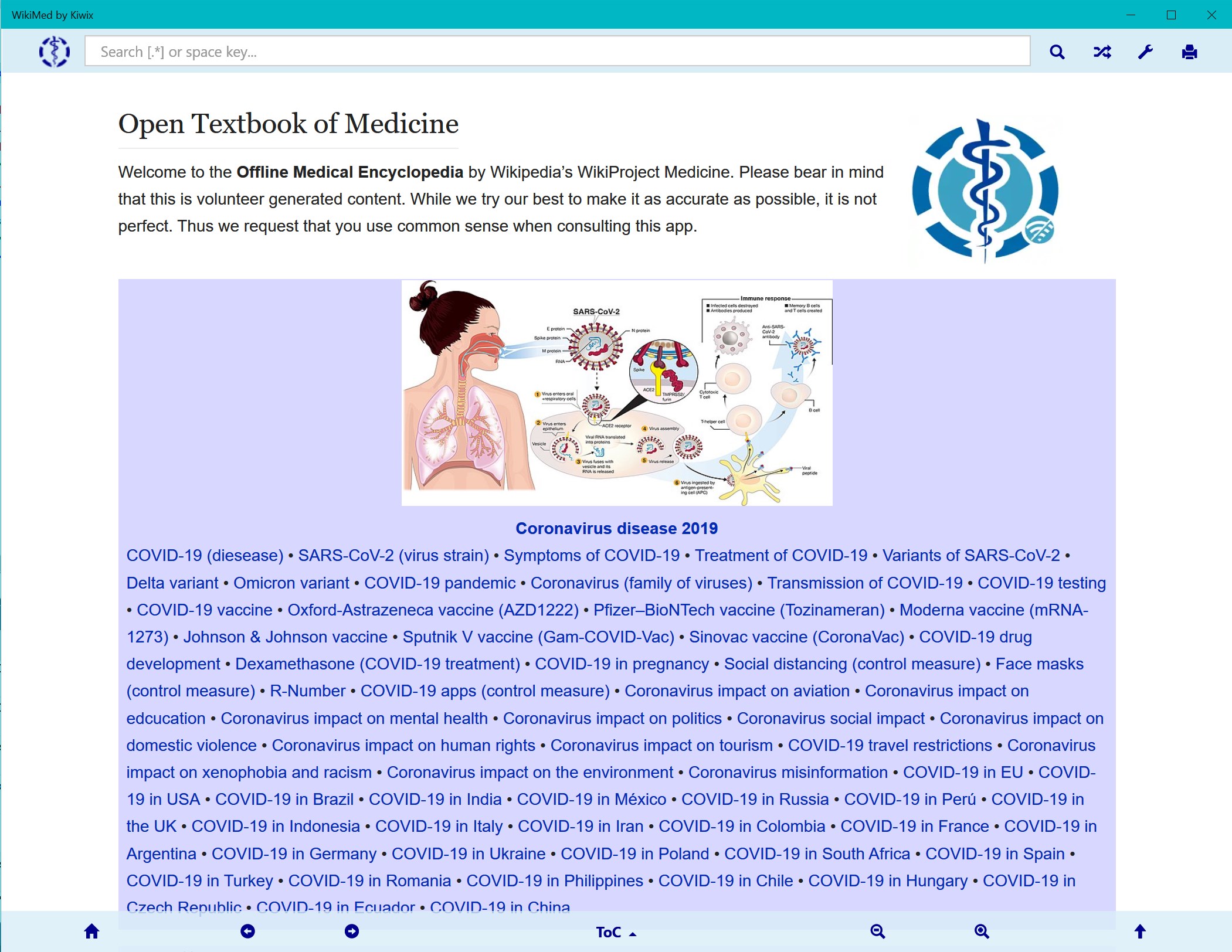
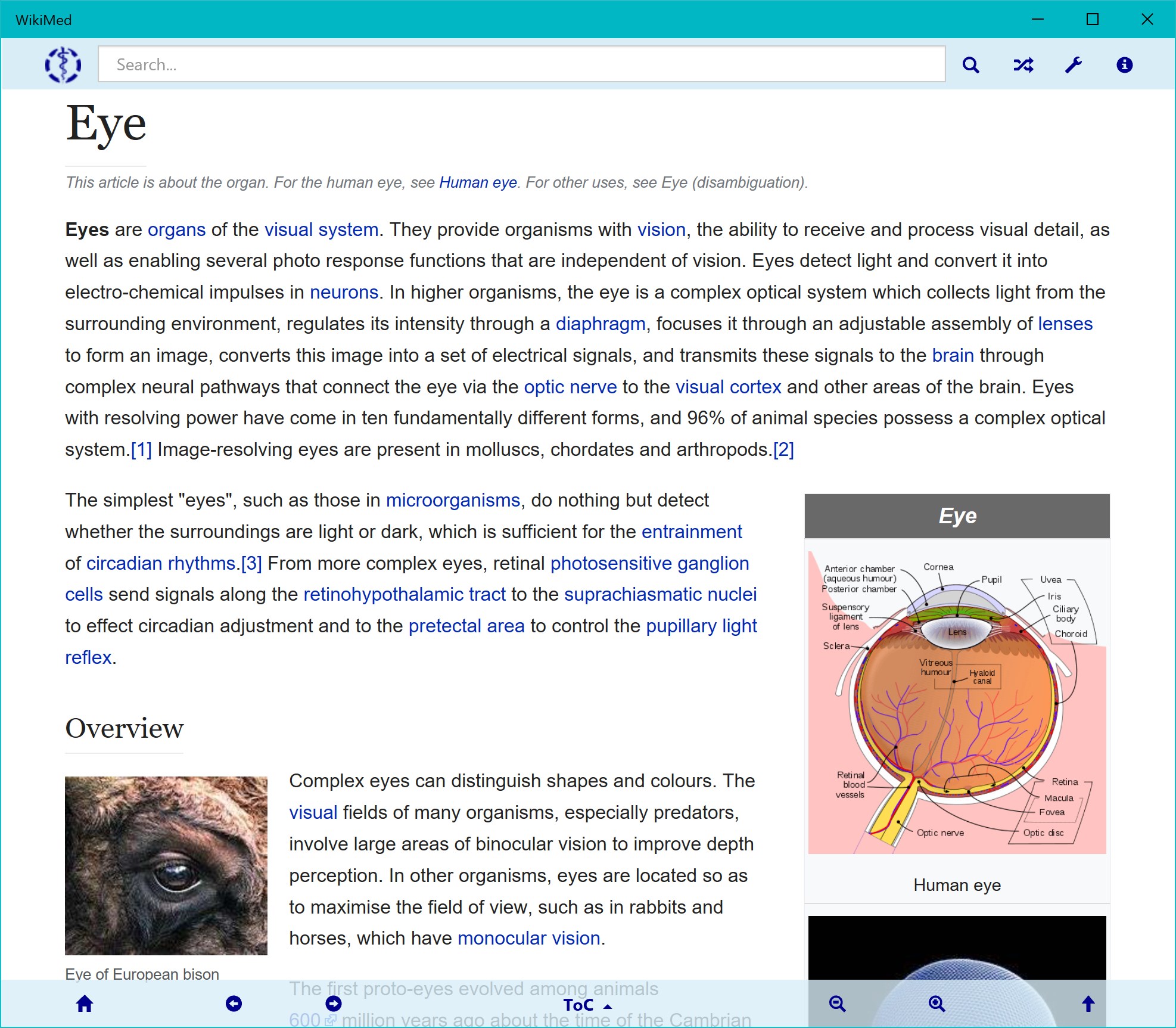
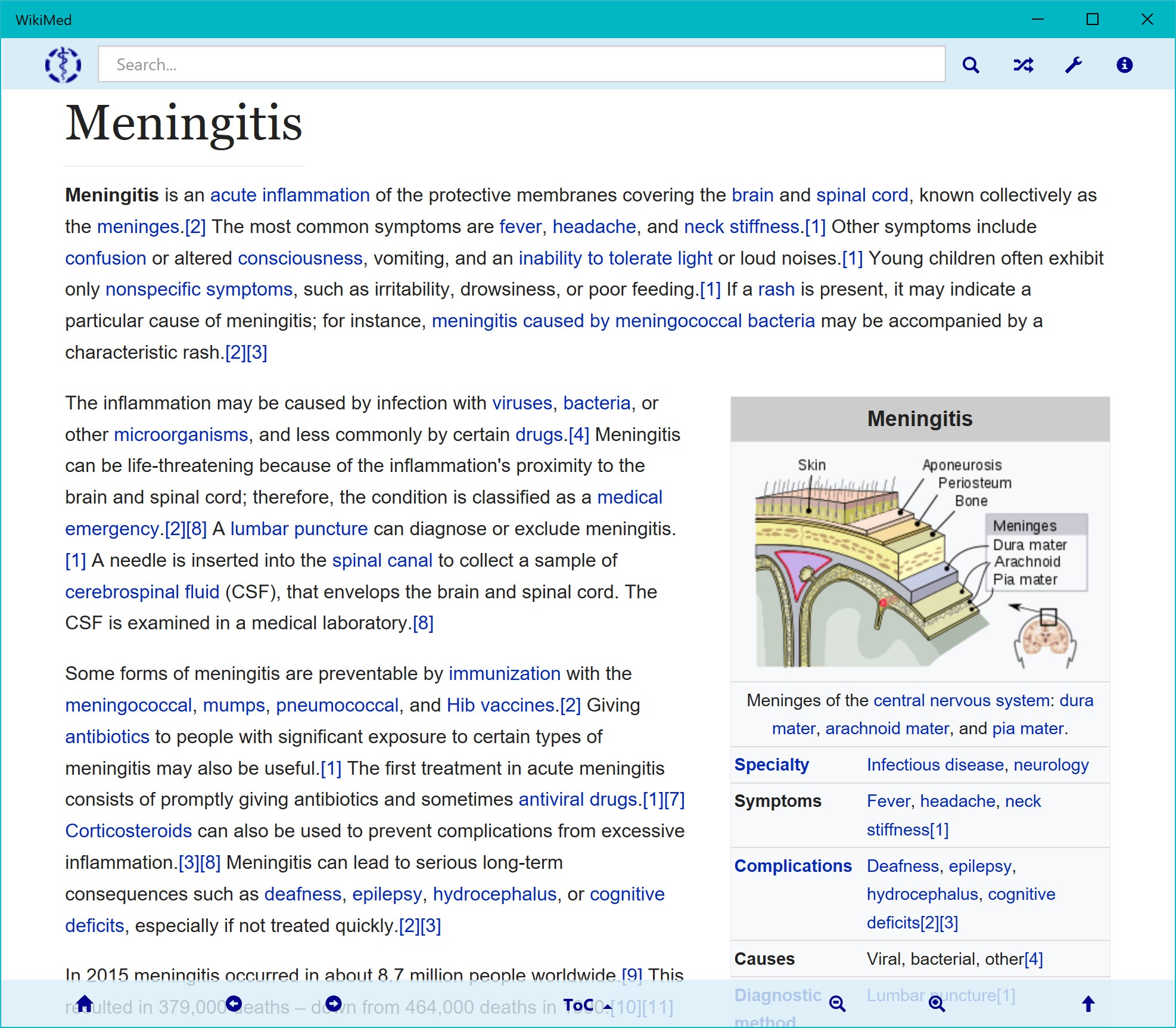
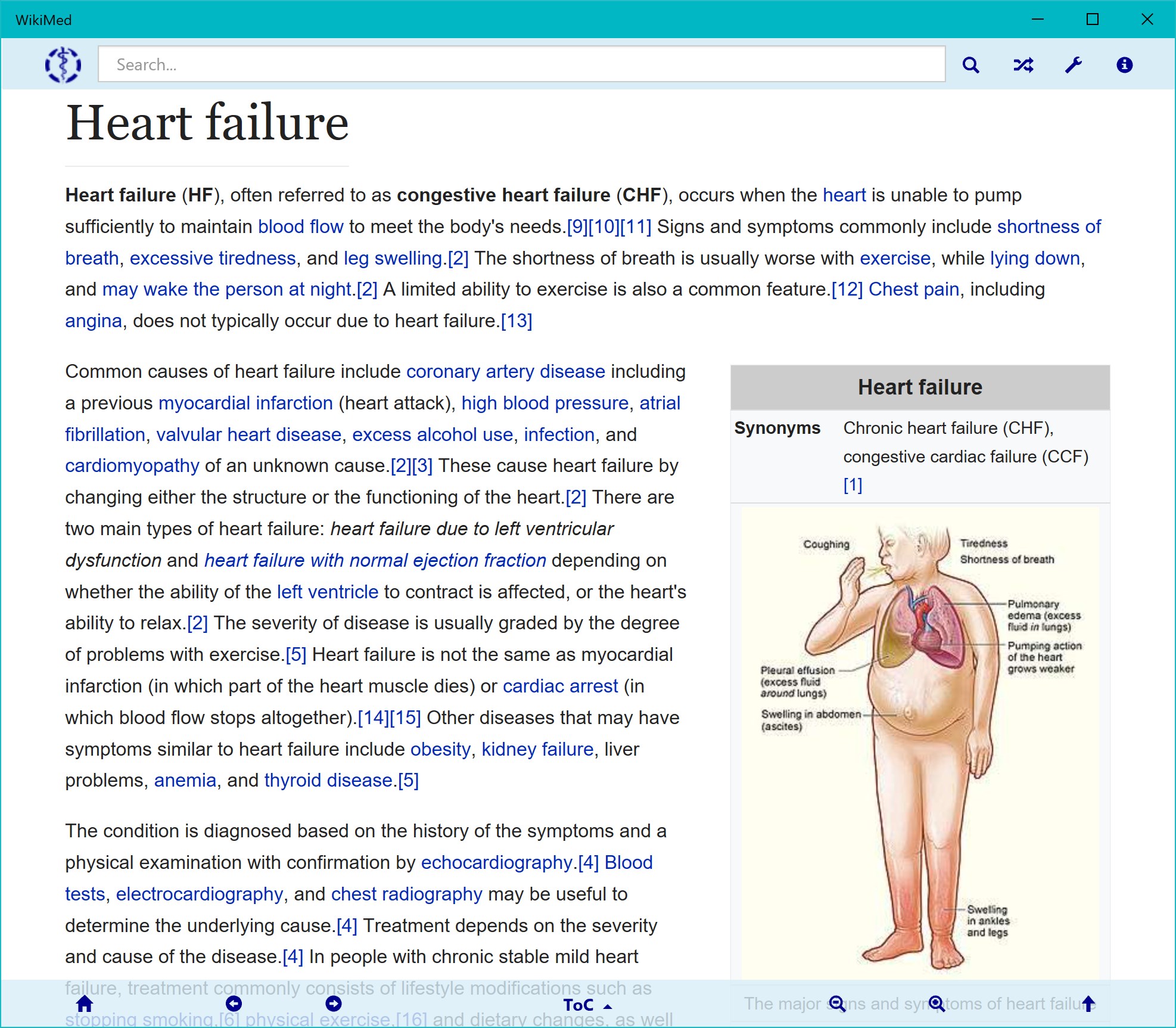
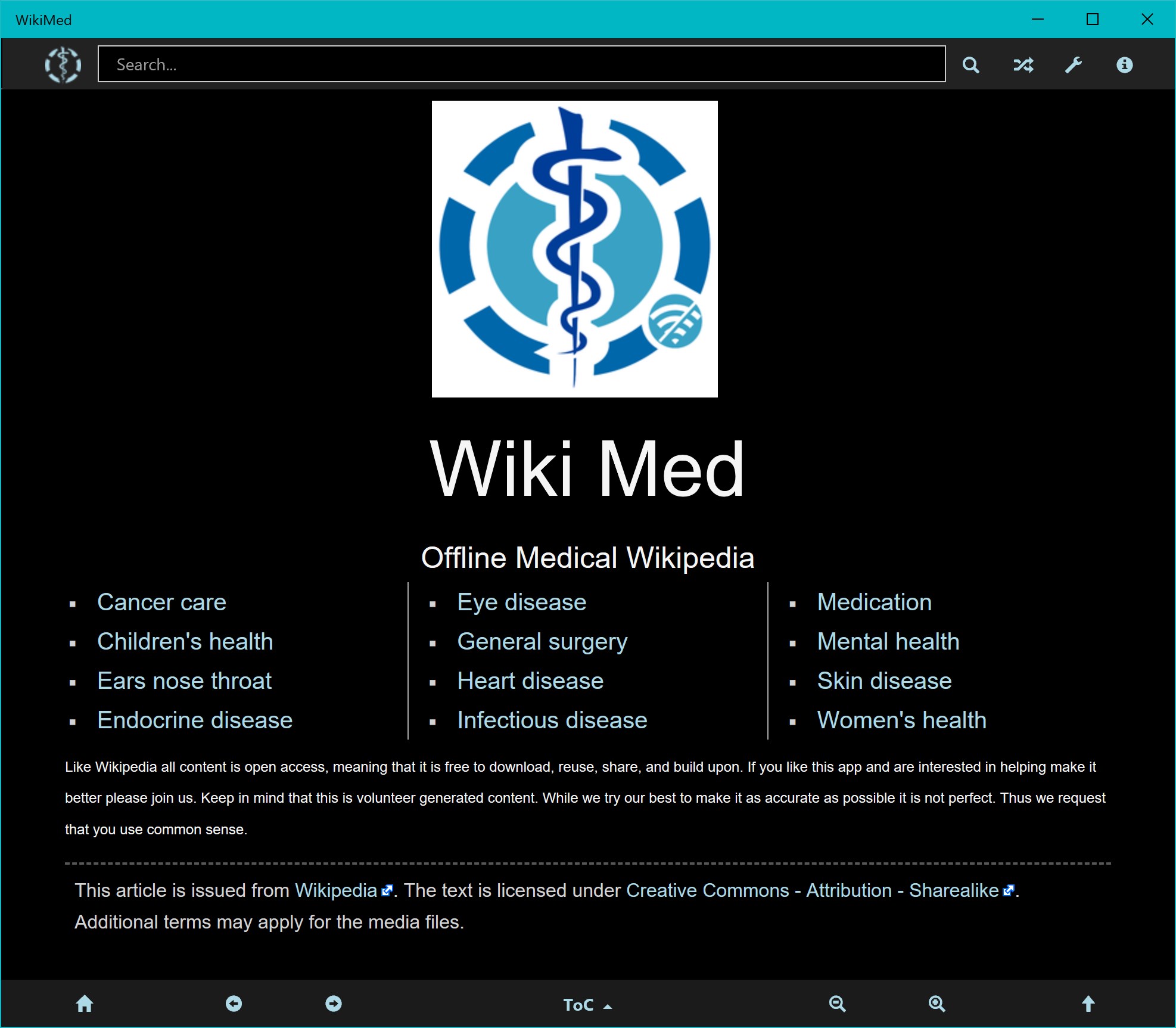
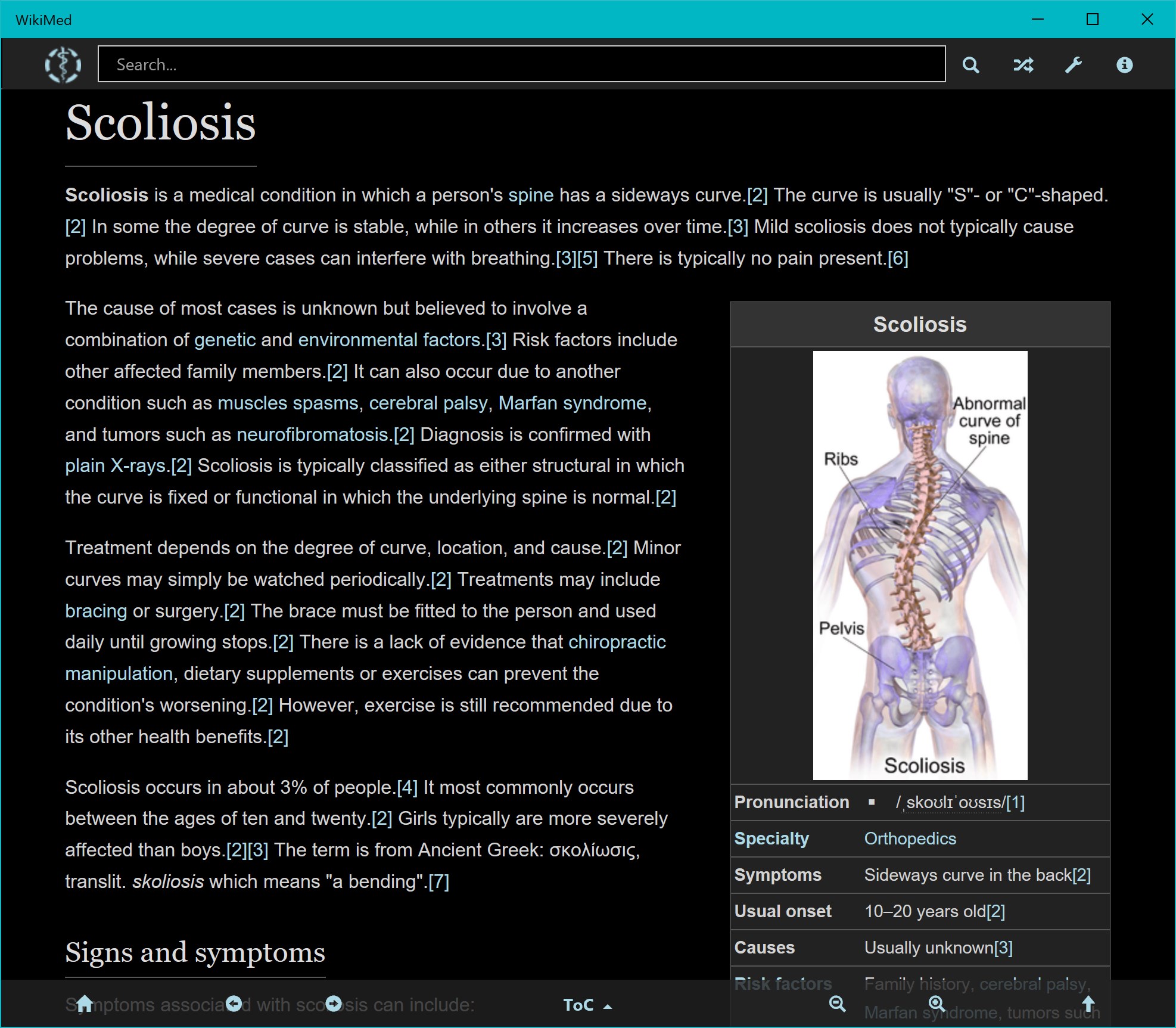
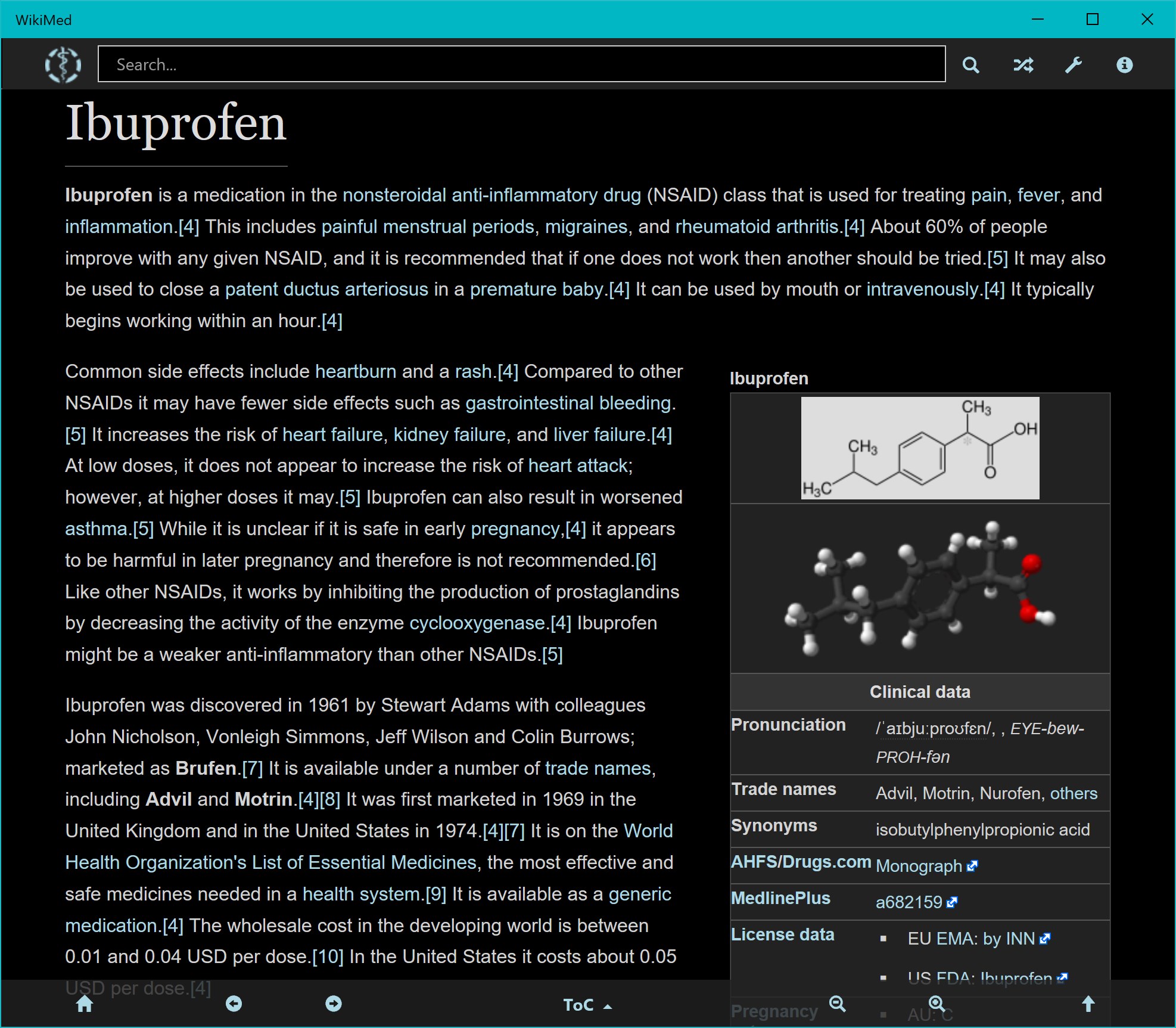
Overview
Version 3.7.5-3.7.6 [2-Sep-25]: With 67,000+ medical articles, WikiMed Offline Medical Wikpedia is the largest and most comprehensive collection of health-related articles available. It includes content on diseases, medication, anatomy, and sanitation. If you do not always have guaranteed Internet access, e.g. in the developing world, while travelling, or on a boat in the middle of nowhere, you can now access one of the foremost and up-to-date medical encyclopaedias, for free.
The information in WikiMed has been selected from Wikipedia and MDwiki by WikiProject Medicine. As an encyclopaedic medical dictionary, WikiMed is perfect for practising physicians, as well as medical and other healthcare students. However, Wikipedia is not a doctor and does not give medical advice. The information provided in this app is for the purposes of education and research only. This app works entirely offline. It contains thousands of articles including images, so its archive is large (1.9 Gigabytes).
We recommend that mobile users install it to a microSD card if your device has one (you can change install location in the Storage settings). WikiMed is available also in languages other than English. See the About page in the app for instructions on downloading archives in different languages. This can be done in the app. WikiMed is in active development, so be kind and please report any bugs you experience to the developer using the support link. WikiMed is free and open source: the development site is (WikiMed branch), so you can also report issues there. We welcome constructive feedback as well as offers of help in improving the app. WikiMed has two sister apps in this store: Wikivoyage by Kiwix (offline travel guide), and Kiwix JS Windows (the.
Features
Generic app which supports most Kiwix archives). Please see Kiwix.org for more information. The interface is organized for quick access to the most frequently used functions, reducing the time needed to complete common tasks. Advanced options are available for users who want to customize their experience and optimize the application for their workflow. Data sync and backup features help users keep their information safe and accessible across multiple devices when needed. The application supports a wide range of file formats and integrates with popular services to extend its usefulness. Performance optimization ensures smooth operation even on older hardware, making it accessible to a broad user base.
Comprehensive documentation and in-app guidance help new users get started quickly while power users can explore advanced capabilities. Users can organize content, apply filters, and access key functions through an intuitive layout that minimizes learning curve. Cross-platform support and cloud integration extend the application's reach across different devices and ecosystems. Built-in tutorials and contextual help ensure that users can discover and master features at their own pace. The interface is organized for quick access to the most frequently used functions, reducing the time needed to complete common tasks. Advanced options are available for users who want to customize their experience and optimize the application for their workflow.
Data sync and backup features help users keep their information safe and accessible across multiple devices when needed. The application supports a wide range of file formats and integrates with popular services to extend its usefulness. Performance optimization ensures smooth operation even on older hardware, making it accessible to a broad user base. Comprehensive documentation and in-app guidance help new users get started quickly while power users can explore advanced capabilities. Users can organize content, apply filters, and access key functions through an intuitive layout that minimizes learning curve.
Pros
- User-friendly interface for smooth experience
- Comprehensive feature set for various needs
- Regular updates and maintenance
- Widely used and well-reviewed
- Good value for the functionality offered
Cons
- May have a learning curve for new users
- Some features may require subscription
- Performance may vary by device
- Interface design could be improved
- Support availability may be limited
Top Software

AAVV CHAT
AAVV CHAT is a secure and simple chat application designed for private communication over ...

Actual Budget
Actual Budget is a fast, privacy-focused finance app based on the Envelope Budgeting metho...

AppControl Manager
✨ AppControl Manager is a modern secure app that provides easy to use graphical user inter...

Arattai
A safe space to connect with your friends and family Arattai is an easy-to-use instant...

Athan App
An Athan App that sends notifications to your desktop based on your location and settings....

BetterLyrics
* The free trial version is identical to the paid version — no feature limitations. ? Bet...

BPTrakr - Blood Pressure Tracker
BPTrakr - Blood Pressure Tracker for Windows. Designed expressly for Microsoft Windows des...

Christmas Snowfall
From the makers of the highly rated Peaceful Snowfall comes Christmas Snowfall featuring b...
Similar Apps

Dictionary Pro by Farlex
Dictionary PRO gives you the power of the world's most comprehensive dictionary with offli...

Evangelical Heritage Version Study Bible - Microsoft Store Edition
The Evangelical Heritage Version (EHV) is a new translation of the Bible published by The ...

rbook
A simple ebook reader with a clean interface. Supported formats: - epub

Bible - Multi Version
"Shepherd Bible" is a fast, lightweight, offline Bible for your daily study. It allows you...

Bible 300
Ad-free Bible reader app. Use it off-line, Internet connection is not required for reading...

Bible by Olive Tree
Studying the Bible shouldn’t be hard. The Olive Tree Bible App equips you with easy-to-use...

CTU Flexible Learning
Welcome to the CTU Flexible Learning experience specially designed for our students and fa...

Handy Art Reference Tool
"Thanks to this useful app, drawing realistic hands can become a whole lot easier" - Imagi...