
Screenshots
Overview
Icecream Ebook Reader is a feature-rich application designed to enhance your digital reading experience. Whether you're a bookworm, student, or casual reader, tour eBook reader offers a range of tools and features to help you enjoy your favorite ebooks to the fullest. Now available on the Windows Store, Icecream Ebook Reader is your ultimate companion for exploring the world of digital literature on Windows.
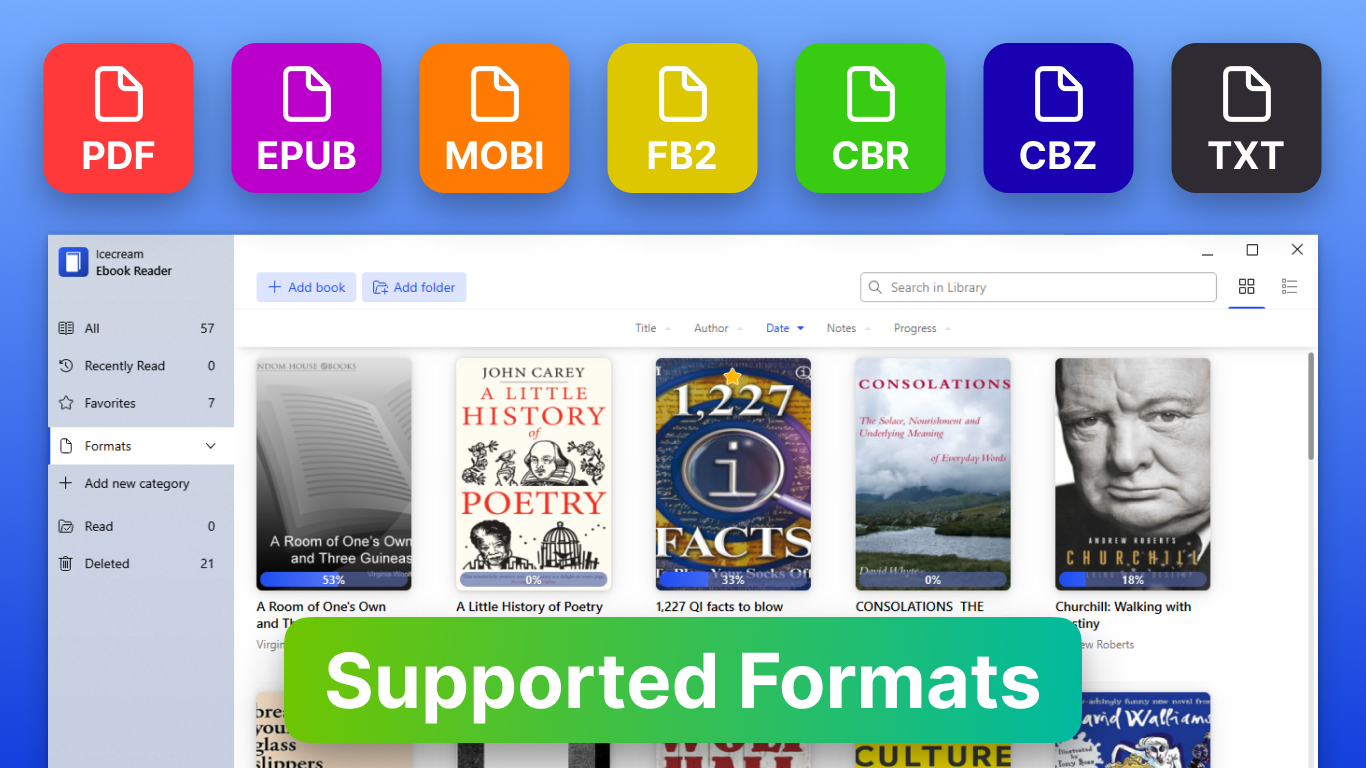
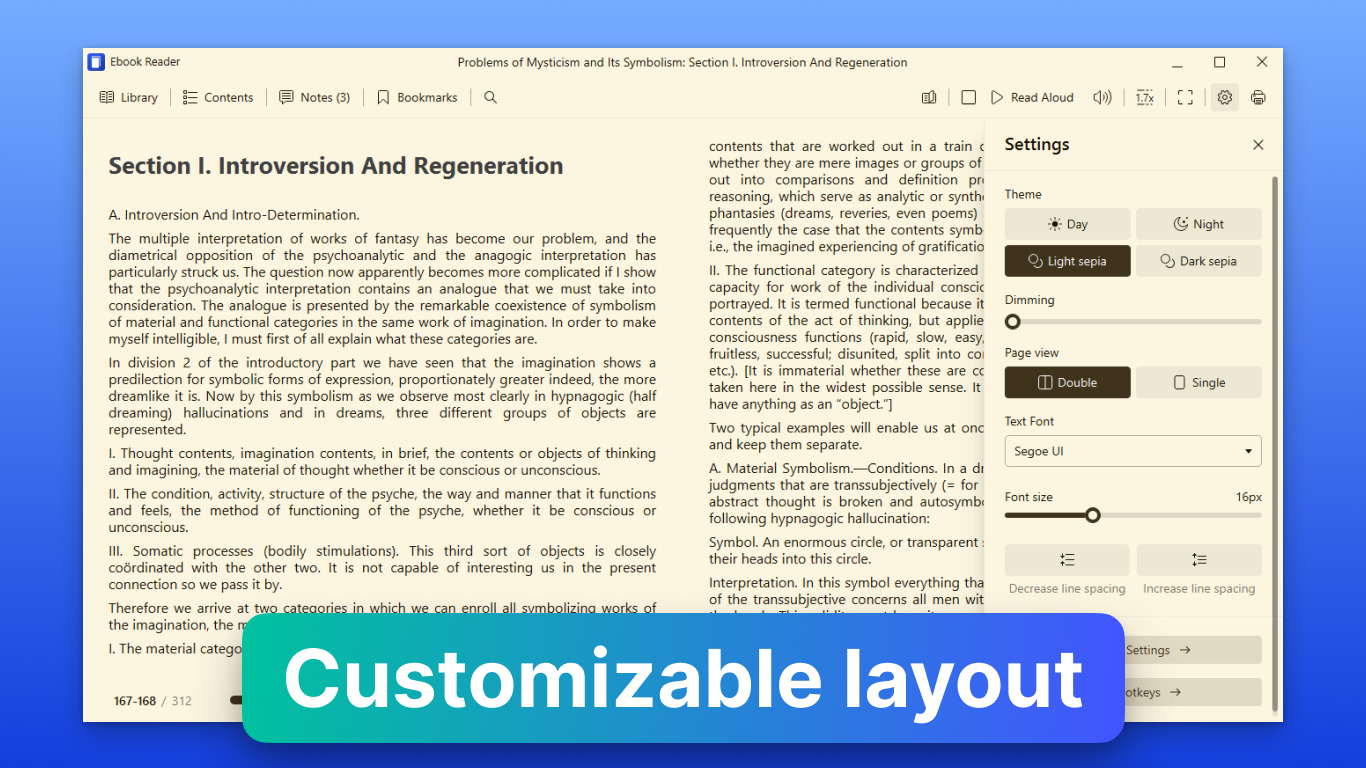
While being the best Epub reader on the market it is still very easy-to-use. Key Features: 1. Support for Multiple Formats: Enjoy seamless compatibility with a variety of ebook formats, including Epub, Mobi, PDF, and more. Customizable Reading Experience: Tailor your reading experience to suit your preferences with a range of customization options. Adjust font size, font style, margins, and background color to create a personalized reading environment.
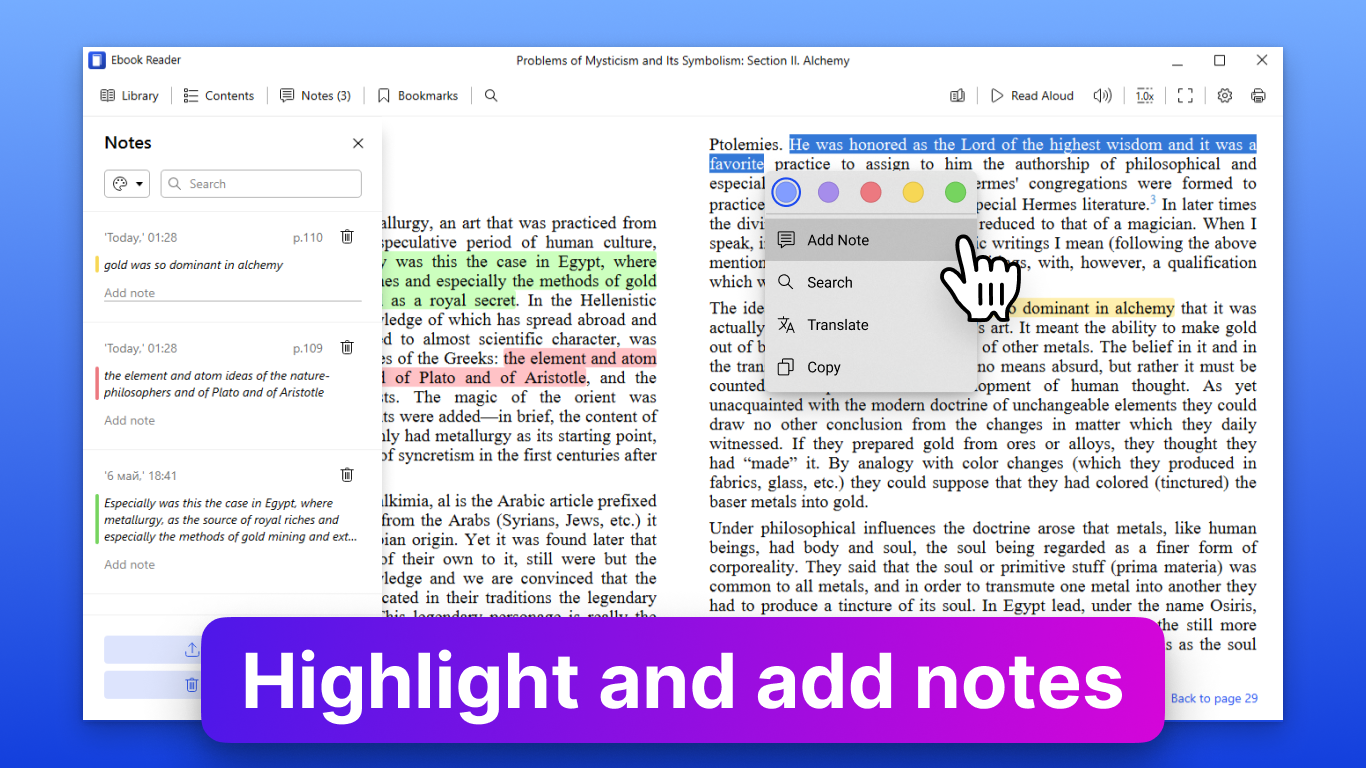
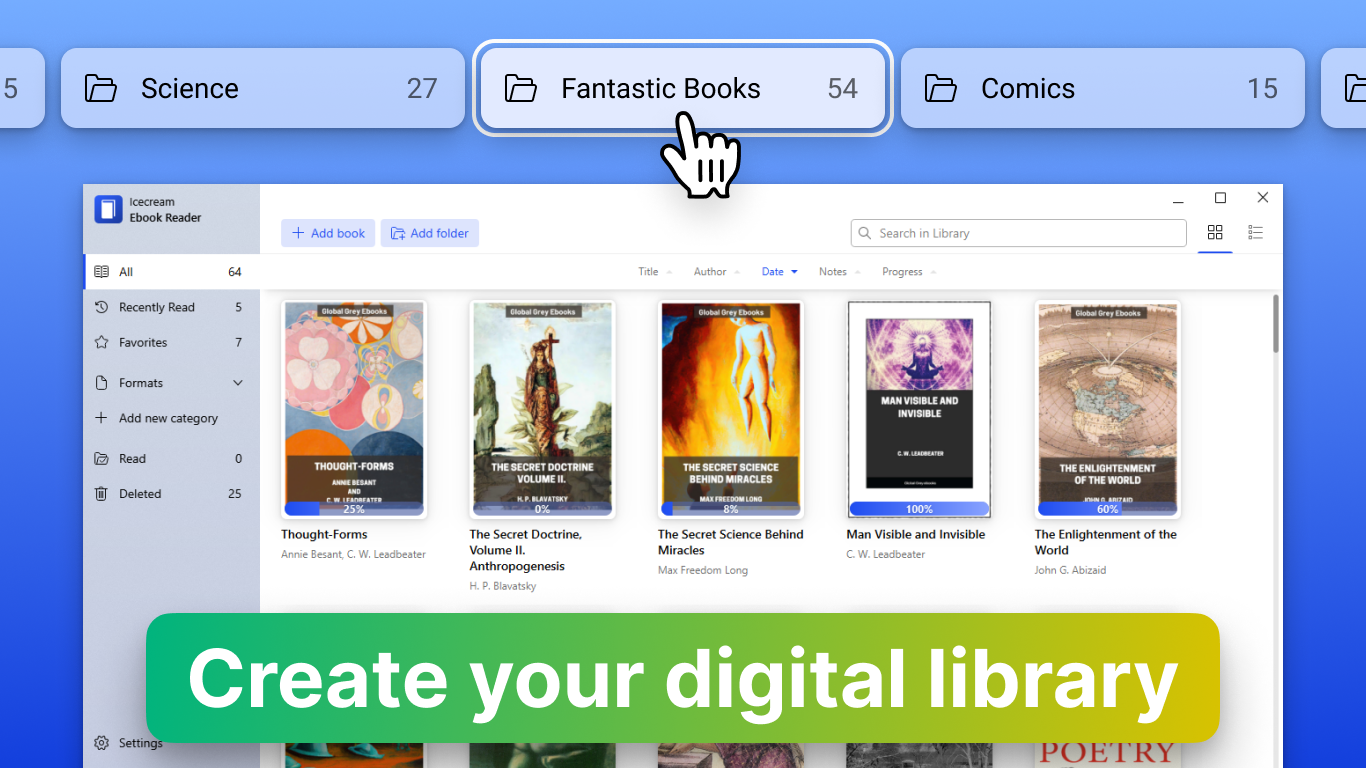
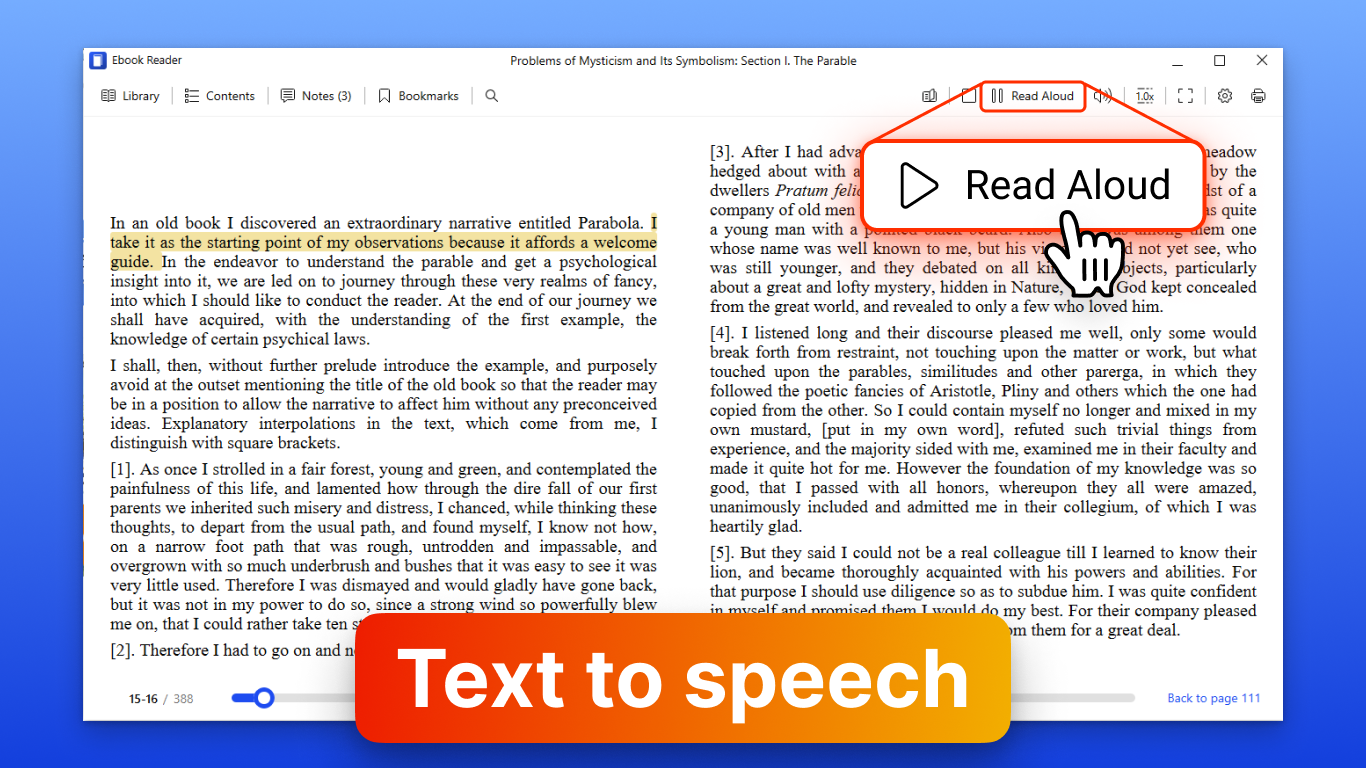
Library Management: Organize your ebook collection with ease using Icecream Ebook Reader's intuitive library management features. Create custom categories, add tags, and sort your ebooks for quick and easy access. Bookmarking and Annotations: Keep track of your progress and mark important passages with bookmarks. Icecream Ebook Reader also allows you to highlight text, add notes, and make annotations to enhance your reading experience. Text-to-Speech: Sit back and relax while Icecream Ebook Reader reads aloud to you. With built-in text-to-speech functionality, you can enjoy hands-free reading and multitask with ease. Full-Screen Mode: Immerse yourself in your favorite books with Icecream Ebook Reader's full-screen mode. Minimize distractions and focus on the story without any unnecessary clutter. Night Mode: Reduce eye strain and read comfortably in low-light conditions with Icecream Ebook Reader's night mode. Switch to a darker color scheme to protect your eyes during.
Features
Nighttime reading sessions. Search and Dictionary: Quickly find specific passages or look up unfamiliar words with Icecream Ebook Reader's built-in search and dictionary tools. Enhance your understanding and make the most of your reading experience. Sync Across Devices: Sync your reading progress and bookmarks across multiple devices for seamless continuity. Whether you're reading on your PC, tablet, or smartphone, Icecream Ebook Reader ensures you never lose your place. Regular Updates and Support: Enjoy regular updates and dedicated customer support to ensure you always have access to the latest fea. The interface is organized for quick access to the most frequently used functions, reducing the time needed to complete common tasks.
Advanced options are available for users who want to customize their experience and optimize the application for their workflow. Data sync and backup features help users keep their information safe and accessible across multiple devices when needed. The application supports a wide range of file formats and integrates with popular services to extend its usefulness. Performance optimization ensures smooth operation even on older hardware, making it accessible to a broad user base. Comprehensive documentation and in-app guidance help new users get started quickly while power users can explore advanced capabilities. Users can organize content, apply filters, and access key functions through an intuitive layout that minimizes learning curve.
Cross-platform support and cloud integration extend the application's reach across different devices and ecosystems. Built-in tutorials and contextual help ensure that users can discover and master features at their own pace. Advanced options are available for users who want to customize their experience and optimize the application for their workflow. The interface is organized for quick access to the most frequently used functions, reducing the time needed to complete common tasks. Advanced options are available for users who want to customize their experience and optimize the application for their workflow.
Pros
- User-friendly interface for smooth experience
- Comprehensive feature set for various needs
- Regular updates and maintenance
- Widely used and well-reviewed
- Good value for the functionality offered
Cons
- May have a learning curve for new users
- Some features may require subscription
- Performance may vary by device
- Interface design could be improved
- Support availability may be limited
Top Software

AAVV CHAT
AAVV CHAT is a secure and simple chat application designed for private communication over ...

Actual Budget
Actual Budget is a fast, privacy-focused finance app based on the Envelope Budgeting metho...

AppControl Manager
✨ AppControl Manager is a modern secure app that provides easy to use graphical user inter...

Arattai
A safe space to connect with your friends and family Arattai is an easy-to-use instant...

Athan App
An Athan App that sends notifications to your desktop based on your location and settings....

BetterLyrics
* The free trial version is identical to the paid version — no feature limitations. ? Bet...

BPTrakr - Blood Pressure Tracker
BPTrakr - Blood Pressure Tracker for Windows. Designed expressly for Microsoft Windows des...

Christmas Snowfall
From the makers of the highly rated Peaceful Snowfall comes Christmas Snowfall featuring b...
Similar Apps

Dictionary Pro by Farlex
Dictionary PRO gives you the power of the world's most comprehensive dictionary with offli...

Evangelical Heritage Version Study Bible - Microsoft Store Edition
The Evangelical Heritage Version (EHV) is a new translation of the Bible published by The ...

rbook
A simple ebook reader with a clean interface. Supported formats: - epub

Bible - Multi Version
"Shepherd Bible" is a fast, lightweight, offline Bible for your daily study. It allows you...

Bible 300
Ad-free Bible reader app. Use it off-line, Internet connection is not required for reading...

Bible by Olive Tree
Studying the Bible shouldn’t be hard. The Olive Tree Bible App equips you with easy-to-use...

CTU Flexible Learning
Welcome to the CTU Flexible Learning experience specially designed for our students and fa...

Handy Art Reference Tool
"Thanks to this useful app, drawing realistic hands can become a whole lot easier" - Imagi...