
Screenshots
Overview
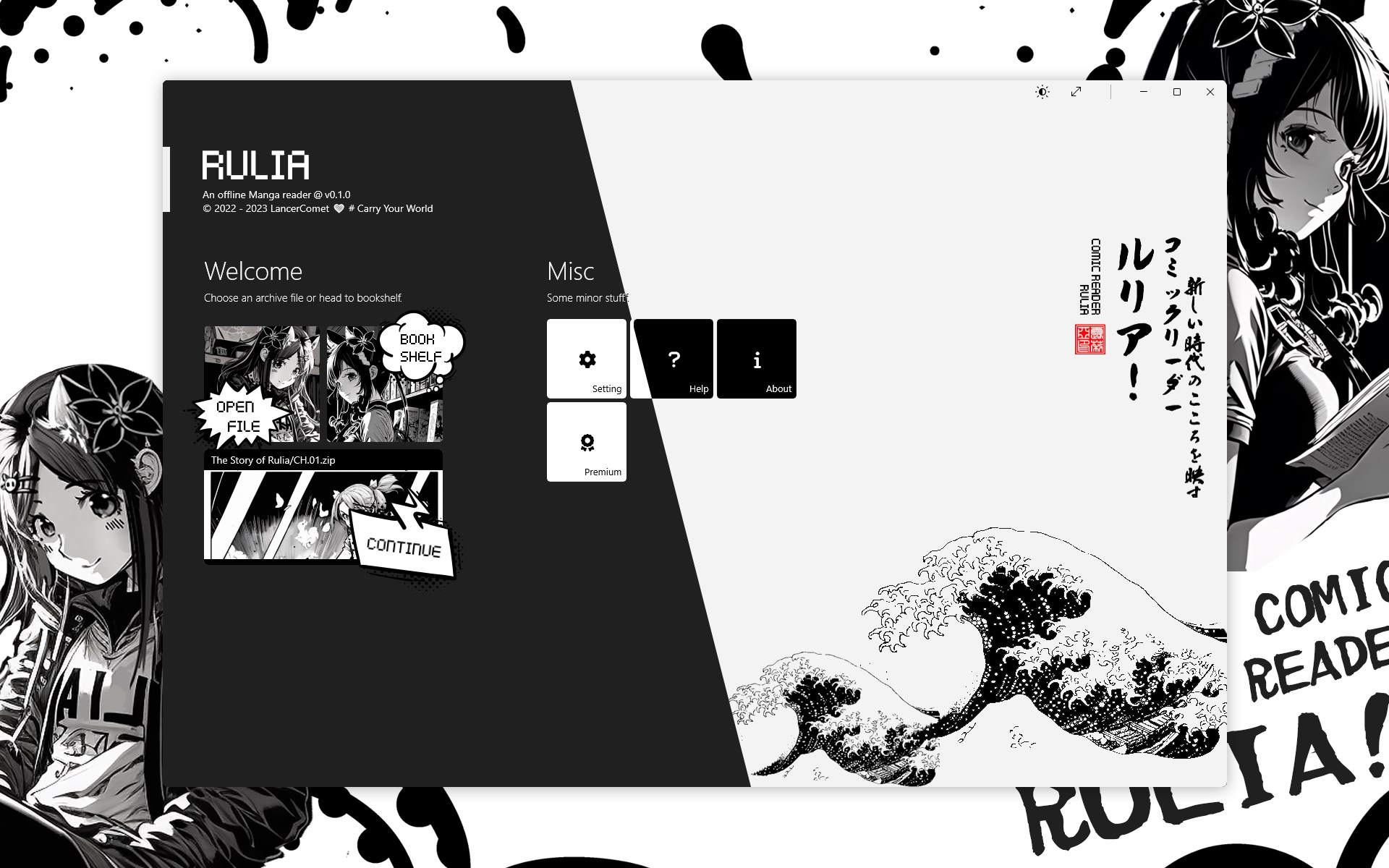
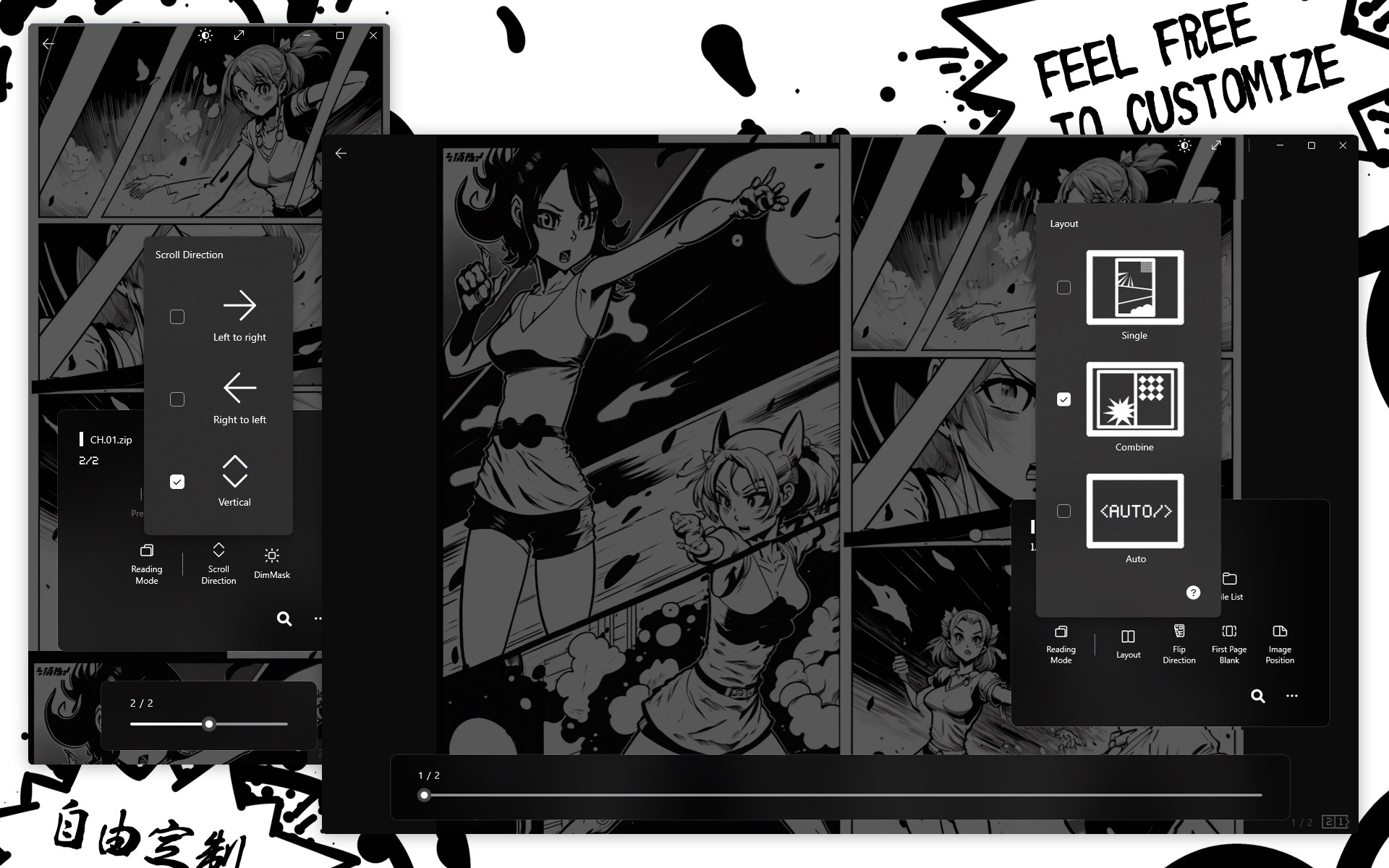
This is an offline manga reader. It will give you different feeling. Supports Various Formats Rulia supports a variety of common file formats, such as cbr, cbz, zip, rar, 7z, tar, pdf, epub, mobi. It also supports various common image encodings, including Avif. Multiple Reading Modes Rulia offers a variety of reading modes to accommodate your different reading habits and scenarios. Whether it's landscape, portrait, single-page, or double-page mode, Rulia ensures a smooth and enjoyable comic-reading experience.
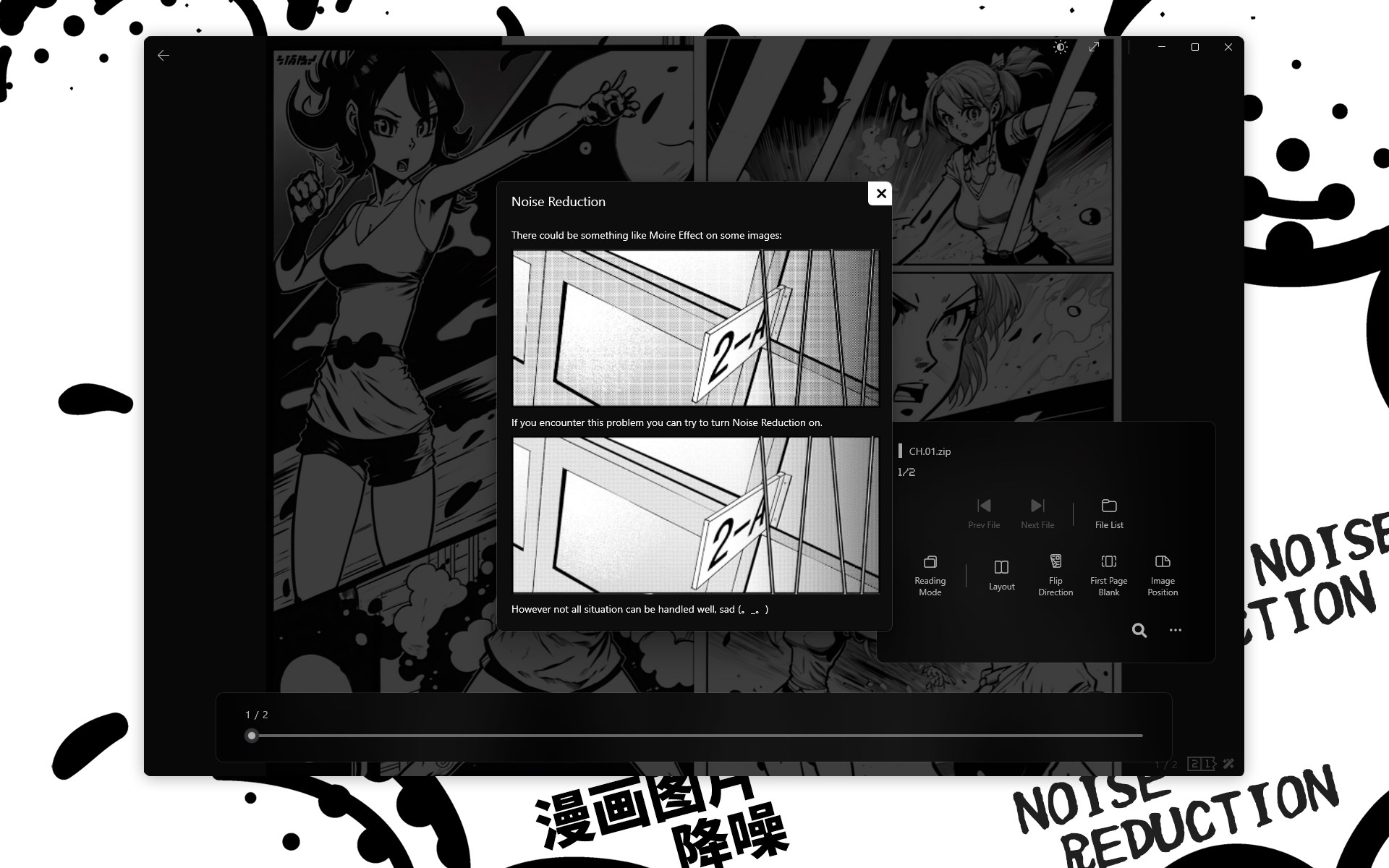
Handy Features Rulia provides a range of useful features to assist you in reading - switch image positions, change page-turning directions, or crop a wide image into different parts to fit your screen. Image Denoising Rulia processes images to reduce the occurrence of artifacts like moiré patterns and remove annoying visual interference, providing a more comfortable reading experience. Image Super Resolution Enhance and enlarge vintage comic images with super-resolution technology, going from blurry to clear with just one click.
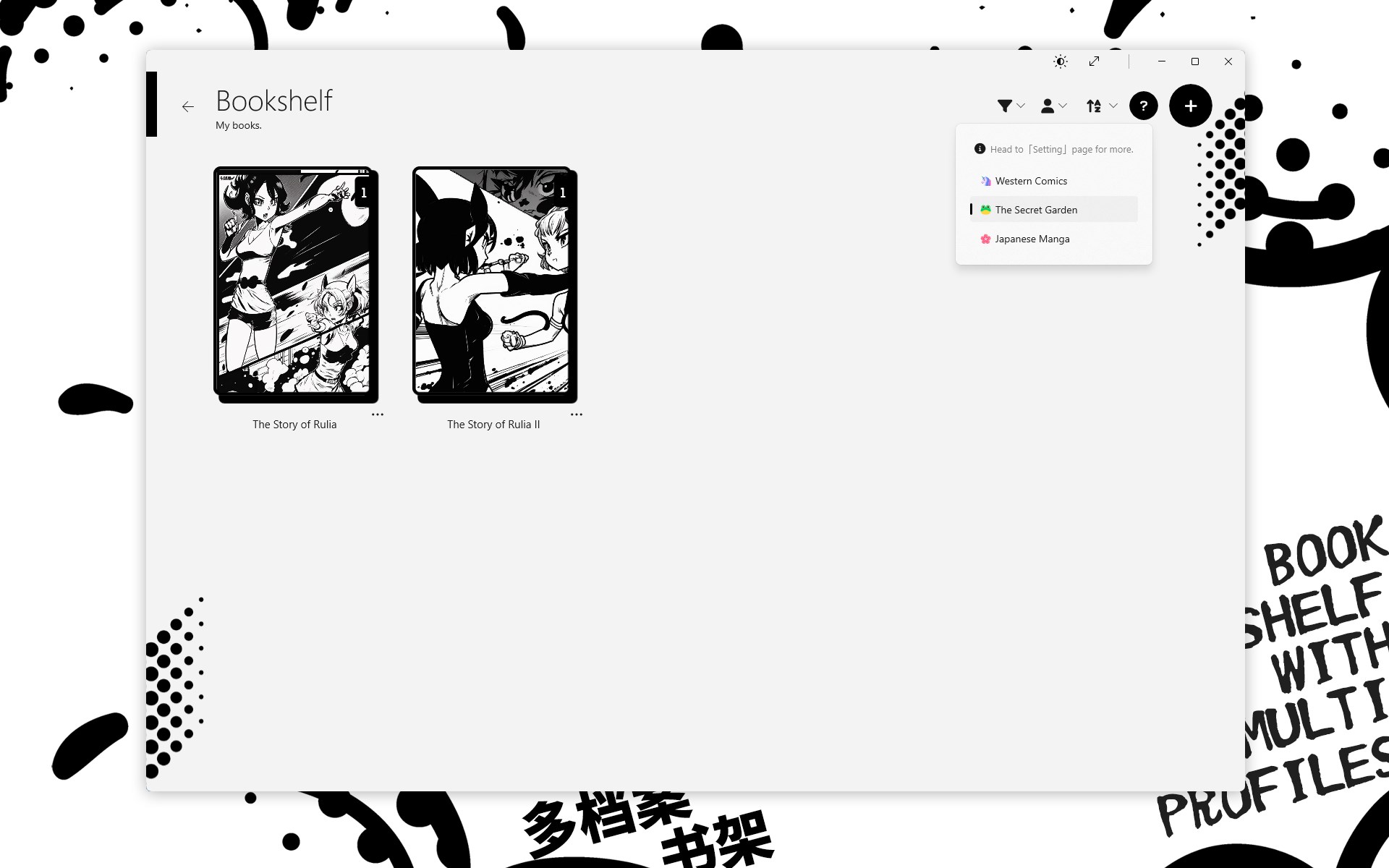
Bookshelf and Multiple Profiles Rulia offers a practical bookshelf feature that allows you to manage your comics easily. And you are able to create multiple bookshelf profiles to easily switch between different comic collections. Encrypted Archive Support Rulia can read encrypted compressed archives, no need for decryption. Use Surface Accessories Rulia supports the use of the Surface Pen's tail button for page-turning, allowing you to read comics in a brand new way. It also supports setting the turning angel of Surface Dial. Thank You for Your Support You can use Rulia to read your comics for free and access a variety of core features. But if you like it, you can support the ongoing development of Rulia by making a purchase and gain access.
Features
Rulia is still in early state. There might be bugs or leaking of features. If you have any question, just find me here: For a detailed list of these features, please refer to the purchase interface and the app's built-in help documentation due to space limitations. The interface is organized for quick access to the most frequently used functions, reducing the time needed to complete common tasks. Advanced options are available for users who want to customize their experience and optimize the application for their workflow. Data sync and backup features help users keep their information safe and accessible across multiple devices when needed.
The application supports a wide range of file formats and integrates with popular services to extend its usefulness. Performance optimization ensures smooth operation even on older hardware, making it accessible to a broad user base. Comprehensive documentation and in-app guidance help new users get started quickly while power users can explore advanced capabilities. Users can organize content, apply filters, and access key functions through an intuitive layout that minimizes learning curve. Cross-platform support and cloud integration extend the application's reach across different devices and ecosystems. Built-in tutorials and contextual help ensure that users can discover and master features at their own pace.
The interface is organized for quick access to the most frequently used functions, reducing the time needed to complete common tasks. The application supports a wide range of file formats and integrates with popular services to extend its usefulness. The interface is organized for quick access to the most frequently used functions, reducing the time needed to complete common tasks. Advanced options are available for users who want to customize their experience and optimize the application for their workflow. Data sync and backup features help users keep their information safe and accessible across multiple devices when needed.
Pros
- User-friendly interface for smooth experience
- Comprehensive feature set for various needs
- Regular updates and maintenance
- Widely used and well-reviewed
- Good value for the functionality offered
Cons
- May have a learning curve for new users
- Some features may require subscription
- Performance may vary by device
- Interface design could be improved
- Support availability may be limited
Top Software

AAVV CHAT
AAVV CHAT is a secure and simple chat application designed for private communication over ...

Actual Budget
Actual Budget is a fast, privacy-focused finance app based on the Envelope Budgeting metho...

AppControl Manager
✨ AppControl Manager is a modern secure app that provides easy to use graphical user inter...

Arattai
A safe space to connect with your friends and family Arattai is an easy-to-use instant...

Athan App
An Athan App that sends notifications to your desktop based on your location and settings....

BetterLyrics
* The free trial version is identical to the paid version — no feature limitations. ? Bet...

BPTrakr - Blood Pressure Tracker
BPTrakr - Blood Pressure Tracker for Windows. Designed expressly for Microsoft Windows des...

Christmas Snowfall
From the makers of the highly rated Peaceful Snowfall comes Christmas Snowfall featuring b...
Similar Apps

Dictionary Pro by Farlex
Dictionary PRO gives you the power of the world's most comprehensive dictionary with offli...

Evangelical Heritage Version Study Bible - Microsoft Store Edition
The Evangelical Heritage Version (EHV) is a new translation of the Bible published by The ...

rbook
A simple ebook reader with a clean interface. Supported formats: - epub

Bible - Multi Version
"Shepherd Bible" is a fast, lightweight, offline Bible for your daily study. It allows you...

Bible 300
Ad-free Bible reader app. Use it off-line, Internet connection is not required for reading...

Bible by Olive Tree
Studying the Bible shouldn’t be hard. The Olive Tree Bible App equips you with easy-to-use...

CTU Flexible Learning
Welcome to the CTU Flexible Learning experience specially designed for our students and fa...

Handy Art Reference Tool
"Thanks to this useful app, drawing realistic hands can become a whole lot easier" - Imagi...