
Screenshots
Overview
ExploreStars connects you and your Explore Scientific Pmc-Eight equipped telescope to the universe with any Windows® device. This platform is designed to simplify your stargazing experience through it's extremely simple and intuitive interface while improving your skills as an astronomer. ExploreStars has the same basic functions found in other Goto systems, with an important exception, the app and the command language driving the Pmc-Eight is open source - meaning anyone can modify our software or create their own software through our Software Developers Kit (SDK) - and you can download your modified software onto our electronics.
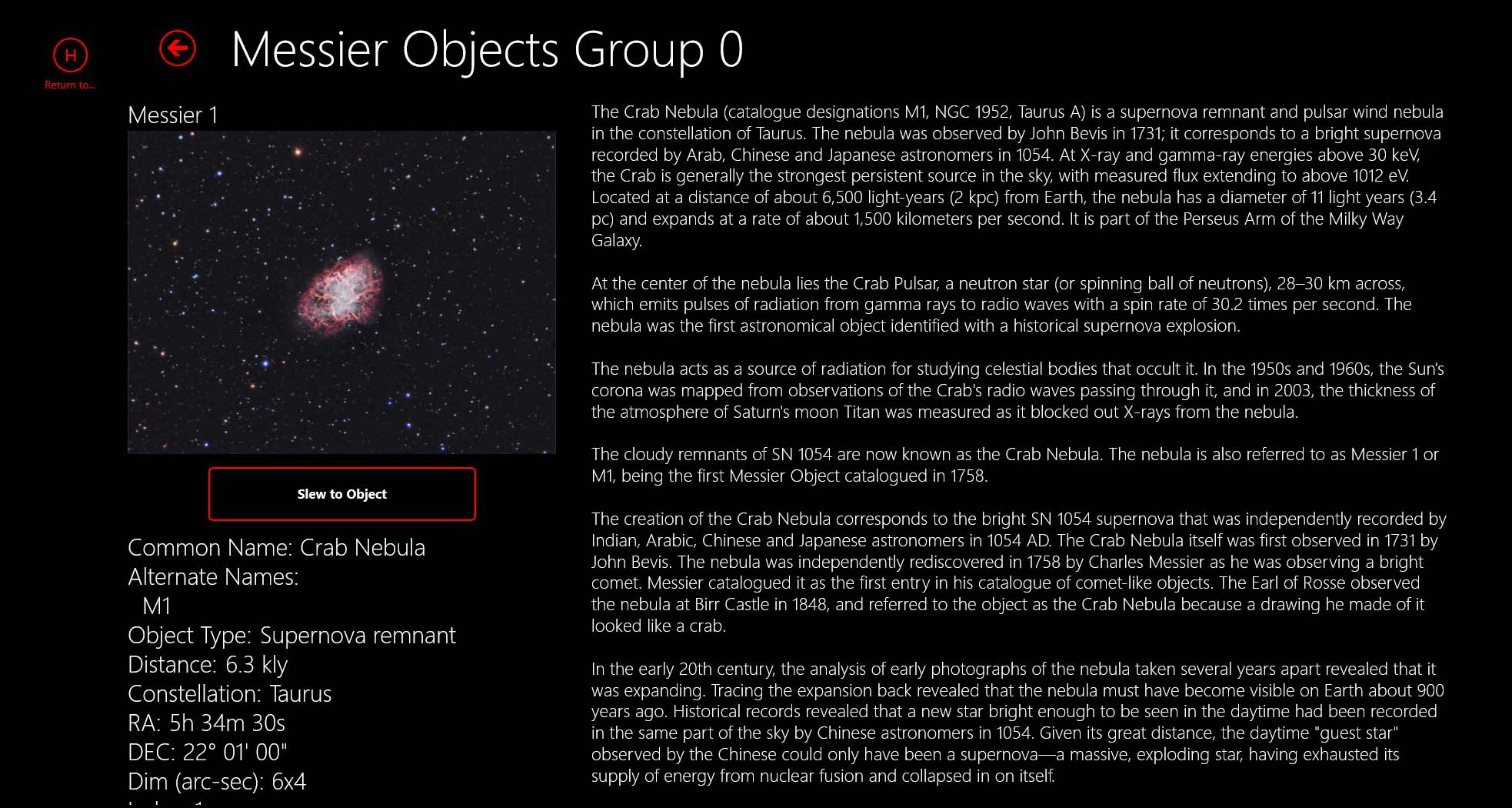
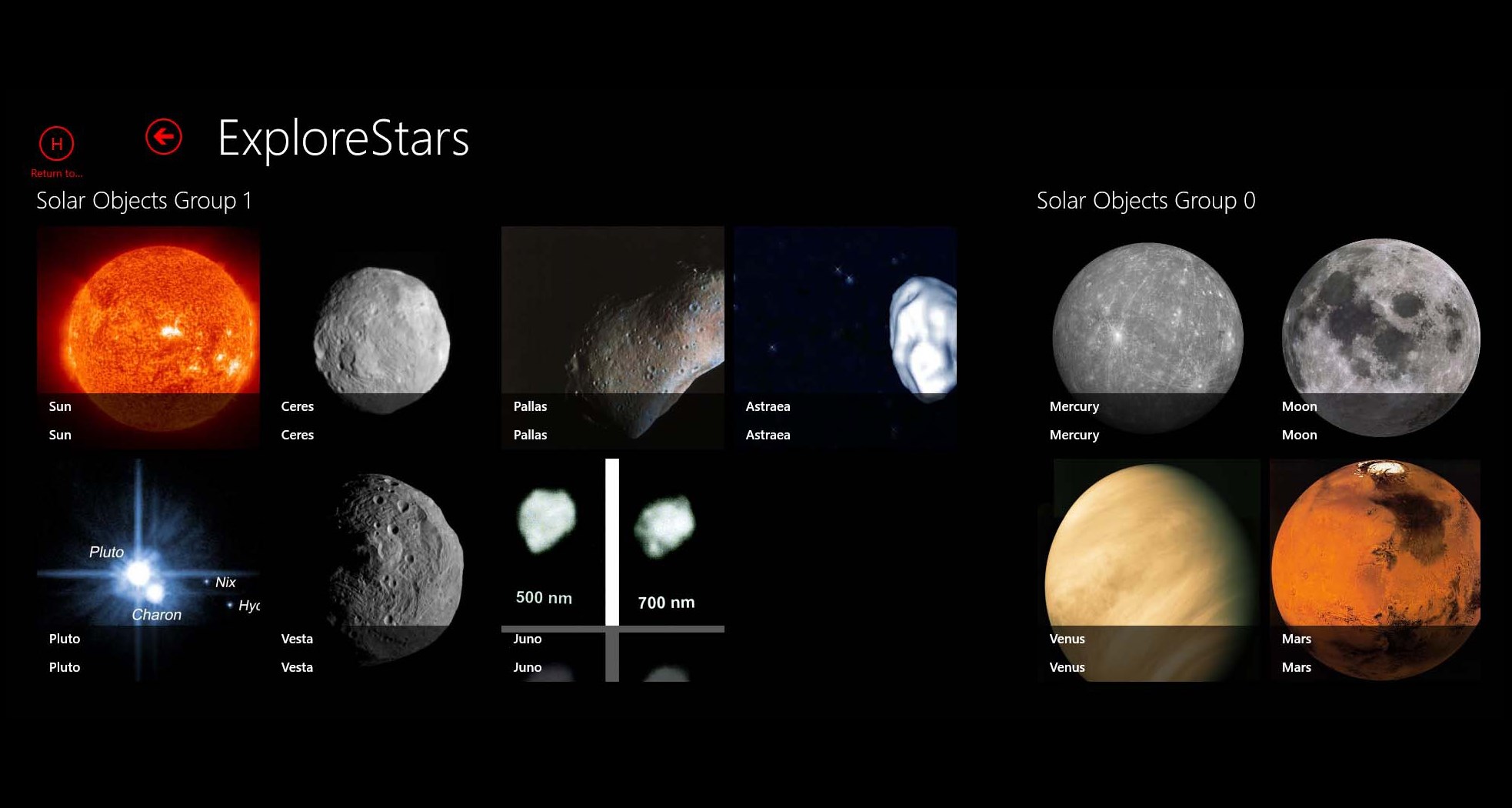
Create a Messier challenge. Create a selectable list of objects you want to photograph and program that information into the software. Share it with the community of astronomers that are using this software. We plan to offer a prize with a contest periodically for the best written software code. For stellar objects, we are using the Hipparcos/Tycho II database. Where possible, we have cross-referenced the Bayer, Flamstead, Sao, HD/Harvard, DM, BD/CD/Cpd, and Gsc catalogs.
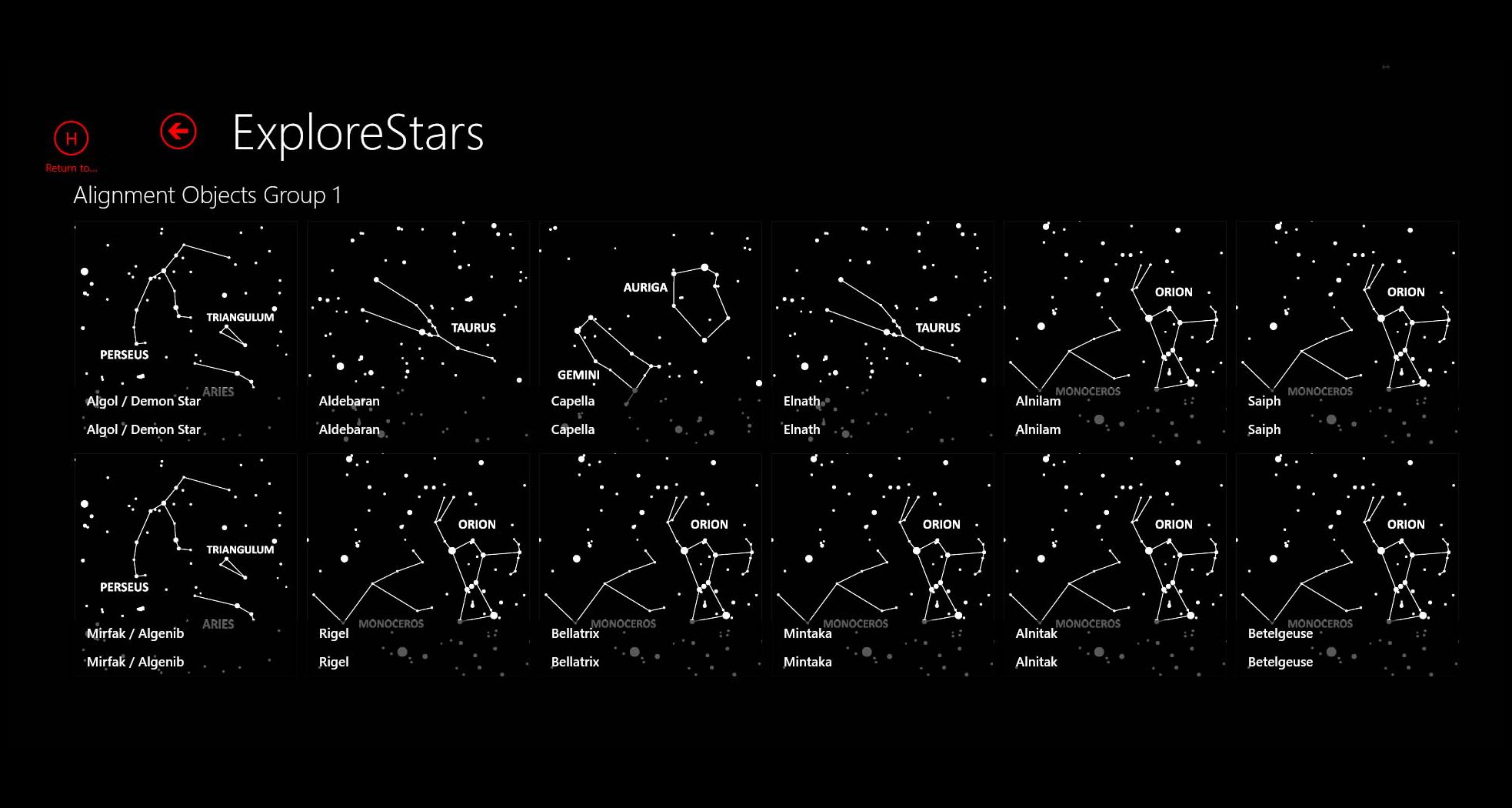
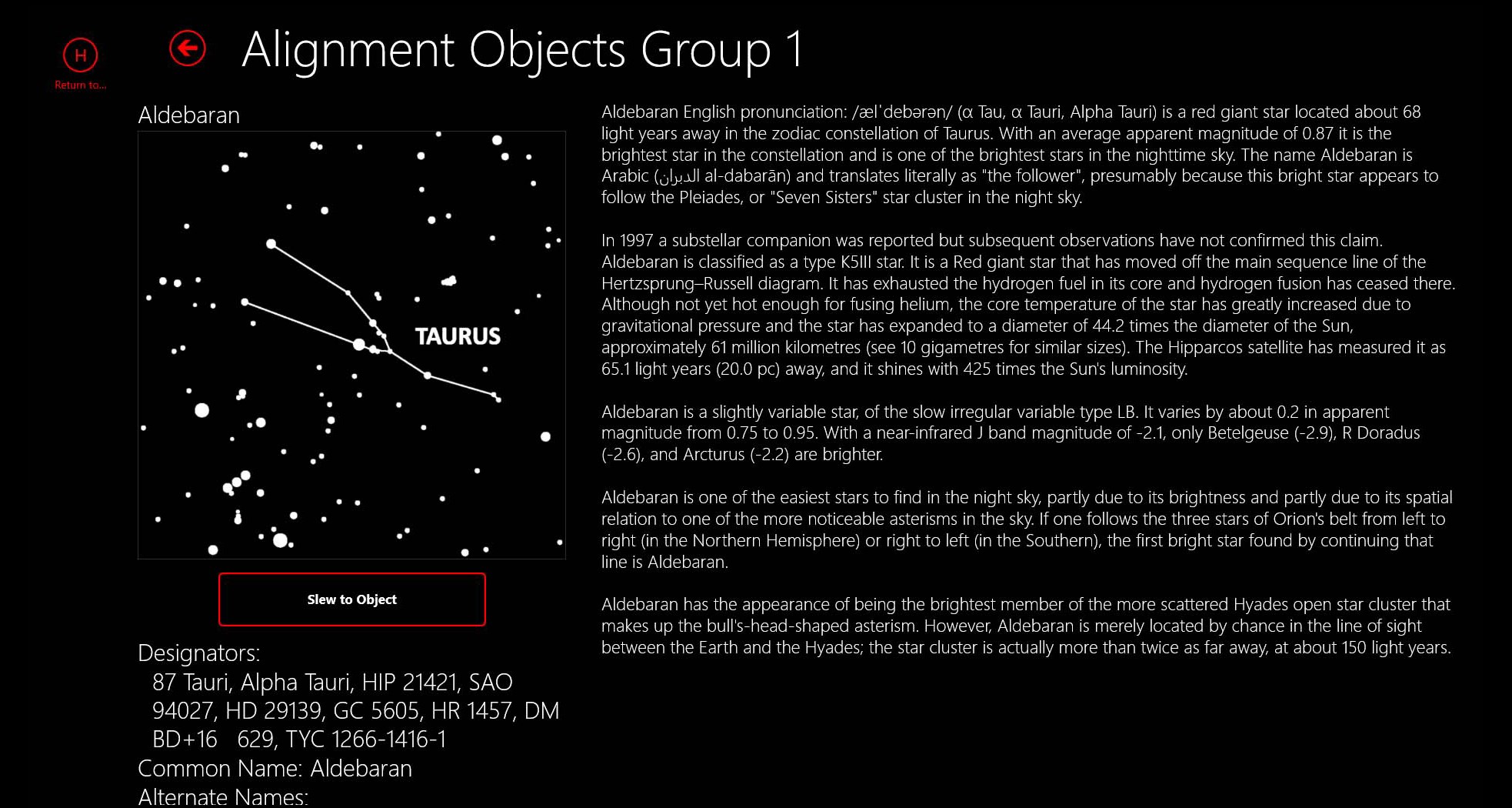
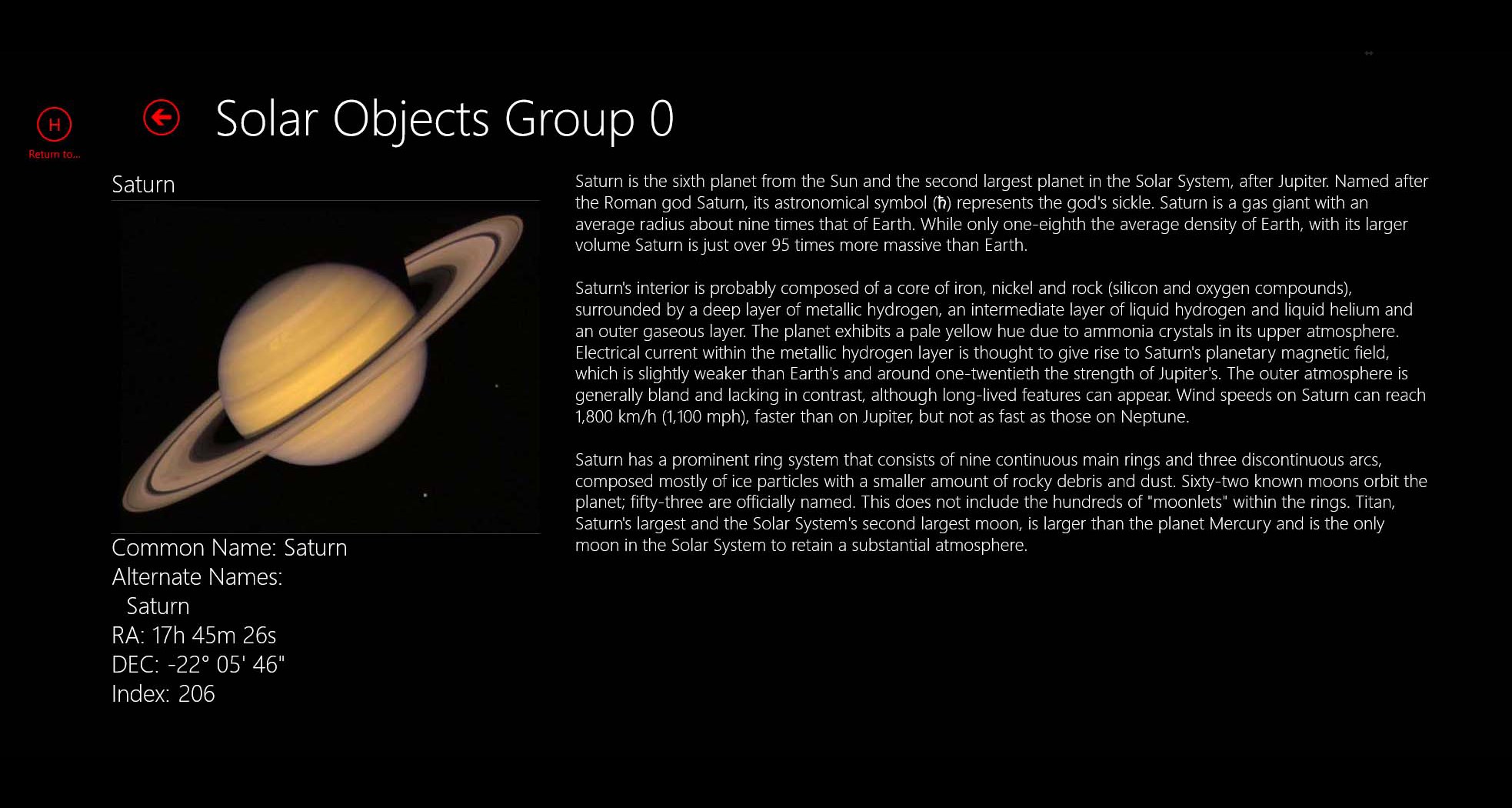
The user can search by any of these designations to find a given star. When the system first starts, it loads the 2,000+ stars of magnitude 5.5 and brighter. The user can load the additional 72,000+ star catalog as needed. For non-stellar objects, we use the Rngc/IC catalog. The system is designed so the user can update the provided catalogs and create your own catalog using tables and scripts in Microsoft Access. Also, each object has a unique ID number, so users can report errors and omissions. To start using ExploreStars, download the free app and download the celestial data set that contains the astronomical catalogs, reference images, and reference.
Features
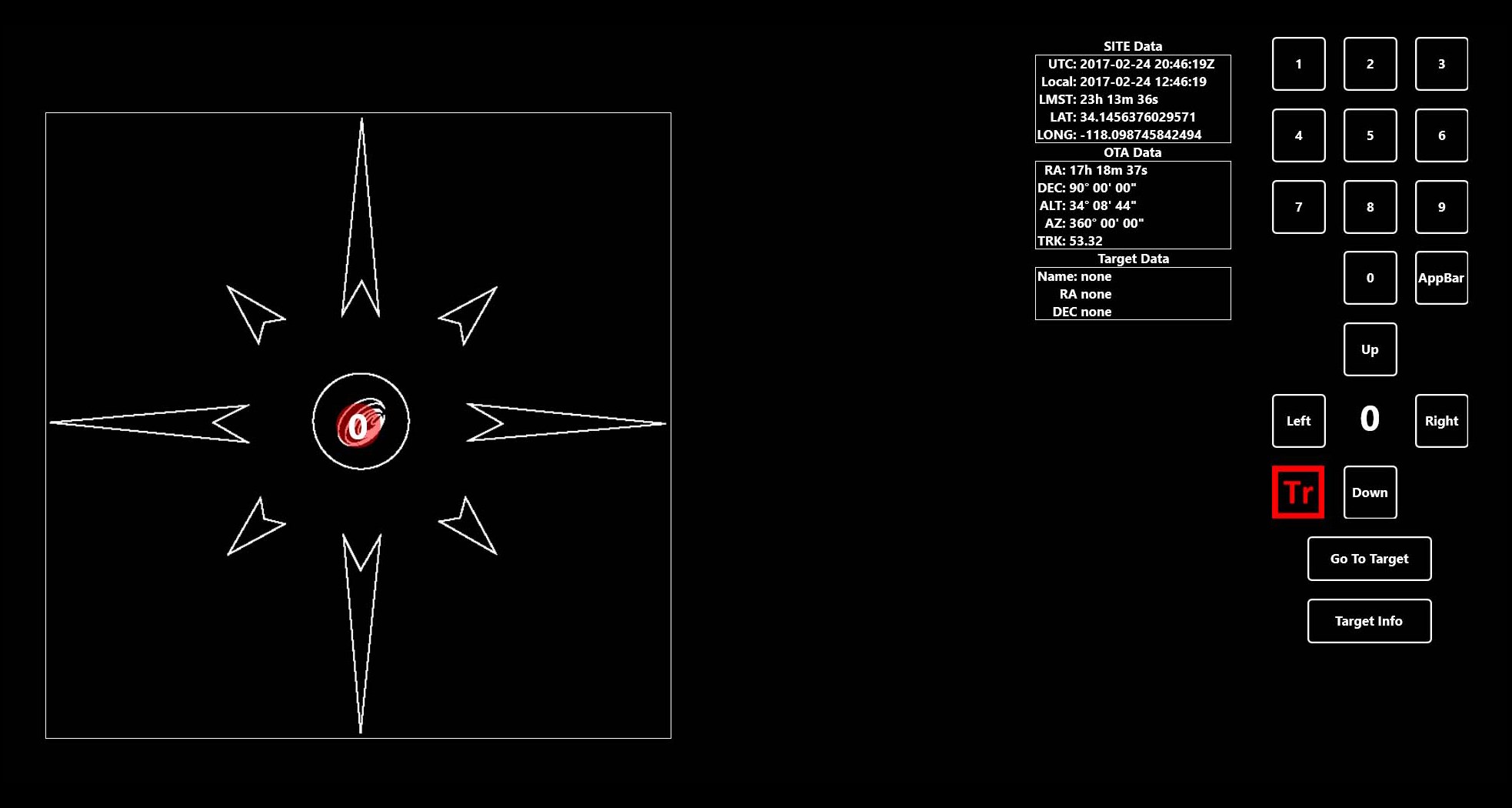
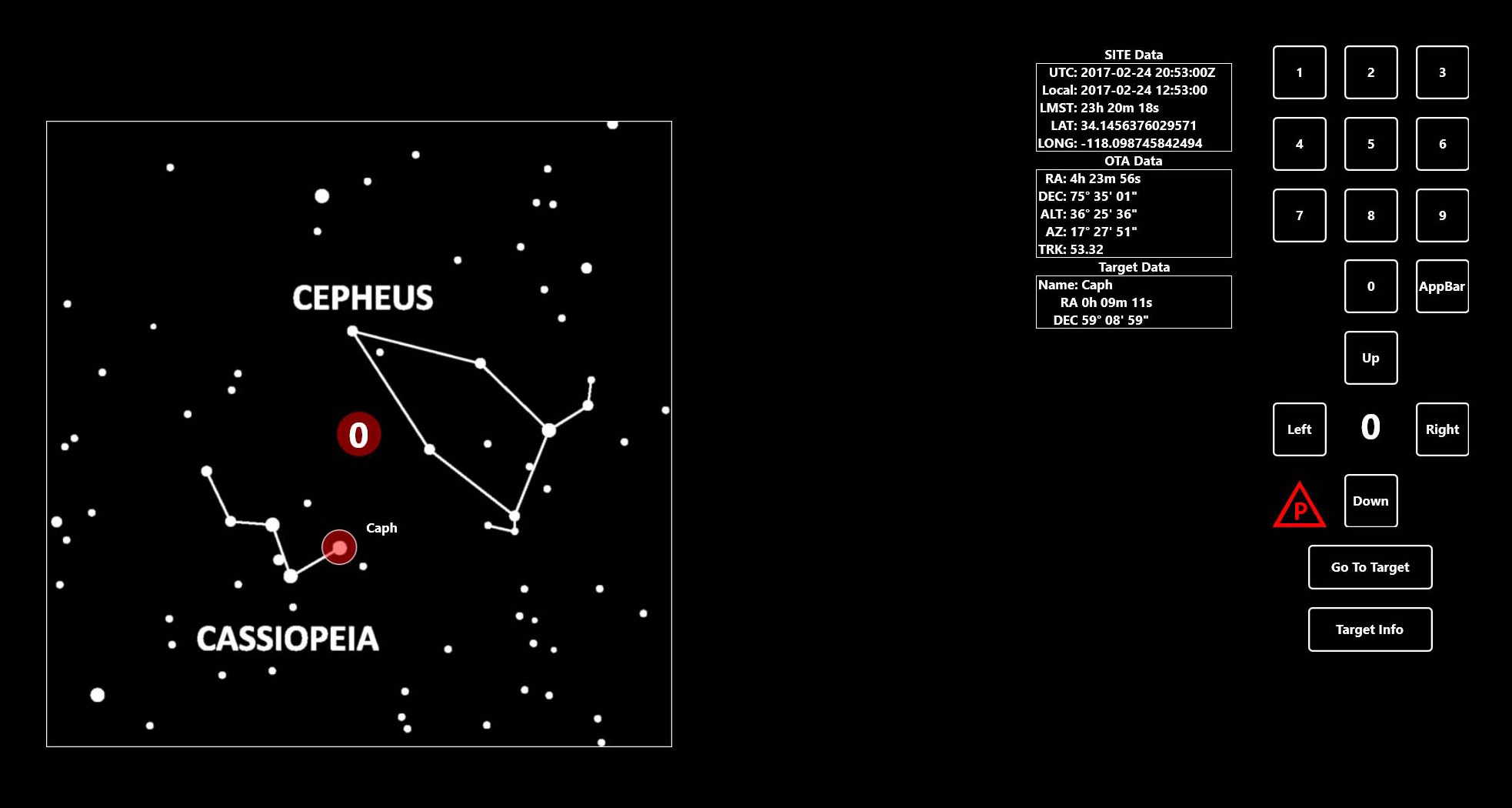
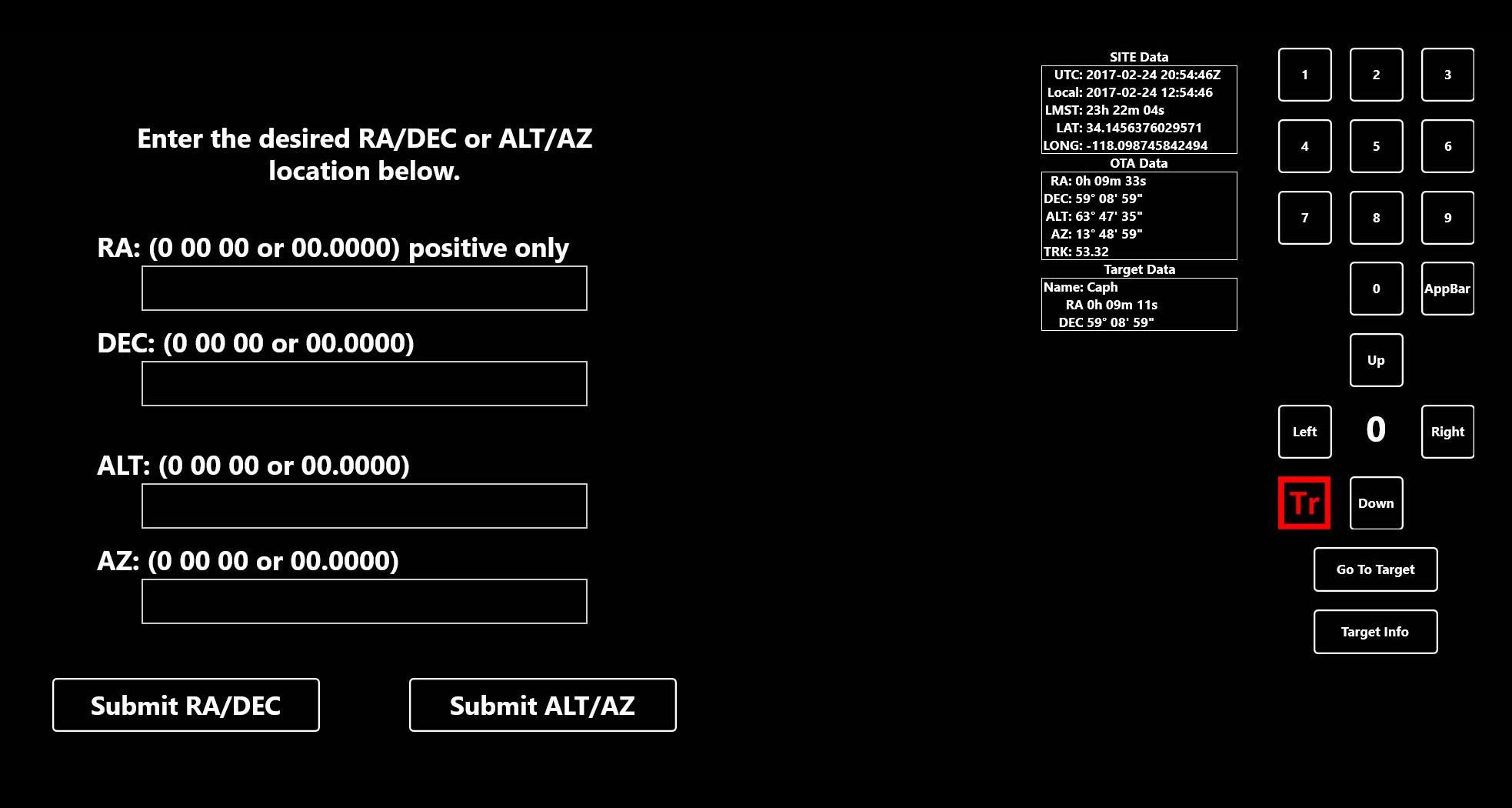
This dataset can be found at Simply by unzipping the ExploreStars folder containing the expanded celestial data set into your Pictures directory, you will expand the native database from a thousand objects to over seventy thousand objects. Upon startup of the ExploreStars app, a message that says "Please Wait" is displayed as it links wirelessly to the Pmc-Eight, this can take several a few seconds. After it connects, the home screen with a touch sensitive telescope control keypad is on the right, pointing information is displayed in the center, and a touch sensitive finger-drag controller for slewing the telescope in any direction is on the left, that you mo.
The interface is organized for quick access to the most frequently used functions, reducing the time needed to complete common tasks. Advanced options are available for users who want to customize their experience and optimize the application for their workflow. Data sync and backup features help users keep their information safe and accessible across multiple devices when needed. The application supports a wide range of file formats and integrates with popular services to extend its usefulness. Performance optimization ensures smooth operation even on older hardware, making it accessible to a broad user base. Comprehensive documentation and in-app guidance help new users get started quickly while power users can explore advanced capabilities.
Users can organize content, apply filters, and access key functions through an intuitive layout that minimizes learning curve. Cross-platform support and cloud integration extend the application's reach across different devices and ecosystems. Built-in tutorials and contextual help ensure that users can discover and master features at their own pace. The interface is organized for quick access to the most frequently used functions, reducing the time needed to complete common tasks. The interface is organized for quick access to the most frequently used functions, reducing the time needed to complete common tasks.
Pros
- User-friendly interface for smooth experience
- Comprehensive feature set for various needs
- Regular updates and maintenance
- Widely used and well-reviewed
- Good value for the functionality offered
Cons
- May have a learning curve for new users
- Some features may require subscription
- Performance may vary by device
- Interface design could be improved
- Support availability may be limited
Top Software

AAVV CHAT
AAVV CHAT is a secure and simple chat application designed for private communication over ...

Actual Budget
Actual Budget is a fast, privacy-focused finance app based on the Envelope Budgeting metho...

AppControl Manager
✨ AppControl Manager is a modern secure app that provides easy to use graphical user inter...

Arattai
A safe space to connect with your friends and family Arattai is an easy-to-use instant...

Athan App
An Athan App that sends notifications to your desktop based on your location and settings....

BetterLyrics
* The free trial version is identical to the paid version — no feature limitations. ? Bet...

BPTrakr - Blood Pressure Tracker
BPTrakr - Blood Pressure Tracker for Windows. Designed expressly for Microsoft Windows des...

Christmas Snowfall
From the makers of the highly rated Peaceful Snowfall comes Christmas Snowfall featuring b...
Similar Apps

HamStudy
Finally an offline-enabled mobile app with all of the features from HamStudy.org! Use this...

MOOZ — Video Platform for Online Music Lessons
Teach. Learn. Play — like you’re in the same room. Built for musicians. Trusted by teache...

Learn Python - Python Tutorial
Designed for absolute beginners, this app breaks down the vast world of programming into b...
Math Formula Editor
Math Formula Editor is a professional math formula creation, editing and display software ...

Flash Typing Practice Pro
Flash Typing Practice Pro is a professional typing tutor software which helps you to impro...

Learn English Words
Learn English words is a must have picture dictionary App. It is helpful to teach your Chi...

Math Kid Grade 1
*********** Learning Made Easy *********** Math Kid Grade 1 is a great educational tool...

Typing 365 | Practice Typing & Increase Your WPM
Introducing Typing 365 (Formerly TypeWin)– the ultimate Windows app to supercharge your ty...