
Screenshots
Overview
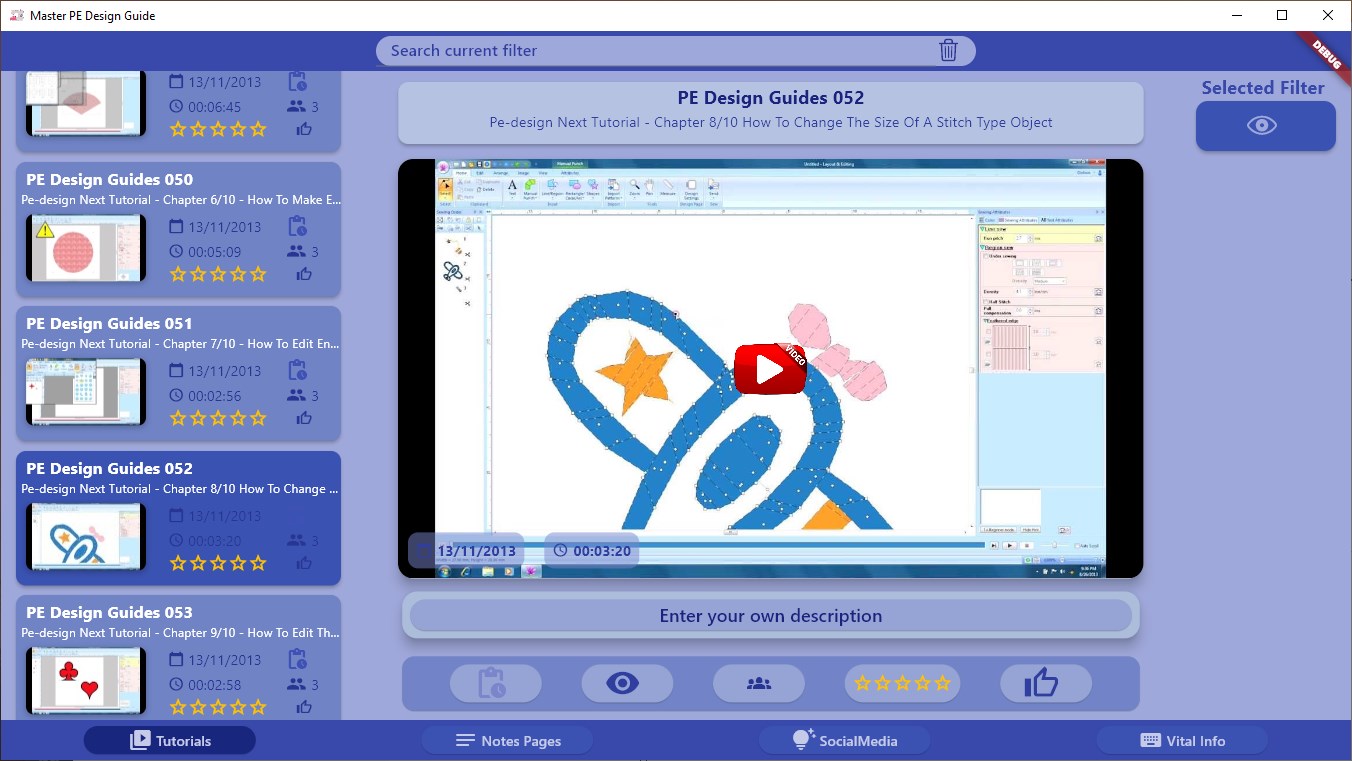
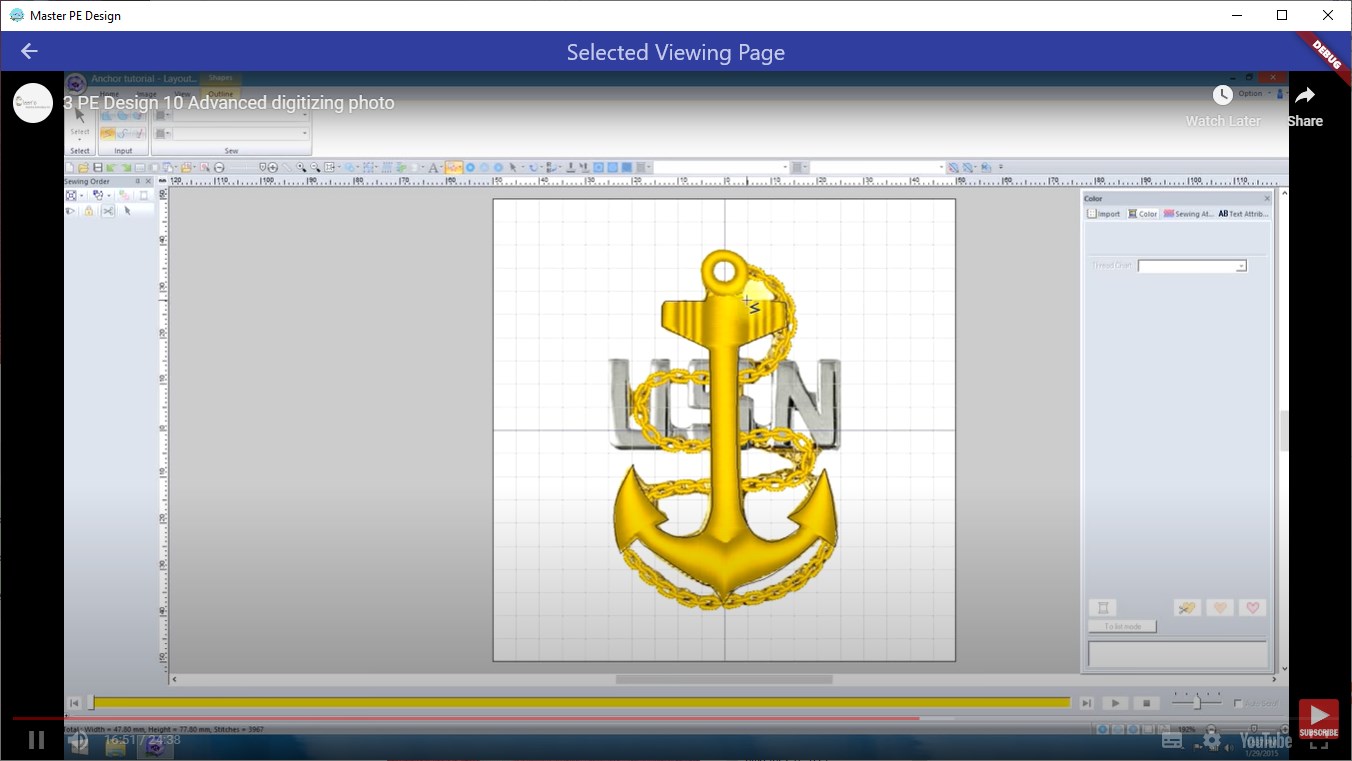
If you want to get the very best out of your Brother Embroidery Machine you will need to master PE Design Software and this app has some 200 Video Tutorials, Guides & Demos. Please ensure that you have the freely available Vcruntime software installed to ensure smooth running of the app. PE-Design software is a specialized tool developed by Brother for creating and editing embroidery designs.
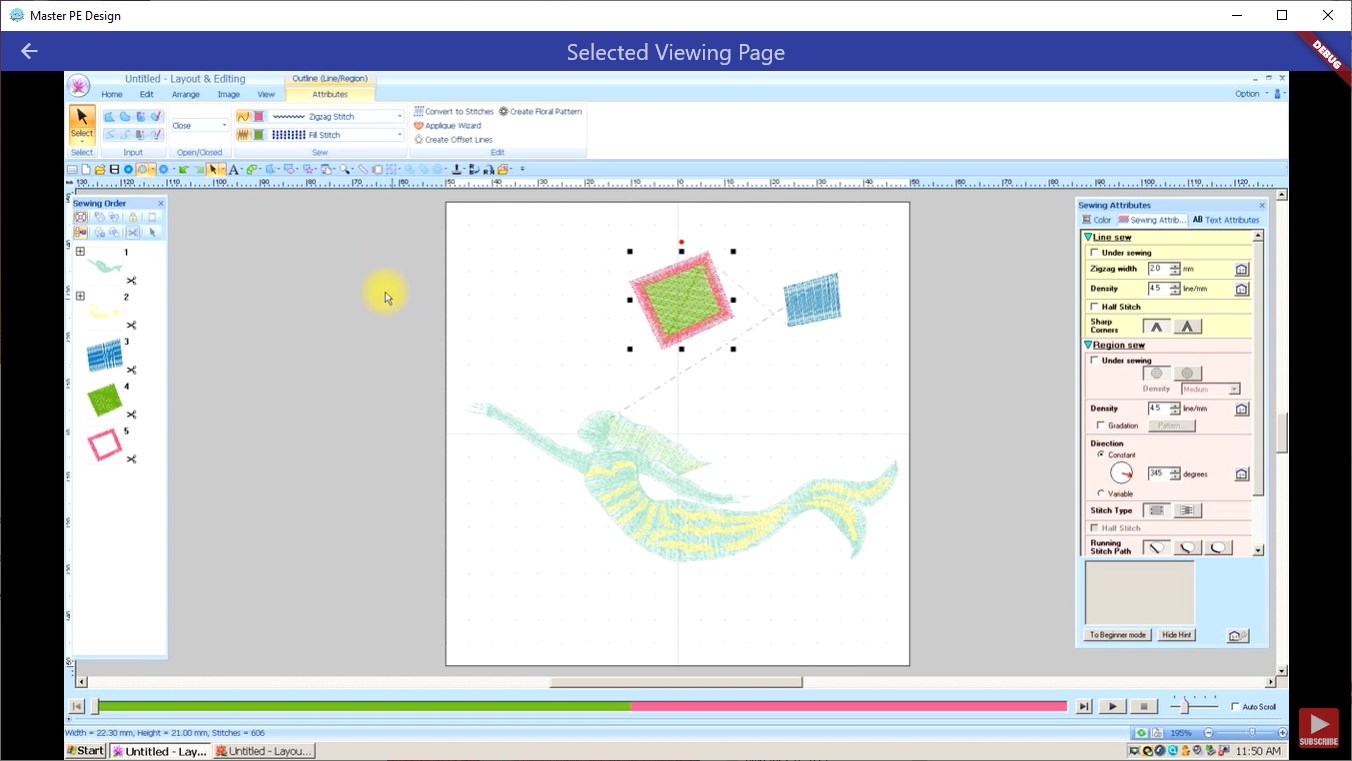
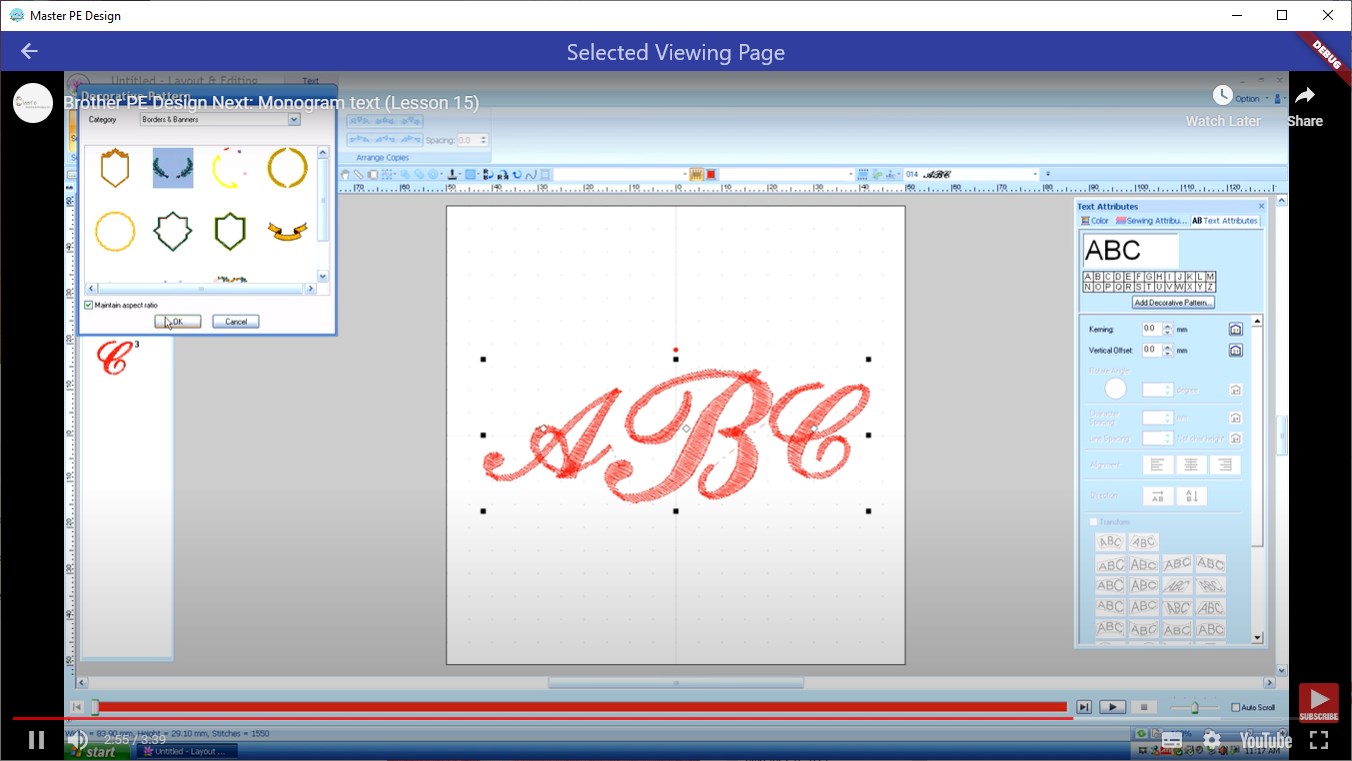
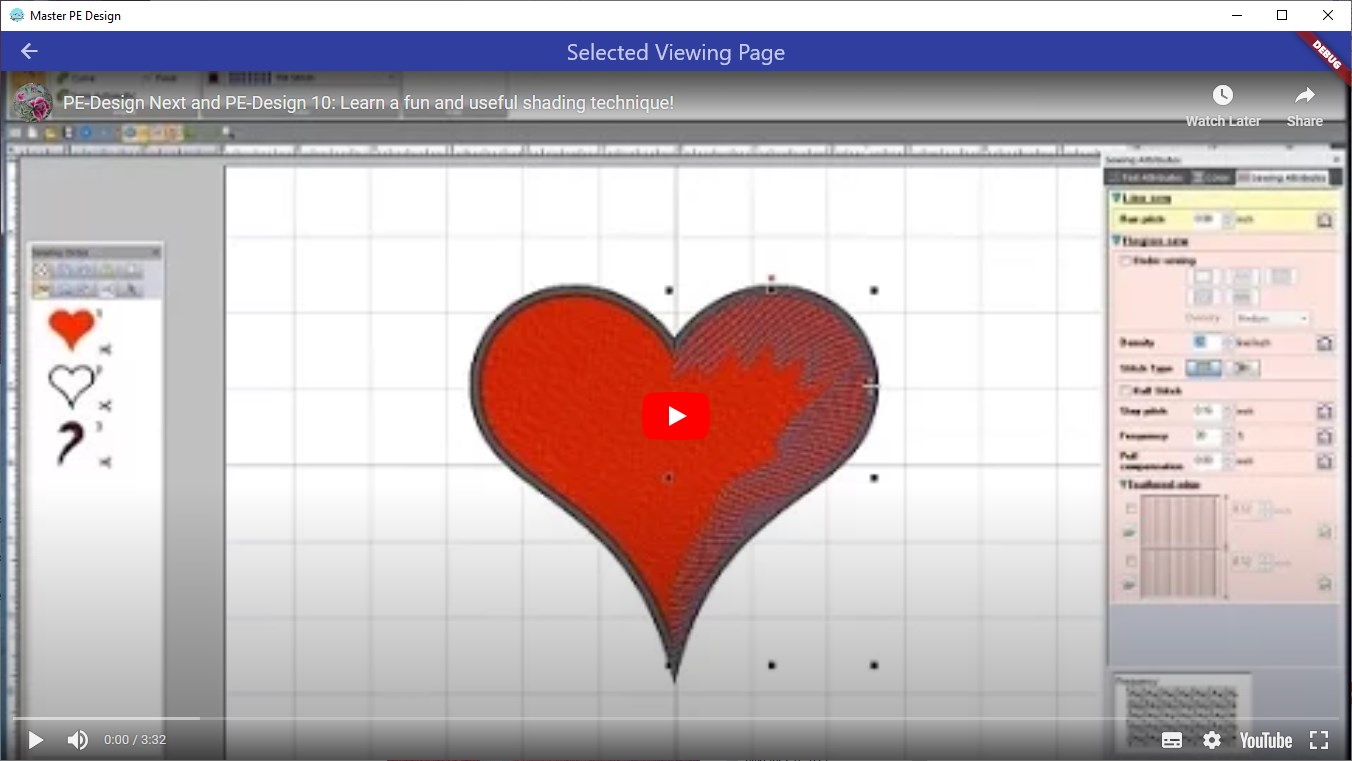
Tailored for use with Brother embroidery machines, this software offers a robust set of features that allow users to transform their creative ideas into intricate stitch patterns. With PE-Design, you can import images, draw your own designs, and convert them into embroidery-ready files. The software supports various fonts, stitch types, and editing tools, enabling customization and fine-tuning of every detail. Users can also preview their designs in realistic stitch simulations, ensuring accuracy before stitching.
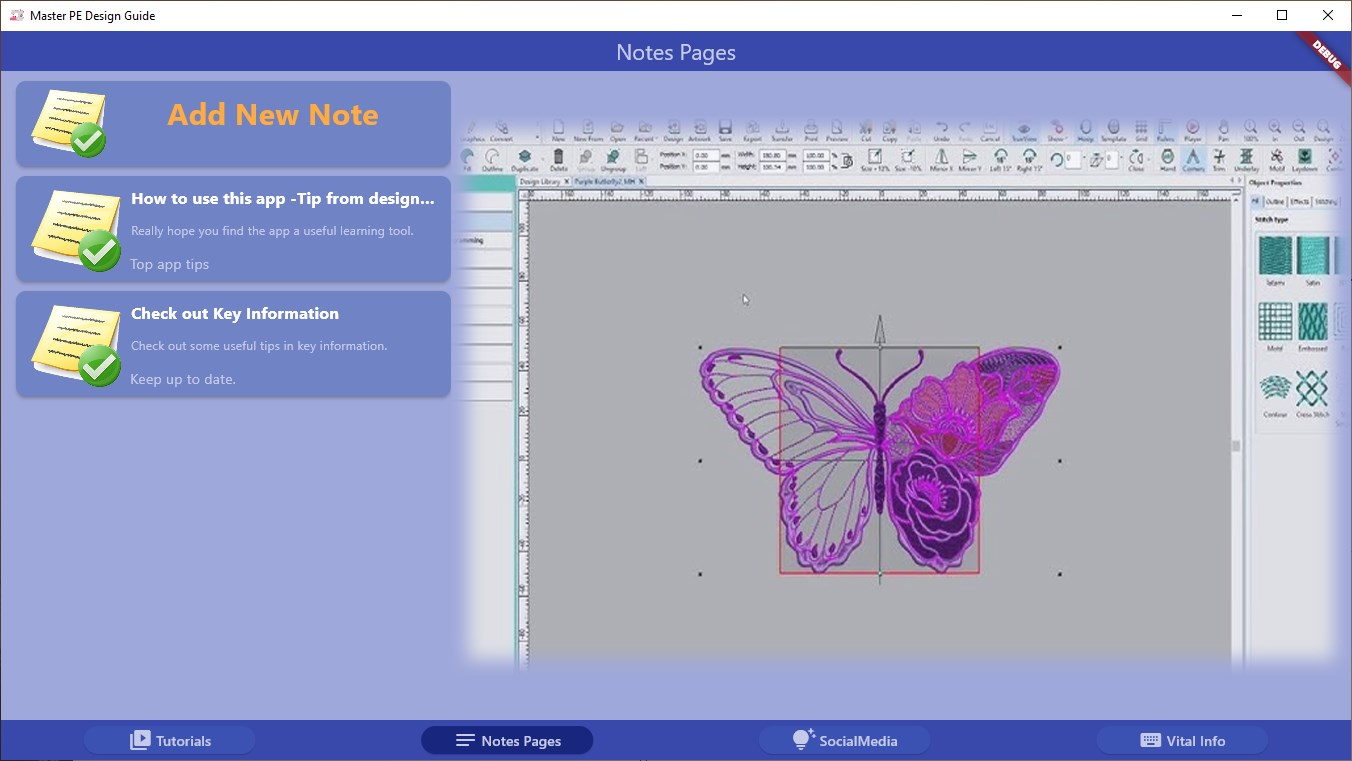
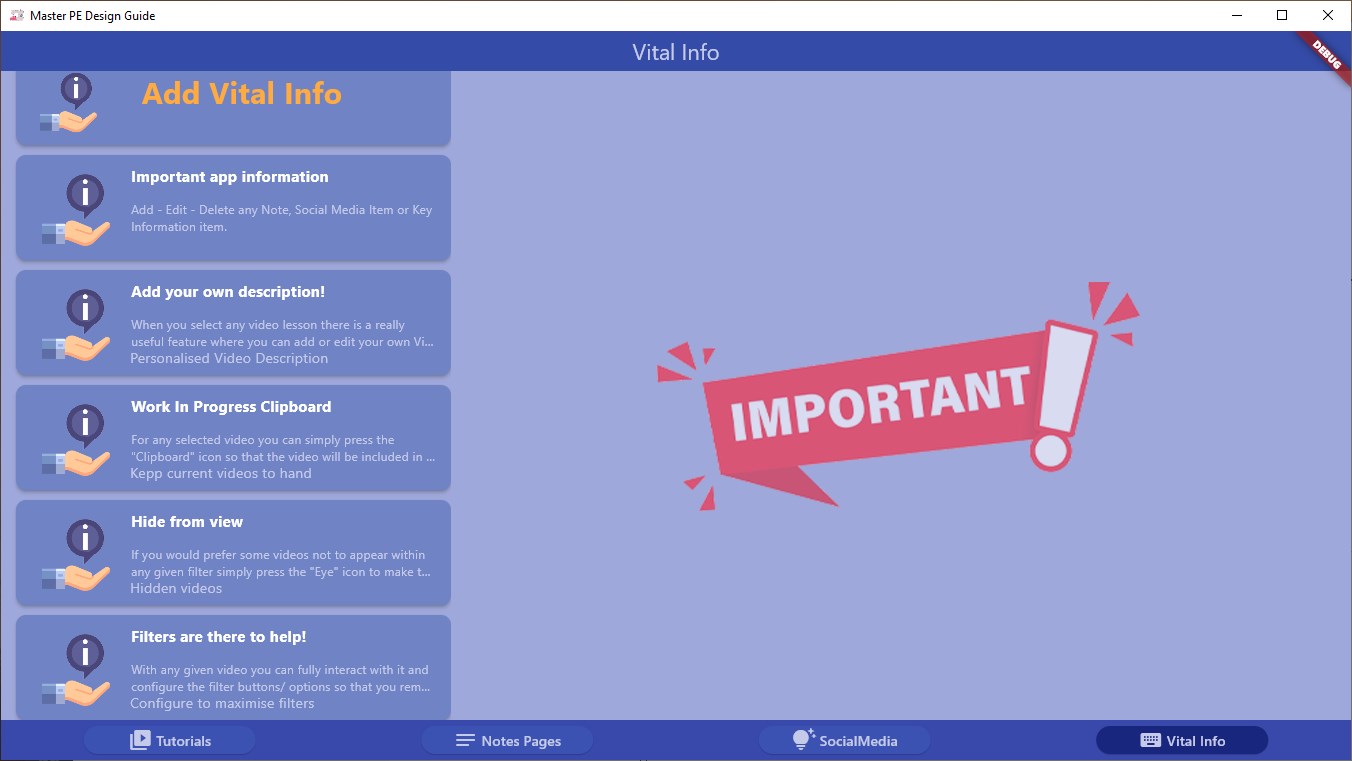
As you would imagine the software does take a while to master - and its important that you grasp a working knowledge as quickly as possible so that you can create truly professional results. This is where this app will really help as it makes learning and particularly remembering as easy as possible. PE-Design is particularly valued by hobbyists and professional embroiderers alike for its user-friendly interface and powerful capabilities, making it easier to produce high-quality, custom embroidery projects. Whether you're personalizing garments, creating logos, or experimenting with complex patterns, PE-Design software provides the flexibility and precision needed to bring your embroidery ideas to life. This app with it's many interactive features will empower you to learn everything you need to know in the shortest time possible. The app has built in user notes and user vital information modules as.
Features
Well as a social media module where you can set up one click links to your chosen pages all without leaving the app and what's more all the links are saved for future use. The app presents a highly interactive and long lasting learning experience You can add your own meaningful tutorial description, give it a rating and make it a favourite to make coming back for a refresh a simple search You can add your currently used videos to the Clipboard for immediate access using the work in progress filter. Fully Customise and Maintain your own set of user notes within the self contained module Fully Customise and maintain your own 'one touch' Social Med.
The interface is organized for quick access to the most frequently used functions, reducing the time needed to complete common tasks. Advanced options are available for users who want to customize their experience and optimize the application for their workflow. Data sync and backup features help users keep their information safe and accessible across multiple devices when needed. The application supports a wide range of file formats and integrates with popular services to extend its usefulness. Performance optimization ensures smooth operation even on older hardware, making it accessible to a broad user base. Comprehensive documentation and in-app guidance help new users get started quickly while power users can explore advanced capabilities.
Users can organize content, apply filters, and access key functions through an intuitive layout that minimizes learning curve. Cross-platform support and cloud integration extend the application's reach across different devices and ecosystems. Built-in tutorials and contextual help ensure that users can discover and master features at their own pace. The interface is organized for quick access to the most frequently used functions, reducing the time needed to complete common tasks.
Pros
- User-friendly interface for smooth experience
- Comprehensive feature set for various needs
- Regular updates and maintenance
- Widely used and well-reviewed
- Good value for the functionality offered
Cons
- May have a learning curve for new users
- Some features may require subscription
- Performance may vary by device
- Interface design could be improved
- Support availability may be limited
Top Software

AAVV CHAT
AAVV CHAT is a secure and simple chat application designed for private communication over ...

Actual Budget
Actual Budget is a fast, privacy-focused finance app based on the Envelope Budgeting metho...

AppControl Manager
✨ AppControl Manager is a modern secure app that provides easy to use graphical user inter...

Arattai
A safe space to connect with your friends and family Arattai is an easy-to-use instant...

Athan App
An Athan App that sends notifications to your desktop based on your location and settings....

BetterLyrics
* The free trial version is identical to the paid version — no feature limitations. ? Bet...

BPTrakr - Blood Pressure Tracker
BPTrakr - Blood Pressure Tracker for Windows. Designed expressly for Microsoft Windows des...

Christmas Snowfall
From the makers of the highly rated Peaceful Snowfall comes Christmas Snowfall featuring b...
Similar Apps

JSON Editor Pro.
JSON Editor is a powerful and user-friendly tool for viewing, editing, formatting, and val...

MIDI Player·
MIDI Player is a lightweight yet powerful MIDI player designed for musicians, learners, an...

Open Teleprompter
Open Teleprompter lets you read your lines quickly and without error, perfect for anyone w...
Organize GoPro Files
This file optimization tool automatically renames videos and photos and deletes temporary ...
U Tube Videos & Music Collection
U Tube Videos & Music Collection is a unified solution for all streaming services offering...

XP3 Player
xp3 player is a player designed for running games developed by **Kirikiri Engine**. It can...

AirPlayH - Screen Mirroring
AirPlay screen casting service allows you to wirelessly mirror the screen of iPhone and iP...

AVIF to JPEG/PNG Conver
AVIF to JPEG/PNG Conver, just drag and drop your AVIF files onto the application for insta...