
Screenshots
Overview
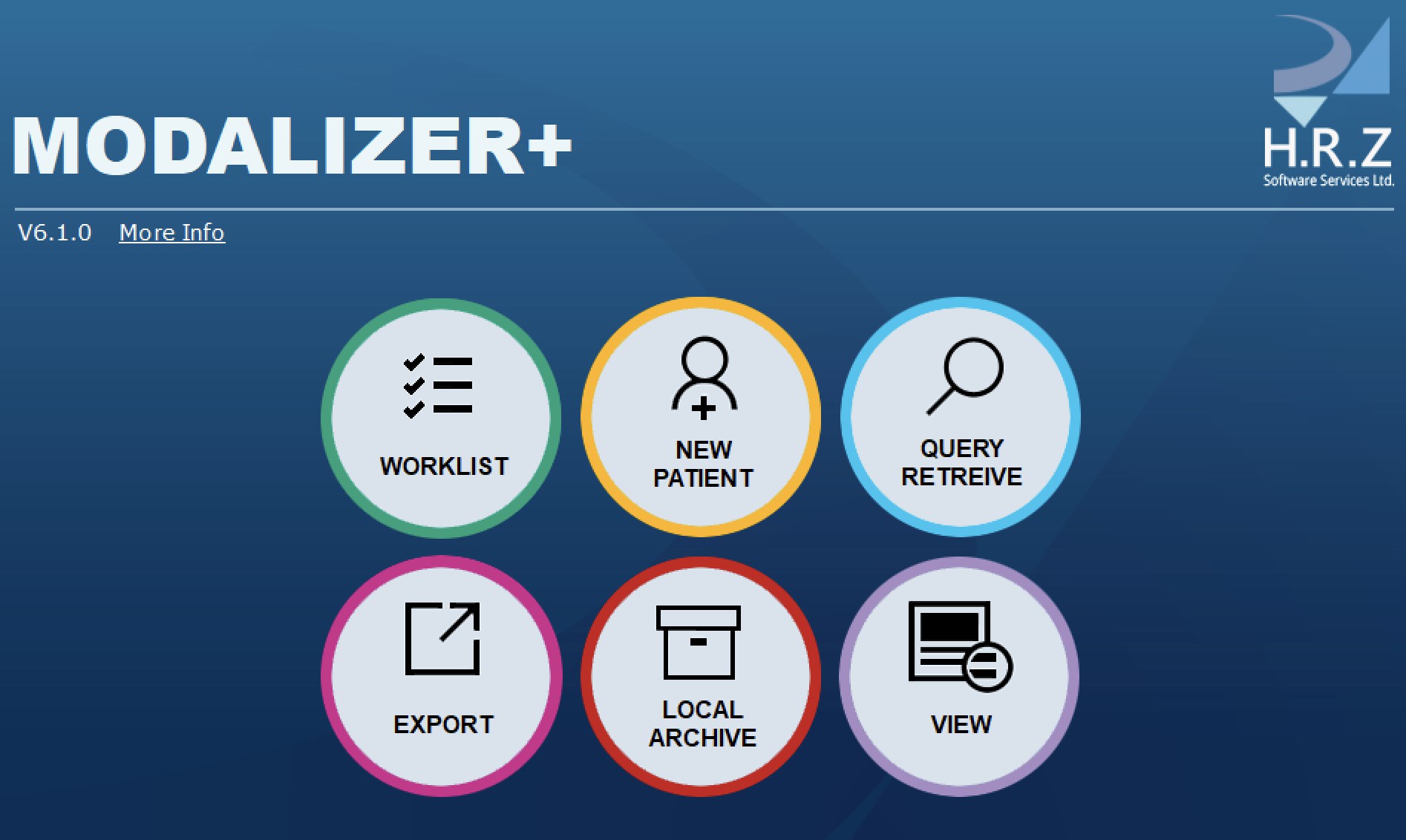
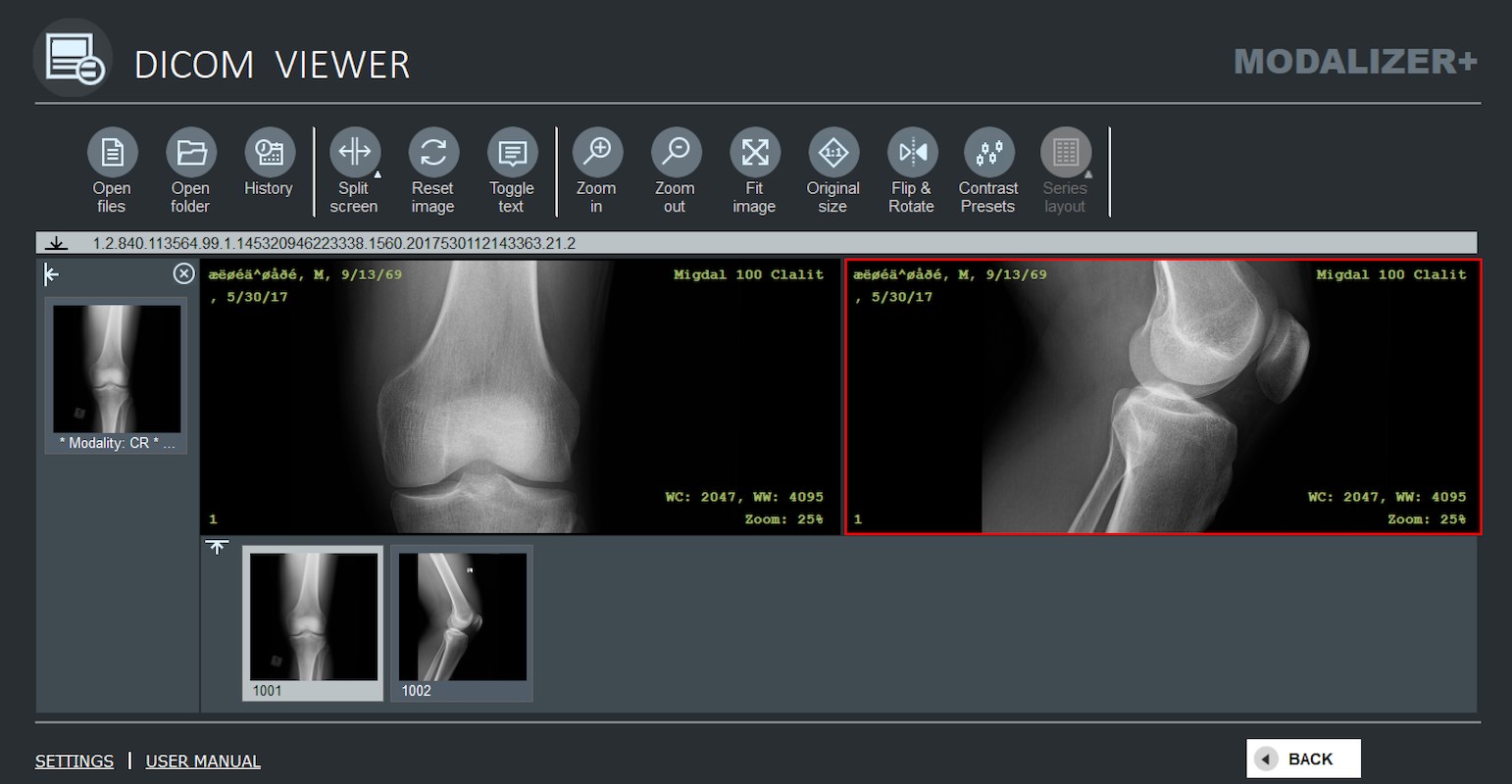
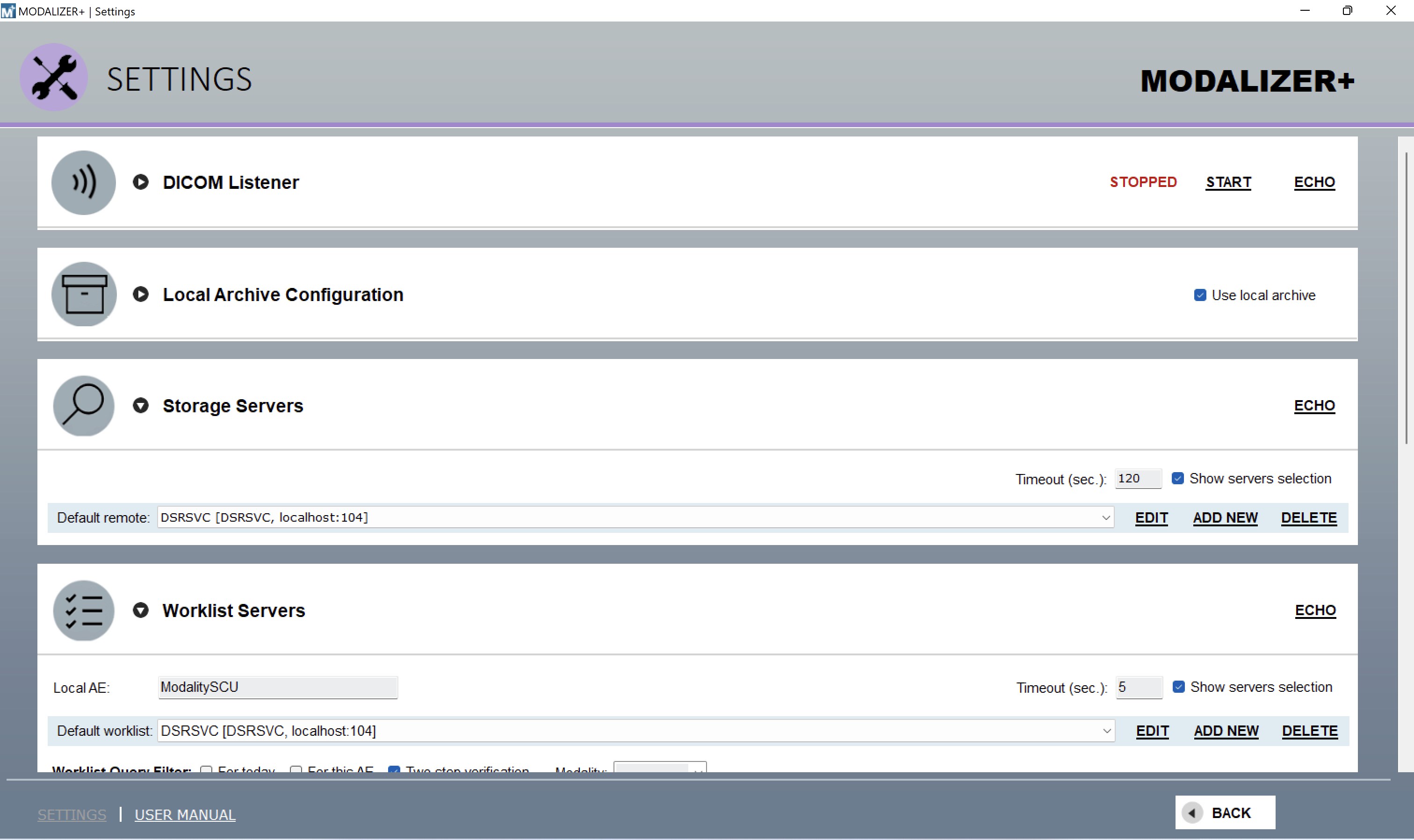
The professional Pacs connectivity wizard that seamlessly connects to any Pacs using secure Dicom protocol (Tls 1.2), Multi-Modality Dicom Viewer, View, Import and Export images and other Dicom objects. Healthcare Imaging Workflow Wizard Modalizer+™ Converts Images, Video and Documents to the Dicom® Standard and Imports them securely to your Pacs. Modalizer+ Everywhere and for Everyone Front Desk/Administrative The unique combination of paper scanner, Dicom CD Import and Export and Dicom connectivity all in one easy to use application makes Modalizer+ an ultimate assistant at the front desk during patient admission, transfer and discharge.
Use Modalizer+. Pacs Administrators Modalizer+ features were selected after many years of Pacs and Dicom experience. Modalizer+ includes study search, retrieval and modify options, Dicom header display, duplicate and edit of Dicom files, and many more valuable features for Pacs administrator daily tasks. For the reading doctor Automate your reporting workflow and give your diagnosis reports the professional touch with your logo and graphic design and your customized layouts with Modalizer+'s Auto-filled Formatted Reports.
Point of care Imaging Modalizer+ turns even the simplest PC, Laptop and tablet into a modern Imaging Device. It connects directly to the built in webcam, USB camera, or any Twain device (for example standard office paper scanners) and converts the images and scanned documents to Dicom and stores them in your Pacs. Add Dicom to Legacy devices Connect legacy and non-Dicom devices to your Pacs using Modalizer+ External Application interface. Using the unique Exap configuration Modalizer+ can turn your visible light equipment, like ophthalmic cameras and other devices into a fully-compatible Dicom enabled Imaging Modality. By configuring the inputs and outputs of your device Modalizer+ takes over the process, launches your device.
Features
Software when needed and adds Dicom Modality Worklist and Dicom Storage to your existing equipment. At your desktop Manage your records with Modalizer+'s built in Local Archive. Modalizer+ stores all the imaging studies, acquired and retrieved, in standard compatible Dicom files on your hard disk. Everything can be exported and migrated anytime to other Dicom applications with no proprietary formats and no hidden attributes. On CD's and Dvd's Modalizer+ can burn Dicom Compatible CD/Dvd and add to it the Dicomdir file and a Dicom CD Viewer. Modalizer+ copy on the created CD displ. The interface is organized for quick access to the most frequently used functions, reducing the time needed to complete common tasks.
Advanced options are available for users who want to customize their experience and optimize the application for their workflow. Data sync and backup features help users keep their information safe and accessible across multiple devices when needed. The application supports a wide range of file formats and integrates with popular services to extend its usefulness. Performance optimization ensures smooth operation even on older hardware, making it accessible to a broad user base. Comprehensive documentation and in-app guidance help new users get started quickly while power users can explore advanced capabilities. Users can organize content, apply filters, and access key functions through an intuitive layout that minimizes learning curve.
Cross-platform support and cloud integration extend the application's reach across different devices and ecosystems. Built-in tutorials and contextual help ensure that users can discover and master features at their own pace. Advanced options are available for users who want to customize their experience and optimize the application for their workflow. The interface is organized for quick access to the most frequently used functions, reducing the time needed to complete common tasks.
Pros
- User-friendly interface for smooth experience
- Comprehensive feature set for various needs
- Regular updates and maintenance
- Widely used and well-reviewed
- Good value for the functionality offered
Cons
- May have a learning curve for new users
- Some features may require subscription
- Performance may vary by device
- Interface design could be improved
- Support availability may be limited
Top Software

AAVV CHAT
AAVV CHAT is a secure and simple chat application designed for private communication over ...

Actual Budget
Actual Budget is a fast, privacy-focused finance app based on the Envelope Budgeting metho...

AppControl Manager
✨ AppControl Manager is a modern secure app that provides easy to use graphical user inter...

Arattai
A safe space to connect with your friends and family Arattai is an easy-to-use instant...

Athan App
An Athan App that sends notifications to your desktop based on your location and settings....

BetterLyrics
* The free trial version is identical to the paid version — no feature limitations. ? Bet...

BPTrakr - Blood Pressure Tracker
BPTrakr - Blood Pressure Tracker for Windows. Designed expressly for Microsoft Windows des...

Christmas Snowfall
From the makers of the highly rated Peaceful Snowfall comes Christmas Snowfall featuring b...
Similar Apps

ECP
ECP App is an exciting new way for assisted living homes to chart meds and cares, view not...

RadiAnt DICOM Viewer
RadiAnt is a PACS DICOM viewer for medical images designed to provide you with a unique ex...
Human Anatomy Atlas 2026: Complete 3D Human Body
Explore human anatomy in interactive 3D with Visible Body! Human Anatomy Atlas is a one-ti...

Offline Medical Dictionary
Offline Medical Dictionary - With over 30,000 definitions - Completely offline - Suitable...
Complete Anatomy
***THE WORLD’S LEADING 3D ANATOMY PLATFORM! TRY IT FOR FREE TODAY*** COMPLETE ANATOMY: A ...
MicroDicom DICOM Viewer
MicroDicom DICOM viewer is application for primary processing and preservation of medical ...

Weasis DICOM medical viewer
Weasis is a multipurpose standalone and web-based DICOM viewer with a highly modular archi...

Essential Anatomy 3 for Organizations
The best selling human anatomy app ever! (Requires 2GB usable RAM) This version of our ...