Screenshots
Overview
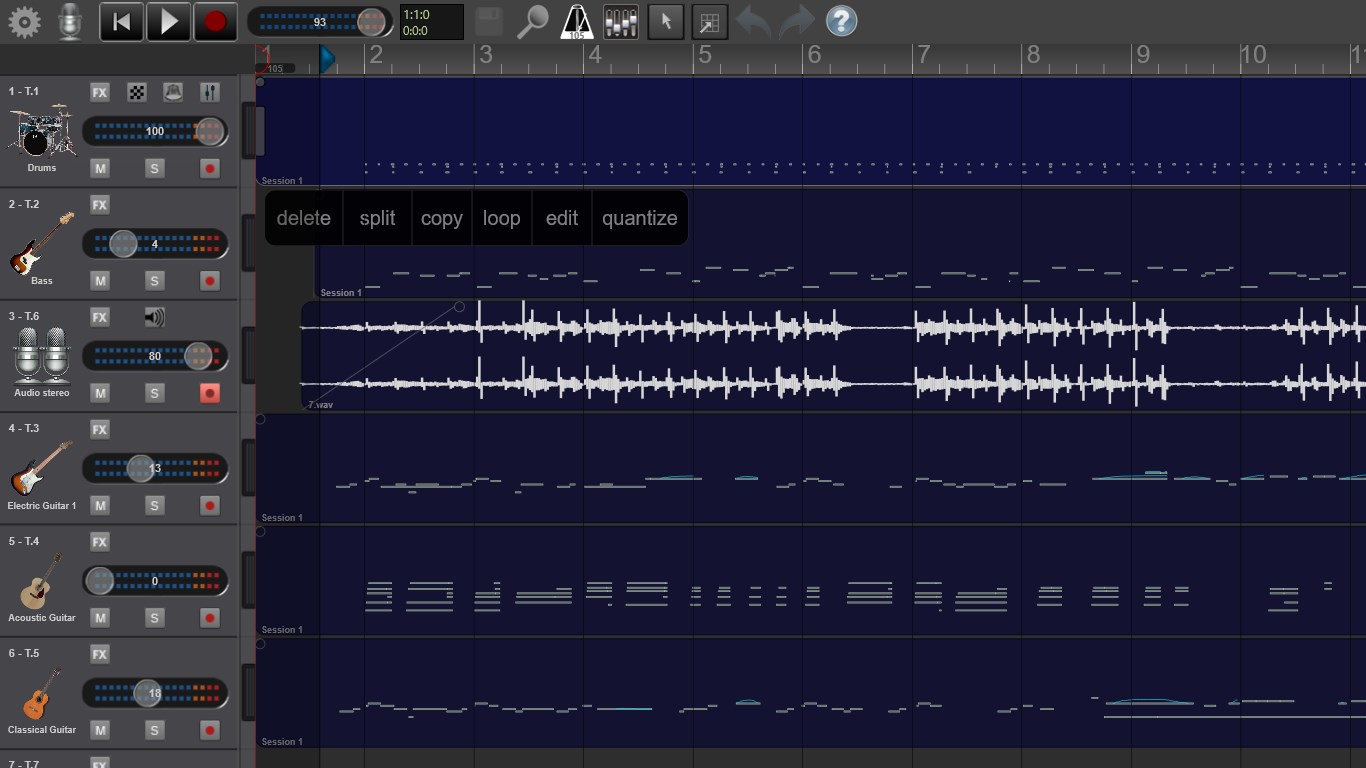
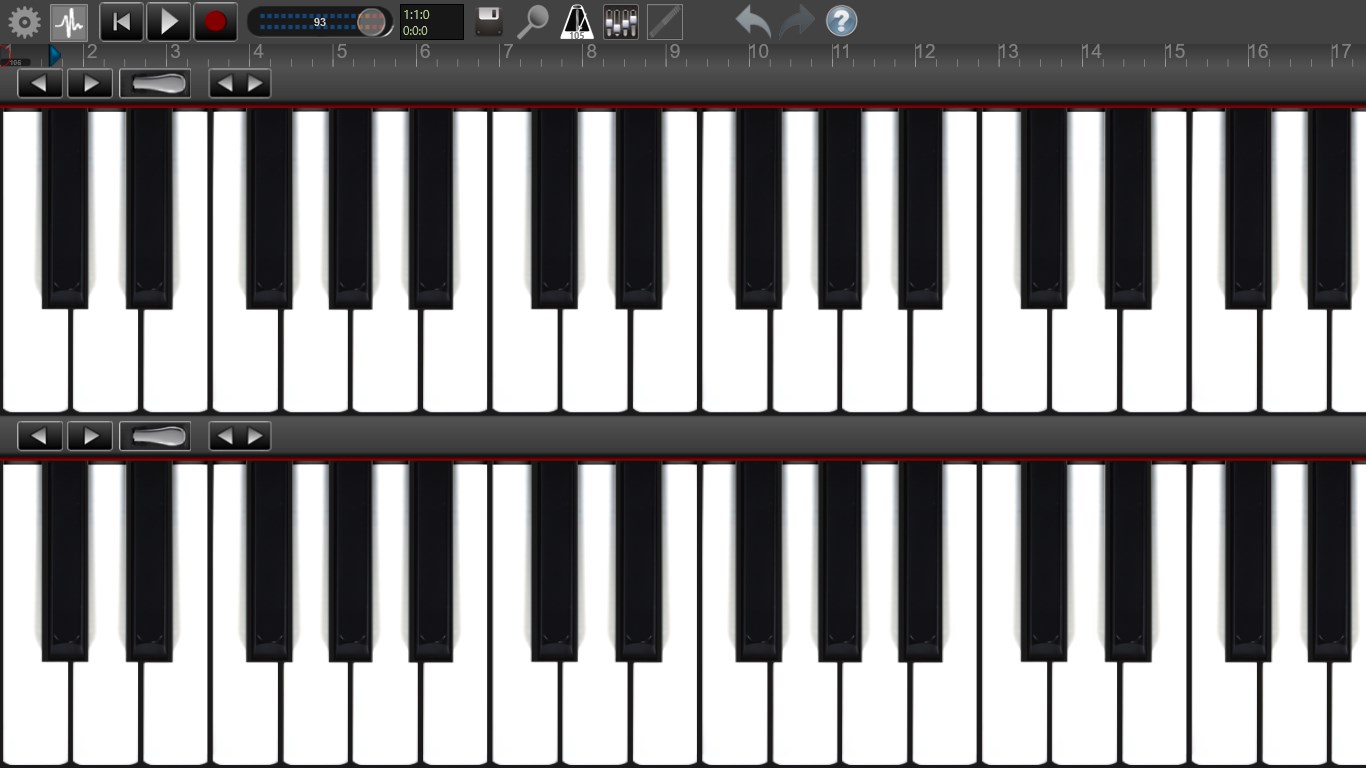
Recording Studio Pro is a multitouch sequencer for Windows devices. Designed for quick and easy operation, Recording Studio Pro makes recording, editing and mixing a breeze. Recording Studio Pro is the perfect way to begin crafting great sounding music productions. You can record up to 32 audio and/or instrument tracks (up to 16 for mobile devices). The audio tracks can be recorded using the built-in microphone, by connecting an external microphone.
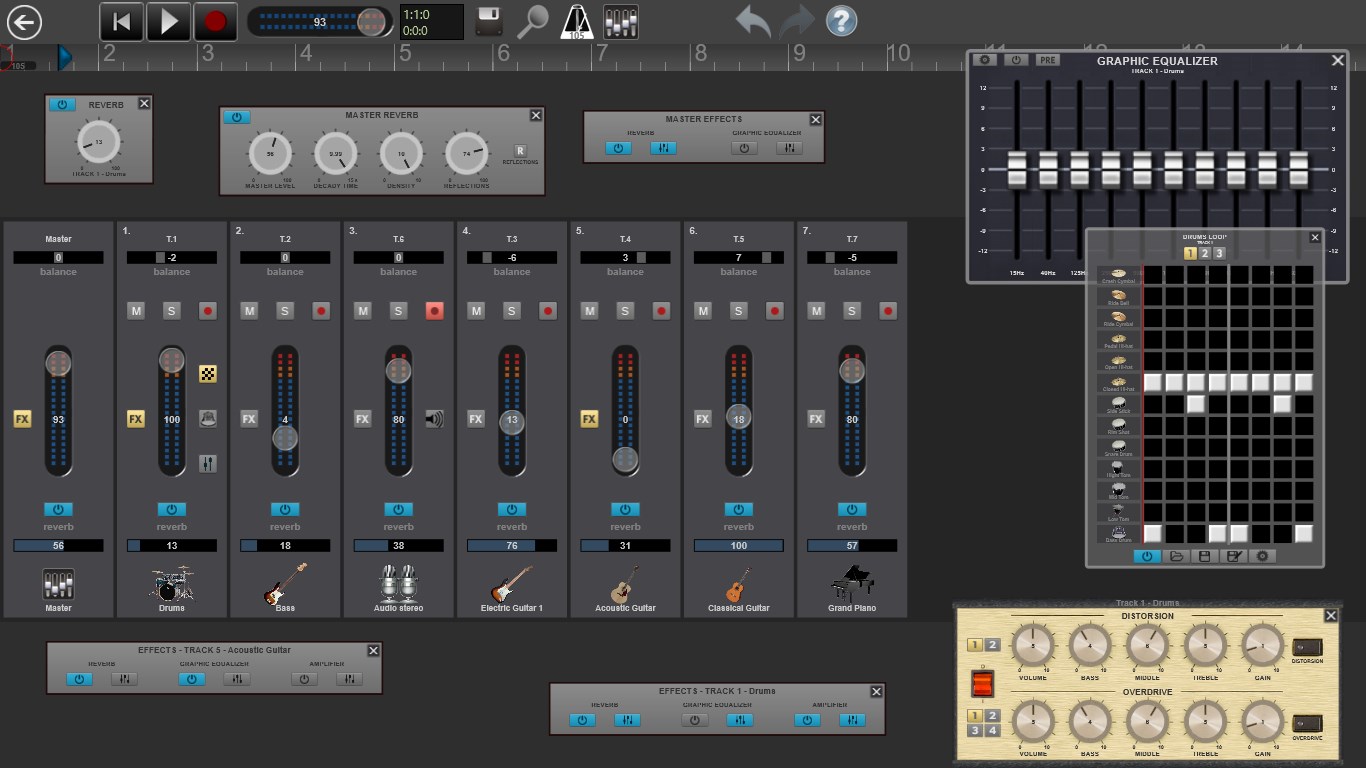
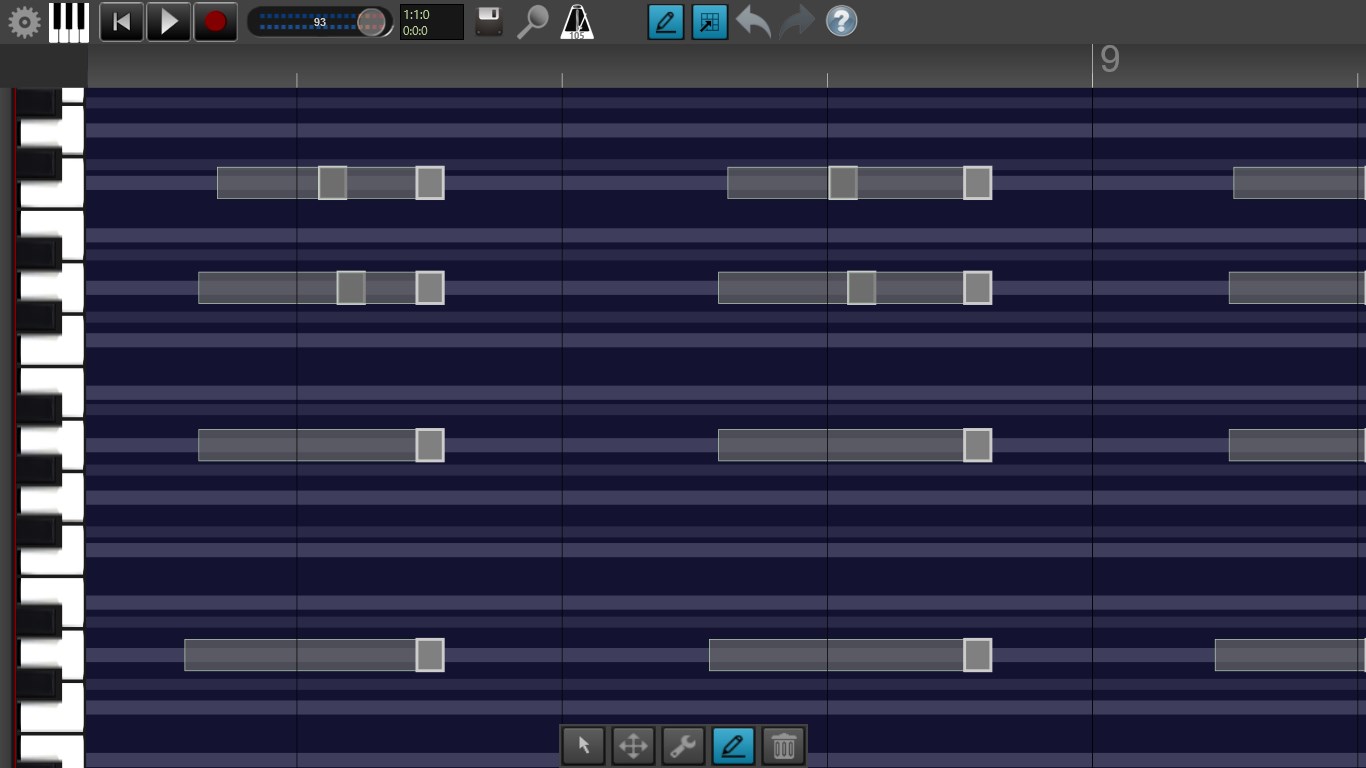
The instument tracks can be recorded using the multitouch keyboards optimized for high performance and responsive touch or using computer keyboard and mouse. After recording your tracks, you may want to edit them in the integrated sample editor (copy/paste, split, loop, fader, reverb). With Recording Studio Pro's mixer you can create superb mixes in astonishing CD quality just like you imagined your song to be.
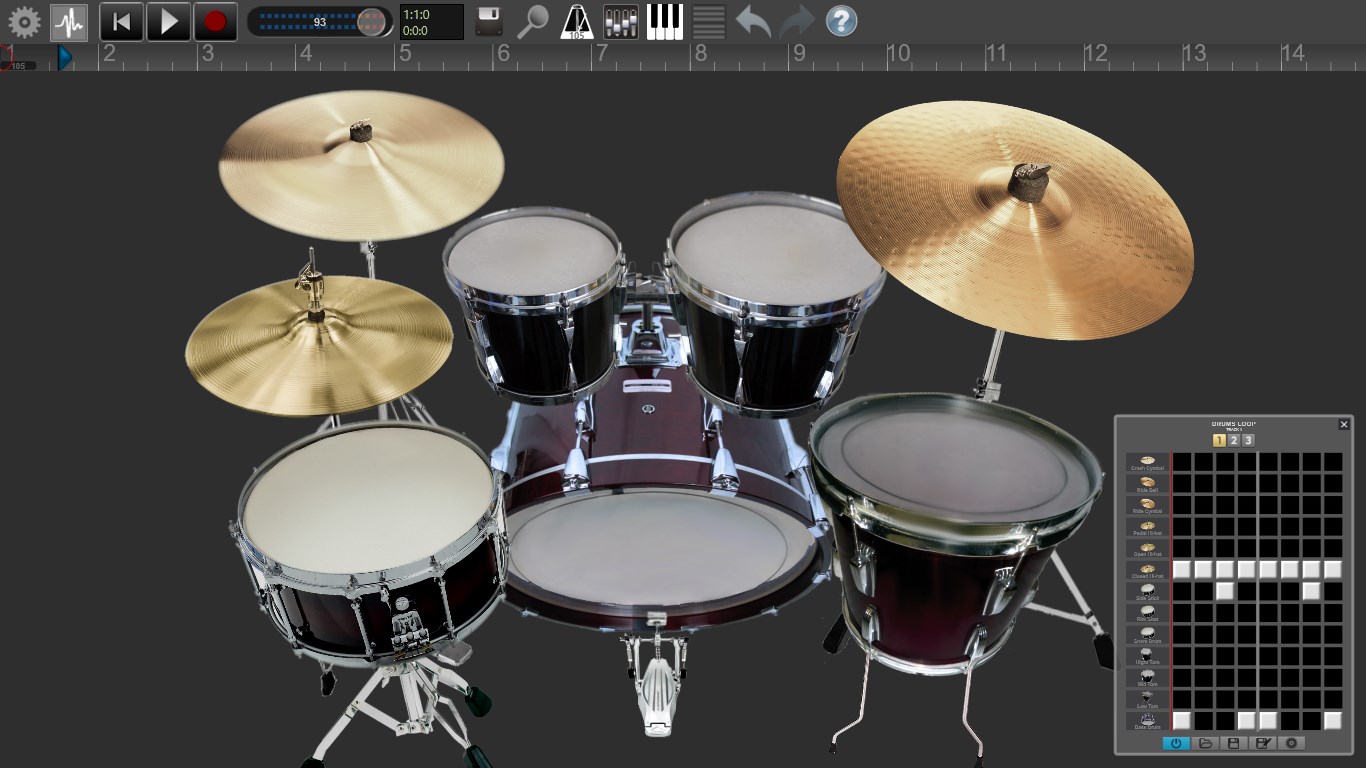
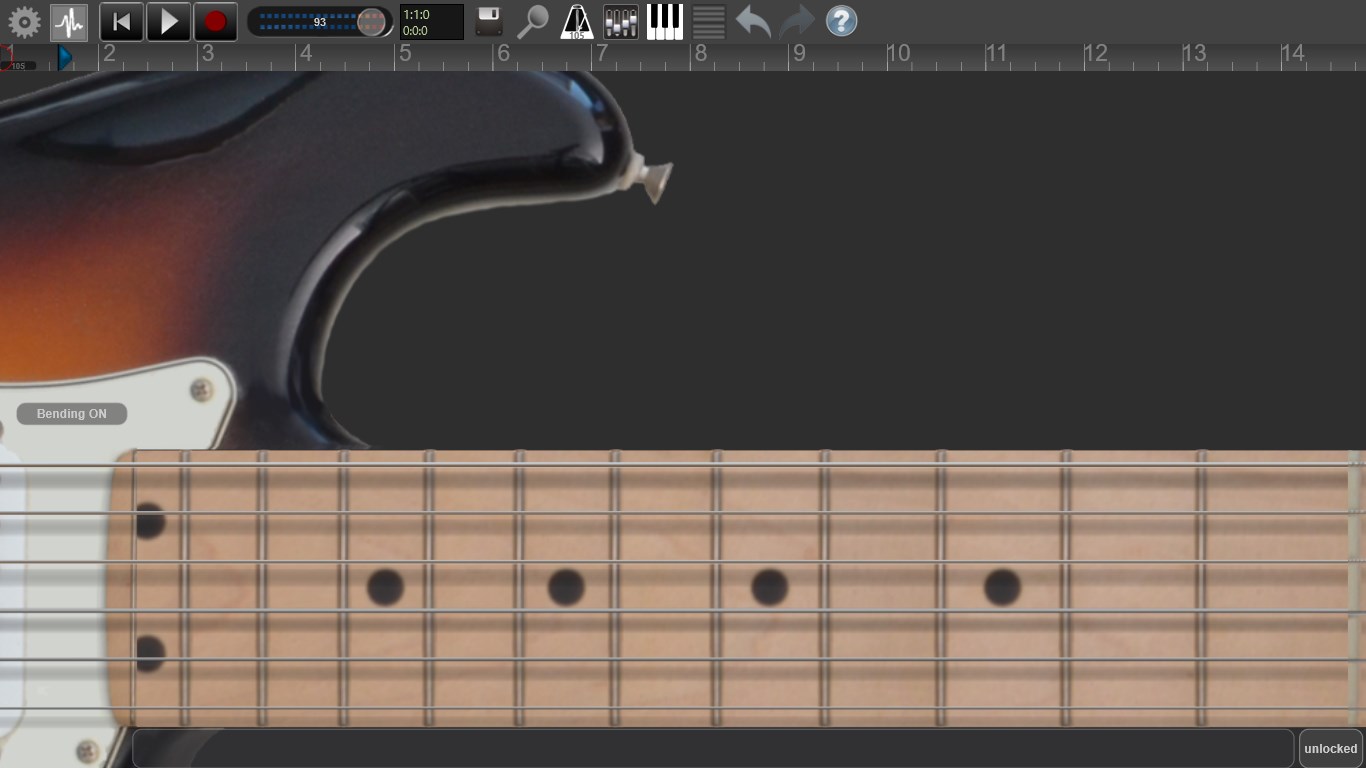
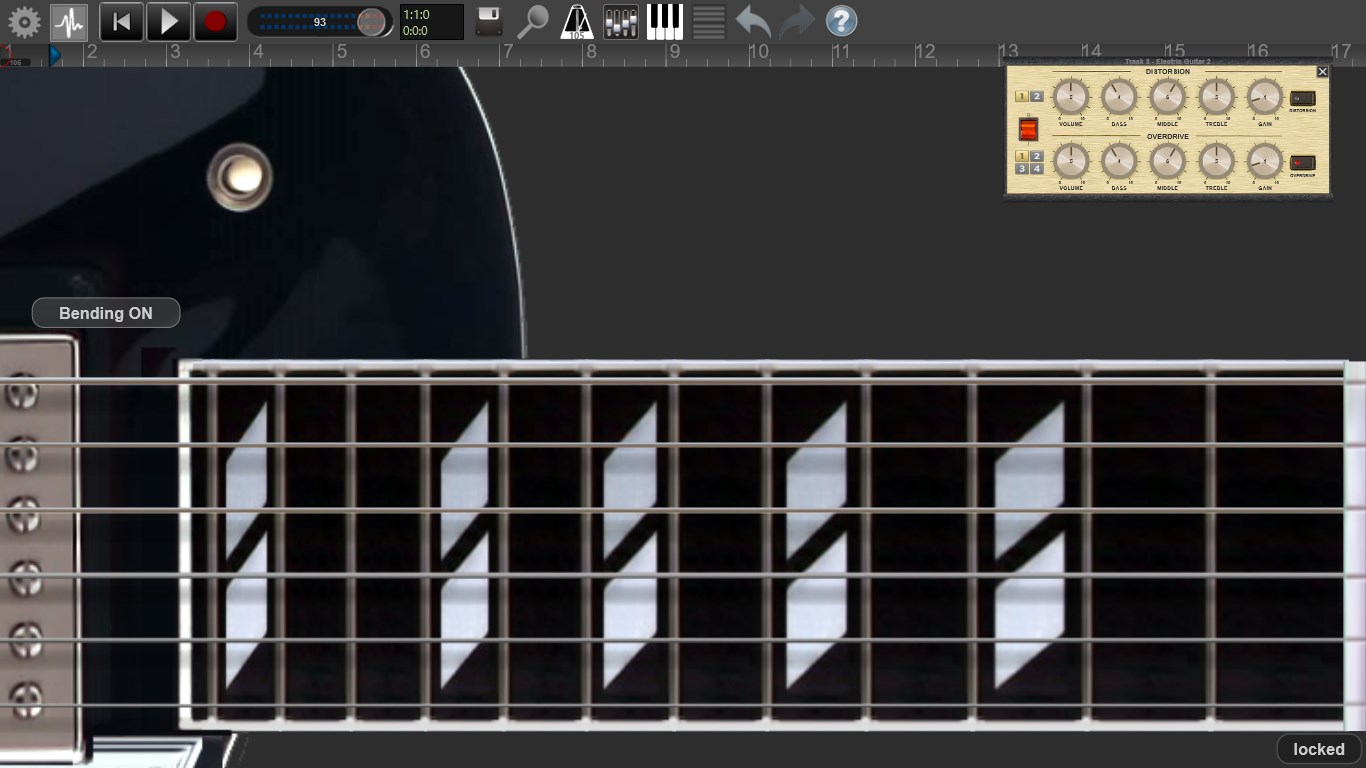
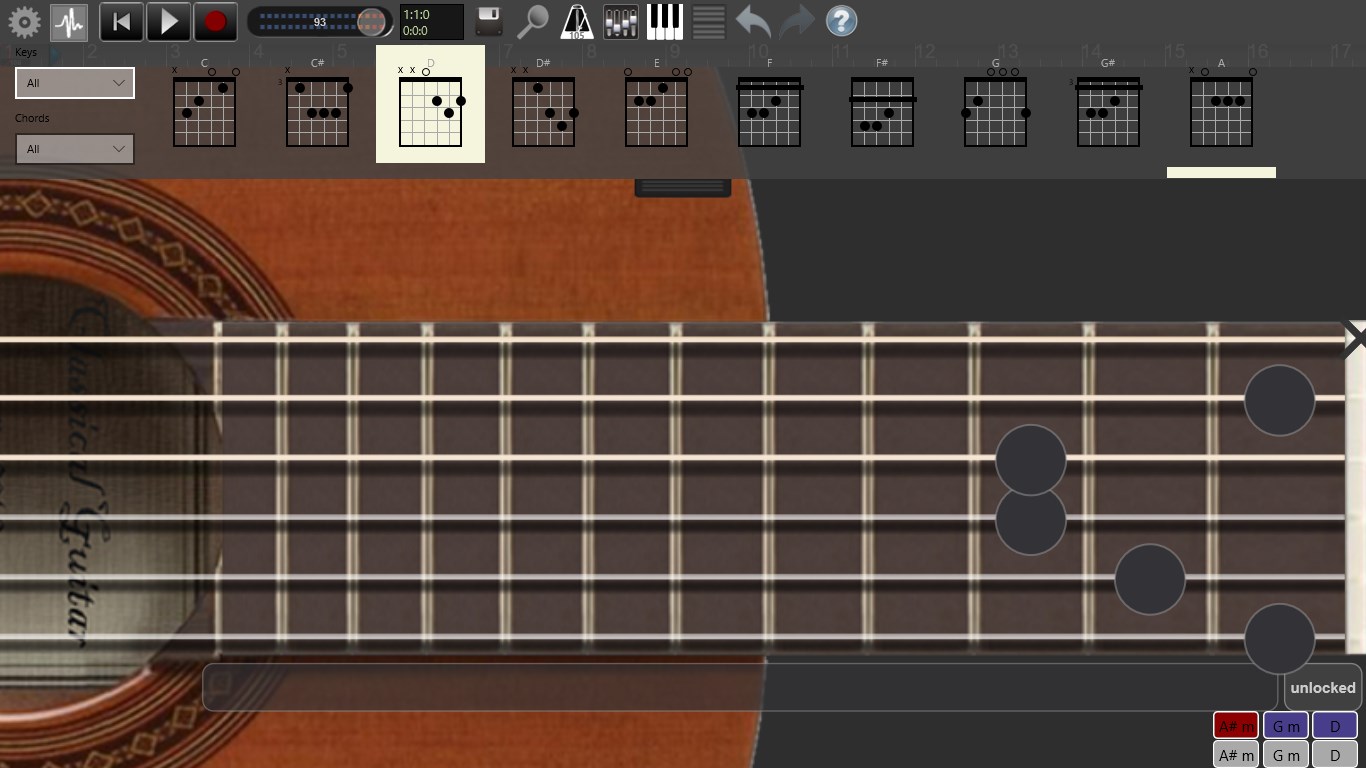
You can import mp3, wma and wav audio files from your hard drive. Included in Recording Studio Pro there is the Guitar Arpeggiator a true life realistic guitar simulator! Recording studio is constantly being updated and continually improved with new features. Mixer with built-in immersive reverb effect (with indipendent settings on each track) Key Editor (delete, copy/paste each single note) Sample editor: copy/paste, split, loop, fade-in/fade-out, normalize each audio recording session Quantization Import wav, mp3 and wma audio files from your hard drive Offline mixdown: stereo mix, individual tracks. Uncompressed audio format (16/8 bit stereo / mono, 44.1kHz/48.0kHz) Virtual guitars with bending, capo and chords Keyboard with 96 keys and 8 selectable octaves Stereo VU displays for each channels Imports Midi files. Exports to Midi. Connects to midi devices (not for mobile.
Features
SoundFont support. Video Tutorials The interface is organized for quick access to the most frequently used functions, reducing the time needed to complete common tasks. Advanced options are available for users who want to customize their experience and optimize the application for their workflow. Data sync and backup features help users keep their information safe and accessible across multiple devices when needed. The application supports a wide range of file formats and integrates with popular services to extend its usefulness. Performance optimization ensures smooth operation even on older hardware, making it accessible to a broad user base. Comprehensive documentation and in-app guidance help new users get started quickly while power users can explore advanced capabilities.
Users can organize content, apply filters, and access key functions through an intuitive layout that minimizes learning curve. Cross-platform support and cloud integration extend the application's reach across different devices and ecosystems. Built-in tutorials and contextual help ensure that users can discover and master features at their own pace. The interface is organized for quick access to the most frequently used functions, reducing the time needed to complete common tasks. Comprehensive documentation and in-app guidance help new users get started quickly while power users can explore advanced capabilities. The interface is organized for quick access to the most frequently used functions, reducing the time needed to complete common tasks.
Advanced options are available for users who want to customize their experience and optimize the application for their workflow. Data sync and backup features help users keep their information safe and accessible across multiple devices when needed. The application supports a wide range of file formats and integrates with popular services to extend its usefulness. Performance optimization ensures smooth operation even on older hardware, making it accessible to a broad user base.
Pros
- User-friendly interface for smooth experience
- Comprehensive feature set for various needs
- Regular updates and maintenance
- Widely used and well-reviewed
- Good value for the functionality offered
Cons
- May have a learning curve for new users
- Some features may require subscription
- Performance may vary by device
- Interface design could be improved
- Support availability may be limited
Top Software

AAVV CHAT
AAVV CHAT is a secure and simple chat application designed for private communication over ...

Actual Budget
Actual Budget is a fast, privacy-focused finance app based on the Envelope Budgeting metho...

AppControl Manager
✨ AppControl Manager is a modern secure app that provides easy to use graphical user inter...

Arattai
A safe space to connect with your friends and family Arattai is an easy-to-use instant...

Athan App
An Athan App that sends notifications to your desktop based on your location and settings....

BetterLyrics
* The free trial version is identical to the paid version — no feature limitations. ? Bet...

BPTrakr - Blood Pressure Tracker
BPTrakr - Blood Pressure Tracker for Windows. Designed expressly for Microsoft Windows des...

Christmas Snowfall
From the makers of the highly rated Peaceful Snowfall comes Christmas Snowfall featuring b...
Similar Apps

Salt Player for Windows
Multi-functional local audio player, add local WAV, MP3, FLAC, and other audio file format...
AI Music Generator : Song Maker
AI Music Generator is your personal music studio, enabling anyone to become a music produc...
Lyricify
Lyricify 4, more than lyrics. A fantastic app to provide auto-scrolling lyrics and additio...
Lyricify Lite
Lyricify Lite, lyrics has never been this vivid! Lyricify Lite supports all apps that sup...
M4A to MP3 - M4A to WAV
Convert M4A to MP3, M4A to WAV; M4B to MP3, M4R to MP3, M4P to MP3. Also convert M4A, M4B...

MC Desktop Controller
MC Desktop Controller lets you control your Yamaha MusicCast devices with your computer wi...
Mixxx
Mixxx integrates all the tools DJs need to perform creative live mixes with digital music ...

Airyware Tuner
Airyware Tuner is a professional chromatic strobe tuner. • 10 – 11000 Hz • 400+ inst...