
Screenshots

Overview
* Happy Holidays and enjoy 25% discount during the Microsoft Store Countdown Sale * Best-selling video editor & movie maker for PC, trusted by over 15 millions of Windows users. Create professional videos and stunning slideshows from your photos, video clips, and music with ease. Designed for both beginners and creators, Movie Maker Video Editor Pro helps you edit faster and share everywhere - from YouTube & TikTok to Instagram, Facebook, and business presentations.
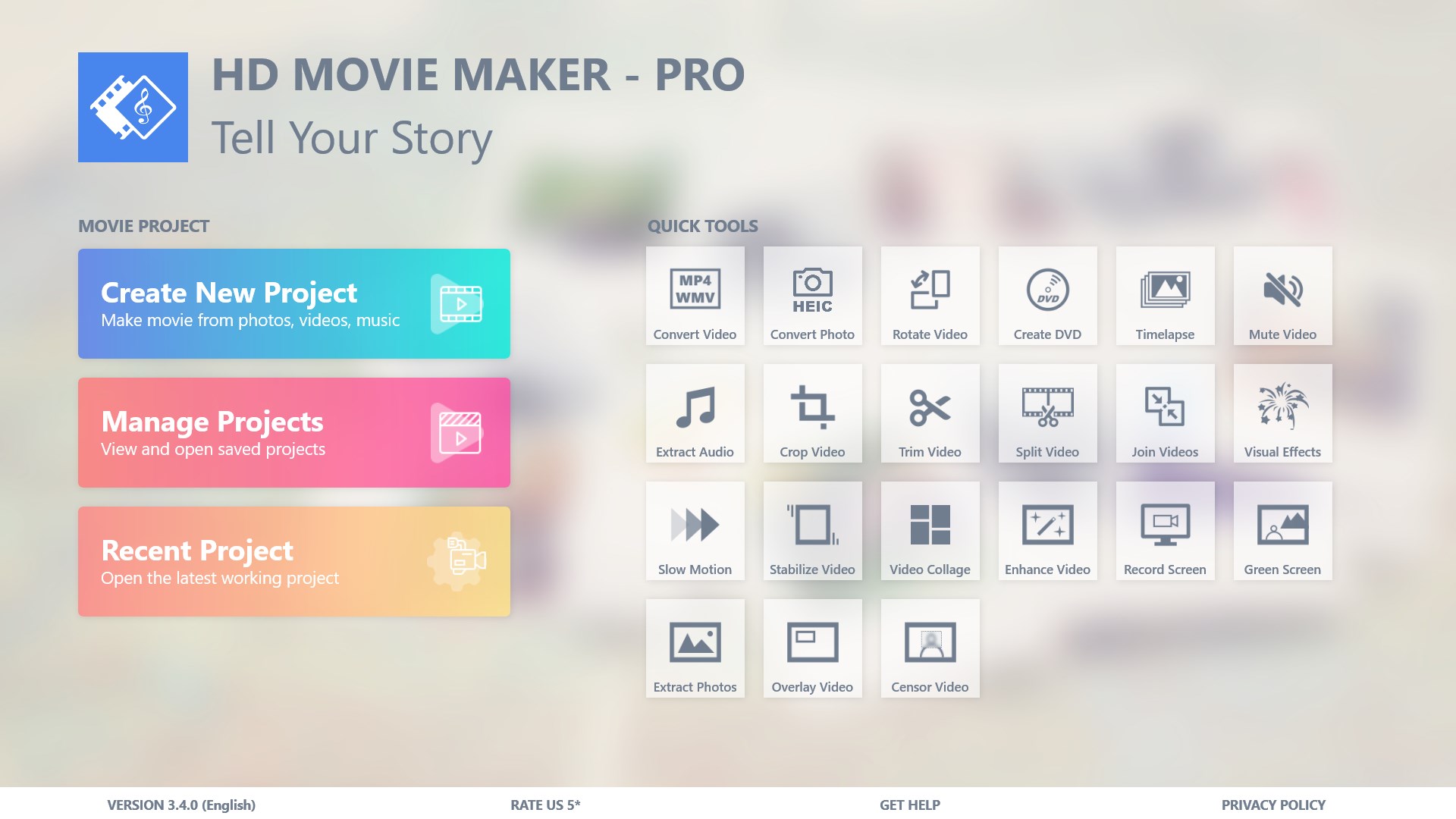
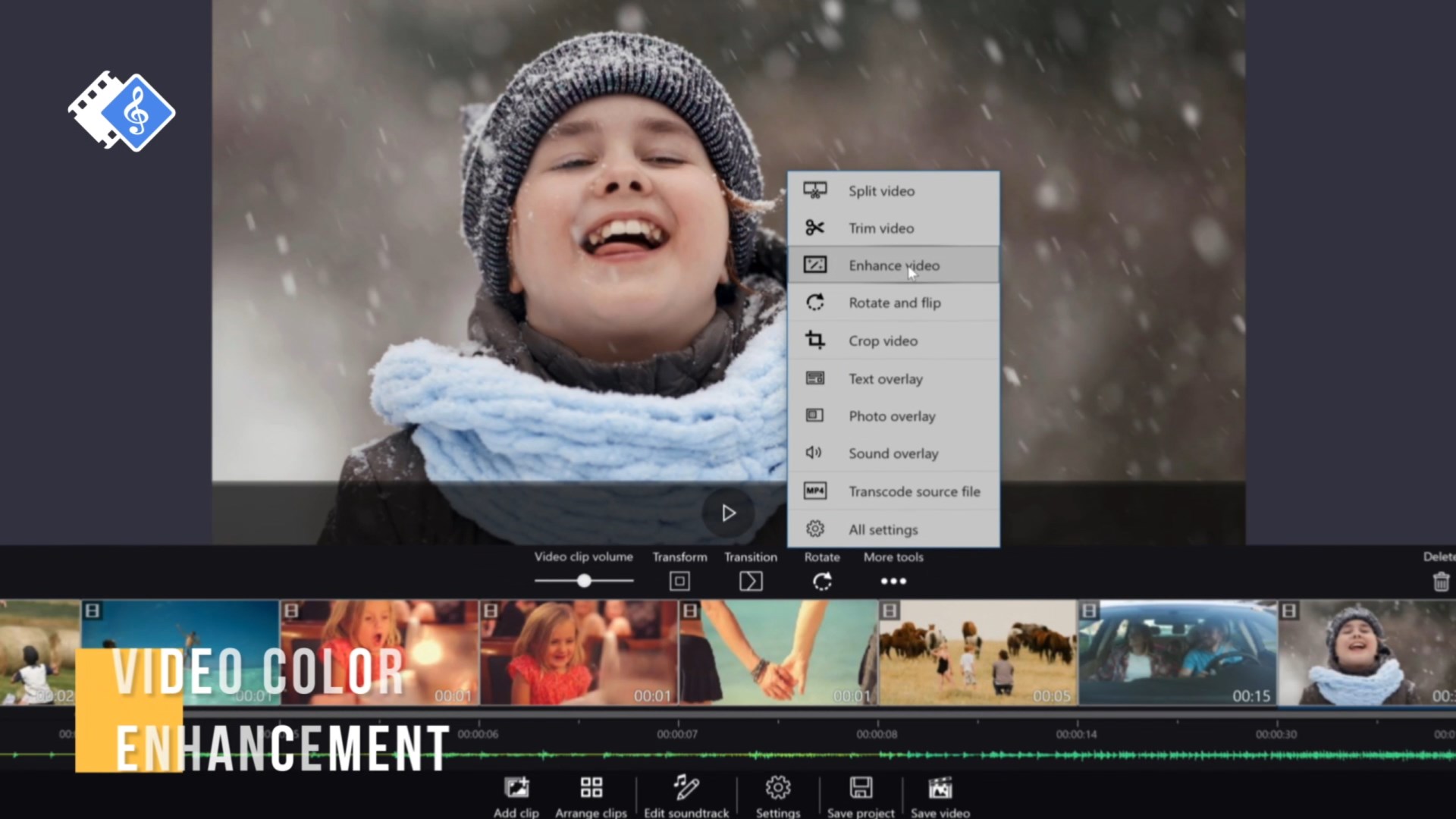
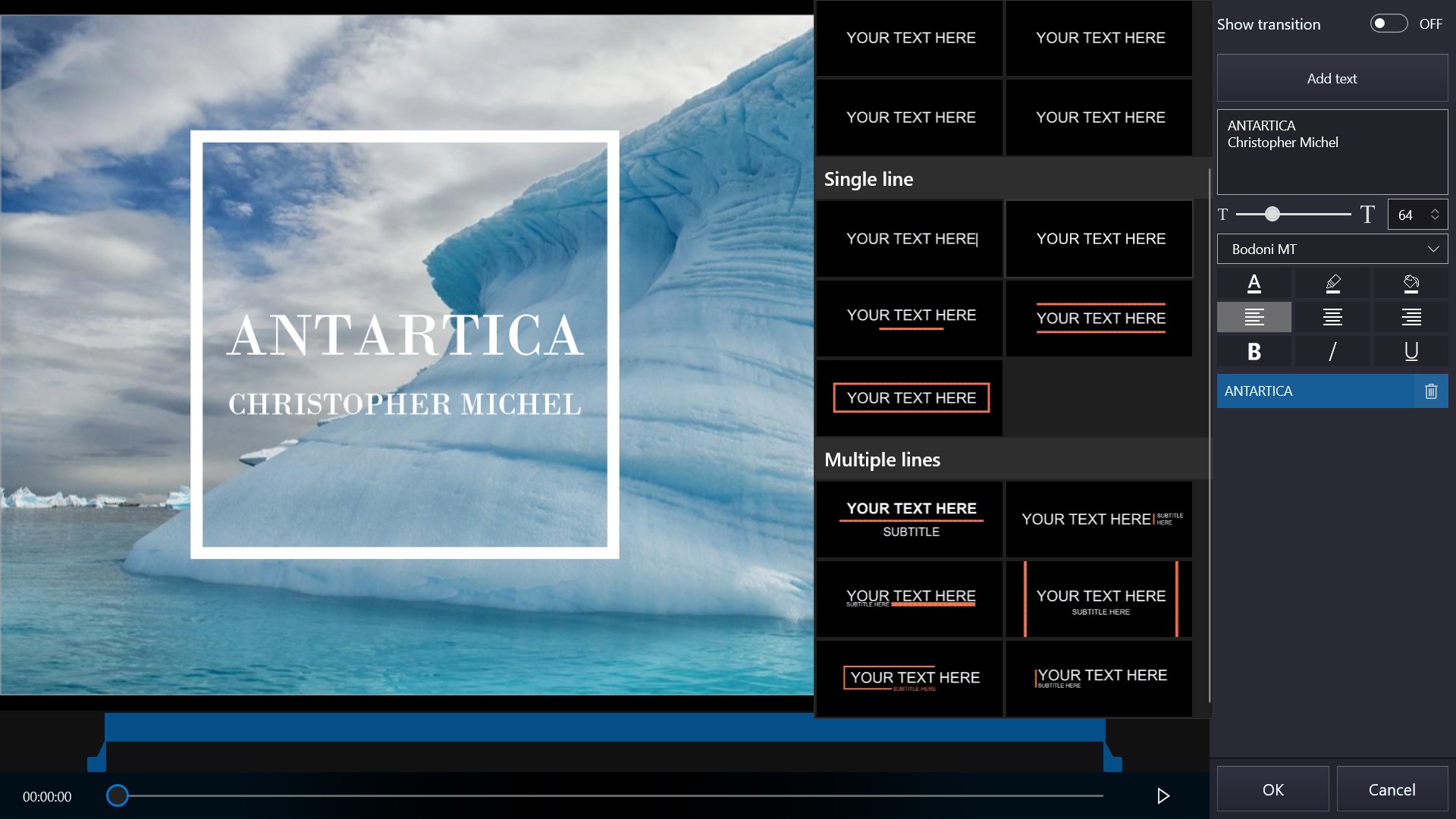
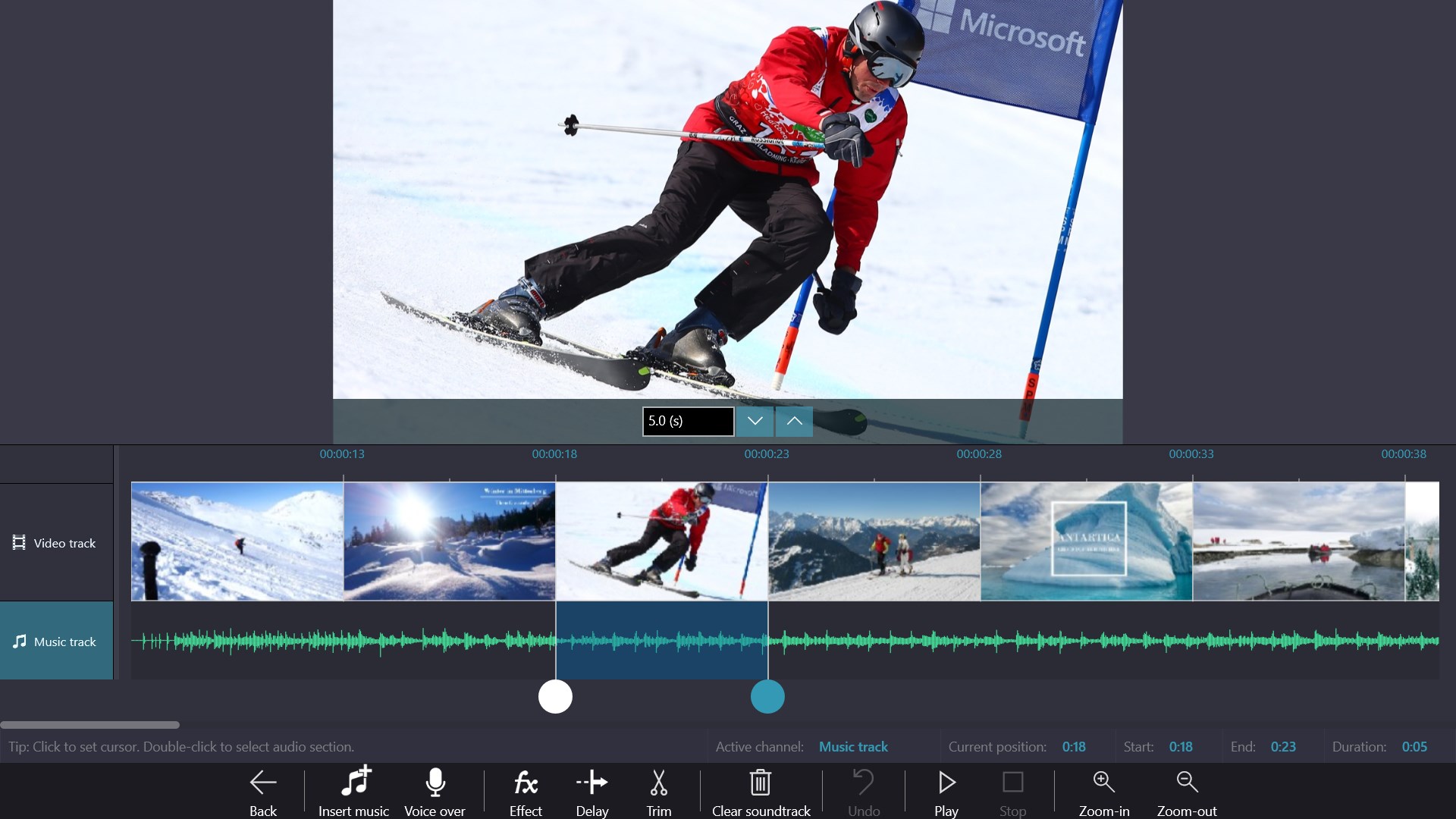
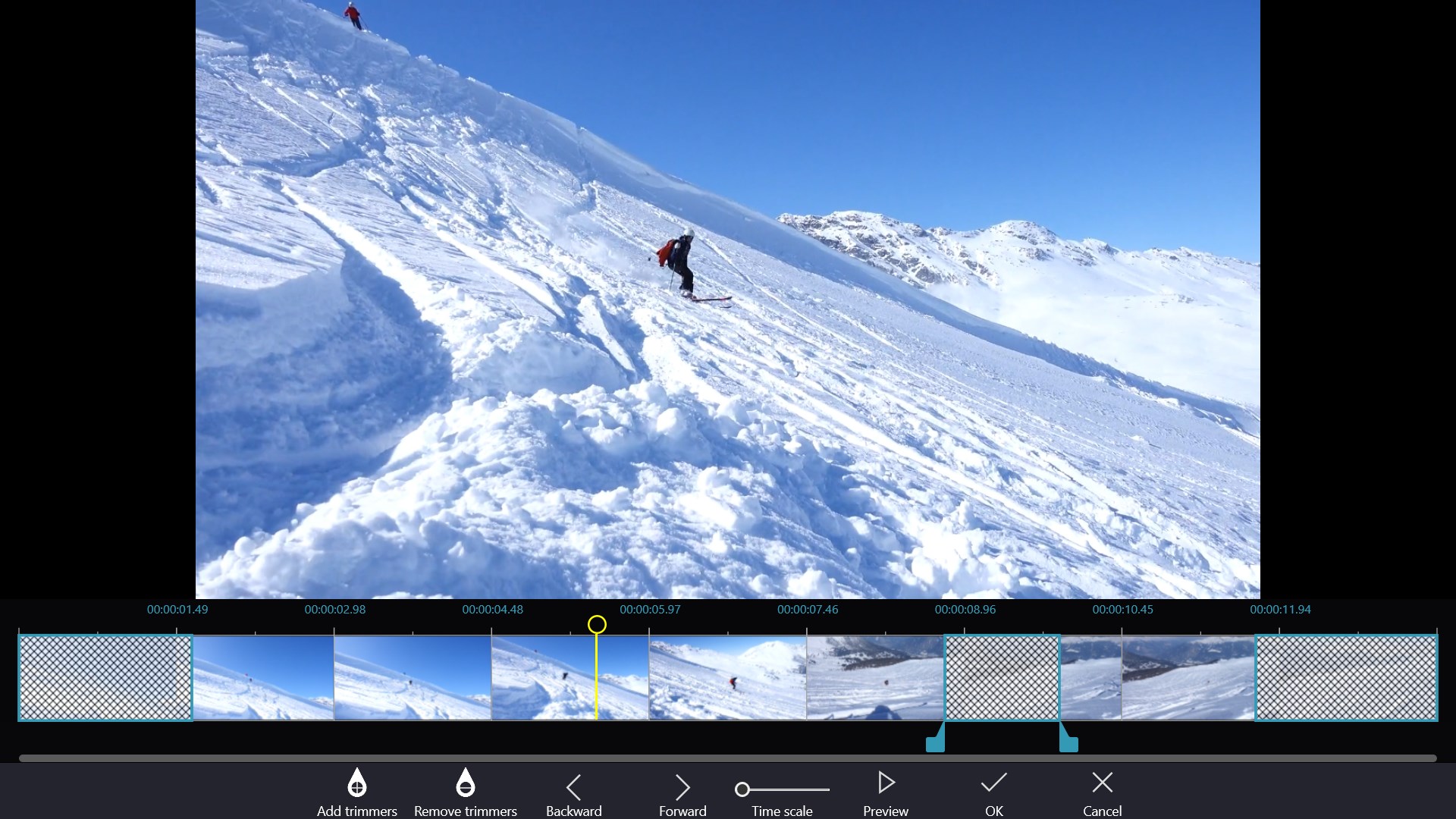
Powerful Features Full video editing tools: trim, split, join, rotate, crop, flip, mute, extract audio. Creative effects: animated text & titles, stickers, photo overlays, transitions (fade, zoom, ripple, pixelate.), green screen, video overlay, visual effects, censor & blur. Pro editing: voice-over recording, audio sync, soundtrack editor (trim, fade in/out, volume control). Advanced video options: slow motion (0.125x - 8x), video stabilization, color grading with built-in LUTs or custom.cube files.
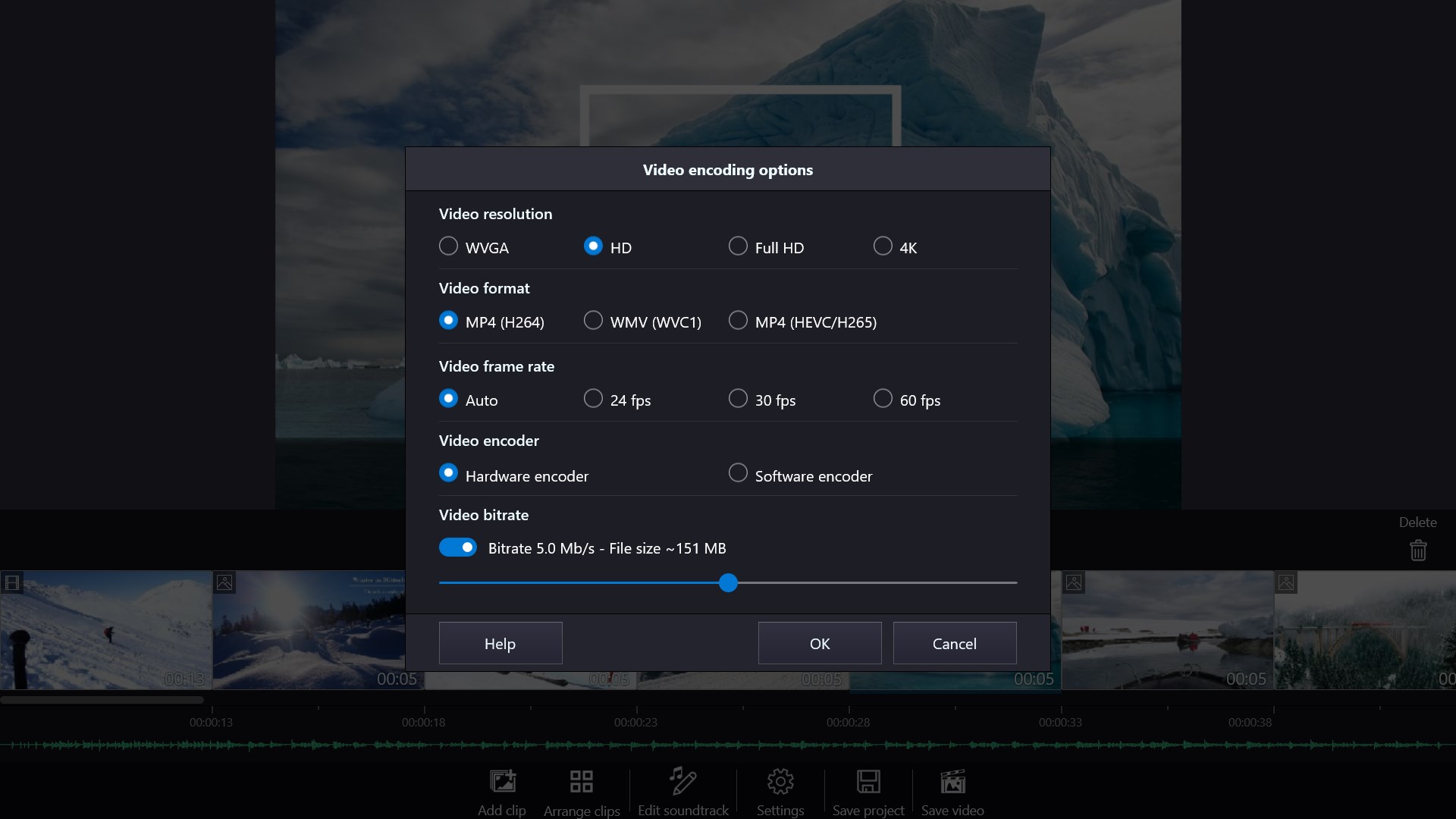
High-quality export: MP4 (H.264/Hevc H.265) or Wmv, up to 4K & 60fps. Quick tools: fast trim, crop, merge, convert video/photo, screen recording, create Dvd, and more. Why Choose Pro? One-time purchase - no subscription fees. Lifetime free updates. All premium tools unlocked. Perfect replacement for iMovie, CapCut, Filmora, or Movavi on Windows. Note: Some quick tools, including Convert Video, Record Screen, Convert Photo, Color Grading, Create Dvd, Transcriptor require downloading additional apps. Log in Microsoft Store with the same account that owns Movie Maker Video Editor Pro license then you will be able to get these apps at special discounted Free price. What's New (v3.x) AI-based image editing with prompts. Improved video transitions with flexible duration. Enhanced color grading with custom.
Features
New animated text templates. Faster, more stable editing experience. Disclaimer: Movie Maker Video Editor Pro is not affiliated with CapCut, YouTube, TikTok, Instagram, or other brands. The interface is organized for quick access to the most frequently used functions, reducing the time needed to complete common tasks. Advanced options are available for users who want to customize their experience and optimize the application for their workflow. Data sync and backup features help users keep their information safe and accessible across multiple devices when needed. The application supports a wide range of file formats and integrates with popular services to extend its usefulness.
Performance optimization ensures smooth operation even on older hardware, making it accessible to a broad user base. Comprehensive documentation and in-app guidance help new users get started quickly while power users can explore advanced capabilities. Users can organize content, apply filters, and access key functions through an intuitive layout that minimizes learning curve. Cross-platform support and cloud integration extend the application's reach across different devices and ecosystems. Built-in tutorials and contextual help ensure that users can discover and master features at their own pace. Performance optimization ensures smooth operation even on older hardware, making it accessible to a broad user base.
The interface is organized for quick access to the most frequently used functions, reducing the time needed to complete common tasks. Advanced options are available for users who want to customize their experience and optimize the application for their workflow. Data sync and backup features help users keep their information safe and accessible across multiple devices when needed. The application supports a wide range of file formats and integrates with popular services to extend its usefulness. Performance optimization ensures smooth operation even on older hardware, making it accessible to a broad user base.
Pros
- User-friendly interface for smooth experience
- Comprehensive feature set for various needs
- Regular updates and maintenance
- Widely used and well-reviewed
- Good value for the functionality offered
Cons
- May have a learning curve for new users
- Some features may require subscription
- Performance may vary by device
- Interface design could be improved
- Support availability may be limited
Top Software

AAVV CHAT
AAVV CHAT is a secure and simple chat application designed for private communication over ...

Actual Budget
Actual Budget is a fast, privacy-focused finance app based on the Envelope Budgeting metho...

AppControl Manager
✨ AppControl Manager is a modern secure app that provides easy to use graphical user inter...

Arattai
A safe space to connect with your friends and family Arattai is an easy-to-use instant...

Athan App
An Athan App that sends notifications to your desktop based on your location and settings....

BetterLyrics
* The free trial version is identical to the paid version — no feature limitations. ? Bet...

BPTrakr - Blood Pressure Tracker
BPTrakr - Blood Pressure Tracker for Windows. Designed expressly for Microsoft Windows des...

Christmas Snowfall
From the makers of the highly rated Peaceful Snowfall comes Christmas Snowfall featuring b...
Similar Apps

ChromaMagic
ChromaMagic - the magical color tool for artists. Have you ever been painting and said 'b...

FourClicks Media: Essential Photo Organizer, Converter & 4K Slideshow Creator
Stop Drowning in Digital Clutter!!! FourClicks Media is the essential offline toolkit th...

MP4 to MP3 & MP4 Video Converter
Convert MP4 to MP3, M4A to MP3 and M4B, M4P, M4R to MP4, MP3. And MP4 to WAV, MOV, MKV, A...

The Christmas Slideshow
Small slideshow with 7 beautiful winter and Christmas images with subtle animation and tra...

Media Player Max
The software allows you to play video and audio files. The software can play audio fil...

MOV to MP4 - MOV to MP3
Convert MOV to MP4, MOV to MP3. Also convert MOV to MKV, AVI, WMV, WEBM, MXF, M4V, ASF, VO...

AI Video Generator +
AI Video Generator – Text & Image to Video Create stunning videos with AI using text or i...

AI Video Maker + Creator
Turn Ideas Into Stunning Videos in Minutes Bring your imagination to life with AI Video M...