
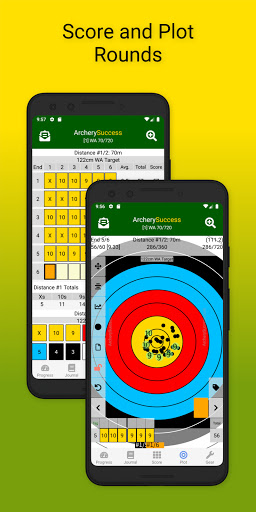
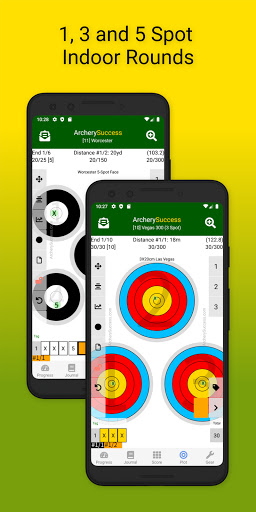
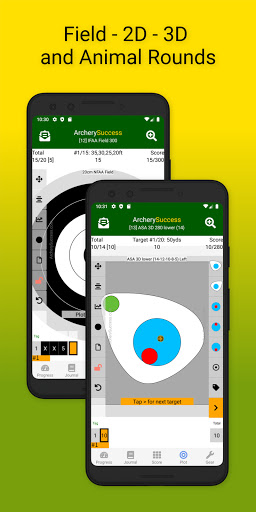
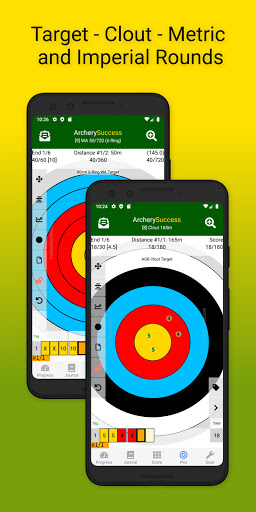
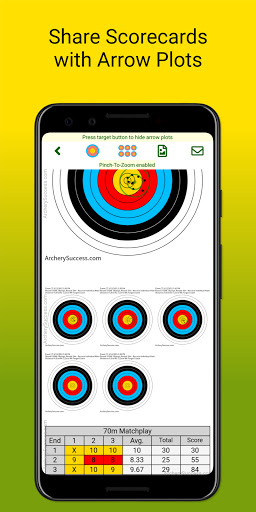
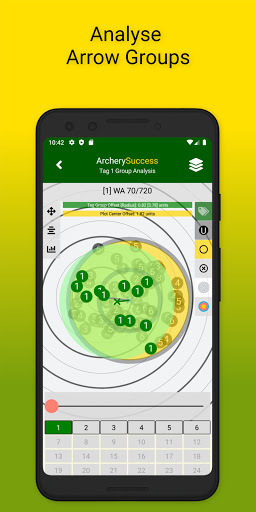
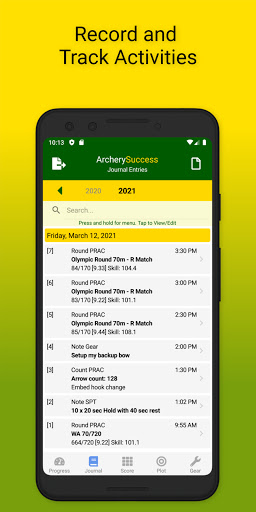
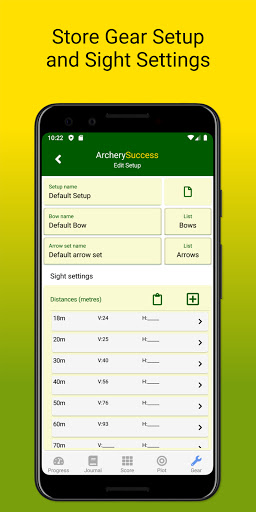

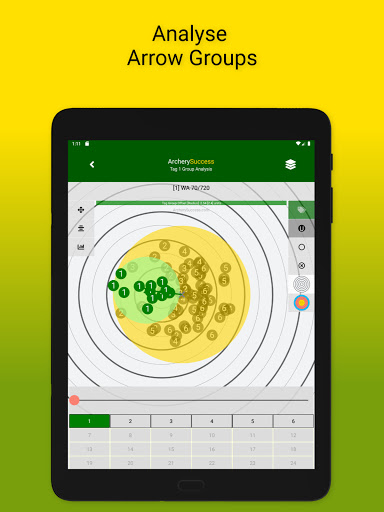


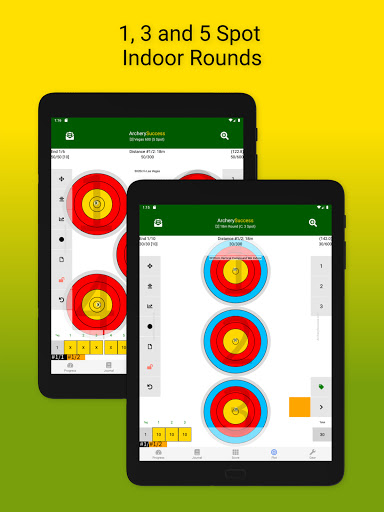
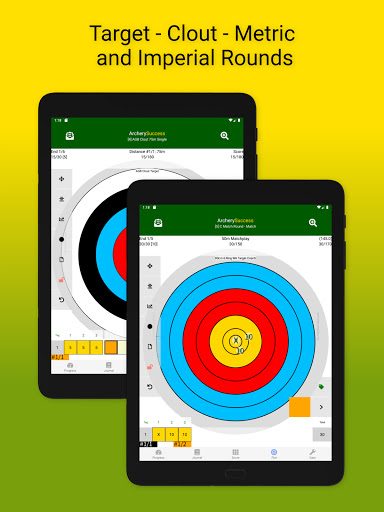
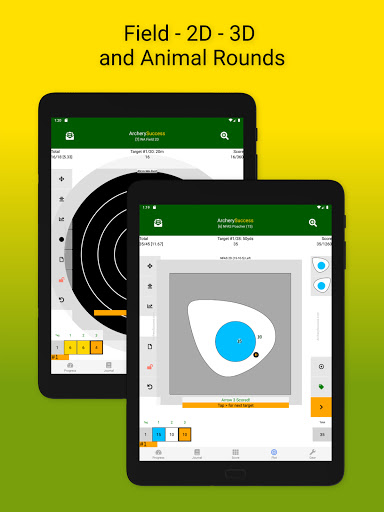


Archery Success - Score & Plot is a comprehensive archery scoring app designed for archers of all levels, from beginners to elite competitors. The application serves as an essential digital companion for archers, offering features such as score tracking, arrow plotting, and detailed journaling capabilities. Users can maintain records of their scores, analyze arrow groupings, and manage gear setups efficiently.
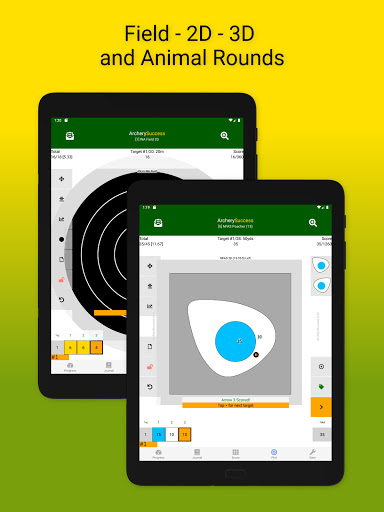
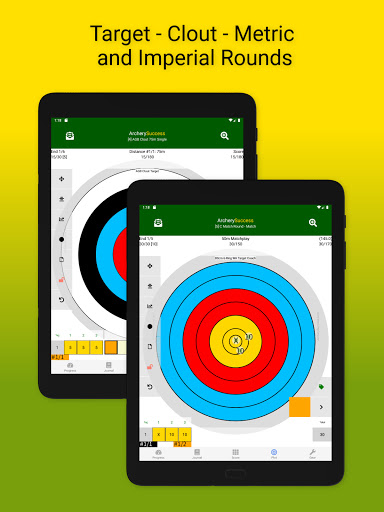
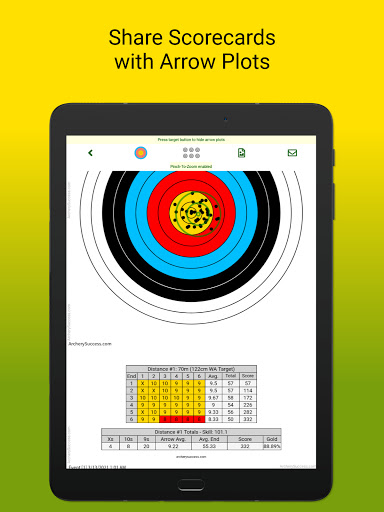
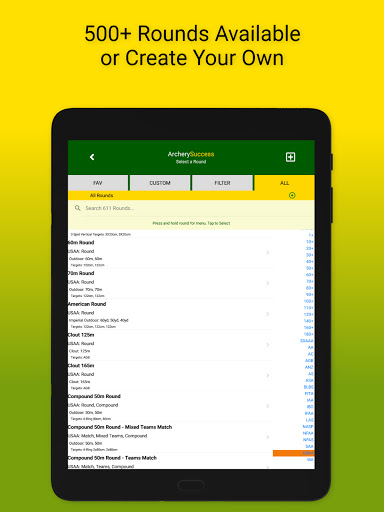
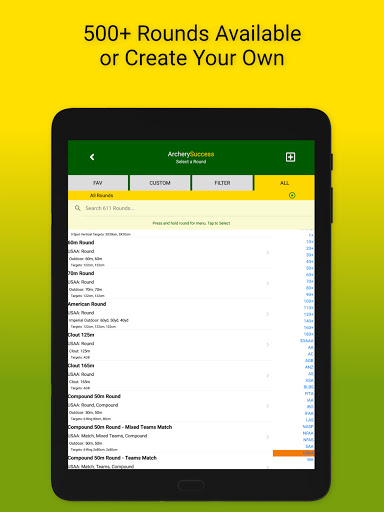
This app stands out by calculating the archer's skill level and handicaps per round, providing valuable insights into training progress. With support for over 600 built-in round types and customizable options, it caters to various archery disciplines worldwide. Archery Success streamlines communication between archers and coaches through uniform reporting and enables users to compile weekly progress reports effortlessly.
Whether you're looking to track personal bests or streamline your training regimen, Archery Success offers tools that save time and enhance performance. Its utility extends beyond mere record-keeping; it's a platform for growth and improvement in the sport of archery.
Archery Success boasts a robust set of features tailored to meet the needs of modern archers. One of its main highlights is the Progress Tab, which automatically compiles weekly progress reports and displays informative graphs showing arrow averages and counts against weekly targets. This tab helps archers visualize their improvement over time and adjust their training accordingly.
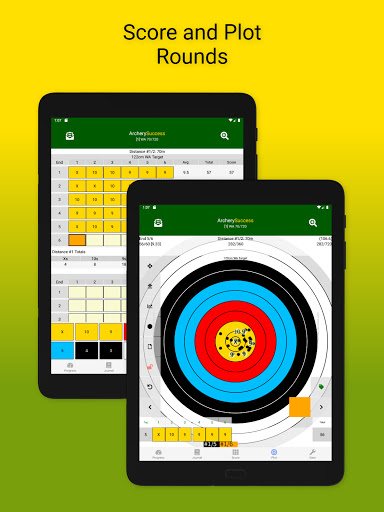
The Journal Tab provides a searchable list of notes and rounds, functioning as an archery diary where users can log details about gear, nutrition, and training activities. Meanwhile, the Score Tab allows archers to select and score rounds using a color-coded keypad, create custom rounds, and update scores in real-time throughout the app.
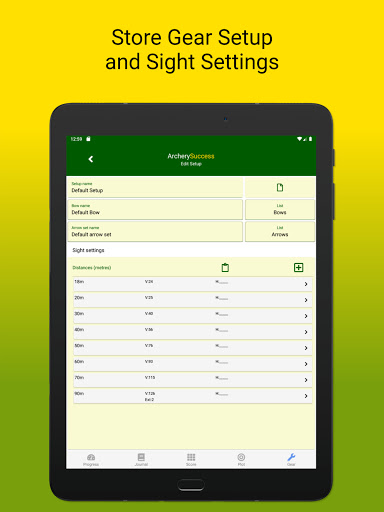
In addition, the Plot Tab facilitates precise arrow plotting with zoomable target faces and quick navigation buttons, while the Gear Tab enables tracking of gear setups including bows, arrows, and sight settings. These features collectively ensure that every aspect of an archer's practice and competition is meticulously documented and analyzed.
User-friendly interface
Comprehensive scoring system
Real-time progress tracking
Customizable round types
Detailed gear management
Steep learning curve
Premium feature costs
Limited offline functionality
Occasional bugs reported
Heavy on device resources

Realistic golf, real courses
 4.10
4.10
Online multiplayer golf game. Play online golf games with your friends
4.60
Play one of most famous lawn games in America called foot bag toss family games!
4.30
Build and play your own team! Baseball at your fingertips! BASEBALL NINE!
4.60
Play eFootball™ with users around the world!
4.10
Pixel Cup Soccer is a retro-style arcade game, just the fun part of soccer!
4.00
Realistic PvP Multiplayer Dart game blending sports games and simulation fun!
4.50
NHL scores for Wear OS. Quickly see all NHL game details, standings & schedules+
4.3
Gym Calendar & check-in for Buckeye Pole Vault Academy athletes, parents & admin
4.4
Retro Basketball Simulation
4.80
Feel combo thrills in Challenge! Aim, strategize, and master your billiard skill
4.60
Play football like it's 1987! Classic retro arcade action and franchise mode.
4.60
Build your dream soccer team!
4.50
Score stunning goals and outsmart defenders on your path to football glory!
4.40
Enjoy an easy to play multiplayer Baseball game!
4.40
Out of the Park Baseball Go is a strategy & sports gaming fan’s dream come true.
4.40
Fun multiplayer golf game! Prove you’re a golf legend and play with friends!
4.40
Pro Freestyle Football
3.20
Webcam based exercise and learning game with rock climbing!
4.1


User Reveiws