Baby Games: Piano & Baby Phone

4.50

Information

Category:

Educational

Price:

Free

Rank:

N/A

Rating:

4.50

Overview

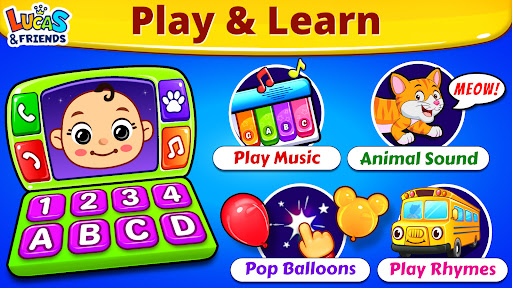
Baby Games: Piano & Baby Phone is an educational app designed to entertain and educate babies and toddlers through a variety of interactive mini-games. The app features activities such as matching animal sounds with pictures, popping balloons, and exploring musical instruments, all within a colorful and child-friendly interface.

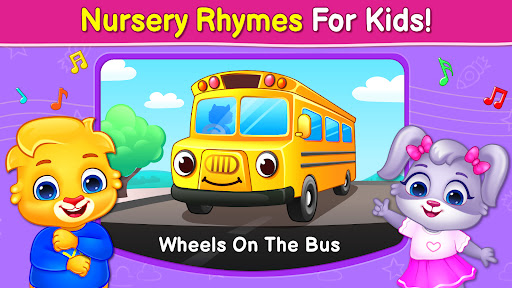
The app's core function is to provide a safe and engaging environment where children can develop essential skills such as attention, memory, and fine motor control. With nursery rhymes, baby songs, and rhyming games, it also fosters language development and auditory skills. Suitable for children aged six months to two years, this app offers a range of activities that cater to different interests and developmental stages.

Features

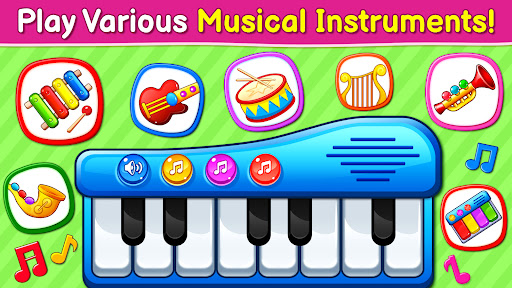
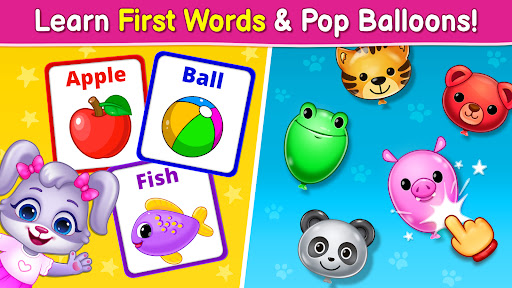
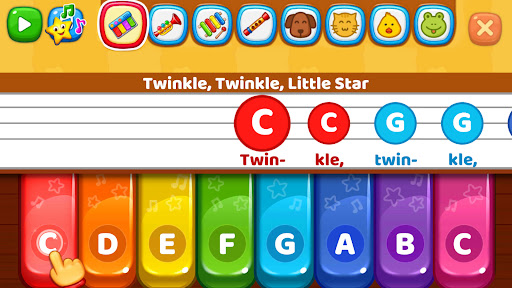
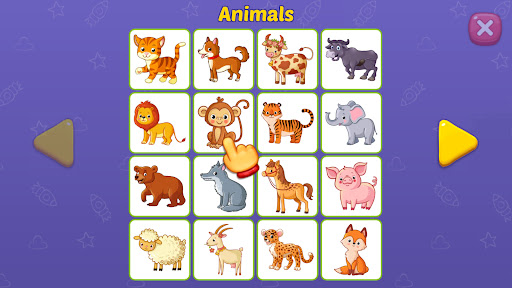
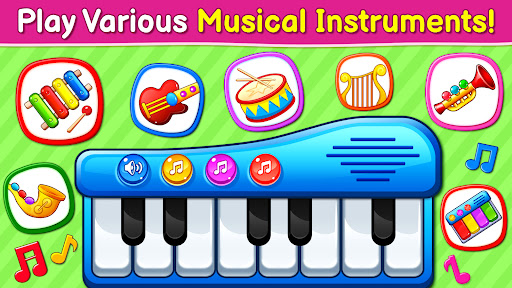
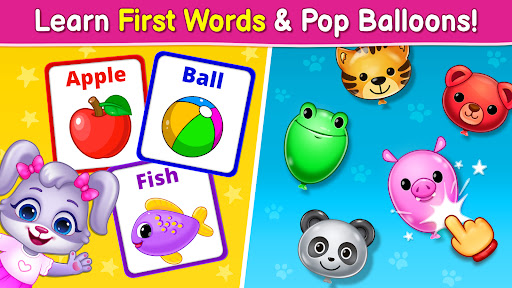
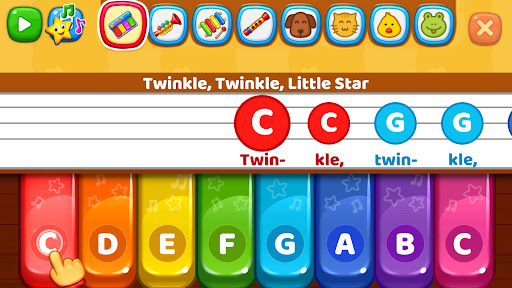
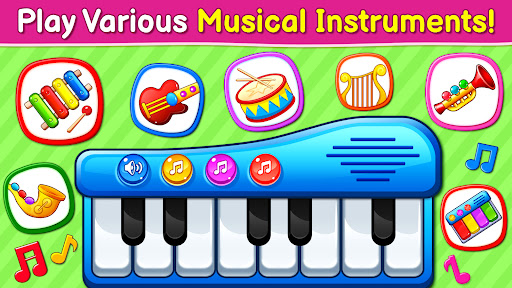
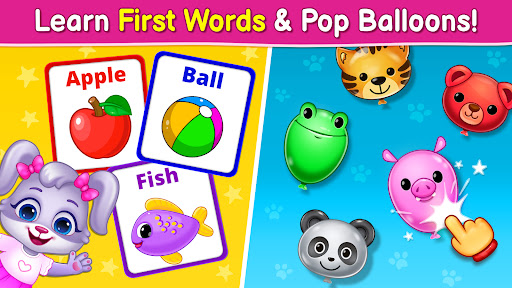
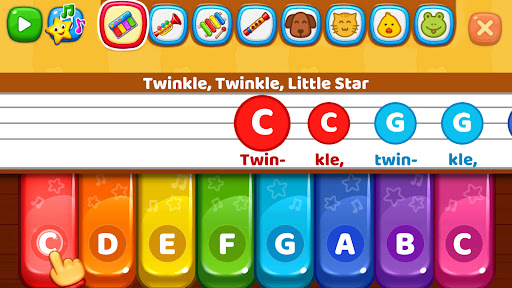
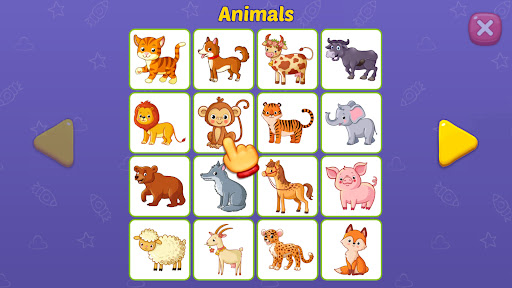
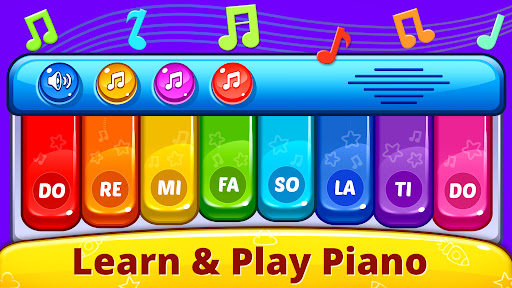
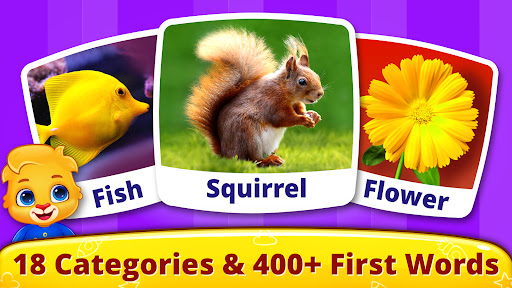
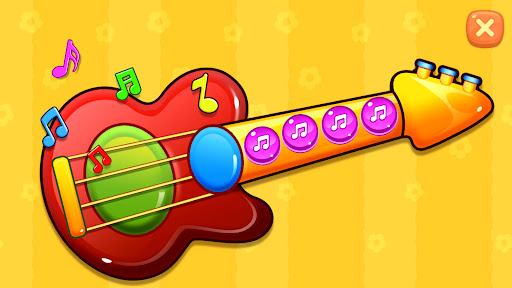
Baby Games stands out with its diverse selection of mini-games tailored for young children. The First Words game helps kids learn animal sounds and names through interactive matching, while the Music Room allows them to experiment with various musical instruments like pianos and xylophones, promoting creativity and sound recognition.

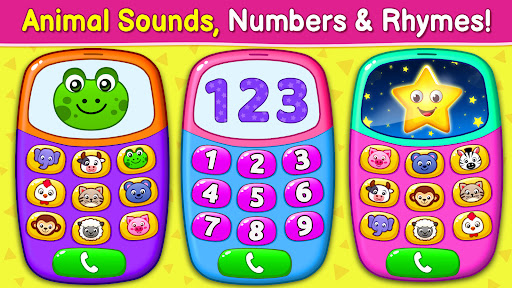
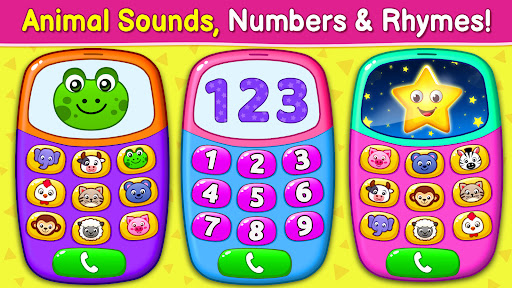
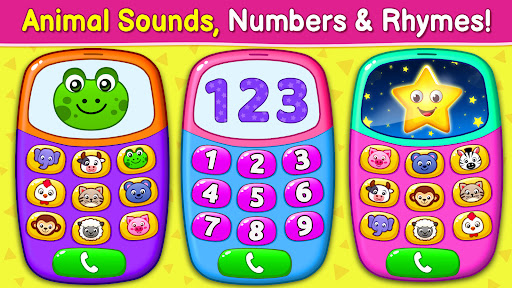
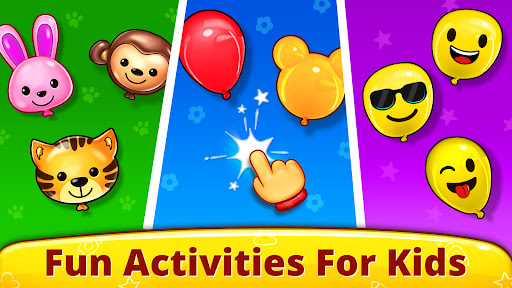
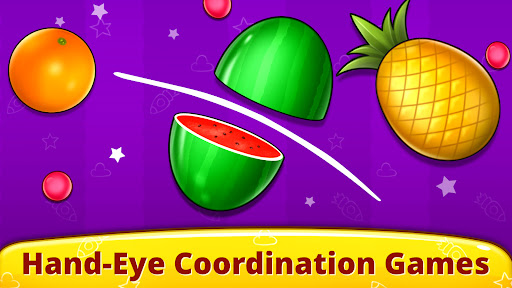
Additional features include Pop 'n Play, where children can pop balloons and smash fruits to improve their coordination, and a Fireworks mode that lets them create dazzling light shows with simple touch gestures. The Baby Phone feature simulates phone calls with animals, teaching numbers, animal sounds, and even playing lullabies, making learning both fun and intuitive.

Content authority & curriculum alignment

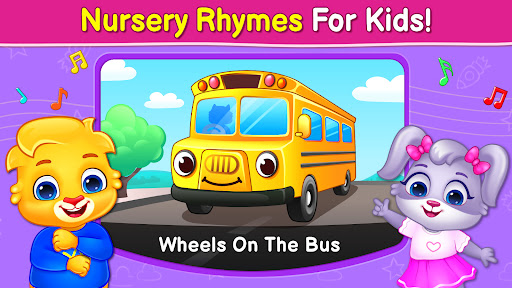
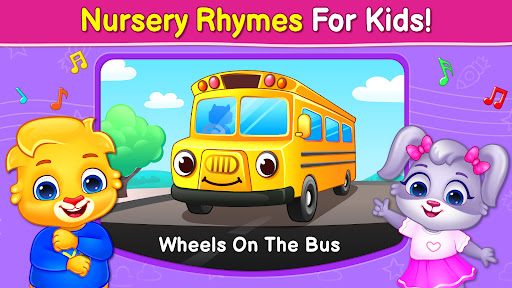
In the realm of educational applications for children, content authority and curriculum alignment stand as pivotal elements that determine the app's effectiveness in facilitating learning. For Baby Games: Piano & Baby Phone, these aspects are meticulously crafted to ensure that young learners receive age-appropriate and pedagogically sound experiences. The app encompasses a variety of activities such as First Words, Music Room, Pop 'n Play, Fireworks, and Baby Phone, each designed with an underlying educational framework that aligns with early childhood developmental milestones. The First Words game, for instance, introduces toddlers to animal sounds and images, fostering language acquisition and auditory discrimination skills. Meanwhile, the Music Room segment offers an exploratory platform where kids can engage with musical instruments, promoting an understanding of sound patterns and rhythm, which are crucial components of music education. The app refrains from incorporating third-party advertisements or in-app purchases, reflecting a commitment to providing a focused learning environment devoid of commercial distractions. This dedication is further emphasized by the developers' adherence to a strict protocol against exposing young users to unsuitable content. By integrating nursery rhymes like the ABC alphabet song and Twinkle Twinkle Little Star, the app not only entertains but also imparts foundational literacy and numeracy concepts. Such content is carefully selected to resonate with preschool curricula, ensuring that while children revel in playful interactions, they simultaneously embark on essential learning trajectories. Parents can be assured that their children are engaging with authoritative content that has been thoughtfully aligned with educational standards, thus supporting cognitive, emotional, and social development during formative years.

Gamification-learning integration

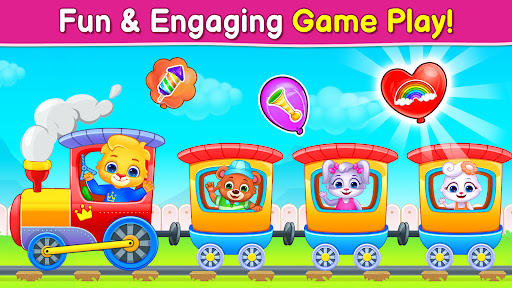
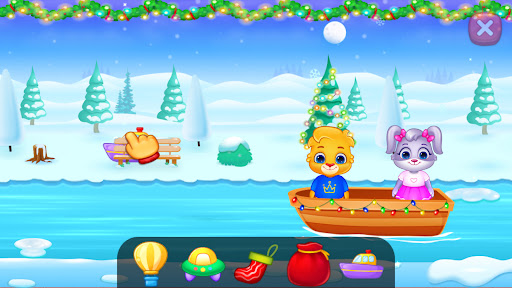
The fusion of gamification elements with educational objectives in Baby Games: Piano & Baby Phone creates an immersive learning atmosphere that captivates young minds while imparting critical knowledge and skills. Gamification involves the application of game-design elements in non-game contexts, and in this app, it manifests through interactive mini-games that transform learning into an enjoyable adventure. Each activity within the app is imbued with vibrant visuals, engaging animations, and responsive touch interactions that stimulate curiosity and sustain attention. For example, the Pop 'n Play feature invites children to pop balloons and smash fruits, actions that inherently appeal to their sense of fun while concurrently honing fine motor skills and hand-eye coordination. Similarly, the Fireworks section allows kids to create spectacular light displays by simply tapping or dragging across the screen, introducing them to cause-and-effect relationships in an entertaining manner. The Baby Phone module elevates this integration by simulating real-world scenarios where children can make pretend calls to animals, thereby learning about different species and their corresponding sounds. This simulation approach extends to teaching numbers, nursery rhymes, and lullabies, effectively embedding educational content within familiar play patterns. Furthermore, the app's design prioritizes simplicity and ease of use, enabling even the youngest users to navigate confidently and independently. As children progress through various levels and challenges, they accumulate experiences that bolster memory retention, observational acumen, and problem-solving abilities. The absence of competitive scoring systems or time pressures ensures that learning remains stress-free and intrinsically motivating. Consequently, Baby Games: Piano & Baby Phone exemplifies how judiciously implemented gamification strategies can significantly enhance educational outcomes, making it an invaluable resource for parents seeking to enrich their child's early learning journey with delightful and meaningful digital encounters.

Props

User-friendly interface

Educational content

Engaging mini-games

Safe for children

Completely free

Cons

Limited to young children

No advanced features

Simple graphics

Repetitive gameplay

Occasional bugs

Features and Functions

What is this app and what can I use it for?

An educational app for babies with interactive games and nursery rhymes

How do I download and install this app on my device?

Download from Google Play Store and install by following on-screen instructions

How do I get started after opening the app for the first time?

Explore the main menu to access different mini-games and activities

What are the main features and capabilities of this app?

Interactive games, music room, nursery rhymes, and virtual phone calls

How can I customize my experience and adjust preferences?

Adjust volume and select preferred mini-games from the main menu

How do I save or bookmark my favorite content for later access?

Not applicable as the app does not include bookmarking features

How can I share content with friends or on social media?

Share app link via supported social media or messaging apps

How do I access detailed information and explore more content?

Tap on different sections to explore more games and sounds

What permissions does this app need and how do I manage them?

App requires basic permissions; manage in device settings

How do I check for updates and keep the app running smoothly?

Check Google Play Store for updates and ensure smooth performance
Show more

User Reveiws

{{ comment.reviewer_name }}
{{ comment.review_date_formatted}}
{{ comment.review_content }}
{{ tab.name }}
{{ comment.reviewer_name }}
{{ comment.review_date_formatted}}
{{ comment.review_content }}
No reviews with this rating