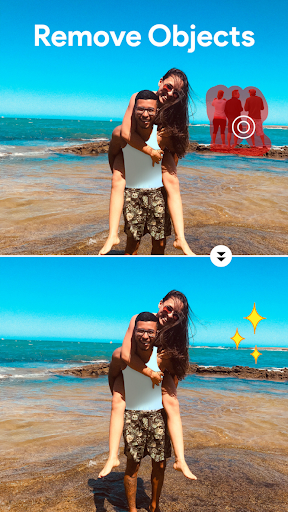


Beauty Camera Selfie Makeup is a comprehensive photo editing application designed to enhance your selfies and videos with professional-level tools. The app offers an array of features including makeup filters, beauty effects, and virtual makeover options that cater to both casual users and beauty enthusiasts.
With its innovative AI technology, the app allows users to apply flawless skin smoothing, experiment with various hairstyles, and even change hair colors virtually. It also includes creative photo collage capabilities and advanced editing tools like object removal and background replacement, making it a one-stop solution for all your beauty and photo enhancement needs.
Whether you're looking to perfect your daily selfies or create stunning photo collages, Beauty Camera Selfie Makeup provides the tools to express your unique style. Its intuitive interface ensures that users can effortlessly achieve their desired look, while the option to subscribe for premium features offers access to exclusive content and enhanced functionality.
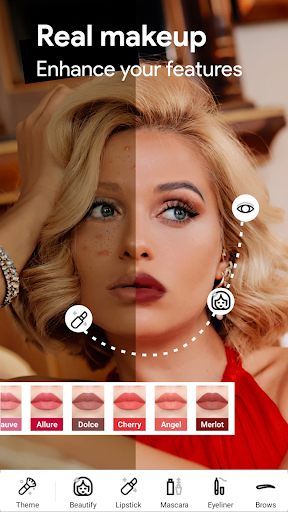
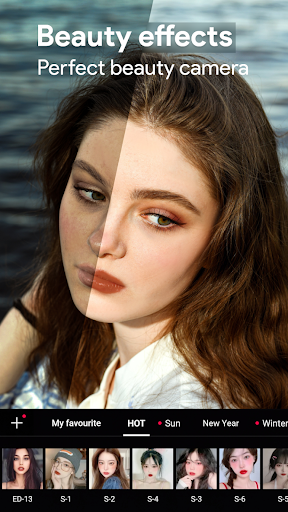
Beauty Camera Selfie Makeup stands out with its diverse feature set tailored for beauty enhancement. The app's Enhanced Makeup Camera lets users instantly beautify their selfies with skin-smoothing filters and blemish removal, ensuring a polished appearance in every shot.
The app also includes a Virtual Face Makeup tool that enables users to experiment with different makeup styles such as lip colors, blushes, and eye makeup. Additionally, the Hair Color Changer feature allows users to try trendy hair shades without visiting a salon, while the Professional Blur Effect adds an artistic touch to photos.
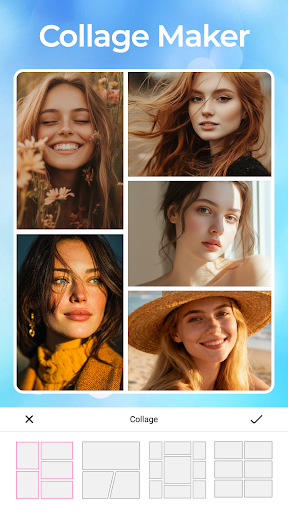
Other notable features include the AI Object Remover for cleaning up unwanted elements from photos, a one-click Background Remover for creative background changes, and a High-Quality Photo Collage Maker for combining multiple images into customized layouts. These robust tools collectively empower users to transform their photos into personalized works of art.
User-friendly interface
Wide range of beauty tools
Advanced AI features
Versatile editing options
Regular updates
Premium subscription required
Some features may overwhelm new users
Occasional ads in free version
Limited free trial period
High demand on device resources

Glow up with science: cosmetics, ingredients scanner, tracking & face analysis
 4.10
4.10
Your Personal Stylist for Smart Shopping, Beauty & Styling Outfits.
4.3
Professional HD Camera App: Capture Bright HD Selfie & Record Stunning Moments
4.40
True mirror app with zoom, LED light, for makeup & shaving anywhere!
4.20
Beauty/age defining ai coach guides you through the exercises in daily routine.
3.30
Beauty Camera & Selfie Camera snap Beauty selfie with filter, makeup, stickers
4.80
DSLR Hd camera capture high quality 4k hd picture with filters and blur editor
4.50
Monthly Perfume Subscription
4.70
Top brand haircare & fragrance
4.60
Beauty camera & Selfie camera for perfect selfie with filter, sticker, makeup
4.70
Beauty Camera - Selfie Camera with beauty editing tool, makeup, filter, sticker
4.60
Selfiechat Filters for amazing photos with Funny face filters
4.60
Shop Smarter, Dress Better, and Shine Brighter!
4.10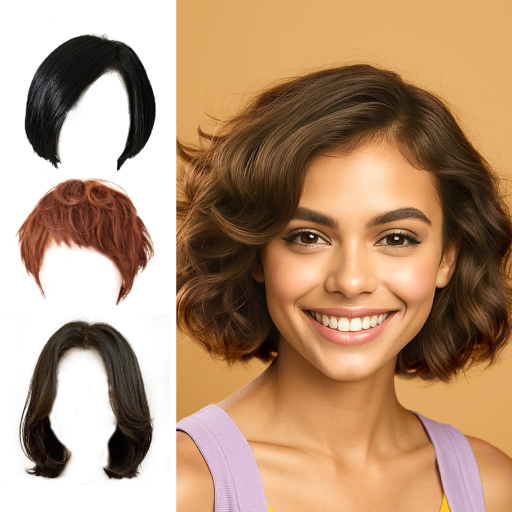
Try on different hairstyles and hair colors, glasses and jackets | Cartoon face
4.10
The all new Cosmo Prof app offers exclusive pro products, deals, and training.
4.00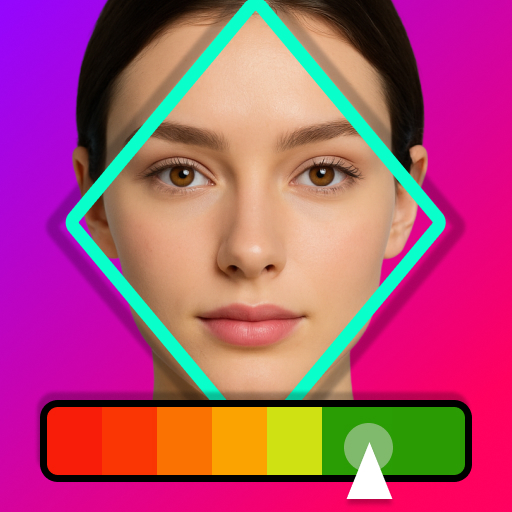
Enhance Your Look with Face Analysis, Hair Style Changer, Beauty Score, Rating
3.90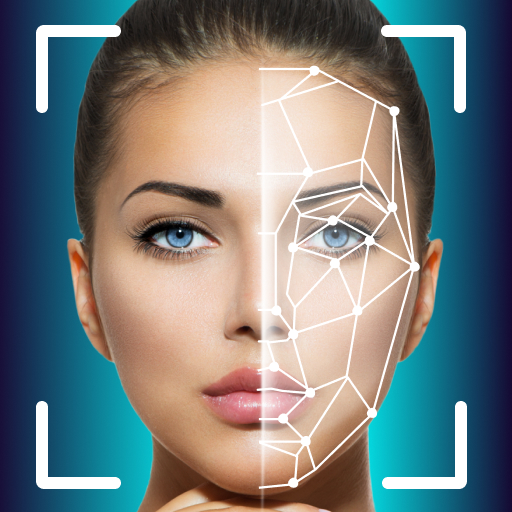
Intelligent Beauty calculator tool! Face scale and face symmetry in one app!
3.80
Create, design and dress up your own beautiful characters in cute fashion styles
3.50
Enjoy convenience wherever you are with the Tune Up, The Manly Salon app.
3.20


User Reveiws