
Best Buy

4.70

Information

Category:

Shopping

Price:

Free

Rank:

8

Rating:

4.70

Overview

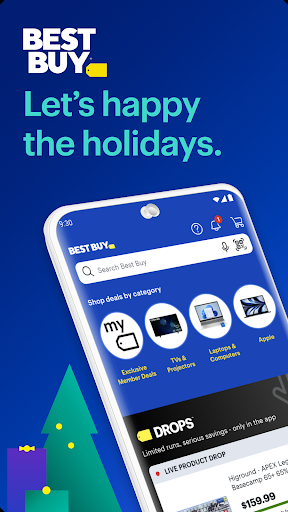
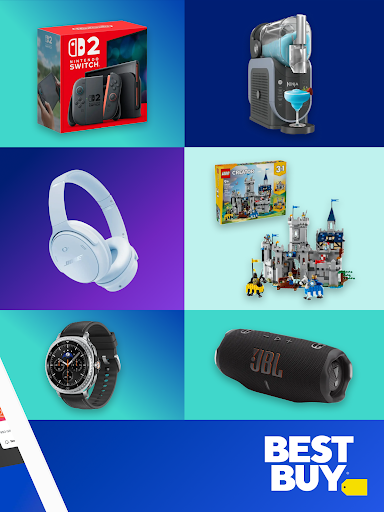
Best Buy is a premier shopping application designed for tech enthusiasts and home improvement seekers alike. The app provides an extensive selection of electronics, appliances, and gadgets with exclusive online deals. Users can enjoy features like Price Match Guarantee, augmented reality visualization, and curbside pickup options. With seamless navigation and 24/7 access, it ensures a convenient shopping experience from any device.

The app stands out by offering not only Best Buy's own products but also items from third-party sellers through the new Best Buy Marketplace. This includes everything from smart home devices to musical instruments. Whether you're looking for the latest gaming console or essential kitchen appliances, Best Buy consolidates all your needs into one platform, making it the ultimate destination for tech and home solutions.

Features

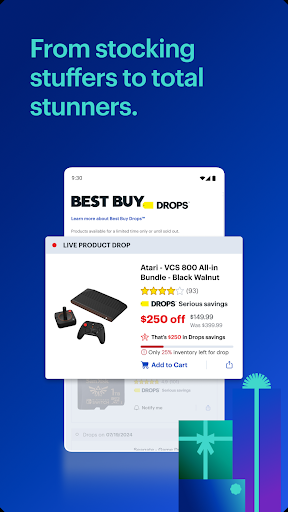
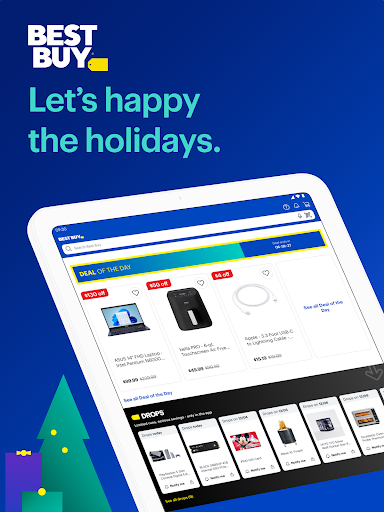
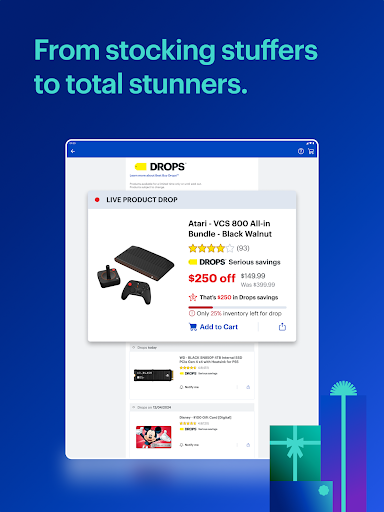
Best Buy app boasts a variety of innovative features tailored for an optimal shopping experience. One standout feature is the Price Match Guarantee, ensuring users get the best possible prices on their purchases. Additionally, the Deal of the Day section offers substantial savings on cutting-edge electronics, while real-time notifications keep users updated on top sales.

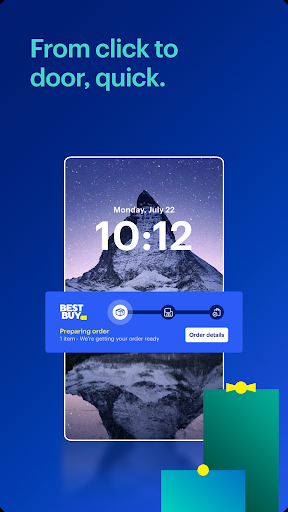
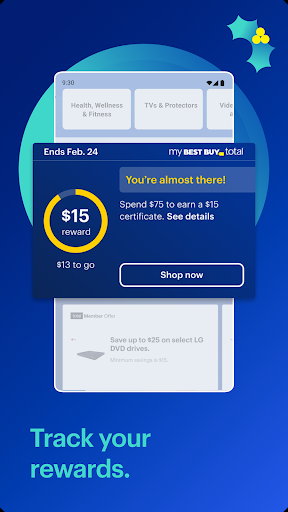
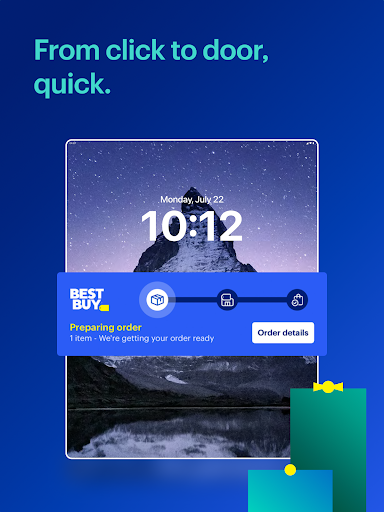
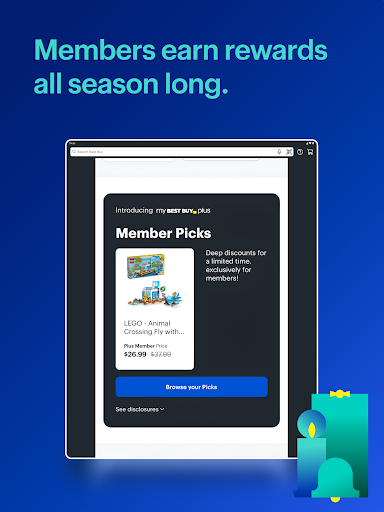
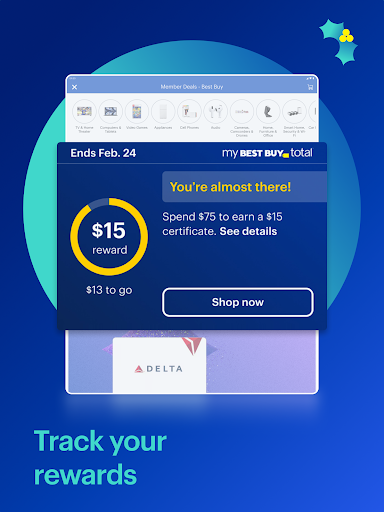
Another remarkable feature is the augmented reality (AR) tool, allowing customers to visualize products in their space before buying. The app also supports curbside pickup, enabling users to order online and pick up in-store effortlessly. Furthermore, integration with My Best Buy Plus™ or My Best Buy Total™ memberships unlocks exclusive tech deals, enhancing the overall value proposition for loyal customers.

Product variety & categorization

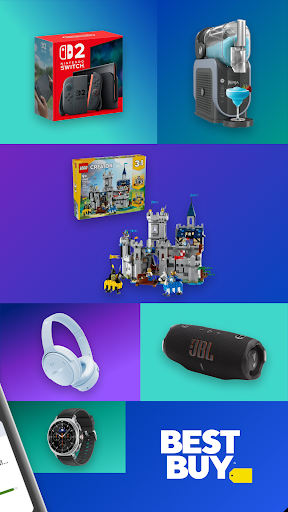
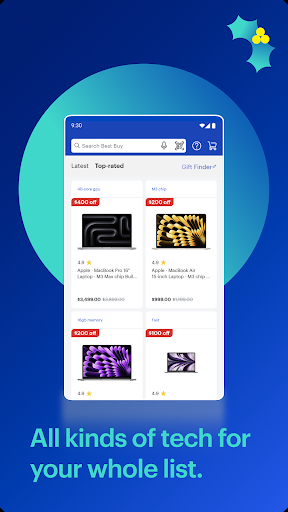
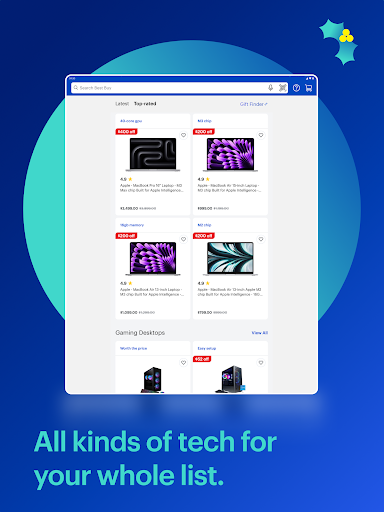
The Best Buy app offers an extensive range of products that cater to various consumer needs making it a one-stop destination for all tech-related shopping. The app's product variety spans across multiple categories including appliances electronics gadgets and more. Each category is meticulously organized ensuring that users can easily navigate through different sections to find exactly what they are looking for. For instance the electronics section includes smart TVs gaming consoles laptops and other computer electronics while the appliances category covers blenders coffee makers kitchen appliances washers and dryers among others. This comprehensive categorization not only enhances user experience by simplifying the search process but also allows customers to explore related items within their area of interest. Furthermore the app features exclusive collections such as the Best Buy Marketplace which introduces third-party seller items complementing the existing product lineup. These additions include officially licensed sports memorabilia small appliances furniture for indoor outdoor and office spaces seasonal shopping deals and musical instruments. By providing such a diverse selection of products the Best Buy app ensures that shoppers have access to everything from cutting-edge technology to essential home appliances. The ability to browse through detailed ratings and reviews further aids in decision-making offering insights into product performance and customer satisfaction. Overall the app's commitment to maintaining a wide array of high-quality products coupled with intuitive navigation tools makes it an invaluable resource for anyone seeking to purchase top-notch gadgets and appliances.

Pricing transparency & competitiveness

One of the standout features of the Best Buy app is its dedication to pricing transparency and competitiveness ensuring that customers receive the best possible value for their purchases. The app implements a Price Match Guarantee policy which means if a customer finds a lower price on a qualified item from a competitor Best Buy will match that price. This assurance provides peace of mind to shoppers who no longer need to worry about overpaying for their desired products. Additionally the app regularly updates its pricing based on market trends and competitor offerings ensuring that users always have access to current and competitive rates. To further enhance transparency the Best Buy app highlights ongoing sales and promotions prominently within the interface. Features like the Deal of the Day offer substantial savings on selected electronics allowing budget-conscious consumers to acquire premium products at reduced prices. Moreover members of the My Best Buy Plusu2122 or My Best Buy Totalu2122 programs gain access to exclusive tech deals that are not available to non-members. These personalized offers add another layer of value demonstrating the app's commitment to rewarding loyal customers. Real-time notifications about top sales on appliances gadgets and must-have electronics keep users informed about limited-time opportunities ensuring they never miss out on significant discounts. With these strategies in place the Best Buy app successfully maintains a competitive edge in the retail market while fostering trust and loyalty among its user base. By prioritizing clear communication regarding costs and savings the app empowers consumers to make informed purchasing decisions without any hidden surprises.

Props

User-friendly interface

Extensive product range

Price Match Guarantee

Augmented reality feature

Curbside pickup option

Cons

Limited international availability

Occasional app glitches

Membership required for best deals

Heavy app size

Inconsistent customer support

Features and Functions

What is this app and what can I use it for?

Best Buy app offers deals on electronics and appliances with features like Price Match and AR visualization.

How do I download and install this app on my device?

Visit Google Play Store, search for Best Buy, tap Install, and open after download completes.

How do I get started after opening the app for the first time?

Sign in or create an account, then browse featured deals or use the search bar to find products.

What are the main features and capabilities of this app?

Key features include Price Match, AR visualization, curbside pickup, and exclusive membership deals.

How can I customize my experience and adjust preferences?

Adjust preferences in Settings to customize notifications, store location, and preferred categories.

How do I save or bookmark my favorite content for later access?

Use the Wishlist feature to save favorite items for future reference within the app.

How can I share content with friends or on social media?

Tap Share button on product pages to send links via social media platforms or messaging apps.

How do I access detailed information and explore more content?

Explore detailed specs and reviews under each product listing for comprehensive information.

What permissions does this app need and how do I manage them?

The app requires permissions for location and notifications; manage these in device settings.

How do I check for updates and keep the app running smoothly?

Enable auto-updates in Google Play Store settings to keep Best Buy app current and running smoothly.
Show more

User Reveiws

{{ comment.reviewer_name }}
{{ comment.review_date_formatted}}
{{ comment.review_content }}
{{ tab.name }}
{{ comment.reviewer_name }}
{{ comment.review_date_formatted}}
{{ comment.review_content }}
No reviews with this rating