
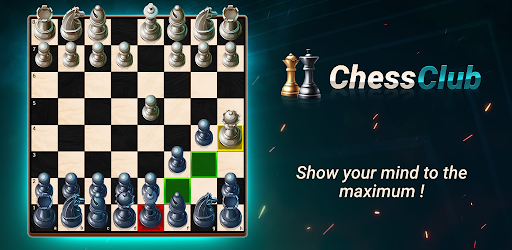
Chess - Offline Board Game

4.80

Information

Category:

Board

Price:

Free

Rank:

N/A

Rating:

4.80

Overview

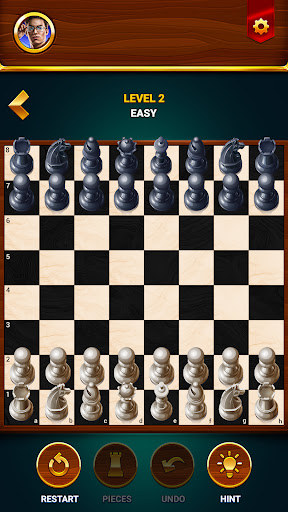
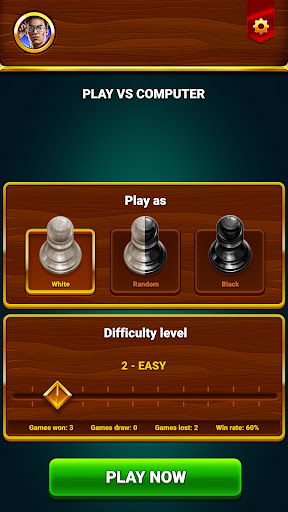
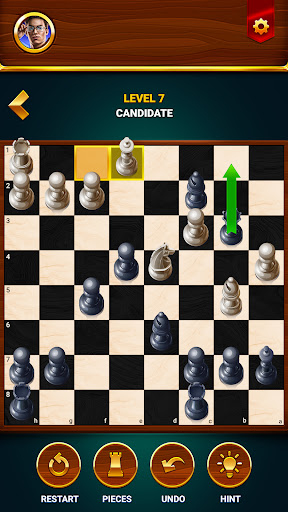
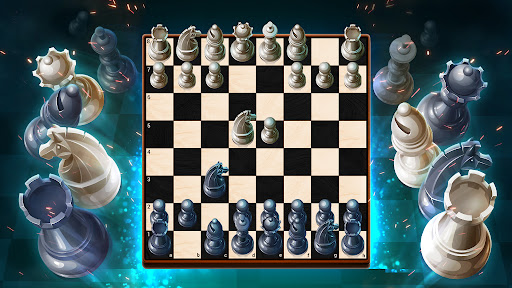
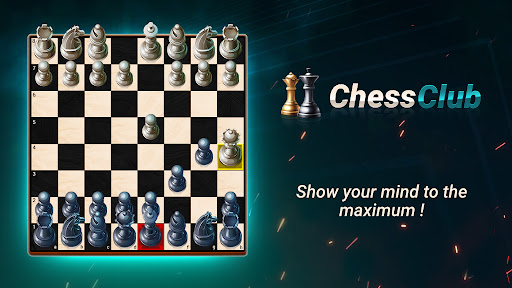
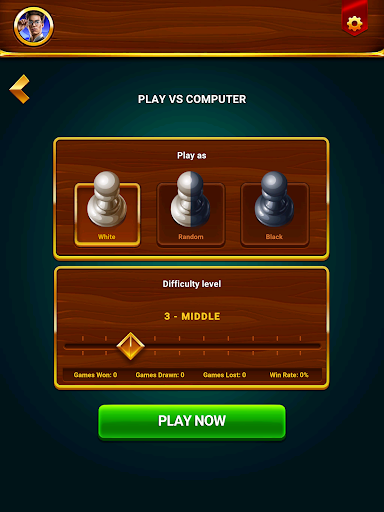
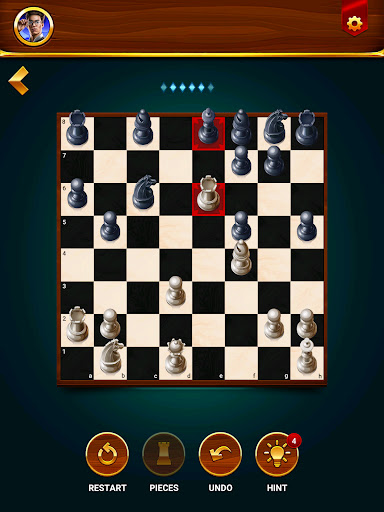
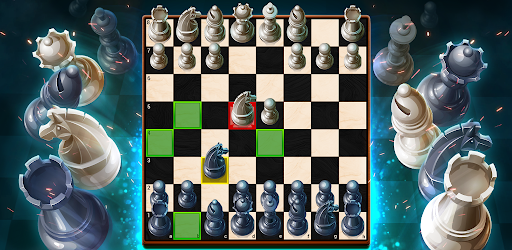
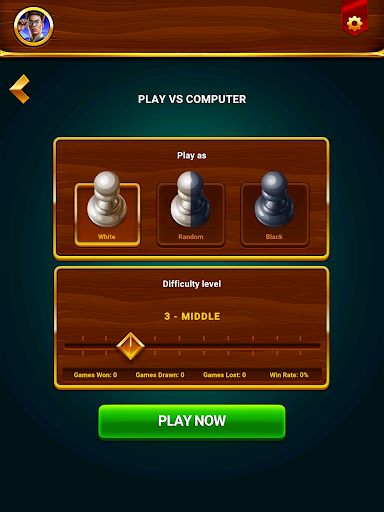
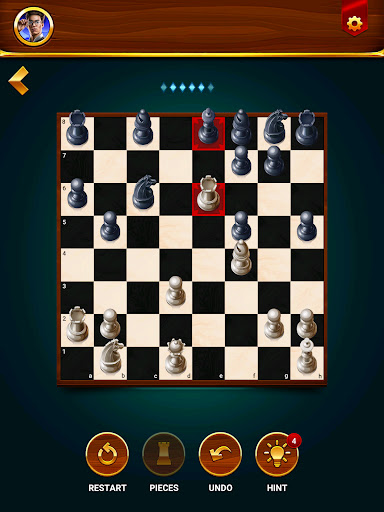
Chess - Offline Board Game is a versatile chess app designed for players of all skill levels. Whether you are a beginner or an experienced chess master, this app offers unlimited free games in both 2D and 3D formats. You can play offline against computer opponents with adjustable difficulty levels, challenge friends in two-player mode, and solve daily chess puzzles to enhance your strategy skills.

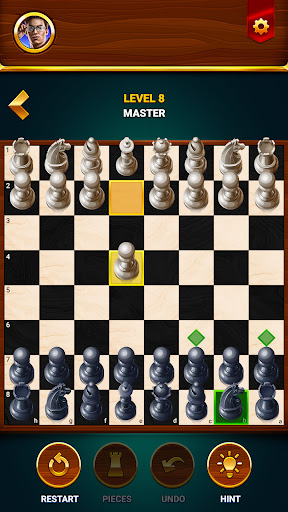
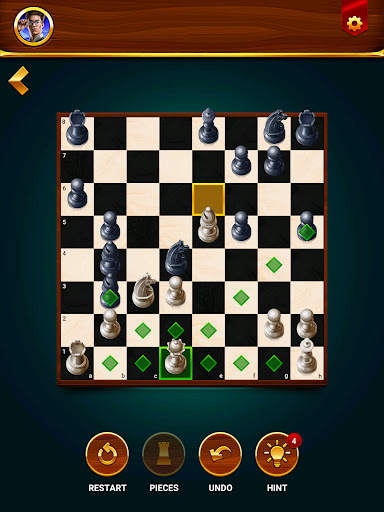
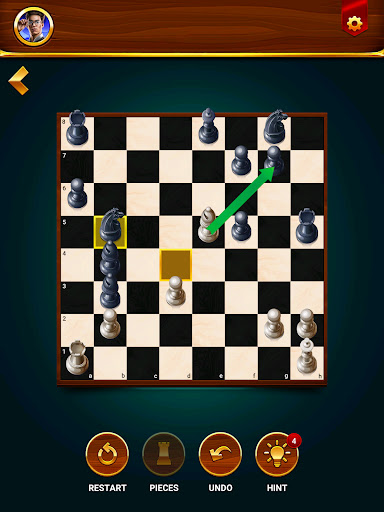
The app also features an interactive learning program that helps users develop their chess skills through tutorials and tips. With additional elements like hints, undo options, and game statistics, it provides a comprehensive chess experience. The multilingual support makes it accessible to a global audience, ensuring everyone can enjoy the timeless appeal of chess while improving their cognitive abilities and problem-solving skills.

Features

This chess app stands out with its diverse gameplay modes and educational features. The offline play capability allows users to enjoy unlimited games without an internet connection, choosing from various difficulty levels to suit their playing style. The two-player mode lets you challenge friends on the same device, creating an engaging social experience.

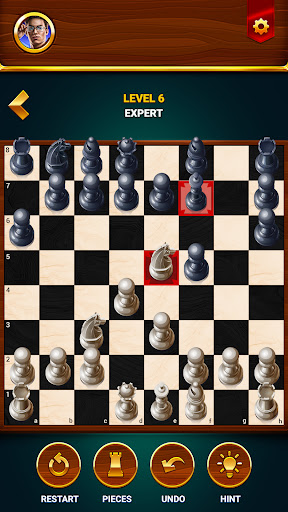
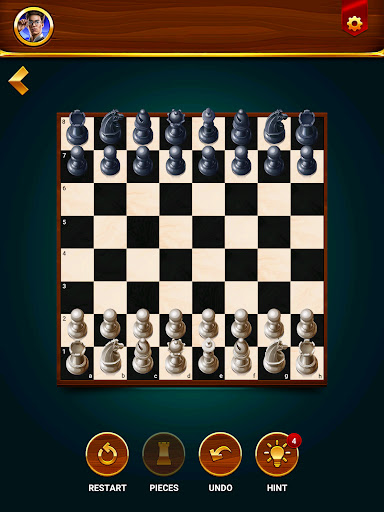
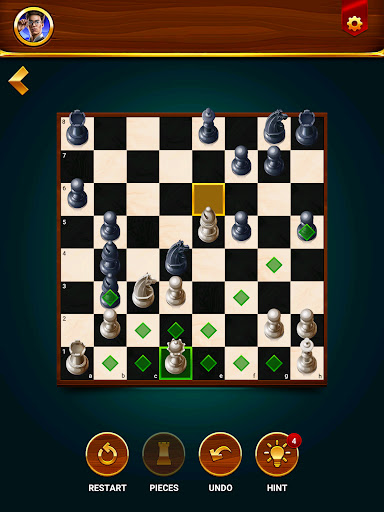
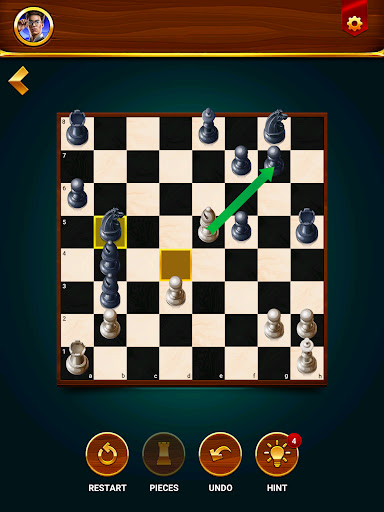
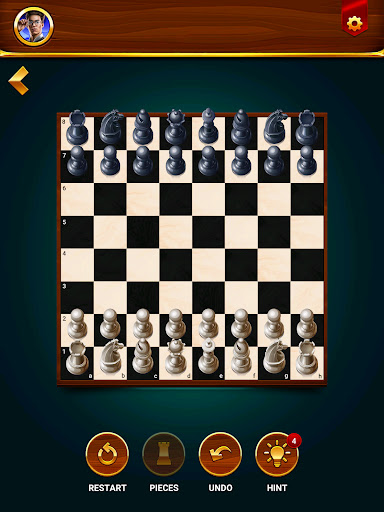
Beyond standard gameplay, the app offers daily chess puzzles and a structured learning program. These features help players improve their strategies systematically. Additional tools like move hints, undo functionality, and game restart options provide flexibility during gameplay. The inclusion of detailed game statistics allows users to track their progress over time, while the multilingual interface ensures accessibility for international users.

Rule authenticity & flexibility

In the realm of board games like chess understanding and adhering to the established rules is paramount for an authentic experience. The Chess Club app excels in this aspect by providing a platform where the traditional rules of chess are not only respected but also presented with a degree of flexibility that accommodates various play styles and preferences. This balance between rule authenticity and flexibility ensures that players from beginners to grandmasters can enjoy the game in a manner that suits their individual approach. The app offers multiple game modes including the option to play offline against computer opponents of varying difficulty levels or engage in two-player mode with a friend. Each mode adheres strictly to official chess regulations while allowing users to customize certain aspects such as choosing between 2D or 3D graphics selecting language options and accessing helpful features like hints undo and restart functions. These elements combined create a versatile environment that respects the integrity of chess while offering players the freedom to tailor their experience. For users this means they can focus on developing their strategies and skills without being constrained by rigid gameplay structures. They can experiment with different tactics learn from their mistakes through undo and restart options and ultimately enjoy a personalized chess experience that remains true to the essence of the game.

AI opponent quality

The quality of artificial intelligence AI opponents is a crucial factor in determining the overall enjoyment and challenge presented by a digital board game. In the Chess Club app significant attention has been devoted to crafting AI opponents that deliver both a realistic and engaging experience across all skill levels. The app features a range of AI opponents from beginners to grandmasters each programmed with sophisticated algorithms that mimic human-like decision-making processes. These AI entities are designed to adapt their strategies based on the player's skill level ensuring that every match presents an appropriate level of difficulty and engagement. For novice players the beginner AI provides a gentle introduction to the game allowing them to learn basic tactics and strategies without feeling overwhelmed. As players progress they can challenge more advanced AI opponents who employ complex strategies and unpredictable moves akin to those encountered in real-world tournaments. This progression system helps users develop their skills incrementally building confidence and competence over time. Moreover the AI's adaptability extends beyond mere difficulty adjustments; it also considers playing style recognizing whether a user prefers aggressive attacks or defensive maneuvers and responding accordingly. Such dynamic interactions create a deeply immersive experience where each game feels unique and challenging. Players benefit from consistently facing opponents that push their abilities to new heights fostering growth and improvement in their chess proficiency. Additionally the inclusion of daily puzzles and tactical exercises further enhances the training aspect enabling users to refine specific skills under controlled conditions. Overall the high-quality AI opponents within the Chess Club app serve not only as formidable adversaries but also as invaluable tools for learning and advancement.

Props

User-friendly interface

Offline gameplay

Diverse difficulty levels

Educational content

Multilingual support

Cons

Limited online features

No advanced AI analysis

Ads may interrupt

Premium locked content

Graphics could be better

Features and Functions

What is this app and what can I use it for?

A versatile chess app for all skill levels with offline play and learning tools

How do I download and install this app on my device?

Visit Google Play Store, search for Chess Club, and tap Install to download the app

How do I get started after opening the app for the first time?

Select Play, choose opponent level, and start your first chess game to explore features

What are the main features and capabilities of this app?

Offers offline play, two-player mode, puzzles, lessons, and game statistics tracking

How can I customize my experience and adjust preferences?

Adjust settings like board style, language, and difficulty level in the menu

How do I save or bookmark my favorite content for later access?

Use bookmarks feature to save important moves or games for future reference

How can I share content with friends or on social media?

Share game results via social media directly through the app's sharing option

How do I access detailed information and explore more content?

Access detailed stats and history in the game analysis section for insights

What permissions does this app need and how do I manage them?

Requires storage and device permissions managed in phone settings

How do I check for updates and keep the app running smoothly?

Enable auto-updates in Google Play Store settings to keep the app current
Show more

User Reveiws

{{ comment.reviewer_name }}
{{ comment.review_date_formatted}}
{{ comment.review_content }}
{{ tab.name }}
{{ comment.reviewer_name }}
{{ comment.review_date_formatted}}
{{ comment.review_content }}
No reviews with this rating