Crossword

4.10

Information

Category:

Word

Price:

$ 3.99

Rank:

N/A

Rating:

4.10

Overview

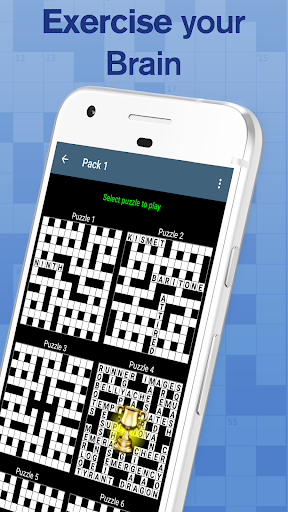
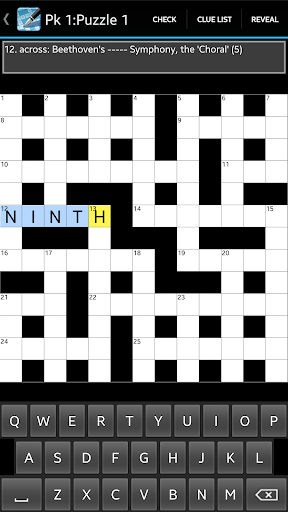
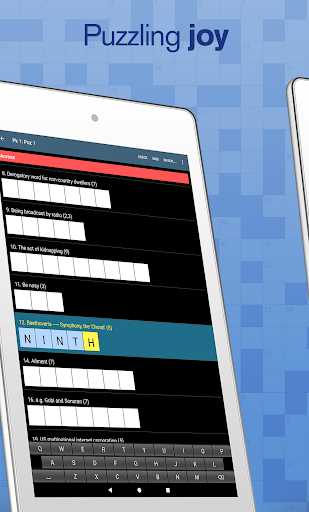
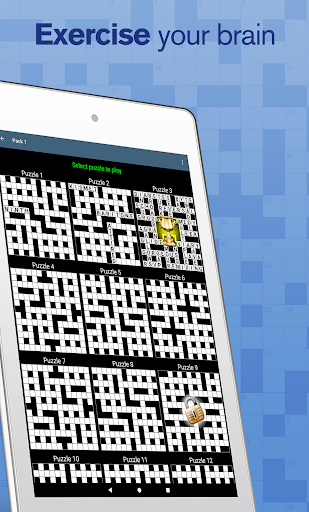
Crossword offers a collection of 750 professionally crafted crossword puzzles, designed for casual gameplay during your coffee break. Suitable for all skill levels, this word game provides an engaging mental challenge without being overly difficult.

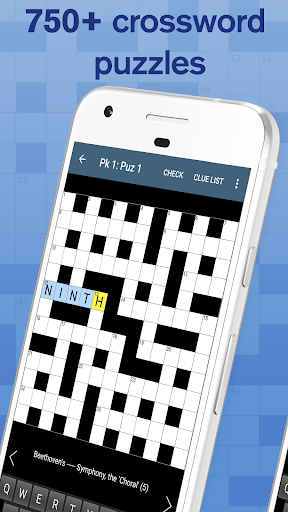
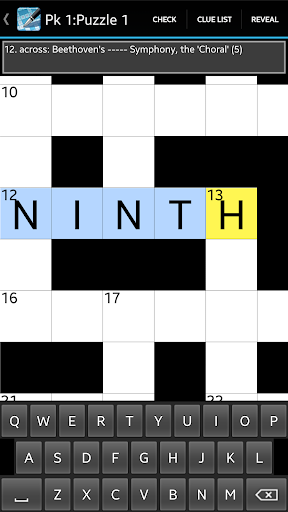
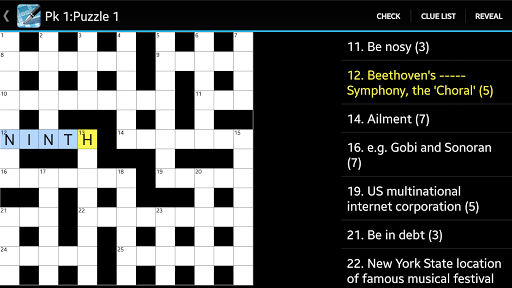
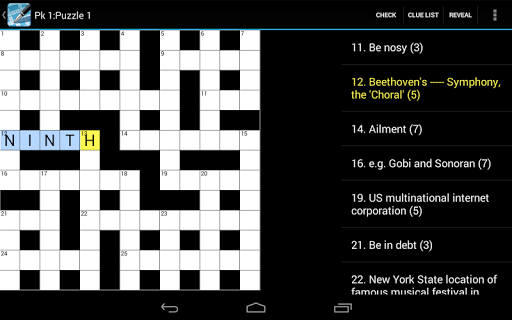
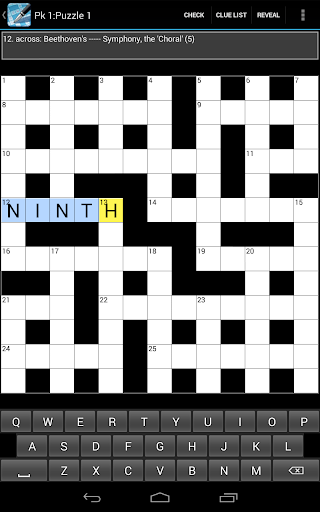
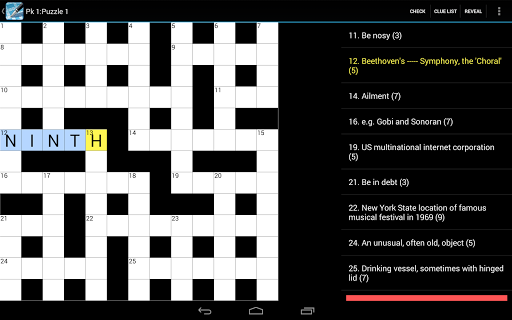
The app features a user-friendly interface optimized for tablets, with pinch zoom functionality for the puzzle grid and multiple viewing options. With convenient tools like clue sharing, answer checking, and customizable preferences, it ensures an enjoyable solving experience while maintaining focus on pure puzzle fun without ads.

Features

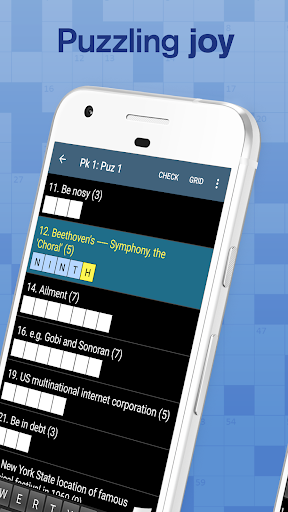
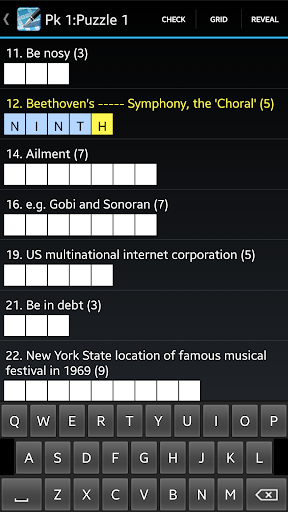
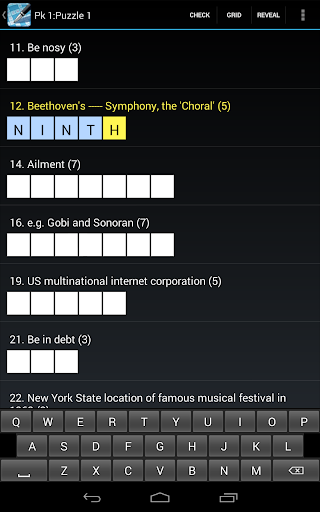
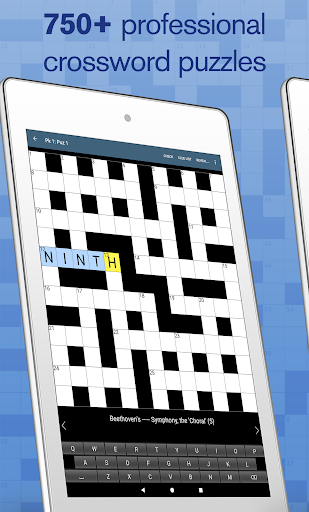
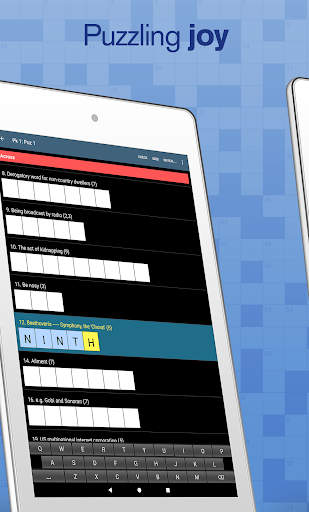
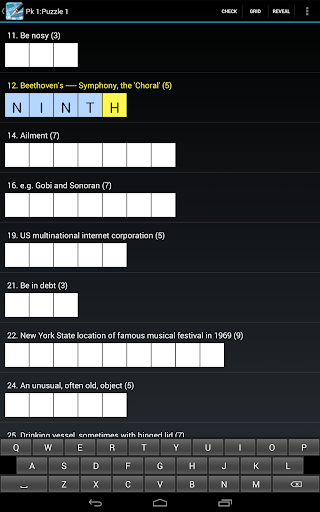
Crossword stands out with its versatile feature set tailored to enhance the puzzle-solving experience. The app supports pinch zooming on the puzzle grid, making it easy to focus on specific sections of the crossword. Players can view clues in a list format and utilize helpful tools like cheats and answer checking to progress through challenging puzzles.

Additional customization options include three keyboard choices and extra preferences such as auto-jumping between letters, highlighting mistakes, and greying out completed clues. These thoughtful features create a personalized and seamless solving experience that caters to different play styles while ensuring accessibility for all users.

Clue quality & clarity

The quality and clarity of clues in a crossword puzzle application play a crucial role in ensuring an enjoyable and intellectually stimulating experience for users. Clues are the backbone of any crossword puzzle as they challenge the solver's knowledge, vocabulary, and reasoning skills. In the Crossword app, each clue is crafted to provide clear direction without being overly obscure, striking a balance that keeps the puzzles accessible yet challenging. This careful curation of clues caters to a wide audience, making it suitable for all ages and skill levels. The app offers 750 professionally designed crossword puzzles, ensuring that each clue contributes meaningfully to the solving experience. Additionally, features like clue list view enhance the user experience by allowing solvers to focus on individual clues or see the bigger picture. With options to share a clue via email, Twitter, Facebook, and other platforms, users can engage with friends and family, turning solitary solving sessions into social activities. The clarity of clues also supports learning, as users encountering unfamiliar terms or concepts can use the app's built-in cheats and answer checking to expand their knowledge. Overall, the high-quality and clear clues in the Crossword app not only facilitate an engaging pastime but also promote cognitive development and social interaction.

Puzzle variety

Variety in puzzles is essential for maintaining user interest and providing a comprehensive mental workout. The Crossword app excels in this area by offering 750 unique puzzles, each carefully designed to cater to different solving styles and preferences. These puzzles range from straightforward definitions to more complex wordplay, ensuring that users encounter a broad spectrum of challenges. The inclusion of various puzzle types, such as casual level puzzles suitable for all, means that both beginners and experienced solvers can find puzzles that match their skill levels. For those seeking a greater challenge, the app suggests trying their Cryptic Crossword or Crossword US versions, which offer additional complexity and different solving mechanics. Within the app, users can customize their experience with extra preferences like jump letters, highlight mistakes, and grey out completed clues, adding another layer of variety to the gameplay. Furthermore, the availability of three keyboard choices allows users to select their preferred input method, enhancing comfort and efficiency during solving sessions. The app's design supports tablets, featuring pinch zooming grid functionality that makes navigating large puzzles easy and intuitive. By providing a diverse array of puzzles and customization options, the Crossword app ensures that users remain engaged and motivated, transforming daily solving sessions into a dynamic and rewarding experience.

Props

User-friendly interface

No ads

Customizable preferences

Clue sharing options

Answer checking tool

Cons

Limited to casual players

No hanging letters

Fewer advanced puzzles

Requires internet

Basic design

Features and Functions

What is this app and what can I use it for?

A crossword puzzle app with 750 casual-level puzzles

How do I download and install this app on my device?

Search 'Crossword' on Google Play Store and tap Install

How do I get started after opening the app for the first time?

Start a puzzle and adjust preferences via the settings menu

What are the main features and capabilities of this app?

Pinch zoom grid, clue list view, answer checking, share clues

How can I customize my experience and adjust preferences?

Adjust preferences like jump letters or highlight mistakes

How do I save or bookmark my favorite content for later access?

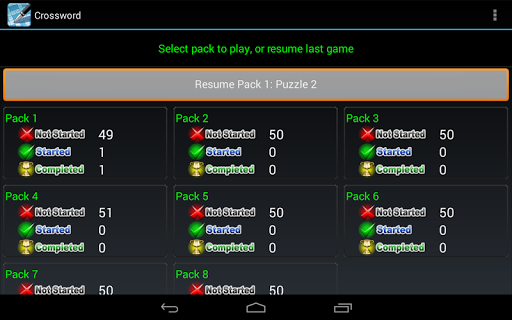
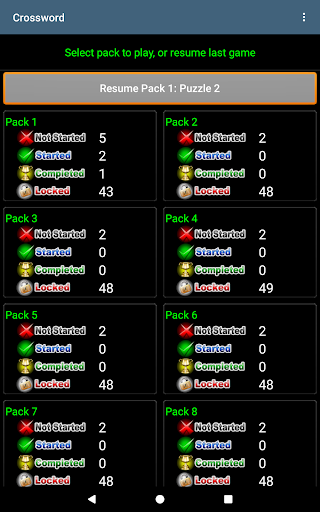
Use the Resume button to continue your saved puzzles

How can I share content with friends or on social media?

Share clues via email, Twitter, Facebook, or other platforms

How do I access detailed information and explore more content?

Explore more content by starting new puzzles from the menu

What permissions does this app need and how do I manage them?

Internet permission is used for Teazel product updates

How do I check for updates and keep the app running smoothly?

Enable automatic updates in the Google Play Store settings
Show more

User Reveiws

{{ comment.reviewer_name }}
{{ comment.review_date_formatted}}
{{ comment.review_content }}
{{ tab.name }}
{{ comment.reviewer_name }}
{{ comment.review_date_formatted}}
{{ comment.review_content }}
No reviews with this rating