
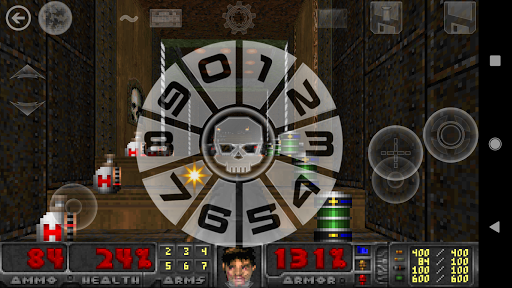



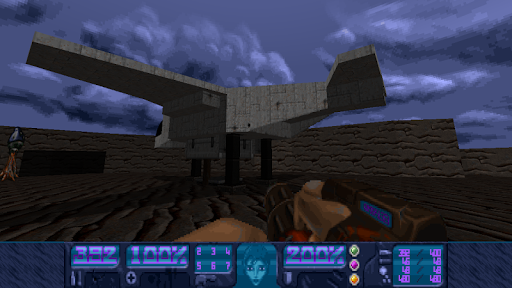

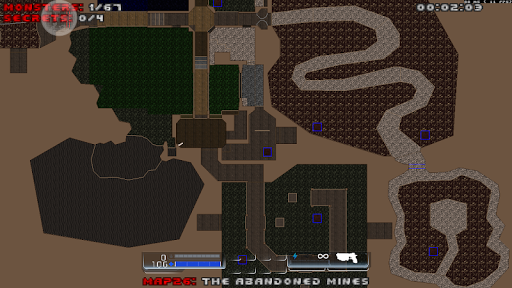
Delta Touch brings the ultimate Doom engine experience to Android devices, featuring TEN of the best source ports including GZDoom, Zandronum, and Chocolate Doom. This action-packed app allows players to enjoy classic Doom games with full touch screen controls and gamepad support, making it highly versatile for both casual and advanced gamers.
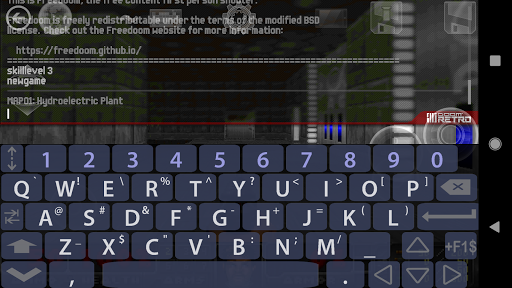
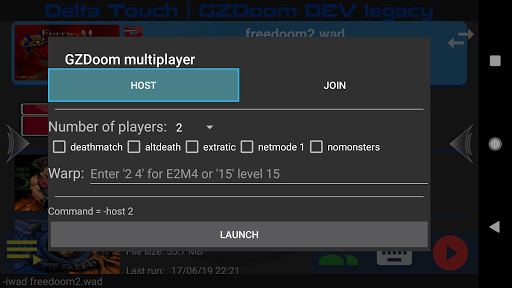
The app stands out with its customizable touch controls, built-in keyboard for cheats, and a specialized UI for easy mod and wad selection. With support for thousands of community-made mods and levels, Delta Touch offers endless gameplay possibilities. It also includes FreeDoom data for immediate play and supports multiplayer modes for certain engines, providing a comprehensive Doom experience on mobile.
Ideal for fans of first-person shooter games, Delta Touch caters to those who appreciate retro gaming with modern enhancements. Whether playing Hexen, Heretic, or Doom 3, users will find this app delivers high-quality rendering and customization options that make the most of the Android platform.
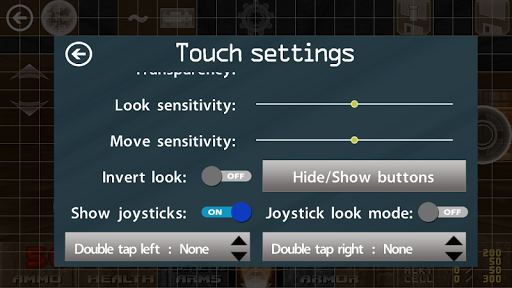
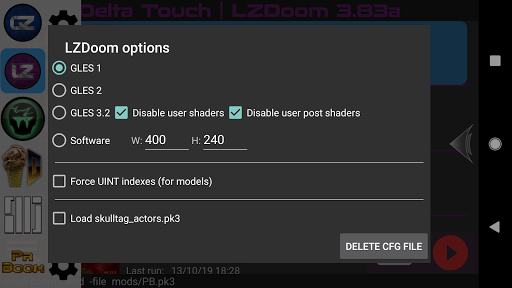
Delta Touch boasts an impressive array of features designed to enhance the Doom gaming experience on Android. The app supports multiple rendering modes and includes advanced options like gyro aim assist and mouse-keyboard support for devices running Android 8 and above. These features ensure smooth and responsive gameplay tailored to user preferences.
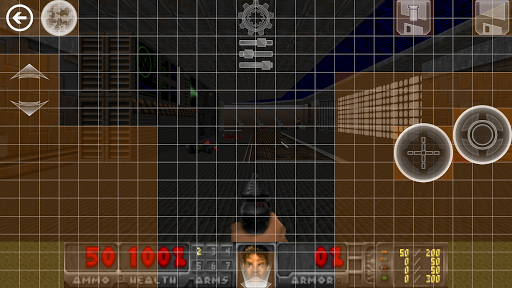
One of the standout functionalities is the ability to save and load custom touch screen layouts, allowing players to optimize their control schemes. Additionally, the app provides 18 custom buttons specifically for GZDoom mods, giving users precise control over complex game mechanics. With full navigability via gamepad, players can seamlessly interact with the UI without needing to touch the screen.
Delta Touch also excels in its support for extensive mods and levels, enabling gamers to explore new content created by the community. The inclusion of Fluidsynth samples ensures high-quality music playback, while the app's compatibility with various Doom engine games makes it a versatile choice for FPS enthusiasts looking to relive the classics on modern devices.
Highly customizable controls
Supports numerous mods
Full gamepad integration
Includes FreeDoom data
Active developer support
Requires high-end device
No BFG edition support
Complex setup process
Limited game.dll mod support
Large storage space needed
Retro pixel war game! Destroy enemies and survive the chaos!
 4.1
4.1
Take a katana in your ninja hands to fight foes! Stylish ninja stickman game
4.60
A fun platform run game with thousands of traps and wow that push your limits
4.00
Die Again - Troll Game Ever A fantastic, goofy, crazy and always makes you laugh
4.50
Survive the Wild West: Bullet Hell Roguelite Action Awaits!
4.70
Whack, smash, and toss the puppet! Let’s destroy the ragdoll in this funny game
4.40
Escape the pixel maze full of traps! Fun games for arcade and old games lovers!
4.30
Become the ultimate expert in deer hunting through intense shooter attacks!
4.90
Plan. Adapt. Assassinate.
4.80
Shooting Defense Game! Defend the dungeon from the heroes!
4.80
Controller supported shooting game. Go into a labyrinth & Reveal a mystery story
4.70
Brutal action-platformer
4.50
Step into cooking Games make tower burger and enjoy burger runner games for all
4.40
Defend the last base and protect humans against alien monsters !
4.40
Kick all fighters out of the arena! Enjoy the casual fighting game experience
4.30
A funny game with open world offline games and many Online multiplayer games
4.30
NEOGEO's masterpiece game is now available in the app!
4.10
Play online with people all over the world! Can YOU become the longest player?
3.90
A Troll Platformer Game
3.30


User Reveiws