Firestorm for Hue

4.20

Information

Category:

Entertainment

Price:

$ 2.99

Rank:

38

Rating:

4.20

Overview

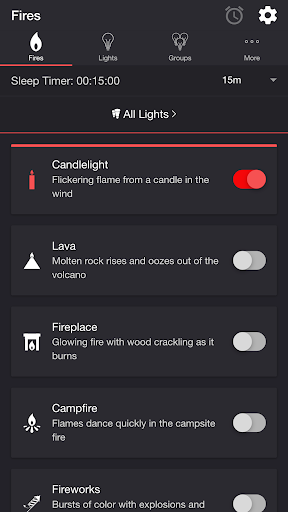
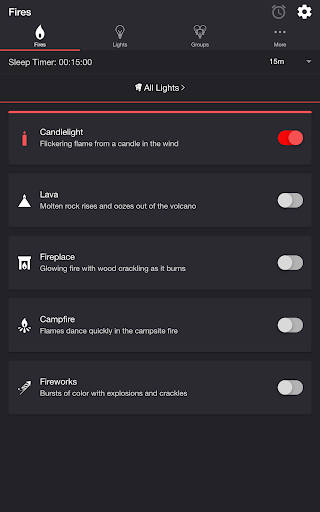
Firestorm for Hue is an innovative entertainment application that allows users to create immersive lighting experiences using Philips Hue lights. The app simulates various fire-themed effects, including candlelight, lava, fireplace, campfire, and fireworks, providing a unique ambiance in any space.

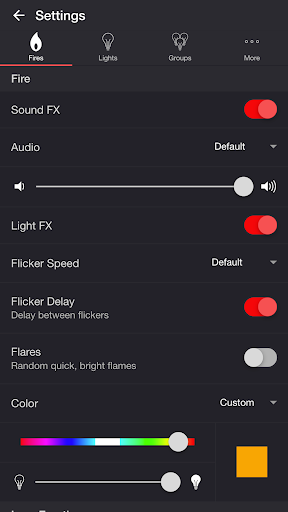
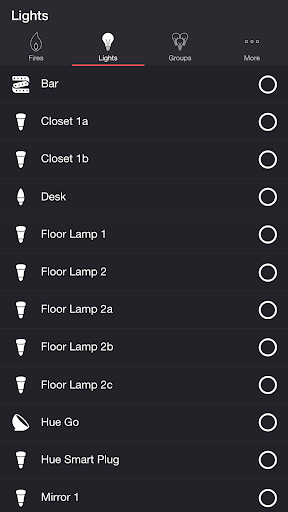
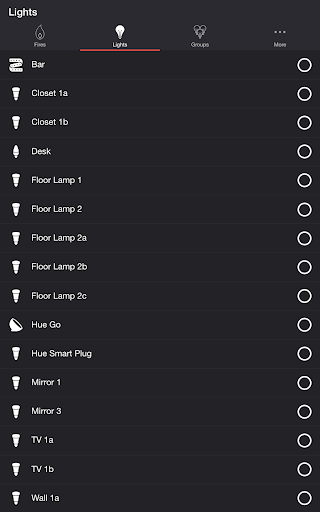
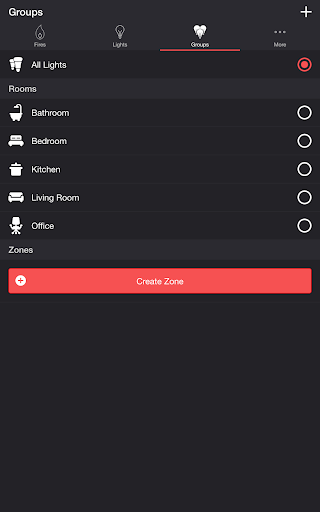
The application offers extensive customization options for light and sound effects. Users can adjust flicker speed, color, brightness, and even audio elements like fire crackling or eruption sounds. With support for multiple lights and groups, Firestorm for Hue enables synchronized light shows across different rooms or zones.

This app is perfect for setting the mood during gatherings, creating cozy environments, or simply enjoying a customizable light show at home. Its advanced features like sleep timer and Bluetooth/casting support make it a versatile tool for both casual and tech-savvy users.

Features

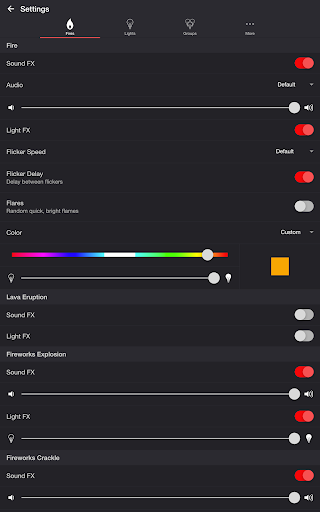
One of Firestorm for Hue's standout features is its diverse range of fire effects. Each effect comes with unique characteristics - from the gentle flickering of candlelight to the dynamic bursts of fireworks. Users can fine-tune these effects through detailed settings, controlling everything from flicker speed to color intensity.

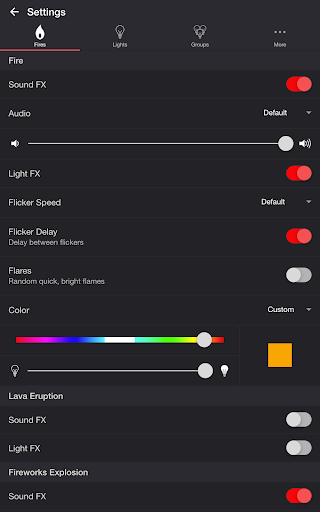
The app provides comprehensive control over both audio and visual elements. Users can toggle sound effects on/off, adjust volumes independently for different elements (fire, eruption, explosion), and customize light effects' timing and intensity. Advanced options like wireless audio delay offset ensure perfect synchronization between lights and sounds.

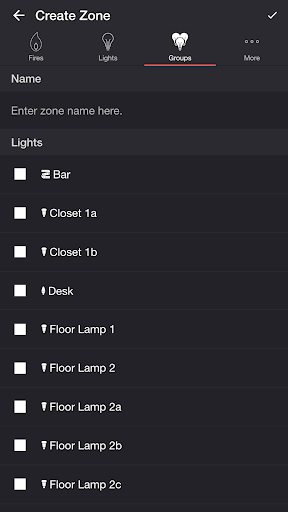
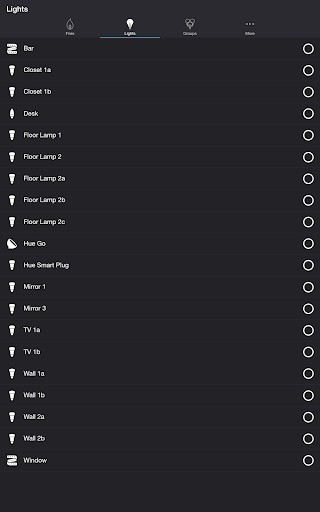
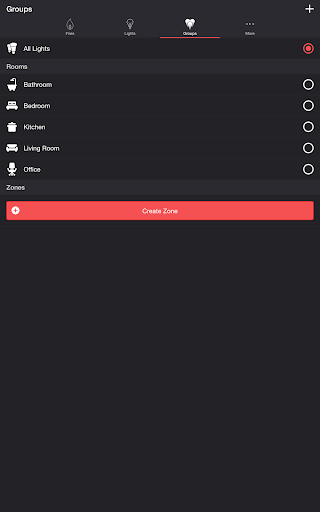
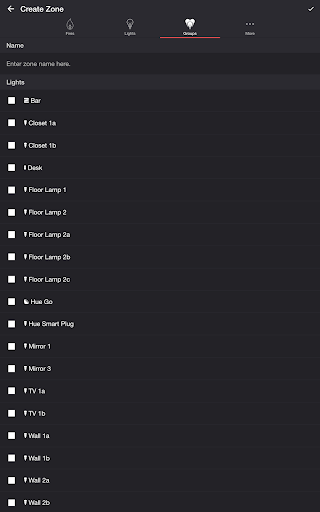
Additional notable features include robust light management capabilities. Users can create custom zones, manage multiple lights/groups, and set automated schedules. The sleep timer function with audio fade-out and customizable end states adds convenience, while Bluetooth and Chromecast support expands connectivity options.

Content variety & freshness

In the realm of entertainment applications, content variety and freshness are crucial for maintaining user engagement and satisfaction. Firestorm for Hue offers a diverse range of fire-themed lighting effects that transform Philips Hue lights into dynamic visual experiences. Users can choose from multiple fire presets such as Candlelight, Lava, Fireplace, Campfire, and Fireworks, each providing unique light patterns and soundscapes. These options ensure that users have access to varied moods and atmospheres, keeping the experience fresh and engaging over time. The application also allows customization of these effects through adjustable settings like flicker speed, color, brightness, and audio volume. This level of personalization ensures that users can continually tailor their experience to match their preferences or current setting. Moreover, additional features such as sleep timers with audio fade-out and Bluetooth speaker support enhance the overall versatility of the app. By offering regular updates and new modes, Firestorm for Hue maintains its appeal by introducing novel ways to interact with smart lighting systems. This commitment to variety and innovation helps retain user interest and encourages frequent use, making it an essential tool for those looking to create immersive environments at home.

User engagement duration & retention

User engagement duration and retention are key metrics in evaluating the success of entertainment applications. Firestorm for Hue excels in this area by providing an interactive platform where users can actively participate in creating atmospheric lighting displays. The app's extensive array of customizable fire effectsu2014including Candlelight, Lava, Fireplace, Campfire, and Fireworksu2014invites users to experiment with different combinations of light and sound. Each preset comes with adjustable parameters such as flicker speed, eruption intervals, explosion brightness, and background sounds, which encourage prolonged interaction as users fine-tune their preferred settings. Furthermore, the inclusion of advanced features like sleep timers with configurable end states and recurring cycles adds another layer of engagement. Users can set specific durations for their light shows, ensuring that the ambiance lasts exactly as long as desired without manual intervention. The ability to connect to Bluetooth speakers or cast audio via Chromecast enhances the multisensory experience, further increasing session lengths. Additionally, the intuitive interface makes it easy for both novice and experienced users to navigate and modify settings effortlessly. By consistently delivering high-quality, engaging content and fostering a sense of ownership over the lighting environment, Firestorm for Hue successfully boosts user retention rates. Its blend of creativity, functionality, and ease of use ensures that users return frequently to explore new possibilities and refine their existing setups.

Props

Highly customizable

Realistic effects

Multi-room support

User-friendly interface

Regular updates

Cons

Hue Bridge required

Premium features locked

Complex setup process

Limited device compatibility

Occasional bugs

Features and Functions

What is this app and what can I use it for?

Create immersive fire-themed light shows with Philips Hue lights.

How do I download and install this app on my device?

Search 'Firestorm for Hue' on Google Play Store and install it on Android devices.

How do I get started after opening the app for the first time?

Select desired fire effect and adjust basic settings to begin.

What are the main features and capabilities of this app?

Offers various fire effects, detailed customization options, and multi-light management.

How can I customize my experience and adjust preferences?

Adjust flicker speed, colors, brightness, and sound volumes in Settings menu.

How do I save or bookmark my favorite content for later access?

Save favorite configurations by creating custom presets within the app.

How can I share content with friends or on social media?

Share app settings via app's built-in export feature or social media links.

How do I access detailed information and explore more content?

Access detailed information through app's help section and online documentation.

What permissions does this app need and how do I manage them?

Requires local network access and location permissions for Hue Bridge connection.

How do I check for updates and keep the app running smoothly?

Enable automatic updates in Google Play Store settings for latest version.
Show more

User Reveiws

{{ comment.reviewer_name }}
{{ comment.review_date_formatted}}
{{ comment.review_content }}
{{ tab.name }}
{{ comment.reviewer_name }}
{{ comment.review_date_formatted}}
{{ comment.review_content }}
No reviews with this rating