
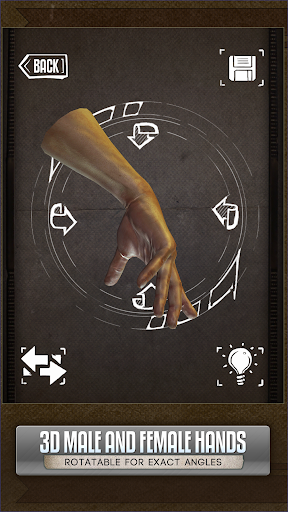
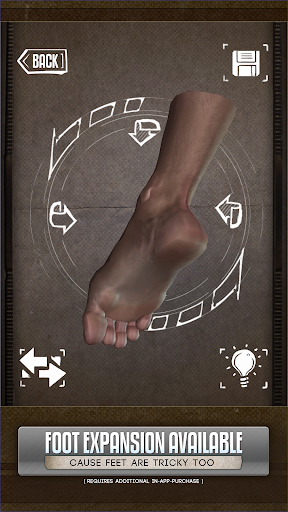
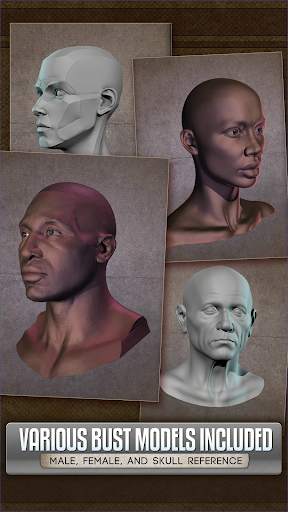
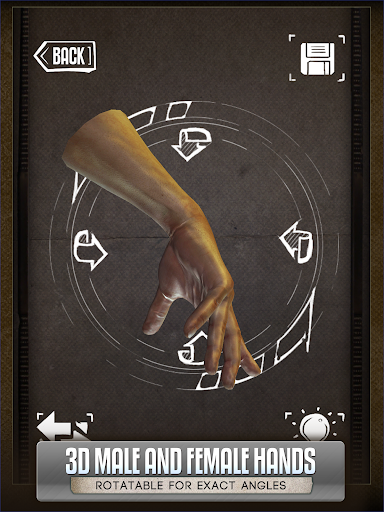
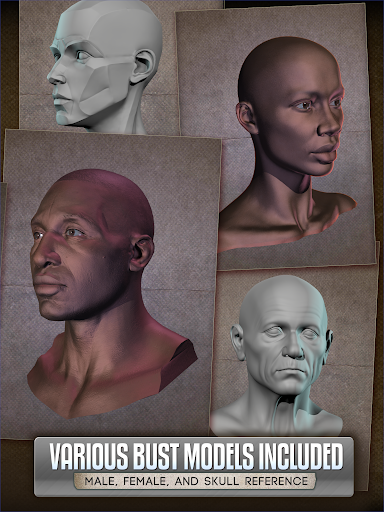

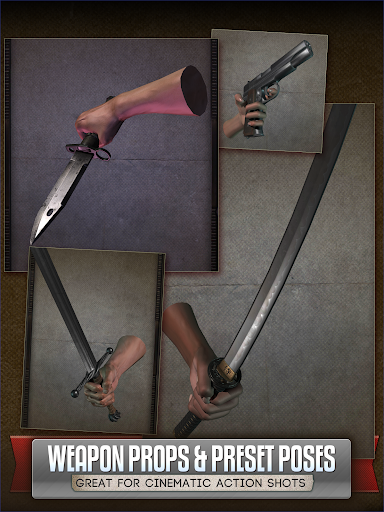
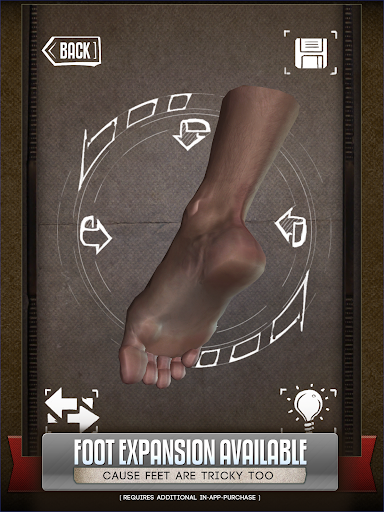
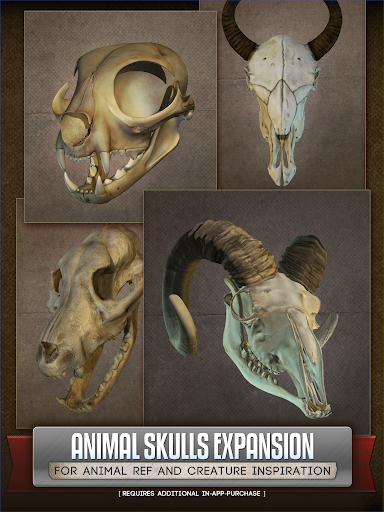
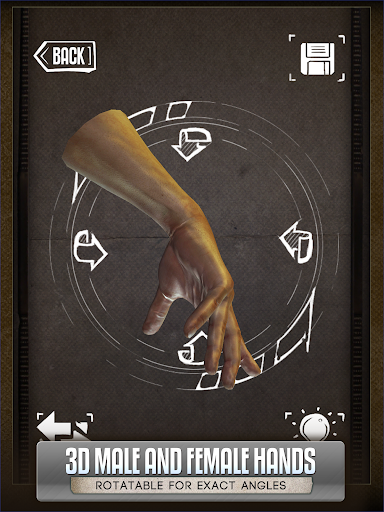
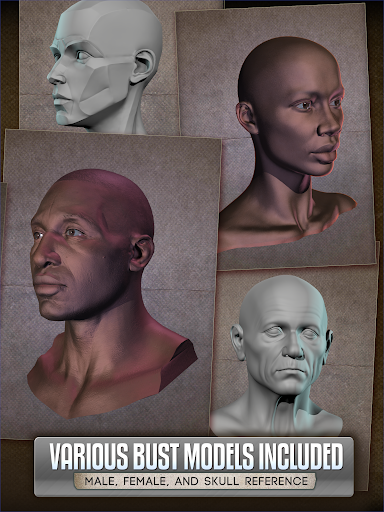
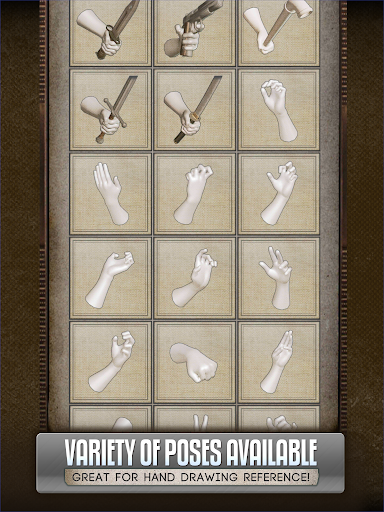
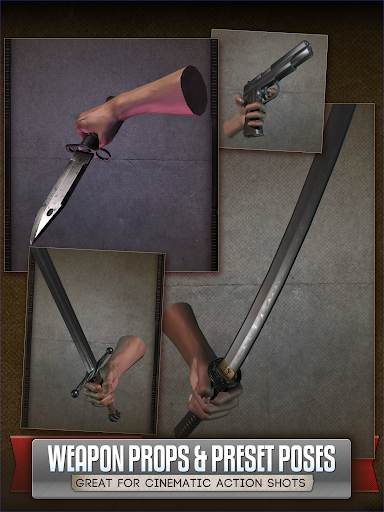
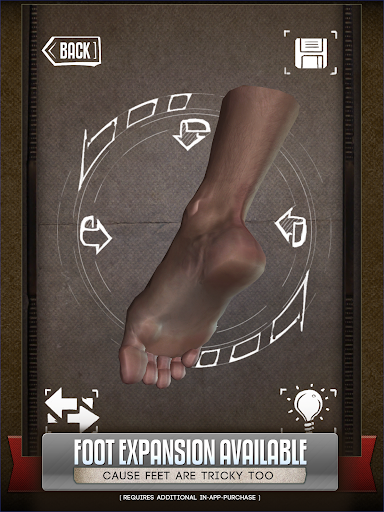
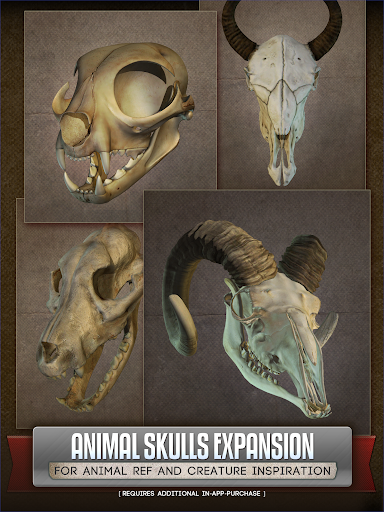
Handy Art Reference Tool is an innovative 3D reference app designed specifically for artists. The core functionality revolves around providing rotatable 3D models of human limbs and skulls, making it easier to draw complex poses without needing live models or awkward self-posing.
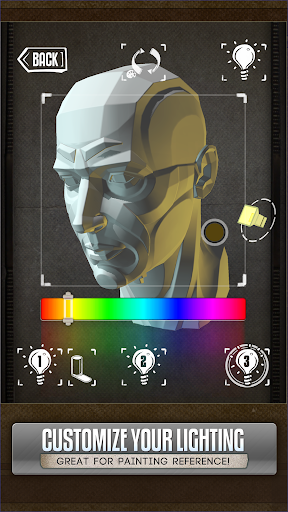
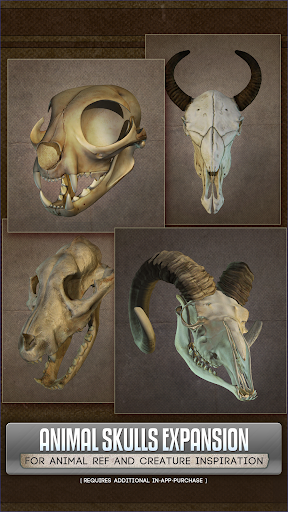
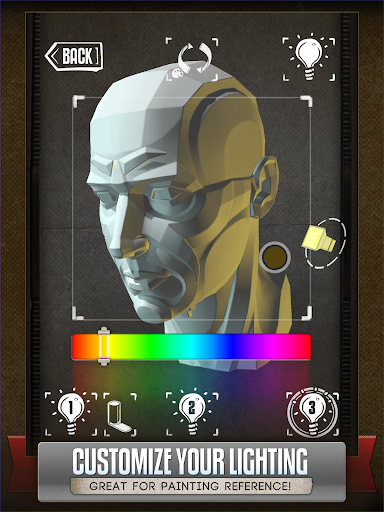
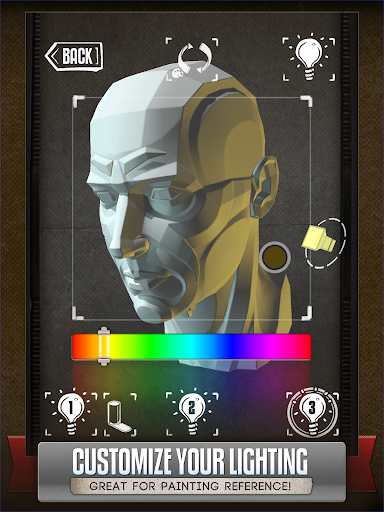
The app stands out with its fully adjustable 3-point lighting system that allows users to experiment with realistic shadow effects from different angles. With over 10 included head busts and optional animal skull pack, it serves as a comprehensive reference tool for comic book artists, painters, and casual sketchers alike.
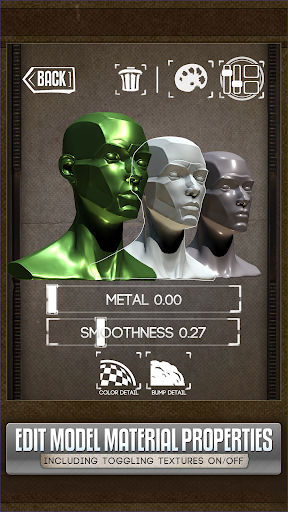
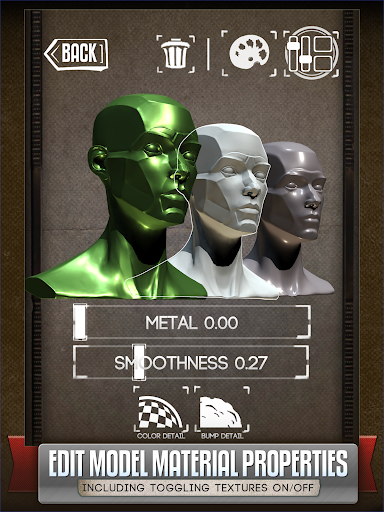
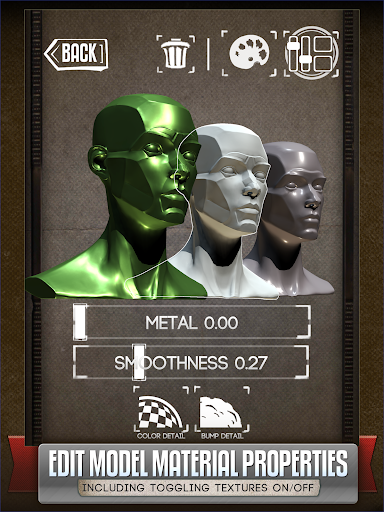
One notable feature is the ability to customize model materials, allowing users to adjust textures, specularity, and colors. This makes Handy particularly useful for digital artists who need precise control over their reference materials while working on detailed artwork or creature designs.
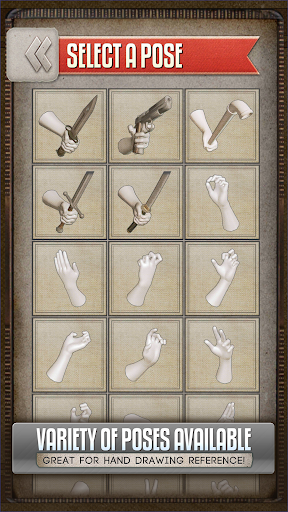
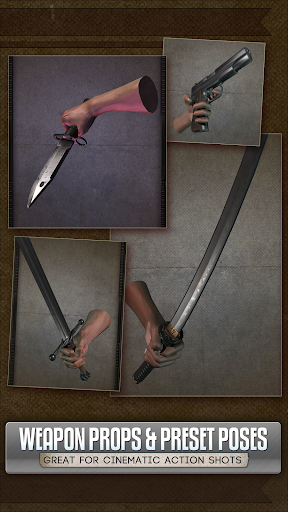
Handy Art Reference Tool offers several distinctive features that cater to various artistic needs. The primary feature set includes multiple rotatable 3D limb models with customizable poses for hands, feet, and skulls, giving artists unprecedented flexibility in their work.
A standout characteristic is the advanced 3-point lighting system. Users can precisely control light sources to create accurate shadow references when drawing heads from different angles. This feature proves invaluable for portrait artists and comic illustrators seeking realistic lighting effects.
The recently added material editing capabilities allow artists to modify model properties extensively. They can disable textures, adjust specularity levels, or apply color tints to models, creating customized reference materials that perfectly match their artistic requirements.
User-friendly interface
Customizable 3D models
Realistic lighting options
Wide range of poses
Material editing tools
Additional purchases required
Limited free content
Steep learning curve
Occasional performance issues
Subscription fees apply

Draw the comics with glow brushes! Easy and relax!
 4.40
4.40
Comic reader app: open ZIP, RAR, CBZ, CBR, and PDF files
3.00
Find free mangas in Spanish
4.70
The anime tv for fans Sud and Dub
4.20
Manga Reader for Comics, Webtoons & Manhwa. Read Mangas, Chat Stories and Novel.
4.30
Catalog your collection. Just scan covers with your device camera. (US $20/yr)
4.80
Read webcomics & webnovels
4.20
+Not your everyday comic. Everyday.
3.50
Get the latest manga chapters daily, released simultaneously with Japan.
3.10
The pure application on the Manga SWAT website
4.80
See the newest comic book releases and manage your comic collection or pull list
4.70
Follow your favorite manga and get notifications for new chapters!
4.50
Pocket Toons: Free Webtoons, Comics, & Manga - New Chapter Drops Everyday
4.30
Read latest manga with this minimal reader with NO ADS.
4.30
Comic Scanner - Book Value - Identify and sell your comic collection with AI.
3.80
from HipComic: Value Your Comic Book Collection with Just the Snap of a Photo.
3.80
More fun from BOM! Hurry up and do the following self-test, if you meet more than one item, come and experience the brand new world of comics!
3.40
Experience the largest selection of DC comics anywhere with DC UNIVERSE INFINITE
3.40
You can create comics, manga and manwha using AI with Arcstory comic book maker
2.70


User Reveiws