HD Camera for Android: 4K Cam

4.60

Information

Category:

Beauty

Price:

Free

Rank:

N/A

Rating:

4.60

Overview

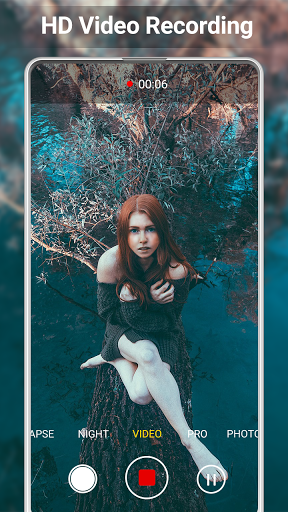
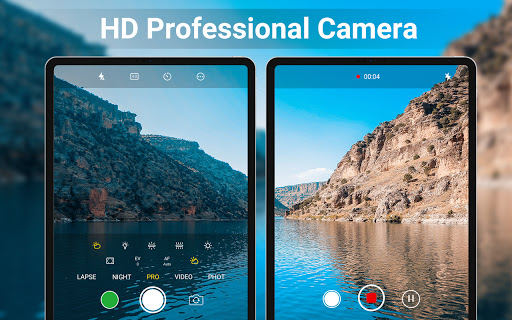
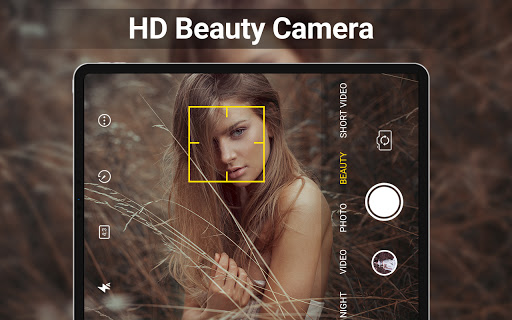
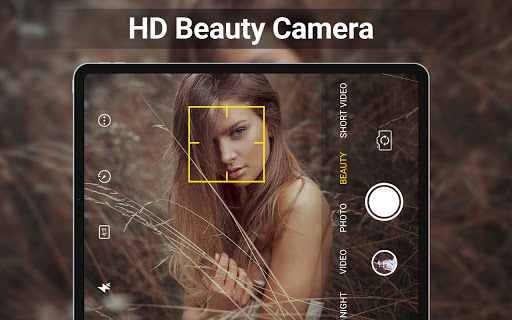
HD Camera for Android is a feature-rich beauty camera app that allows users to capture stunning 4K photos and videos. With professional capture modes, real-time filters, and advanced editing tools, it transforms everyday moments into shareable masterpieces.

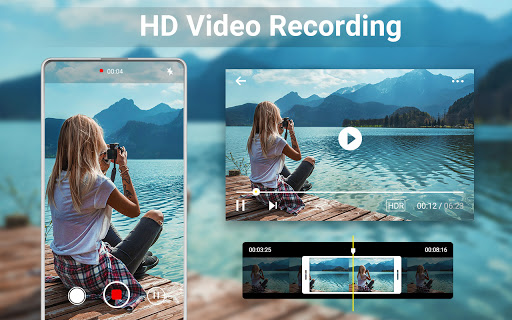
The app offers intelligent face detection, auto-stabilization, and precise manual controls for ISO, exposure, and white balance. Its intuitive interface makes it easy to edit photos, create collages, and trim videos directly on Android devices.

Perfect for social media enthusiasts, HD Camera ensures your selfies and short videos stand out with vibrant colors and crisp details, ready to impress your followers instantly.

Features

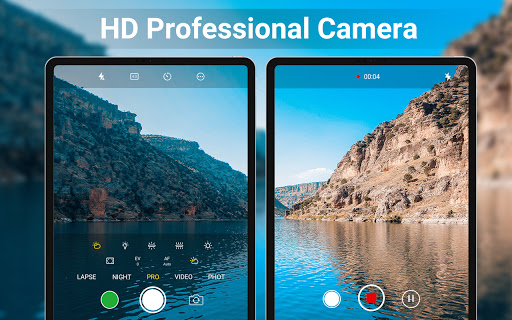
HD Camera stands out with its comprehensive set of features designed for both amateur and professional photographers. The app supports 4K resolution, HDR, and quick snap capabilities, ensuring every shot is clear and vibrant.

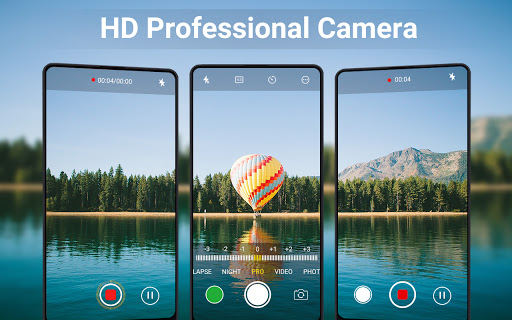
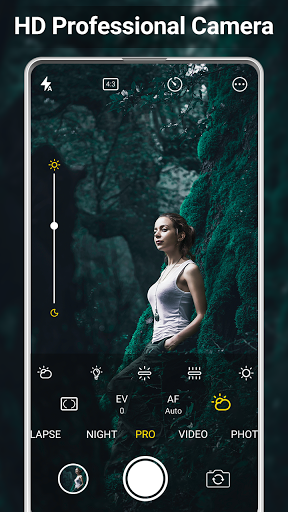
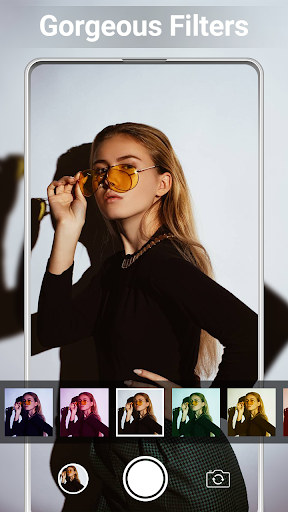
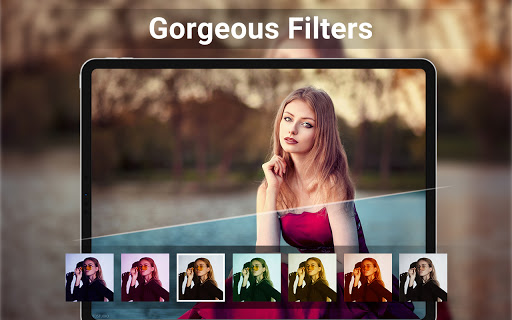
One of the key highlights is the real-time filter functionality, allowing users to preview effects before capturing images or recording videos. Additionally, the pro-level manual controls provide flexibility in adjusting scene modes, color effects, and exposure settings.

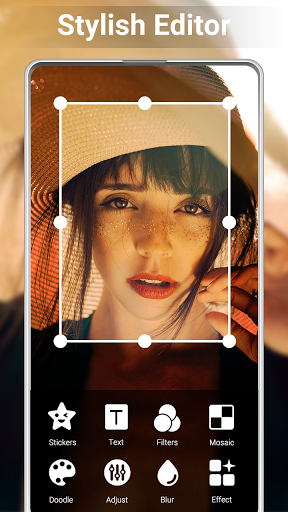
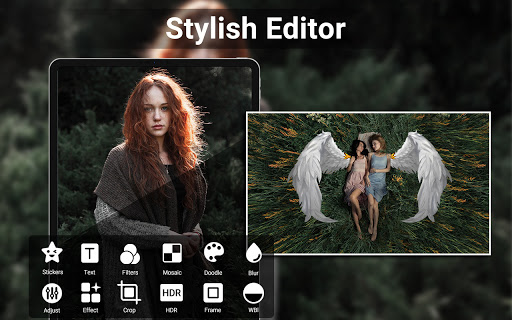
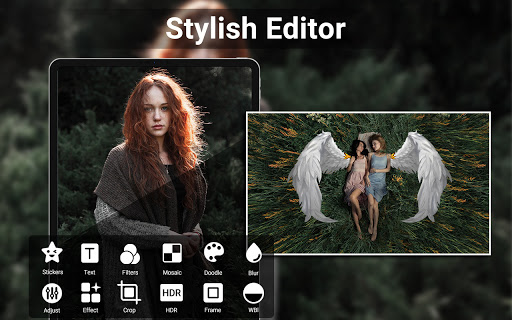
Beyond photography, the built-in editor lets you enhance brightness, contrast, and apply creative fades. With photo collage options and easy video trimming, HD Camera delivers an all-in-one solution for creating visually appealing content.

Product database depth

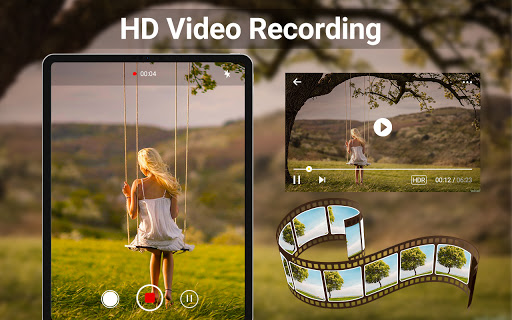
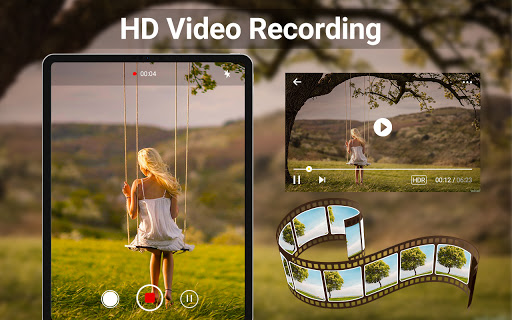
The HD Camera for Android provides an extensive product database that encompasses a wide range of features essential for capturing high-quality images and videos. This includes professional capture modes, which allow users to adjust settings such as ISO, exposure compensation, white balance, and more, ensuring that every photo taken is of the highest standard. The app's intelligent face detection and auto-stabilization capabilities further enhance image quality by ensuring that subjects are always in focus and that photos are not blurred due to hand movements. Additionally, the real-time filter feature enables users to preview different effects before capturing their shots, adding a creative touch to their photography. With support for HDR, quick snap, continuous shooting, and 4K video recording, the app caters to both amateur and professional photographers who demand versatility and performance from their mobile camera application. Users benefit from having all these advanced tools at their fingertips, allowing them to experiment with various photographic techniques and styles without needing additional equipment or software. The inclusion of editing functionalities within the app also means that users can immediately refine their work, adjusting elements like brightness, contrast, and vignette, thus streamlining the process from capture to sharing on social media platforms.

Personalization precision

Personalization precision in the HD Camera for Android is achieved through its sophisticated algorithms that cater to individual user preferences and needs. The app offers a variety of customization options, including scene modes, color effects, and the ability to apply date and timestamp, location coordinates, and custom text directly onto photos. These features empower users to tailor their photography experience according to specific scenarios or creative visions. For instance, the golden ratio line and camera line guides assist in composing aesthetically pleasing shots, while optional GPS location tagging allows for geotagging, which is particularly useful for travelers or those documenting specific locations. Moreover, the app supports changing the save path to an external SD memory card, providing flexibility in storage management. By offering such granular control over the photographic process, the HD Camera app ensures that each user can achieve personalized results that align with their unique style and requirements. This level of personalization not only enhances the overall user experience but also encourages creativity and exploration within the realm of mobile photography, making it an indispensable tool for anyone looking to elevate their visual storytelling.

Props

User-friendly interface

High-quality 4K capture

Real-time filter previews

Advanced manual controls

Versatile editing tools

Cons

Occasional shutter sound

Consumes more storage

Limited free features

Heavy on battery

Requires learning curve
Features and Functions

What is this app and what can I use it for?

A feature-rich 4K camera app for capturing and editing high-quality photos and videos.

How do I download and install this app on my device?

Search 'HD Camera' in Google Play Store, tap Install, and open after download.

How do I get started after opening the app for the first time?

Grant necessary permissions, explore the main menu, and try taking a test photo.

What are the main features and capabilities of this app?

4K capture, real-time filters, manual controls, and built-in photo-video editing tools.

How can I customize my experience and adjust preferences?

Adjust settings like save path, grid lines, geotagging, and timestamp preferences in the app menu.

How do I save or bookmark my favorite content for later access?

Use the photo editor's save option or create albums within the app for future access.

How can I share content with friends or on social media?

Tap the share icon, select friends or platforms, and post your edited content effortlessly.

How do I access detailed information and explore more content?

Browse the gallery section or use search filters to find detailed information on past captures.

What permissions does this app need and how do I manage them?

The app needs camera, storage, and location permissions; manage them in device settings.

How do I check for updates and keep the app running smoothly?

Enable auto-updates in Google Play Store settings to keep HD Camera updated smoothly.
Show more

User Reveiws

{{ comment.reviewer_name }}
{{ comment.review_date_formatted}}
{{ comment.review_content }}
{{ tab.name }}
{{ comment.reviewer_name }}
{{ comment.review_date_formatted}}
{{ comment.review_content }}
No reviews with this rating