

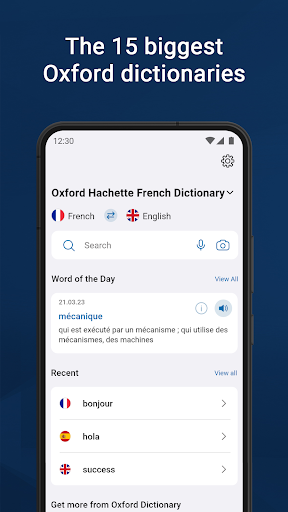

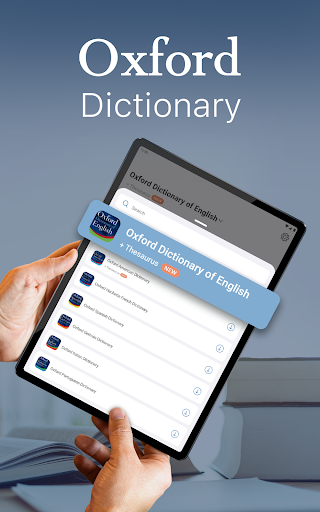
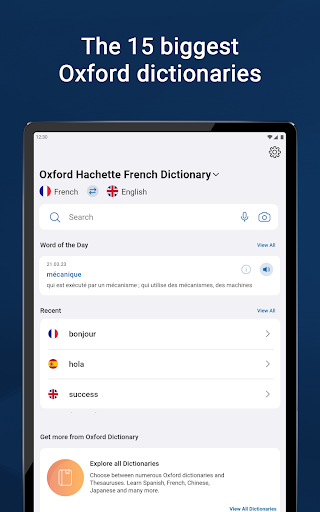
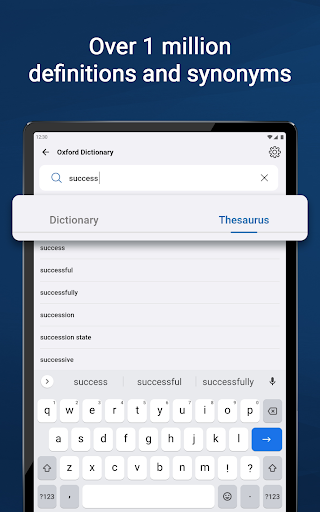
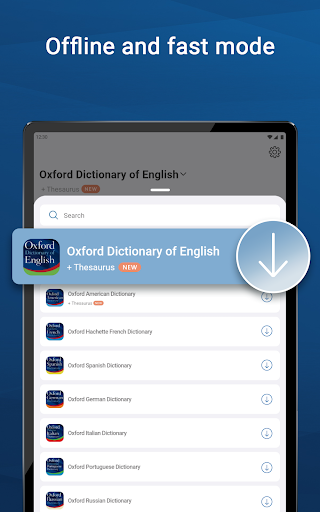

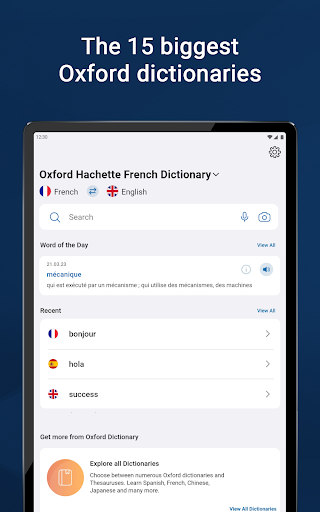
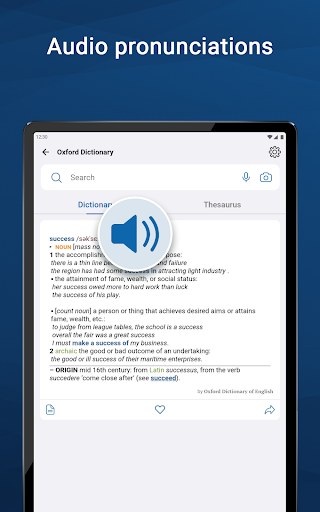
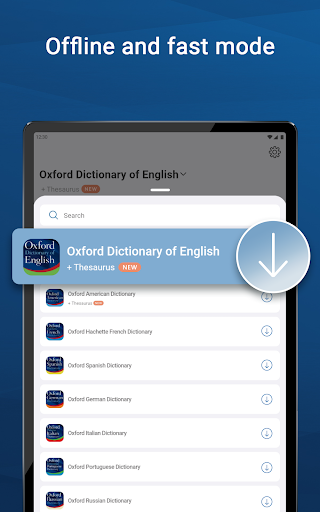


Oxford Dictionary & Thesaurus is a comprehensive language reference tool that places the 15 largest Oxford dictionaries at your fingertips. This includes authoritative resources like the Oxford Dictionary of English, New Oxford American Dictionary, and specialized bilingual dictionaries for languages such as French, German, Spanish, Russian, Chinese, Italian, Hindi, Urdu, Portuguese, Japanese, Greek, Bulgarian, and Thai. The app is powered by Oxford Languages, making it an essential resource for professionals, students preparing for standardized tests, academics, and anyone needing a reliable dictionary for work or home use.
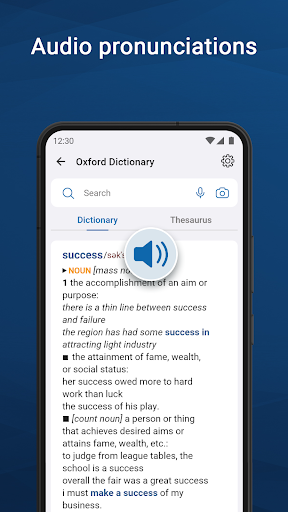
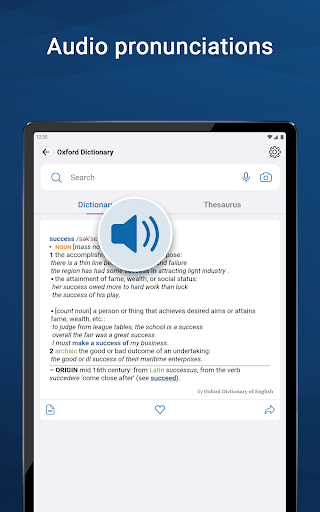
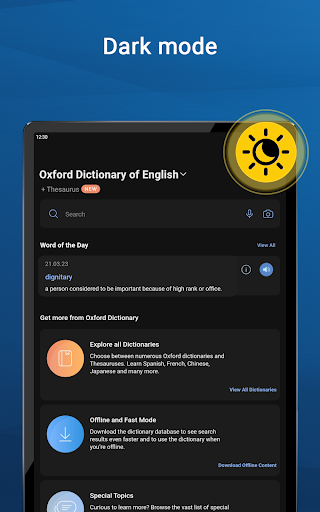
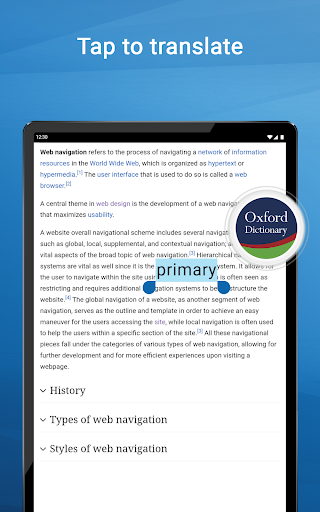
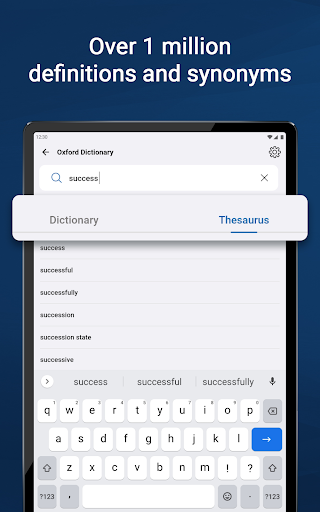
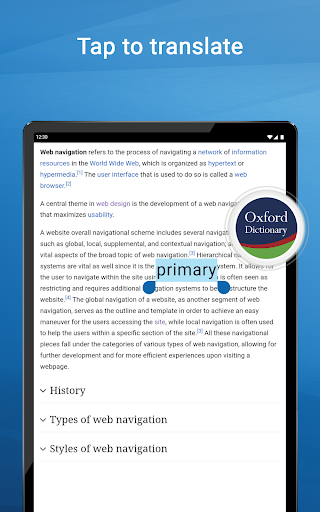
The application offers rich content with over 1 million words, phrases, definitions, and thousands of synonyms and antonyms. It also features advanced learning tools such as fuzzy search, voice search, wildcard search, autocomplete, keyword lookup, camera search, favorites list, auto-correction, recent list, and tap-to-translate functionality. Users can customize their experience with dark mode and enjoy word sharing capabilities. Premium subscribers gain unlimited synonym lookups, audio pronunciation guides, offline access, and an ad-free interface.
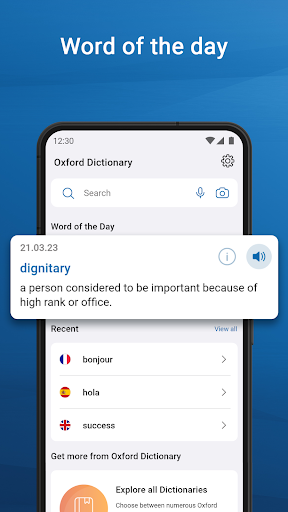
This app stands out with its extensive collection of dictionaries and reference materials. It provides users with the latest 2023 word database from Oxford Languages, featuring over 1 million words, phrases, and definitions. The integrated thesaurus helps users distinguish between similar words, while the phrase section demonstrates how words are used in expressions by native speakers. Special topics reference content allows for easy lookup of topic-specific material, and the word-of-the-day feature aids in vocabulary expansion.
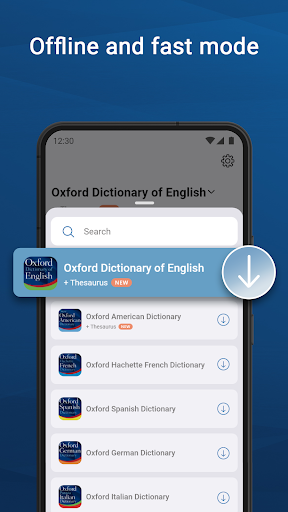
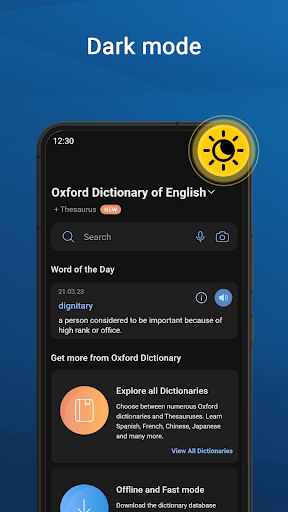
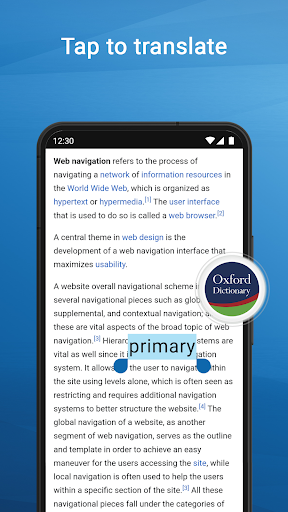
Advanced search tools enhance the user experience by allowing fuzzy searches, voice commands, wildcard usage, autocomplete suggestions, keyword lookups, camera-based searches, and more. The app supports creating custom folders for favorite words, auto-correcting spelling errors, reviewing recently searched terms, and translating entries directly within other apps. A customizable home page and dark mode option ensure a user-friendly interface. Premium features include unlimited synonym searches, audio pronunciations, offline functionality, and an uninterrupted, ad-free environment.
Comprehensive language coverage
Advanced search functionalities
User-friendly interface
Regular content updates
Premium ad-free experience
Some features require subscription
Large app size
Occasional slow load times
Limited free content
Complexity for casual users

Contains the 365 daily readings and everything other thing needed for catholics
 4.70
4.70
Bible, Catechism, Study, Saints, Mass Readings, Rosary, Prayer, Bible in a Year
4.80
Track your Star Wars book collection across Canon & Legends
4.80
Read and study the Bible and other content in over 1,000 languages.
4.80
Prime novels await! Fantasy & Romance on JoyRead. Immersive reads!
4.20
"When tweetle beetles fight, it's called a tweetle beetle battle."
4.90
Research your family history to explore ancestors and search for your heritage
4.50
World's most comprehensive dictionary app: 13 languages, all online or offline!
4.80
A Comprehensive Restoration of Sacred Scripture
4.50
Liturgy of the Hours totally off-line
4.80
Read the KJV Bible with Strong’s offline: reading plans, audio Bibles, and more.
4.70
"Five Dr. Seuss titles in one omBook!"
4.60
Powerful Bible study tools linked to every verse in an easy-to-use Bible reader!
4.60
F9 Cookbook Mobile App
4.60
“It is fun to have fun, but you have to know how!”
4.40
Bilingual dictionary with English translations of Modern Standard Arabic words.
4.30
Mirror Bible - eye-opening paraphrase translation of the NT by Francois du Toit
4.30
Shop over 13 million new and used books at up to 80% off list price
4.20
Sea tide predictions for all coastal U.S. locations.
4.0


User Reveiws