
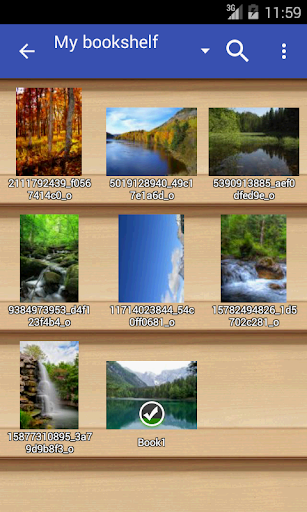
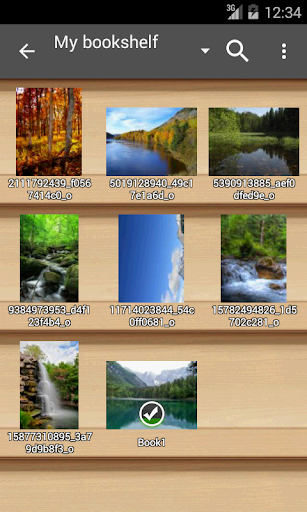

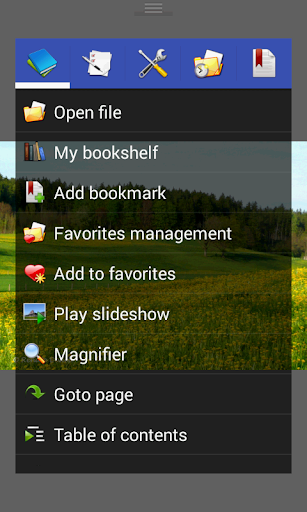
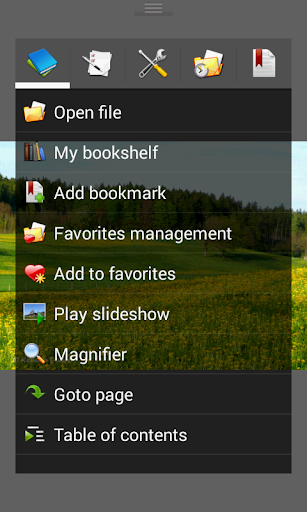

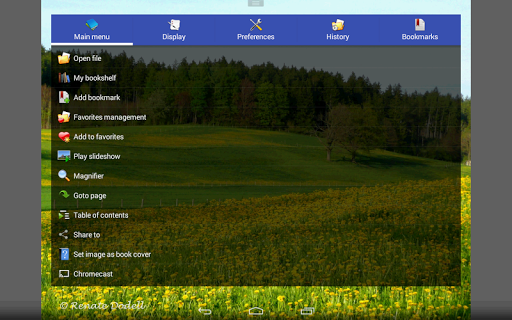
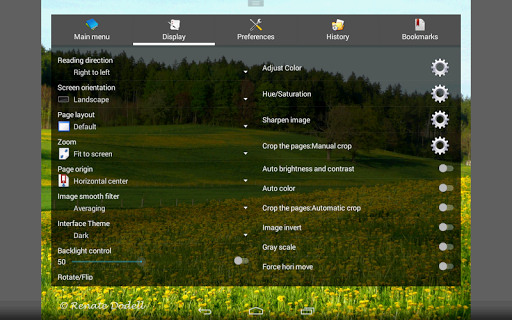
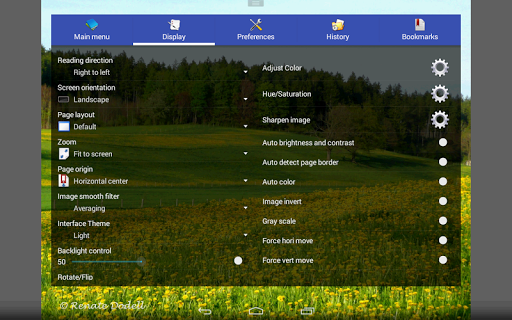

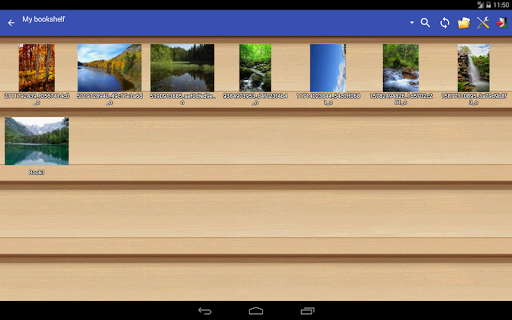
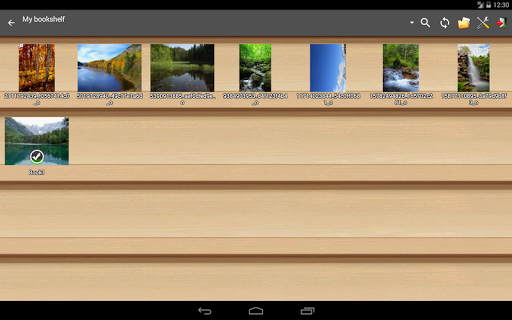

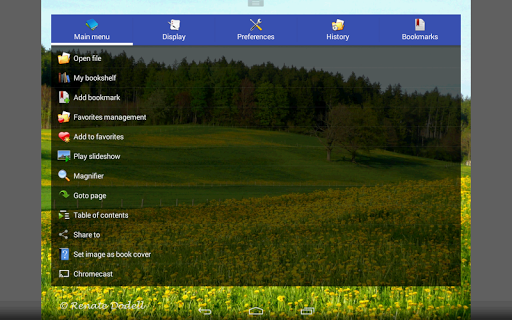
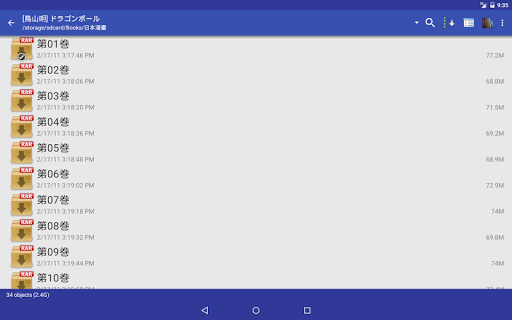
Perfect Viewer is a versatile and fast image, comic, and ebook viewer designed for seamless reading experiences. The app supports multiple file formats including EPUB, PDF, CBZ/ZIP, CBR/RAR, and more, making it an ideal choice for digital comic enthusiasts. With features like auto page layout adjustment, smooth filters, and five view modes, users can customize their reading experience to suit their preferences.
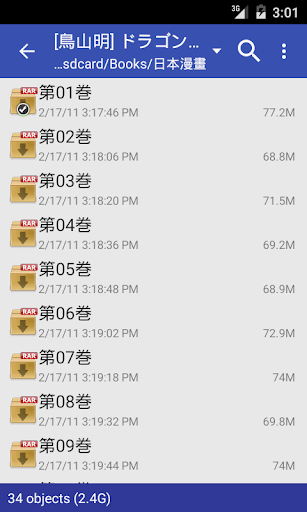
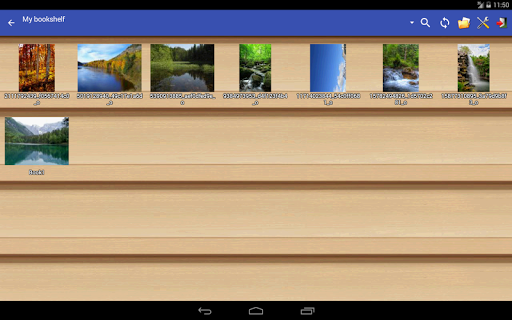
In addition to its robust viewing capabilities, Perfect Viewer allows users to open files from network shares, Google Drive, Dropbox, and OneDrive. Its intuitive interface includes pinch-to-zoom, fling gestures, and bookmark functions, ensuring easy navigation and management of favorite content. Whether you're reading comics or managing ebooks, Perfect Viewer offers a comprehensive solution for all your digital reading needs.
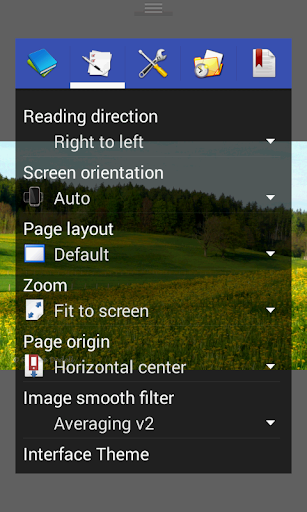
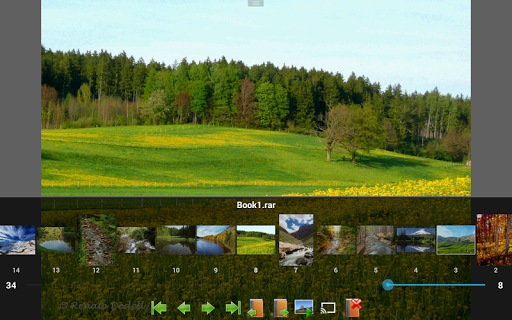
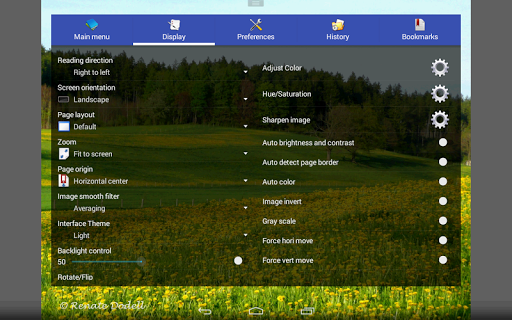
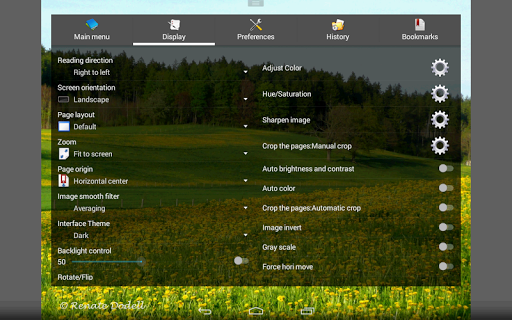
Perfect Viewer stands out with its advanced features tailored for comic and ebook enthusiasts. The app provides three distinct viewer modes: Page mode, Vertical scroll mode (ideal for webtoon-like experiences), and Horizontal scroll mode. It also supports smooth filters such as Averaging, Bilinear, Bicubic, and Lanczos3, enhancing image quality during reading.
One of the key highlights is its support for multiple file formats, including EPUB, PDF, and various archive types. Users can enjoy additional functionalities like adjusting image brightness, contrast, and gamma, setting images as wallpapers, and even extracting files from archives. With added support for Google Chromecast and balloon magnifier features, Perfect Viewer ensures an engaging and interactive reading experience across different platforms.
Fast and responsive performance
Wide range of supported formats
Customizable reading modes
Advanced image enhancement tools
Seamless integration with cloud services
Premium features require donation
Complex settings may overwhelm new users
Limited free plugin availability
Occasional compatibility issues
Interface design feels outdated
Become a real PKM Card Maker, create or custom any Poke TCG cards and share them
 4.10
4.10
Read manga, comics, and manhwa
4.2
The ultimate app for comic lovers
4.50
Read your favorite mangas for free
4.50
Welcome to SnapSaga - your ultimate manga and novel destination!
4.5
Comic Book Identifier Value - Scan comics & prices. Your comic book price guide!
4.50
Experience the largest selection of DC comics anywhere with DC UNIVERSE INFINITE
3.40
from HipComic: Value Your Comic Book Collection with Just the Snap of a Photo.
3.80
Kodansha official Manga app
4.30
Read comics & manga
4.70
See the newest comic book releases and manage your comic collection or pull list
4.70
Follow your favorite manga and get notifications for new chapters!
4.50
TMOLector is an app to read all kinds of manga and stories!
4.50
The anime tv for fans Sud and Dub
4.20
Read officially manga titles from Japan including Attack on Titan
3.80
Read official webcomics, webtoons, Korean manga & webnovels
3.70
Get the latest manga chapters daily, released simultaneously with Japan.
3.10
You can create comics, manga and manwha using AI with Arcstory comic book maker
2.70
A free paradise specially built for comic lovers. When you step into this comic universe full of surprises, it is like opening a door to endless joy. You are immediately immersed in the wonderful world brought by reading and enjoy the infinite charm of reading.
4.1


User Reveiws