Phone Case DIY

4.40

Information

Category:

Simulation

Price:

Free

Rank:

N/A

Rating:

4.40

Overview

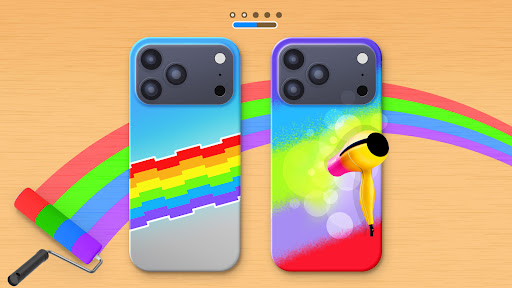
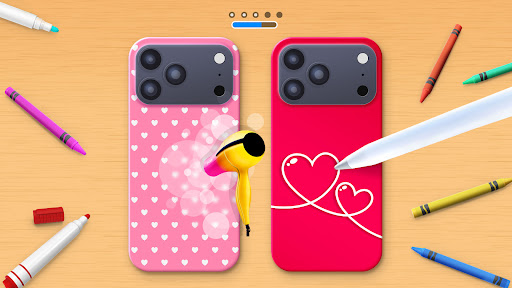
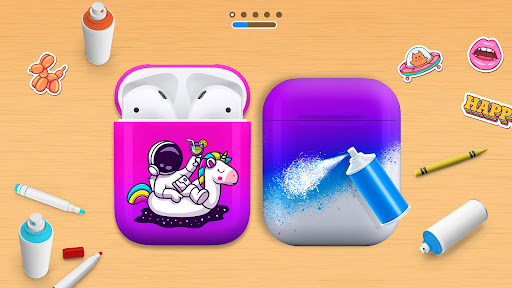
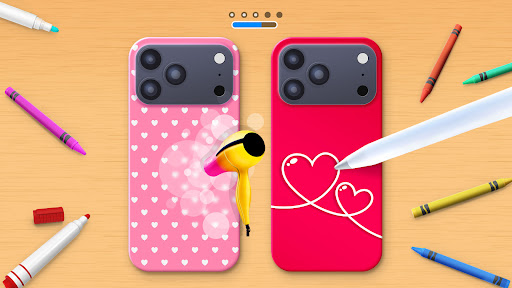
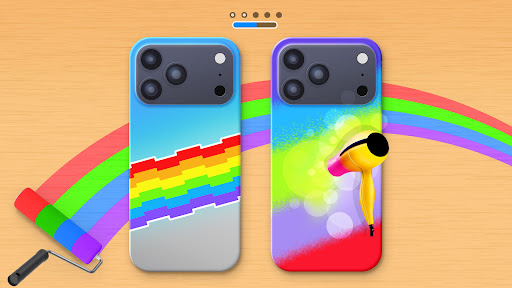
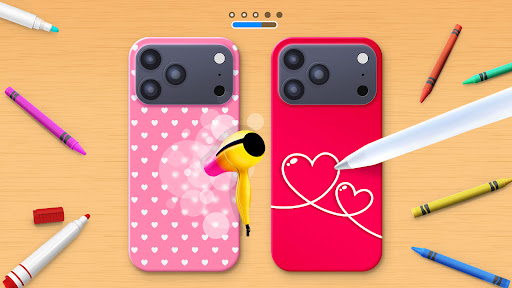
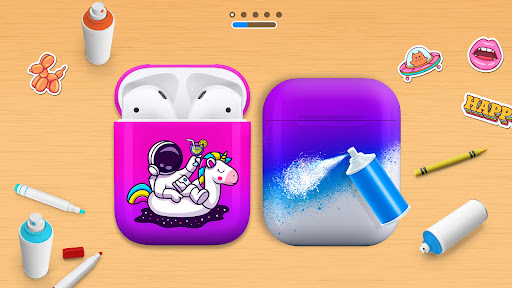
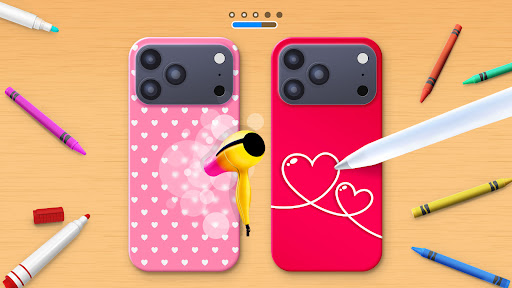
Phone Case DIY is a creative simulation game that allows users to design and customize their own phone cases, earbuds, and headphones. With endless color options and patterns, the app provides a platform for expressing personal style through digital crafting.

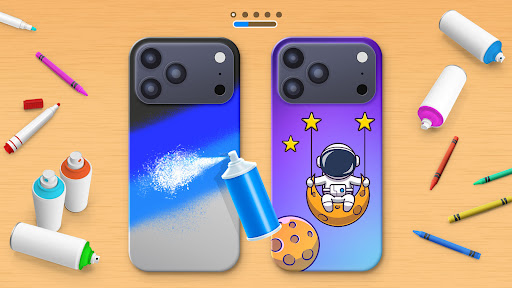
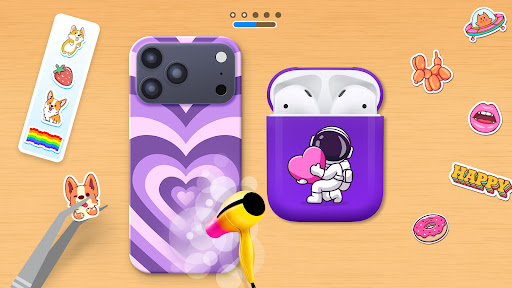
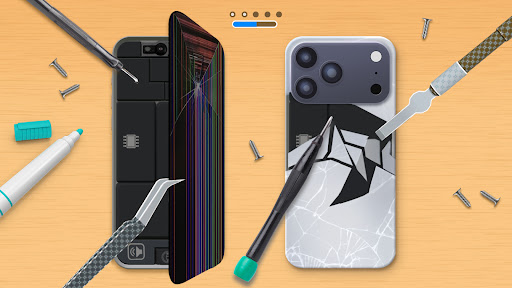
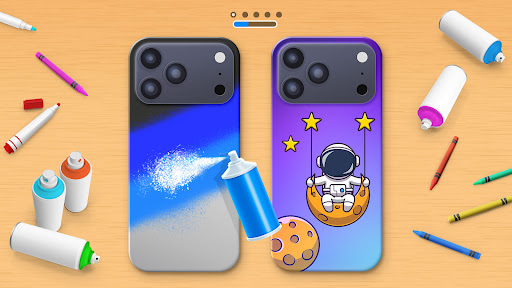
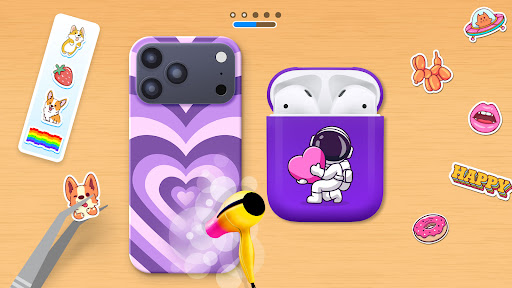
The application offers unique features such as acrylic art, stickers, and even cleaning options to prepare your virtual device before decoration. Whether you're looking to repair old cases or create new ones from scratch, Phone Case DIY caters to various customization needs while providing an engaging experience for users who enjoy detailed design work.

This app is perfect for those who appreciate personalized accessories and want to experiment with different styles without any real-world limitations. It brings joy by letting players become true designers in the realm of mobile device aesthetics.

Features

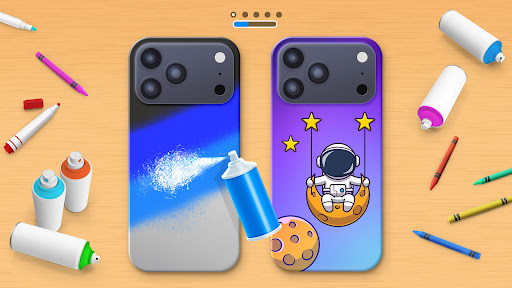
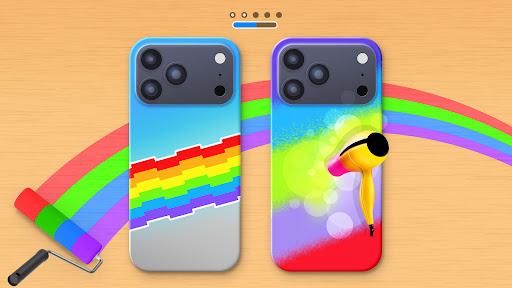
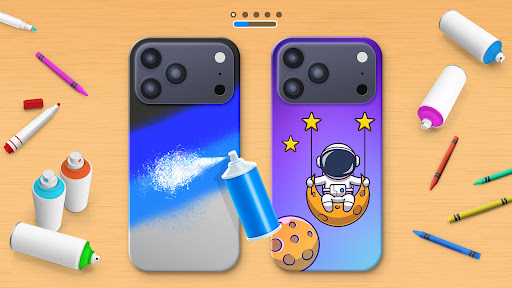
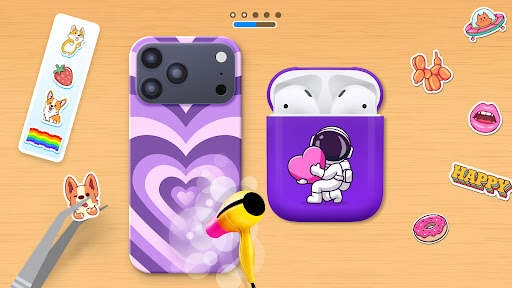
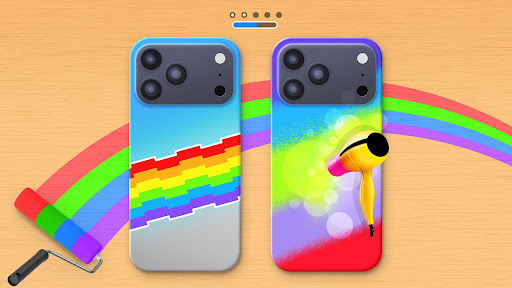
Phone Case DIY stands out with its comprehensive set of design tools. Users can paint their phone cases using vibrant colors, apply eye-catching stickers, and even simulate acrylic art techniques like tie-dye effects on their creations.

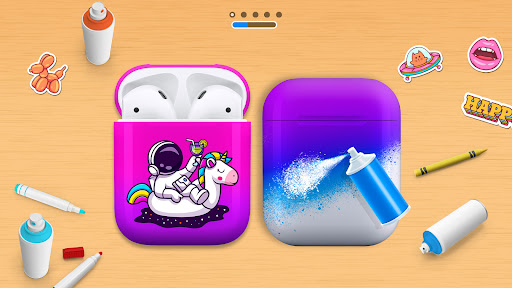
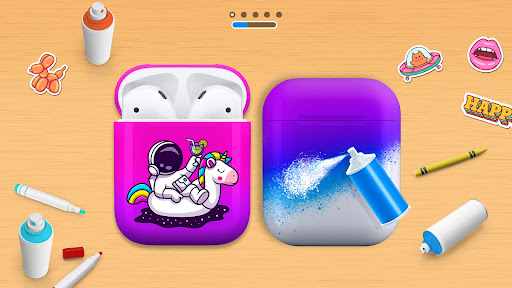
Beyond just phone cases, the app lets you extend your creativity to other accessories such as headphones and earbuds. The leaderboard feature adds a competitive edge, allowing designers to showcase their skills globally while profile customization helps maintain individuality within the community.

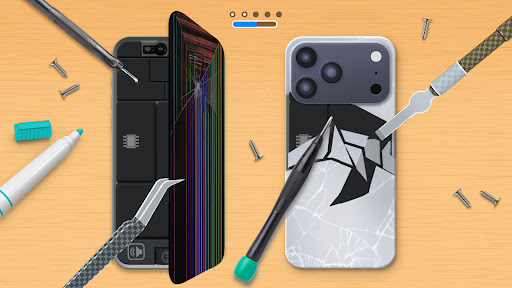
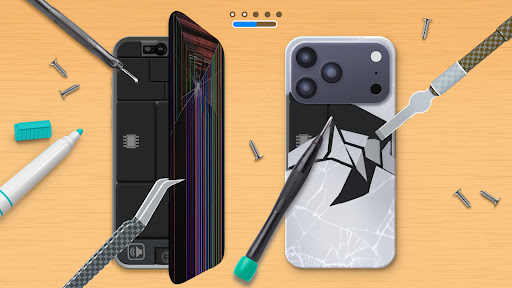
Additional functionalities include repairing damaged cases virtually and cleaning devices before customization begins. These thoughtful touches enhance user engagement and provide a realistic crafting experience that simulates actual processes involved in accessory customization.

Economic system depth & dynamic feedback

In the realm of simulation games like Phone Case DIY the economic system depth and dynamic feedback play pivotal roles in enhancing user engagement and realism. Economic system depth refers to the complexity and intricacy of in-game financial transactions and resource management. In Phone Case DIY this manifests through various means such as acquiring painting materials stickers and customization options. The game offers a rich palette of colors and patterns allowing players to invest their in-game resources wisely to create aesthetically pleasing and unique phone cases. This strategic allocation of resources fosters a sense of ownership and accomplishment. Dynamic feedback within the game ensures that every action taken by the player has a tangible effect on the game environment. For instance when players choose vibrant colors or intricate patterns for their phone cases they receive immediate visual feedback which enhances their creative satisfaction. Moreover the leaderboard feature adds another layer of economic interaction by ranking players based on their design skills thus encouraging healthy competition. Players can climb the ranks by refining their designs and garnering more likes or points which translates into in-game prestige. This system not only motivates players to continually improve their artistic abilities but also creates a thriving community where creativity is rewarded. Overall the economic system depth coupled with dynamic feedback mechanisms in Phone Case DIY provides an immersive experience that mirrors real-world economic principles. Players learn to manage resources effectively while receiving instant feedback on their creative choices fostering both skill development and enjoyment.

Resource management balance

Resource management balance is crucial in simulation games like Phone Case DIY as it directly impacts the player's ability to craft unique and personalized items. In this game resource management involves handling various elements such as colors stickers and customization tools efficiently to create visually appealing phone cases. The balance lies in ensuring that these resources are neither too abundant nor too scarce providing just enough challenge to keep the gameplay engaging. Phone Case DIY achieves this balance by offering a wide array of colors and patterns yet requiring thoughtful selection and combination to produce standout designs. Players must strategically decide which colors and patterns to use ensuring that their creations are not only beautiful but also distinct from others. Additionally the inclusion of features like acrylic art and tie-dye introduces advanced techniques that demand higher resource management skills adding depth to the gameplay. Furthermore the game incorporates repair tasks where players restore damaged phone cases using limited resources. This aspect tests the player's ability to prioritize and allocate resources under constraints simulating real-life scenarios where efficiency and creativity go hand-in-hand. By maintaining a balanced approach to resource management Phone Case DIY encourages players to experiment with different styles and techniques without feeling overwhelmed or restricted. This equilibrium not only enhances the overall gaming experience but also promotes creativity and innovation as players strive to optimize their resource usage to achieve the best possible outcomes.

Props

User-friendly interface

Variety of design options

Engaging gameplay elements

Global leaderboard competition

Profile personalization features

Cons

Limited offline functionality

In-app purchases necessary

Occasional performance lags

Ads between sessions

Steep learning curve

Features and Functions

What is this app and what can I use it for?

A creative app for designing custom phone cases and accessories.

How do I download and install this app on my device?

Visit Google Play Store, search 'Phone Case DIY', tap Install.

How do I get started after opening the app for the first time?

Start by selecting a base item, then choose colors and patterns.

What are the main features and capabilities of this app?

Design phone cases, earbuds, use stickers, acrylic art, compete globally.

How can I customize my experience and adjust preferences?

Adjust colors, patterns, add stickers, save designs as preferred settings.

How do I save or bookmark my favorite content for later access?

Save favorite designs in-app or share via social media platforms.

How can I share content with friends or on social media?

Use in-app sharing options to post creations on social networks.

How do I access detailed information and explore more content?

Explore design templates, color palettes, and advanced editing tools.

What permissions does this app need and how do I manage them?

Requires storage access; manage in device settings under Apps.

How do I check for updates and keep the app running smoothly?

Enable auto-updates in Google Play Store or manually check for updates.
Show more

User Reveiws

{{ comment.reviewer_name }}
{{ comment.review_date_formatted}}
{{ comment.review_content }}
{{ tab.name }}
{{ comment.reviewer_name }}
{{ comment.review_date_formatted}}
{{ comment.review_content }}
No reviews with this rating