
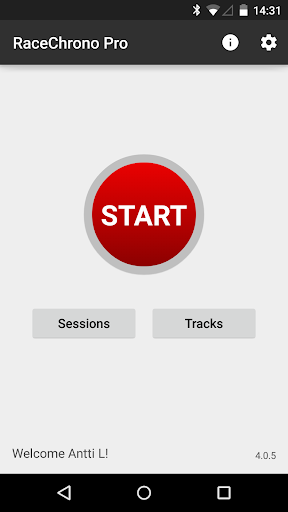




RaceChrono Pro is a premier motorsports application designed to elevate your racing experience through advanced lap timing, data logging, and analysis features. This app serves as an all-in-one replacement for traditional lap timers and data loggers, offering unparalleled functionality for motorsport enthusiasts.
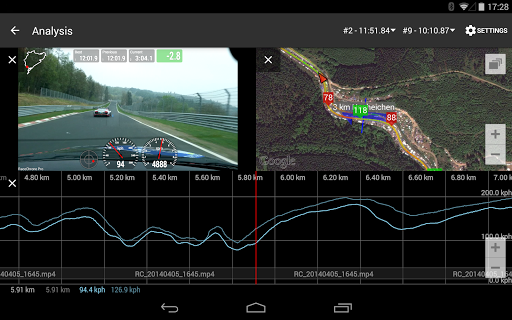
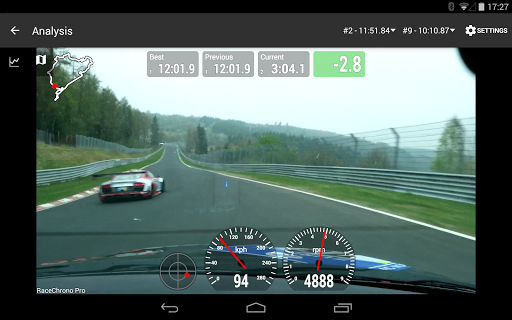
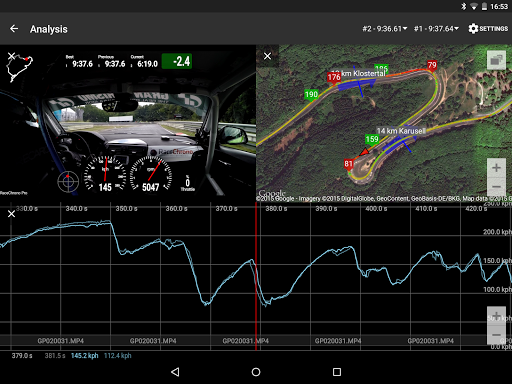
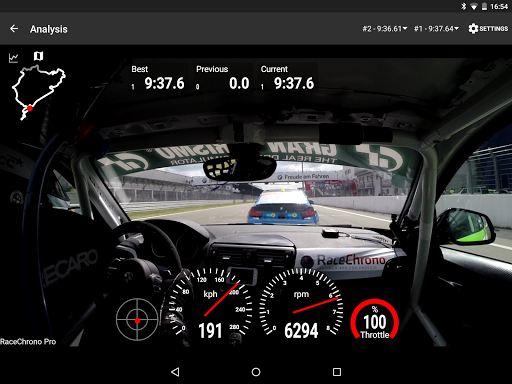
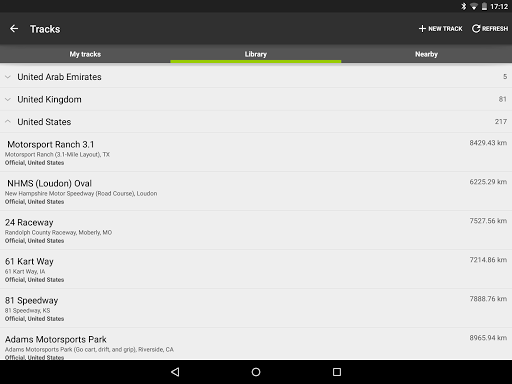
With over 2600 pre-made race tracks in its library, custom track creation capabilities, and seamless video integration, RaceChrono Pro caters to a wide range of motorsports including car racing, go-karting, and motorbike riding. The app's ability to overlay logged data onto recorded videos provides invaluable insights into performance metrics.
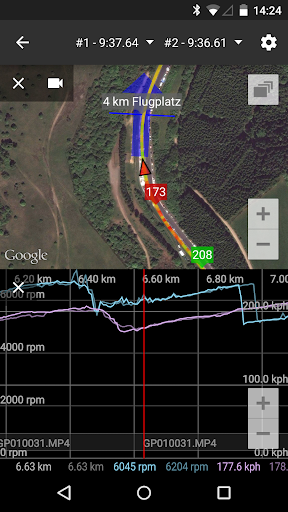
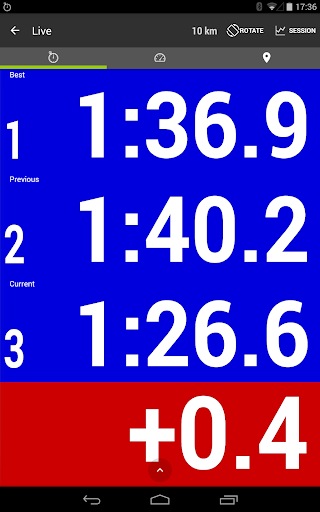
The application's true power lies in its comprehensive data analysis tools and hardware compatibility. Whether you're a professional racer or a hobbyist, RaceChrono Pro helps optimize your track performance through predictive lap timing, time delta graphs, and synchronized data visualization across multiple formats.
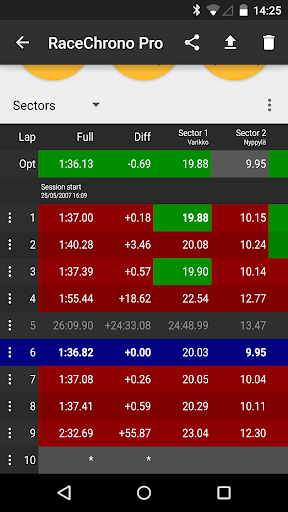
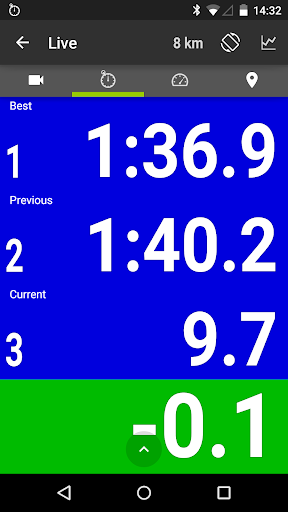
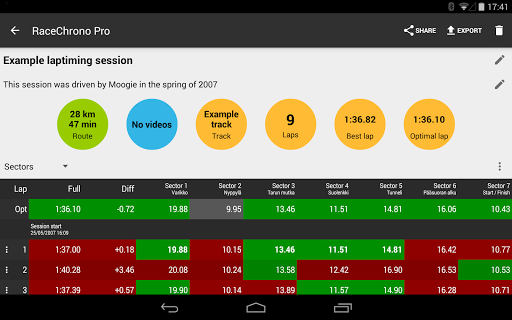
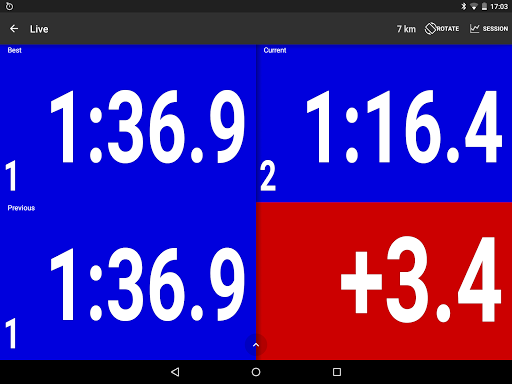
RaceChrono Pro stands out with its extensive feature set tailored specifically for motorsport enthusiasts. The app's core strength lies in its sophisticated lap timing system that supports sector timing and optimal lap calculations, giving racers precise performance measurements.
One of the most remarkable aspects is its hardware integration capabilities. The app supports various external GPS receivers, OBD-II readers, and Bluetooth LE heart rate monitors, creating a comprehensive data collection ecosystem. This hardware synergy enables users to capture detailed vehicle and biometric data during their racing sessions.
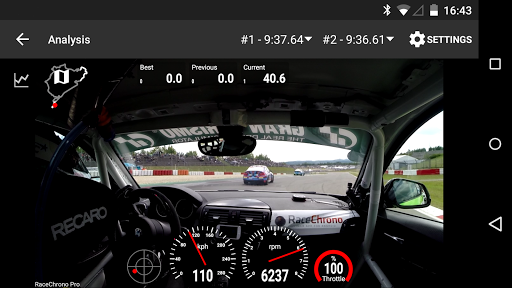
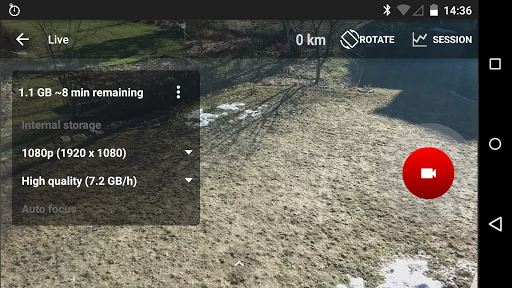
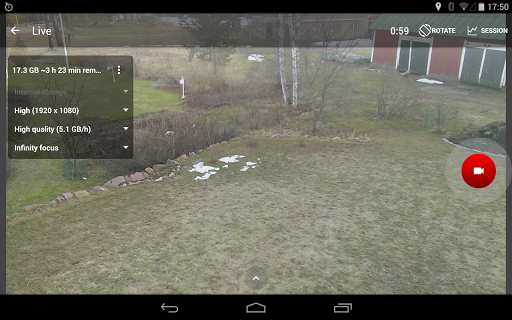
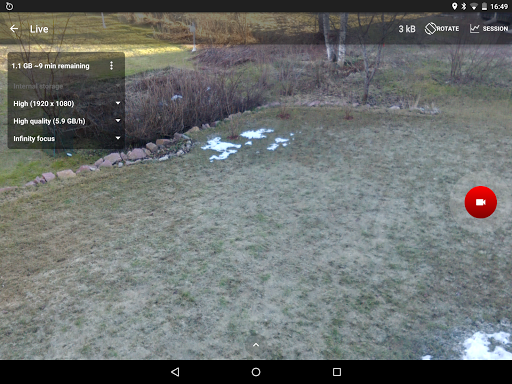
The app's video capabilities are equally impressive, featuring hardware-accelerated video export with configurable data overlays. Users can record using internal cameras or link footage from action cameras, while the picture-in-picture video export function allows for professional-grade video analysis. These features make RaceChrono Pro an indispensable tool for serious racers looking to analyze and improve their performance.
Comprehensive data analysis
Extensive hardware support
Professional-grade video tools
Large track database
Unlimited session recording
Steep learning curve
Premium price point
High system requirements
Limited casual user appeal
Complex setup process
Extreme bike tricks at your fingertips!
 4.50
4.50
Join over 10,000,000 people in the only official PBA bowling game!
4.40
Play fun baseball with doodle-style characters and hit massive home runs!
4.1
Quick-fire archery duels! Play the most realistic 3D archery game now!
4.70
Play eFootball™ with users around the world!
4.10
Advanced Shotgun Shooting Simulator: Skeet, Trap, Sporting and Bird Hunting
4.20
Play T20 Cricket World Cup 2025. Real matches, offline & tournament mode!
4.0
The My Epic app unlocks the mountain and elevates your experience.
3.90
Mika Football App, Live scores, news, match insights & player info!
4.20
NBA-licensed Streetball Game
4.70
Create and customize your own golf course in this charming management sim.
4.70
8 Pool Master is an interesting billiard game
4.70
Online app with multiple arenas! Live PvP multiplayer grand slam sports league.
4.60
Trampoline backflips, frontflips & trick stunts! Ultimate adrenaline rush!
4.60
Let's play catch and throwing game!
4.60
Manage your lineup of NBA and WNBA stars on the go with the NBA 2K26 MyTEAM app.
4.50
Ice Fishing Derby - It's the fun of ice fishing without the frostbite
4.40
Draft your NBA basketball game team. Authentic real-time online sports game.
4.20
Build your football city, train your team— no ads, no in-app purchases!
4.1


User Reveiws