
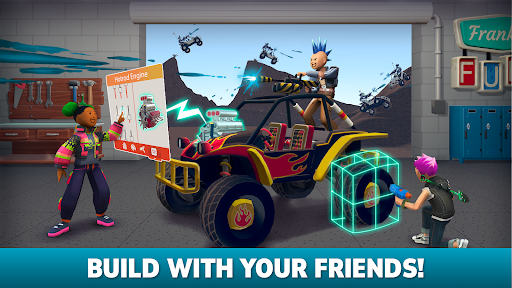
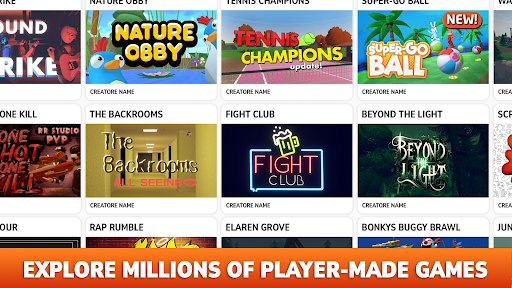
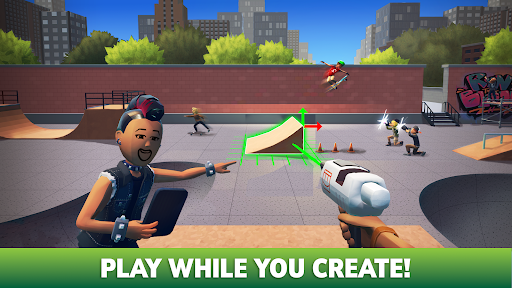
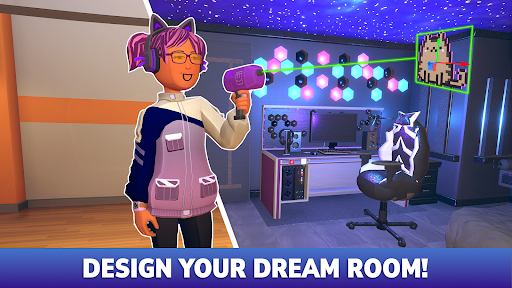
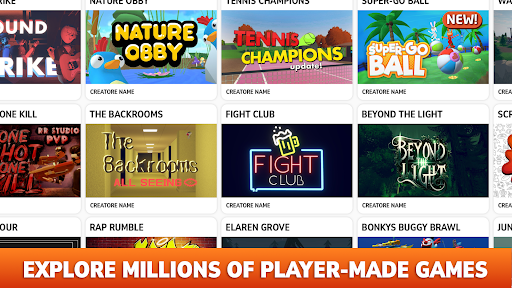



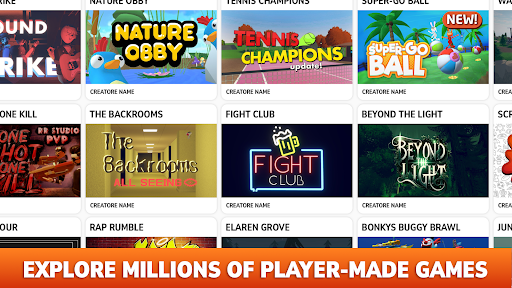
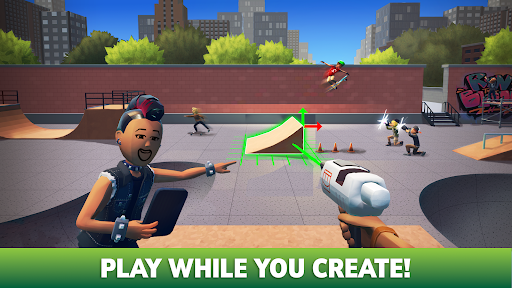
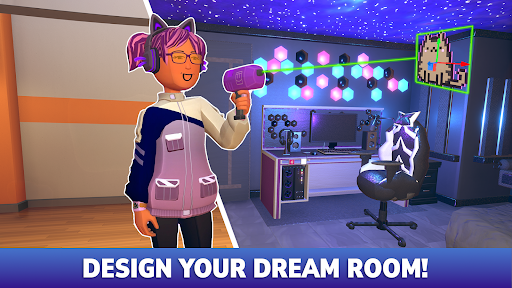
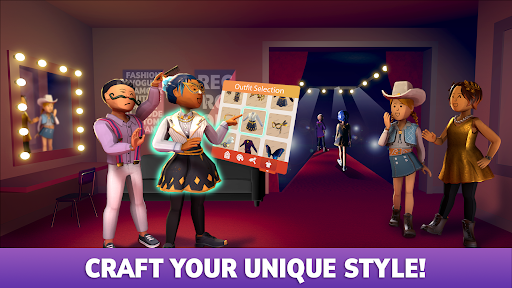
Rec Room is a dynamic adventure sandbox game that allows users to create, play, and socialize in an immersive virtual environment. The app's core functionality revolves around its powerful creation tools, enabling players to design custom games, spaces, and avatars. Whether you're crafting multiplayer PVP games or cozy hangout spots, Rec Room offers limitless creative possibilities.
One standout feature of Rec Room is its seamless cross-platform compatibility, supporting VR headsets, PCs, consoles, and mobile devices. This ensures that users can collaborate and enjoy content regardless of their preferred hardware. Additionally, the platform fosters a strong sense of community by allowing creators to publish their work instantly for a global audience, while also offering monetization opportunities for their creations.
For gamers and creators alike, Rec Room provides a unique space where creativity meets collaboration. Its engaging gameplay mechanics and social interaction make it ideal for both casual players and seasoned developers looking to refine their skills and connect with others.
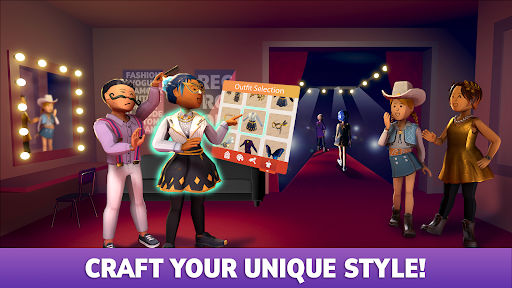
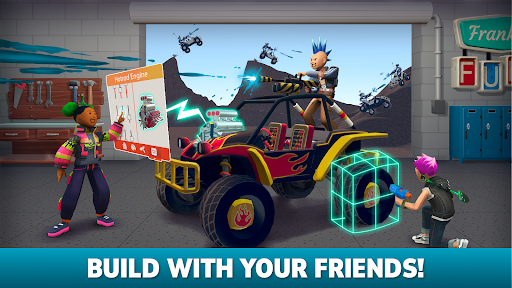
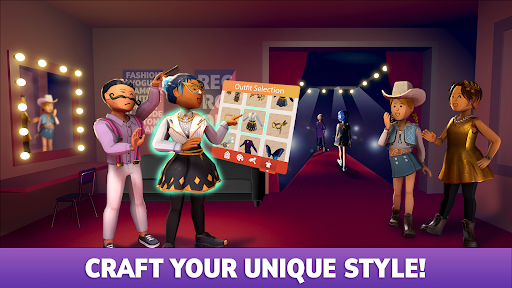
Rec Room stands out with its robust set of features tailored for creative expression and social interaction. At its core, the app provides intuitive building tools that require no prior experience or external software. These tools allow users to craft intricate 3D models, design custom avatar outfits, and even build entire games from scratch. The real-time collaboration feature lets friends work together seamlessly, enhancing teamwork and creativity.
Another key highlight is the platform's instant publishing capability. Once a creation is complete, users can press 'Publish' to share their projects across all supported devices, ensuring maximum accessibility. Furthermore, Rec Room supports full voice chat and cross-play functionality, making interactions smooth and inclusive for everyone. With tutorials, live classes, and clubs available, the app helps users level up their skills while fostering a welcoming community atmosphere.
Finally, Rec Room incentivizes creativity through monetization options. Creators can earn rewards by designing popular avatar items, hosting events, or founding clubs. This not only encourages innovation but also helps users grow their fanbase within the app's vibrant ecosystem.
User-friendly interface
Cross-platform support
Real-time collaboration
Vibrant creator community
Monetization opportunities
Steep learning curve
Limited offline features
VR-dependent experiences
Occasional bugs
High system requirements

You work for a dystopian surveillance state and spy on your neighbors
 4.50
4.50
Try to survive our survival games! Arrived last day on earth, zombie apocalypse!
4.30
Your family’s past is more interesting than any story. And it's not over yet…
4.60
Point and Click adventure games with puzzles, mini-games, & immersive storylines
4.40
Are you fast and daring enough to become a true parkour master
3.50
The reckoning is near.
4.60
Run & jump across platformer levels with Sonic the Hedgehog
4.30
Explore infinite world and survive in a realistic environment full of animals.
4.20
Goodville is original mix of a farm game with an emotional well-being care app
4.50
Unlock memories one metro station at a time in Rusty Lake's: Underground Blossom
4.90
Play Fishermon, Bed Wars, and more games with your friends!
4.50
Mods for MCPE Addons.
4.50
A hilarious adventure game.
4.30
Welcome to Playcare, where dreams come true…
4.20
Collect coin, star, mushroom in Pop's World to rescue the princess from monsters
4.10
The original's spin-off
4.10
Legends Unite!
3.90
Block Architect: Master Building Game
3.50
Escape the loop. Obey the voice… or don’t.
4.1


User Reveiws