




Spider Solitaire - Card 2025

4.50

Information

Category:

Card

Price:

Free

Rank:

N/A

Rating:

4.50

Overview

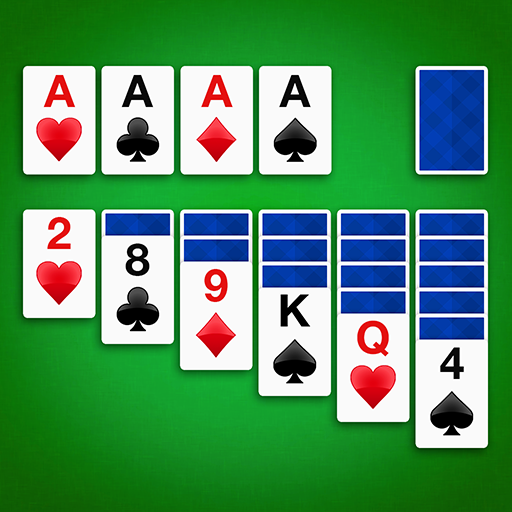
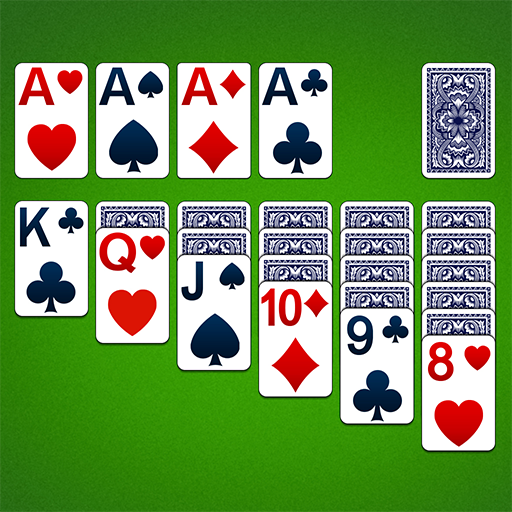
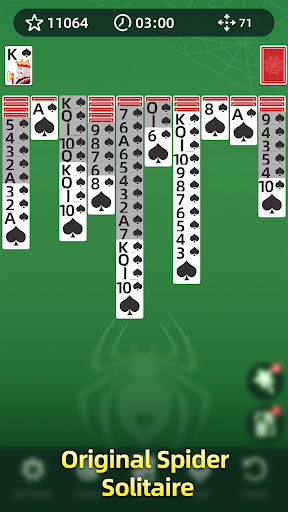
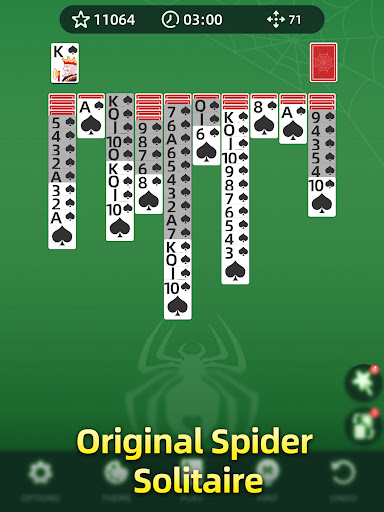
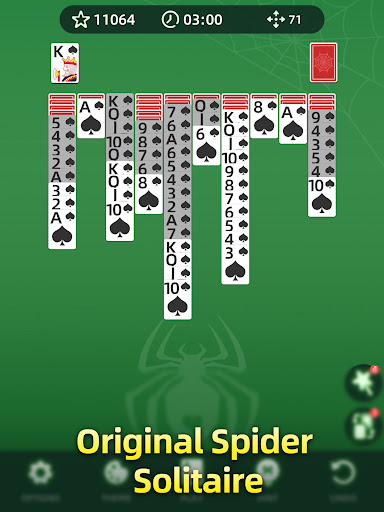
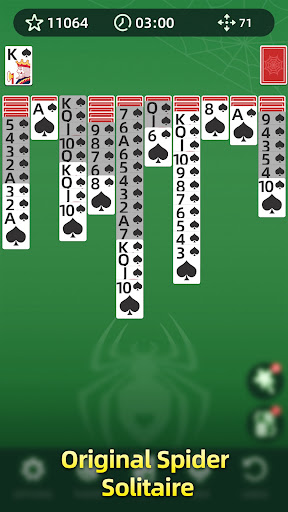
Spider Solitaire is a classic card game reimagined for mobile devices, offering players an engaging blend of strategy and relaxation. The primary objective is to arrange cards in descending order by suit, from King to Ace, to clear them from the board. With multiple difficulty levels ranging from one suit for beginners to four suits for experts, this app caters to all skill levels. Its sleek design and intuitive controls make gameplay smooth and enjoyable.

Beyond its core mechanics, Spider Solitaire includes features like daily challenges, hints, undo options, customizable themes, offline playability, and progress tracking. These elements enhance user experience by providing both assistance and personalization. Whether you're looking to sharpen your mind during short breaks or immerse yourself in hours of strategic fun, Spider Solitaire delivers a polished gaming experience that stands out among digital card games.

Features

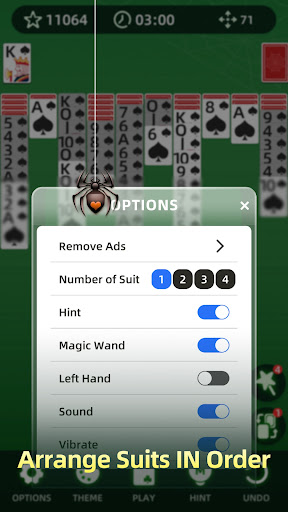
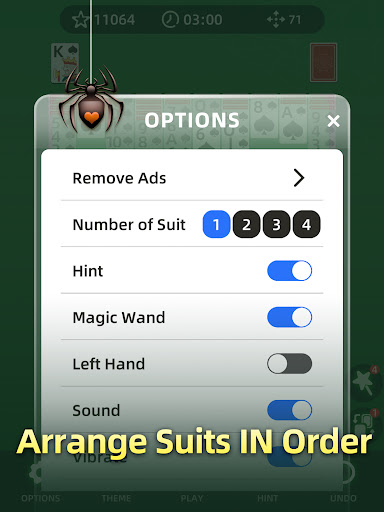
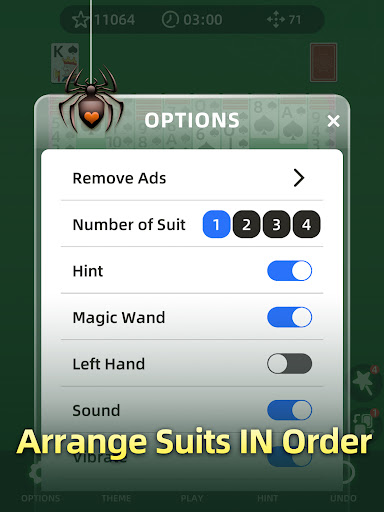
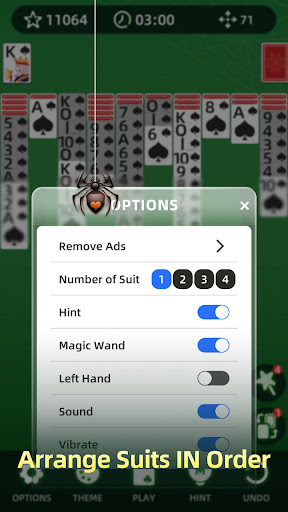
Spider Solitaire boasts several standout features that elevate it above traditional versions of the game. One key aspect is its adjustable difficulty settings, allowing users to select between one, two, or four suits based on their expertise level. This flexibility ensures that everyone can find a challenge suited to them while progressively improving their skills over time.

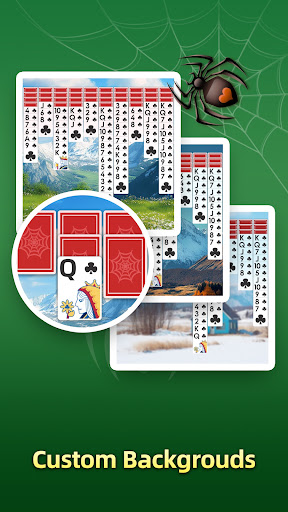
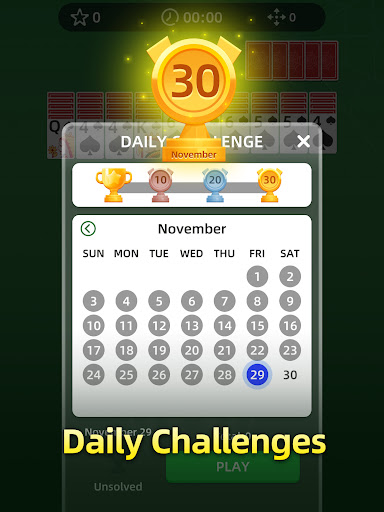
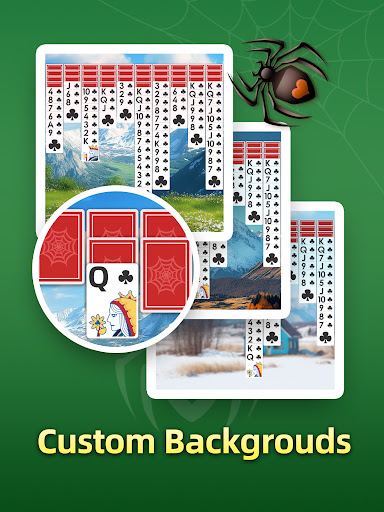
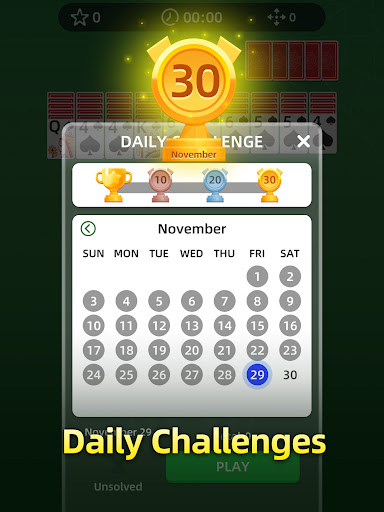
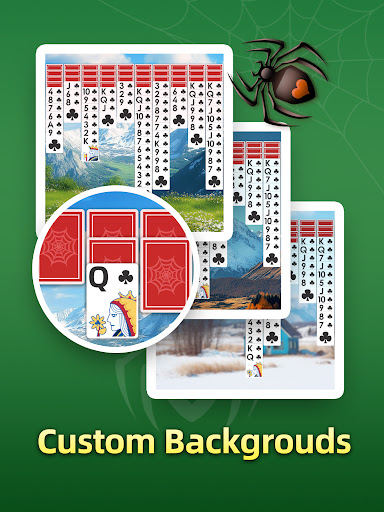
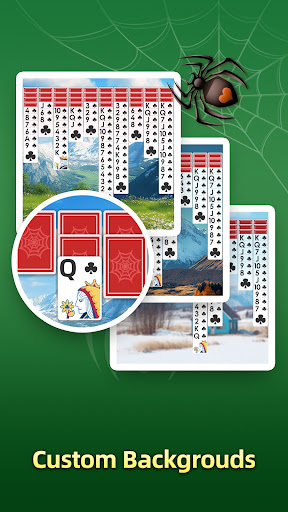
In addition to varying difficulties, the app offers daily challenges, which provide unique puzzles each day and reward consistent play. Players also benefit from helpful tools such as hints and unlimited undos, ensuring they never feel stuck. Customizable themes let users personalize their experience with different backgrounds and card designs, adding another layer of enjoyment. Furthermore, offline mode allows uninterrupted access without needing an internet connection, making it perfect for travel or areas with poor connectivity.

RNG fairness & certification

Random Number Generation RNG fairness is a critical aspect of any card game including Spider Solitaire as it ensures that the shuffling and dealing of cards are truly random and not predictable or biased providing an authentic gaming experience The randomness in card games is essential because it guarantees that every player starts with an equal chance and faces the same level of challenge which is fundamental to maintaining the integrity of the game In Spider Solitaire the implementation of certified RNG algorithms ensures that each session presents a unique and unpredictable arrangement of cards This means that no two games will be exactly alike offering players a fresh challenge every time they play Furthermore the certification process involves rigorous testing by independent third-party organizations that verify the RNG's compliance with industry standards This certification assures players that the game has been vetted for fairness and unpredictability enhancing their trust in the application Additionally this commitment to verified RNG practices demonstrates the developer's dedication to delivering a genuine and equitable gaming environment By prioritizing RNG fairness and certification Spider Solitaire provides users with a reliable platform where they can enjoy the classic card game without concerns about manipulated outcomes or unfair advantages This focus on fair play ultimately enriches the user experience by fostering a sense of competition and achievement within a trusted gaming ecosystem

Control fluidity & input latency

Control fluidity and input latency are crucial elements in digital card games like Spider Solitaire as they directly impact the responsiveness and overall feel of the gameplay When playing a card game on mobile devices users expect seamless interactions where their inputs such as dragging dropping or tapping cards are registered instantly without noticeable delays Control fluidity refers to how smoothly these actions transition from the player's touch to the visual feedback on the screen A high degree of fluidity ensures that moving cards between columns selecting specific cards or undoing moves feels natural and effortless reducing frustration and enhancing immersion On the other hand input latency measures the time between a user's action and the gameu2019s response Lower latency means that when you tap or drag a card the reaction is immediate creating a more engaging and satisfying experience In Spider Solitaire the developers have optimized both control fluidity and minimized input latency through careful design choices For instance the intuitive drag-and-drop mechanics allow players to effortlessly rearrange cards while the quick response times ensure that every move is executed precisely as intended Additionally features like the undo button benefit significantly from low latency enabling players to backtrack their moves seamlessly without disrupting the flow of the game By focusing on these technical aspects Spider Solitaire delivers a polished and enjoyable experience that retains the essence of traditional card play while leveraging modern technology to enhance accessibility and convenience for players of all skill levels

Props

Easy-to-use interface

Variety of difficulty levels

Daily challenges keep gameplay fresh

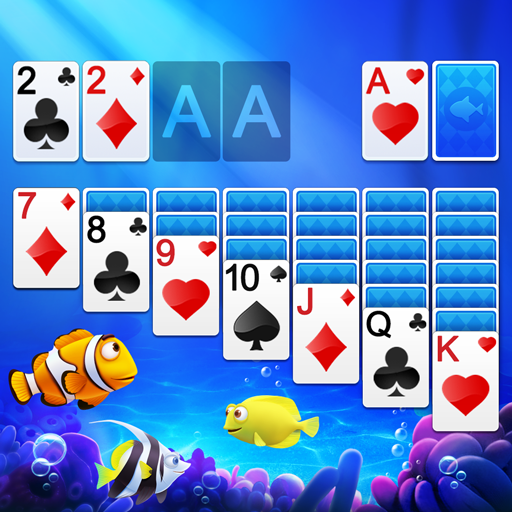
Customizable themes enhance visual appeal

Offline mode for uninterrupted play

Cons

Limited social interaction features

No multiplayer mode available

Ads may interrupt gameplay

Some advanced features require purchase

Occasional bugs reported

Features and Functions

What is this app and what can I use it for?

A classic card game where you arrange cards in descending order by suit.

How do I download and install this app on my device?

Visit Google Play Store, search 'Spider Solitaire', tap Install, and open after download.

How do I get started after opening the app for the first time?

Select difficulty level, review basic rules, and start your first game.

What are the main features and capabilities of this app?

Multiple difficulty levels, daily challenges, hints, undo options, and offline mode.

How can I customize my experience and adjust preferences?

Change card designs, background themes, and adjust sound settings in options menu.

How do I save or bookmark my favorite content for later access?

Game auto-saves progress; no need to manually bookmark content.

How can I share content with friends or on social media?

Share scores via social media platforms directly through the app's interface.

How do I access detailed information and explore more content?

Access detailed stats and history under the progress tracking section.

What permissions does this app need and how do I manage them?

Requires storage permission; manage permissions in device settings.

How do I check for updates and keep the app running smoothly?

Enable automatic updates in Google Play Store or check manually for latest version.
Show more

User Reveiws

{{ comment.reviewer_name }}
{{ comment.review_date_formatted}}
{{ comment.review_content }}
{{ tab.name }}
{{ comment.reviewer_name }}
{{ comment.review_date_formatted}}
{{ comment.review_content }}
No reviews with this rating