
Teacher Simulator: Exam Time

4.50

Information

Category:

Simulation

Price:

Free

Rank:

82

Rating:

4.50

Overview

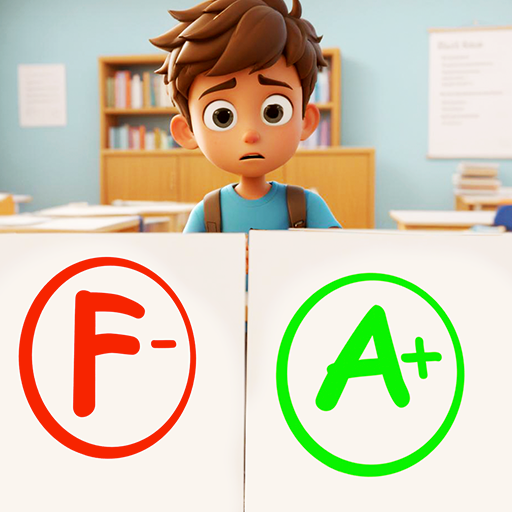
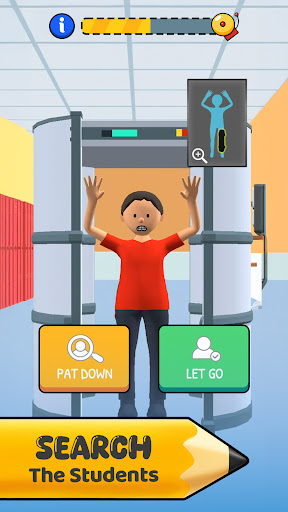
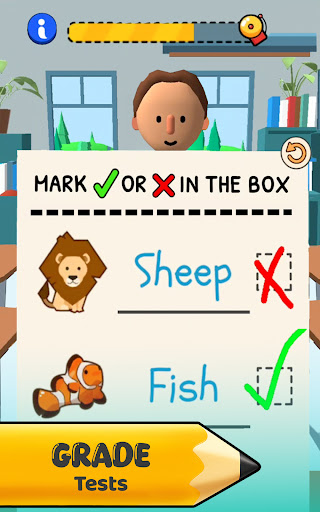
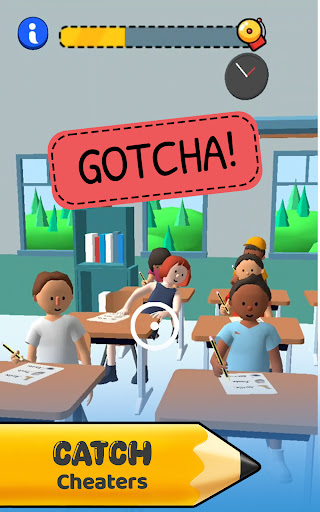
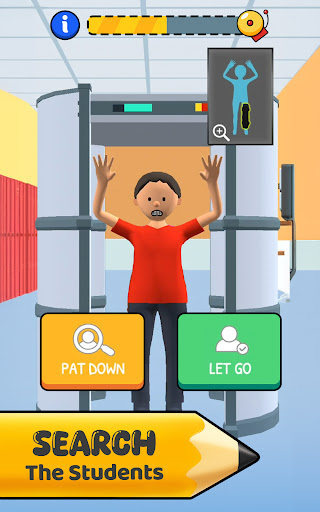
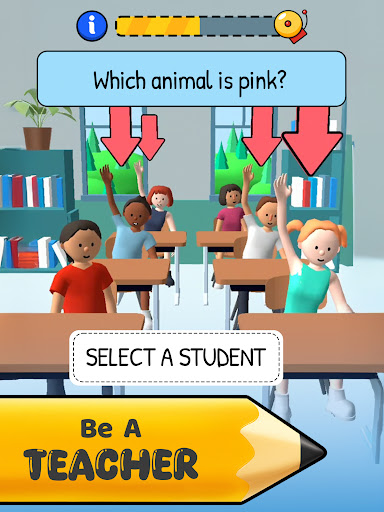
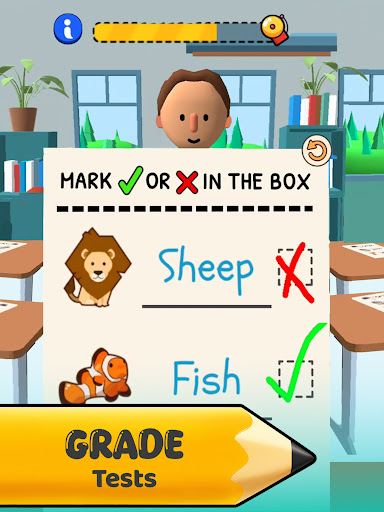
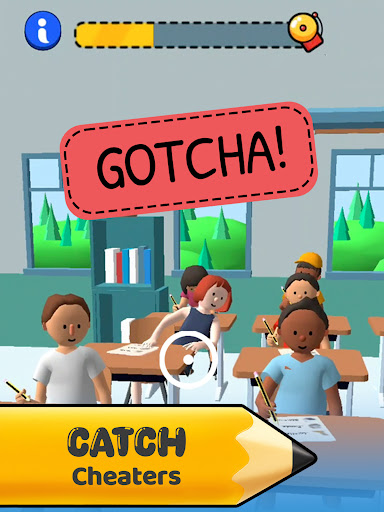
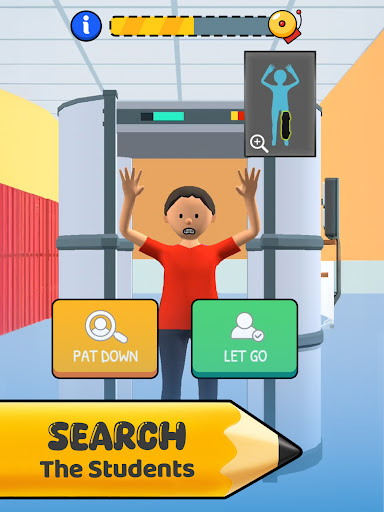
Teacher Simulator: Exam Time is an engaging simulation game that puts you in the shoes of a classroom teacher. As the central figure in this school environment, your primary responsibility is to manage and mentor students through various academic challenges. The game tests your ability to handle real-life teaching scenarios such as catching cheaters, breaking up fights, and conducting pop quizzes.

Beyond just maintaining discipline, you are tasked with inspiring your students by crafting lessons that make learning enjoyable. Your decisions significantly impact the classroom atmosphere, influencing whether you're remembered as the best teacher or the one everyone tries to avoid. With daily rewards motivating your progress, each day presents a new adventure in marking papers and disciplining students.

This simulation offers a unique opportunity to experience the highs and lows of teaching. It's not just about surviving the chaos but thriving in it, making it an ideal game for those interested in education, leadership, and decision-making under pressure.

Features

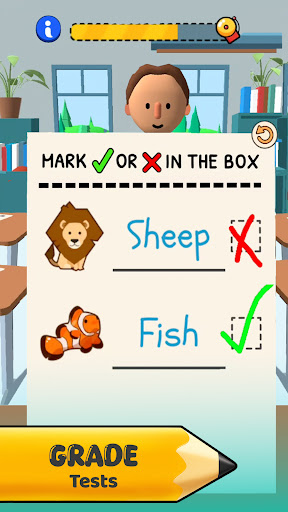
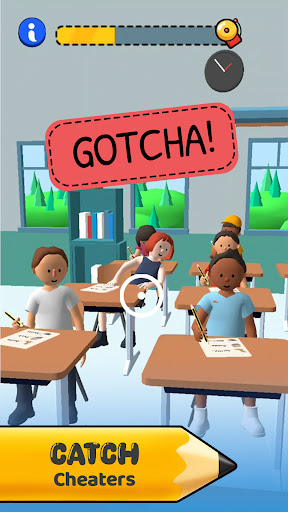
Teacher Simulator: Exam Time boasts a variety of features designed to immerse players in the life of a teacher. One standout feature is the ability to catch cheaters red-handed and send them to the principal, ensuring fairness in exams. Handling pop quizzes and grading papers meticulously allows you to witness the direct impact of your evaluations on student performance.

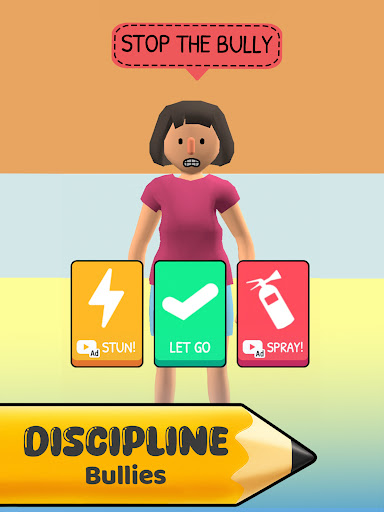
The game also emphasizes classroom management skills. You'll need to break up fights, stop bullies, and maintain order while developing your unique teaching style. Will you be a kind educator or rule with an iron fist? Daily rewards provide additional motivation as you navigate the complexities of school life.

For players seeking enhanced experiences, subscribing to Teacher Simulator offers exclusive benefits like access to a new 'Arts & Crafts' mini-game, VIP outfits, ad removal, and doubled earnings. These subscription options add depth and personalization to the gameplay, allowing users to tailor their teaching journey according to their preferences.

Economic system depth & dynamic feedback

In Teacher Simulator Exam Time the economic system is intricately designed to reflect the multifaceted nature of managing a classroom. The game incorporates various elements such as earning points or rewards for successfully handling different classroom scenarios which include catching cheaters managing pop quizzes and grading papers. These earnings are not just static numbers but dynamically respond to the player's actions and decisions within the game environment. For instance choosing to be a kind educator might yield different long-term benefits compared to ruling with an iron fist even though both approaches have their immediate pros and cons. This dynamic feedback mechanism ensures that players remain engaged and invested in their choices as every decision can lead to noticeable changes in their in-game earnings and overall success as a teacher. The ability to double earnings through a VIP membership adds another layer to this economic system providing players with strategic decisions on whether to invest real-world resources for in-game advantages. This complex interaction between in-game actions earnings and potential real-world investment creates an immersive experience that constantly evolves based on player behavior making it a standout feature in the realm of simulation games.

Resource management balance

Teacher Simulator Exam Time offers a compelling resource management aspect that challenges players to maintain a delicate balance between discipline instruction and personal teaching style development. As the player steps into the shoes of a teacher they must allocate their attention and time wisely among various tasks such as crafting engaging lessons breaking up fights and grading papers. Each task requires a thoughtful approach as neglecting one area could lead to negative consequences like decreased student performance or loss of control over the class. The game excels in creating a realistic portrayal of how limited resources namely time and energy must be judiciously managed to ensure a productive learning environment. Moreover the introduction of daily rewards incentivizes consistent engagement while the option to subscribe for additional benefits introduces another layer of strategy. Players must decide whether to utilize the free resources effectively or invest in a subscription for enhanced capabilities such as exclusive mini-games and ad removal. This balance between available resources and potential upgrades fosters a rich strategic depth where players learn to optimize their teaching methods within the constraints of the game world ultimately leading to a more fulfilling and educational simulation experience.

Props

Engaging gameplay

Educational value

Daily rewards system

Classroom management simulation

Subscription benefits

Cons

Subscription cost

In-app purchases

Ads in free version

Complex controls

Repetitive tasks

Features and Functions

What is this app and what can I use it for?

A simulation game where you manage a classroom and mentor students through exams and daily activities.

How do I download and install this app on my device?

Search for 'Teacher Simulator: Exam Time' on Google Play Store, click Install, and follow the prompts to download and install.

How do I get started after opening the app for the first time?

Complete the tutorial to understand basic controls, then start managing your virtual classroom and interacting with students.

What are the main features and capabilities of this app?

Catch cheaters, conduct pop quizzes, grade papers, and manage classroom behavior with various decision-making impacts.

How can I customize my experience and adjust preferences?

Adjust settings in the options menu to customize your experience, such as difficulty levels and notification preferences.

How do I save or bookmark my favorite content for later access?

Use in-game bookmarks or notes feature to save important content or track student progress for later review.

How can I share content with friends or on social media?

Share achievements or interesting moments via social media directly through the gameu2019s sharing interface.

How do I access detailed information and explore more content?

Access detailed information through the help section or explore more content by progressing further in the game.

What permissions does this app need and how do I manage them?

The app needs permissions for notifications and storage; manage these in your device settings under app permissions.

How do I check for updates and keep the app running smoothly?

Check for updates in the Google Play Store app under My apps & games, and ensure auto-update is enabled for smooth operation.
Show more

User Reveiws

{{ comment.reviewer_name }}
{{ comment.review_date_formatted}}
{{ comment.review_content }}
{{ tab.name }}
{{ comment.reviewer_name }}
{{ comment.review_date_formatted}}
{{ comment.review_content }}
No reviews with this rating