The Monster at the End...

4.50

Information

Category:

Education

Price:

$ 4.99

Rank:

45

Rating:

4.50

Overview

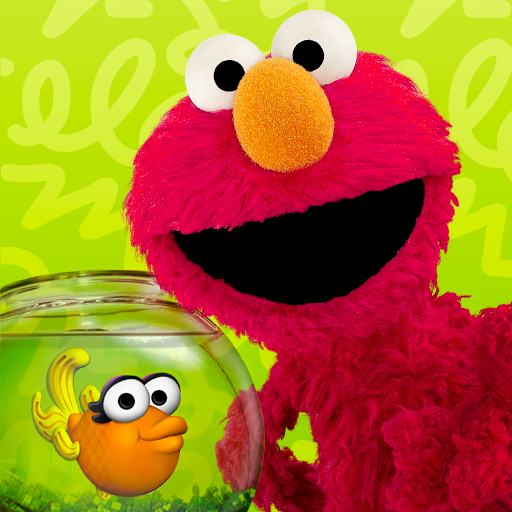
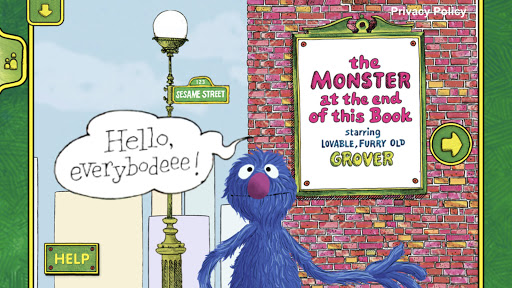
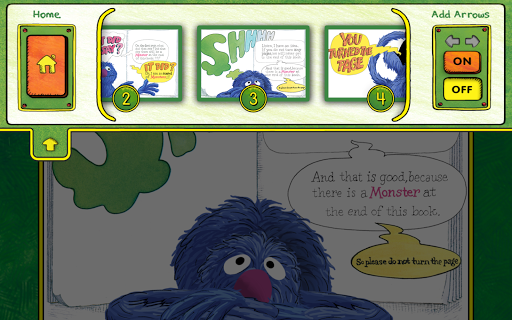
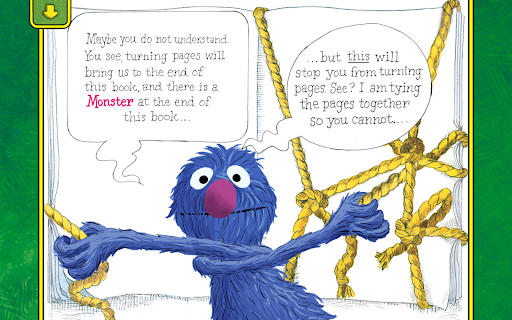
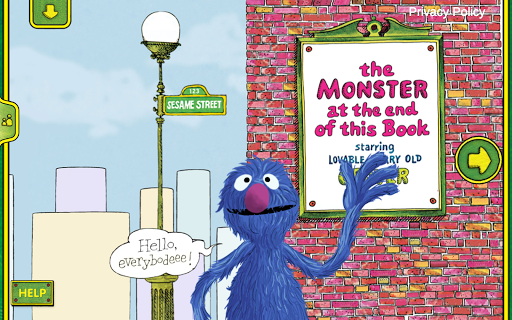
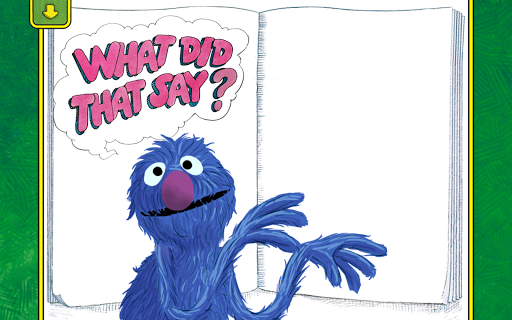
The Monster at the End of This Book is an interactive storybook app that brings a classic Sesame Street tale to life. Designed for young learners, this educational tool combines engaging storytelling with essential learning objectives. Children are invited into Grover's whimsical world where they'll encounter delightful animations and interactive features that respond to their touch.

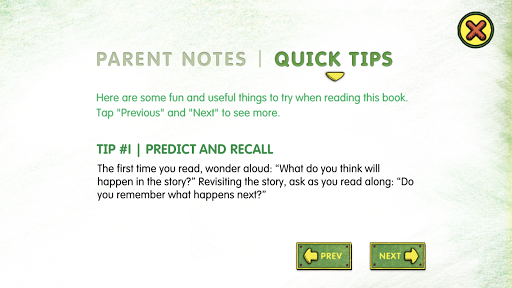
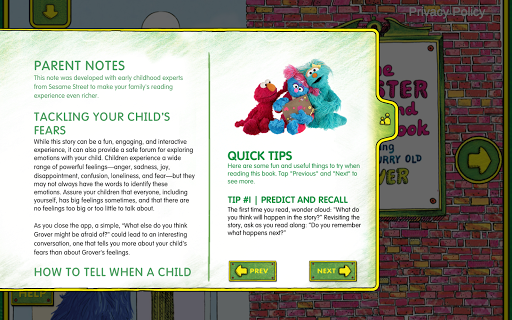
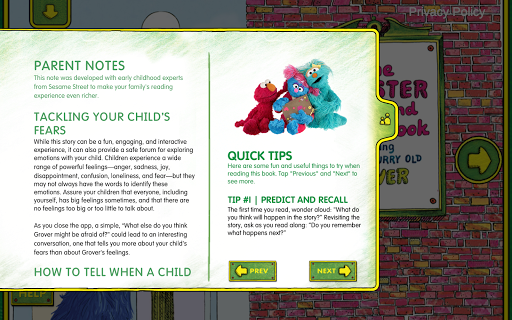
Through playful activities and narration by Grover himself, the app helps children develop crucial skills such as spatial awareness, listening abilities, and early reading proficiency. The inclusion of parental tips ensures that families can navigate common childhood fears while labeling emotions effectively. With its charming narrative and educational depth, this app offers a truly enchanting experience for kids of all ages.

Features

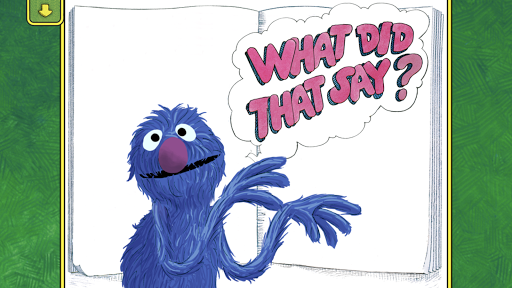
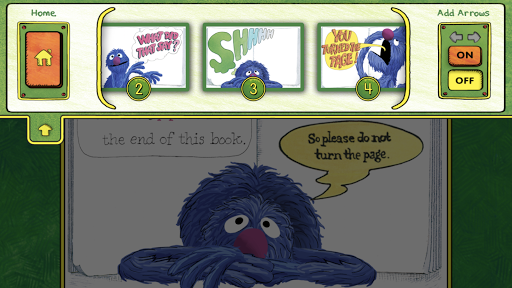
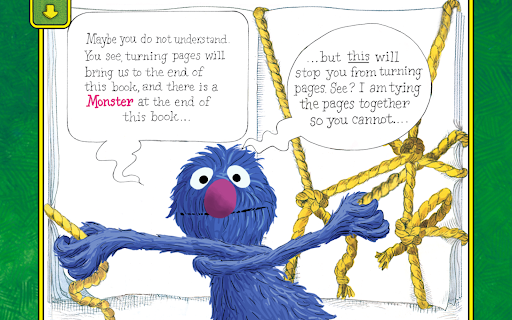
This app stands out with its lively interactive animations that respond directly to a child's touch, creating an immersive reading experience. As children progress through the story, they encounter various activities designed to engage their decision-making skills and encourage spatial development. Each page turn is an opportunity for young readers to interact with Grover and influence the narrative flow.

Additional features include word highlighting to support beginning reader skills and easy-to-follow parent tips that help address common childhood fears. The app also offers bookplate personalization, allowing parents to add their child's name for a personalized touch. With narration provided by Grover himself, tapping the beloved character elicits humorous responses, making reading both entertaining and educational.

Content accuracy & authority

In the realm of educational applications, content accuracy and authority stand as pivotal elements that determine an app's effectiveness and reliability. The Monster at the End of This Book app, developed by Sesame Workshop, excels in these areas by providing a rich interactive storybook experience grounded in educational research and expert knowledge. The app is not just about storytelling; it integrates emotional learning, early reading skills, and interactive activities that are designed based on proven educational methodologies. Each feature, from Groveru2019s narration to word highlighting, is crafted with the intent to support childrenu2019s cognitive and emotional development accurately. The involvement of Sesame Workshop, an organization renowned for its commitment to educational media, further solidifies the app's authoritative stance. Their dedication to creating content tailored to the needs of children worldwide ensures that every animated sequence, interactive activity, and even parent tips adhere to high educational standards. For parents and educators, this means they can trust the app to provide their children with accurate information and skills that are crucial for their developmental stages. The app does not only aim to entertain but also imparts knowledge and skills correctly, making it a reliable tool for early childhood education.

Personalized learning paths

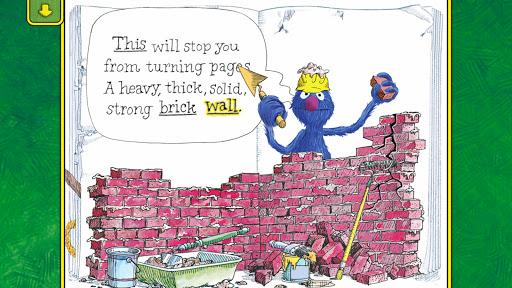
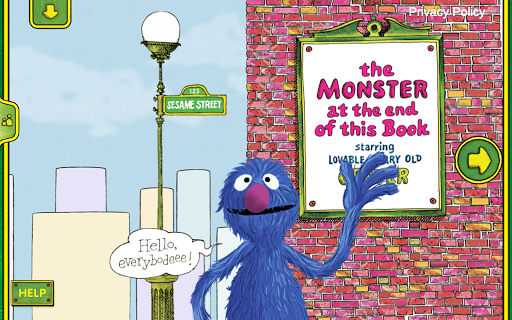
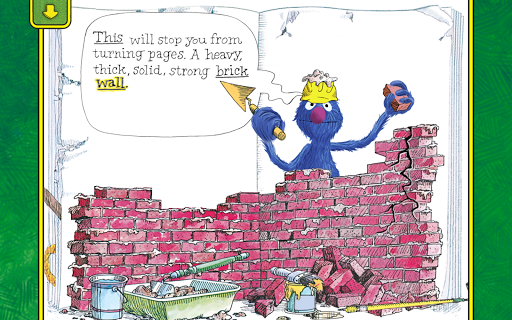
The concept of personalized learning paths refers to the app's ability to adapt and cater to individual learning styles and paces, ensuring each child receives a customized educational experience. In The Monster at the End of This Book app, this principle is brought to life through various engaging features designed to empower young readers. Upon entering the app, children are greeted by lovable Grover, whose interactive animations respond directly to the childu2019s touch, setting the stage for a personalized journey through the story. As the narrative unfolds, kids are encouraged to participate activelyu2014whether by helping Grover build brick walls or deciding when to turn the pageu2014which fosters decision-making skills and enhances spatial development. Moreover, the app includes word highlighting, a feature aimed at building beginning reader skills, which adapts to the childu2019s reading pace, allowing them to follow along and learn at their comfort level. Parental tips embedded within the app offer guidance on how to tackle common fears and label emotions, adding another layer of personalization by addressing specific needs outside the story context. By integrating these adaptive features, the app successfully creates a unique learning path for each child, accommodating different learning speeds and preferences. This personalized approach not only makes learning more effective but also more enjoyable, as children feel in control of their educational journey. Ultimately, the app exemplifies how technology can be harnessed to create dynamic, responsive learning environments that grow alongside the child, adapting to their evolving needs and abilities.

Props

User-friendly interface

Educational content

Interactive animations

Engaging narration

Parental guidance tips

Cons

Limited free content

In-app purchases

Occasional bugs

Age-specific appeal

Requires internet

Features and Functions

What is this app and what can I use it for?

An interactive storybook app teaching emotions and reading skills.

How do I download and install this app on my device?

Visit Google Play Store, search for the app, and tap install.

How do I get started after opening the app for the first time?

Tap start, choose settings, and begin exploring the story.

What are the main features and capabilities of this app?

Interactive animations, narration, and educational activities.

How can I customize my experience and adjust preferences?

Adjust settings in the menu to customize your experience.

How do I save or bookmark my favorite content for later access?

Use the bookmark feature to save favorite story sections.

How can I share content with friends or on social media?

Tap share buttons to post content on social media platforms.

How do I access detailed information and explore more content?

Navigate the app's menu to access detailed information.

What permissions does this app need and how do I manage them?

The app needs basic permissions; manage them in settings.

How do I check for updates and keep the app running smoothly?

Enable auto-updates in Google Play Store for latest version.
Show more

User Reveiws

{{ comment.reviewer_name }}
{{ comment.review_date_formatted}}
{{ comment.review_content }}
{{ tab.name }}
{{ comment.reviewer_name }}
{{ comment.review_date_formatted}}
{{ comment.review_content }}
No reviews with this rating