Traffic Car: Highway Driving

4.1

Information

Category:

Racing

Price:

Free

Rank:

N/A

Rating:

4.1

Overview

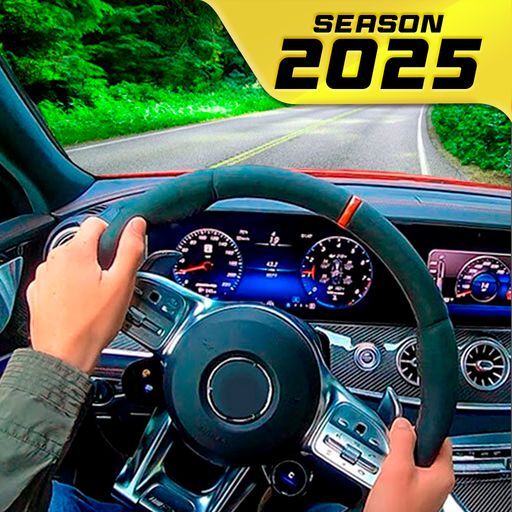
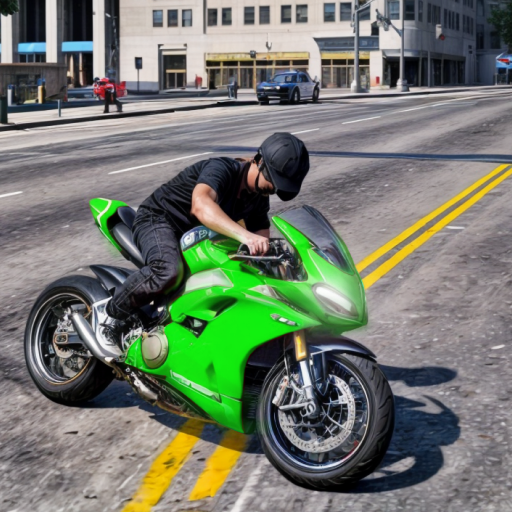
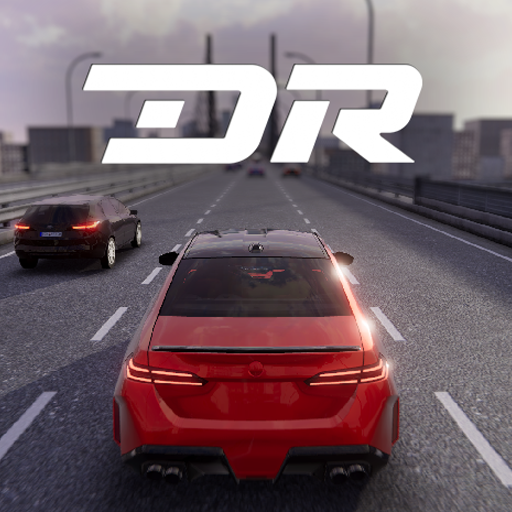
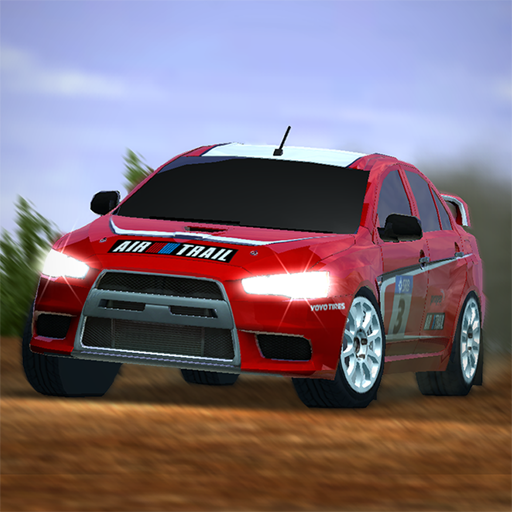
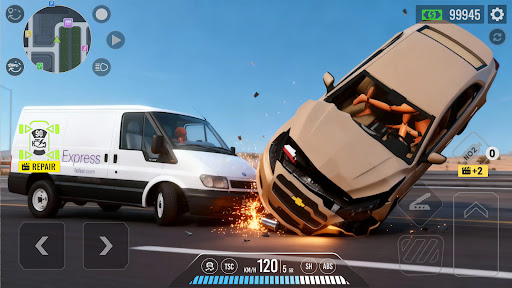
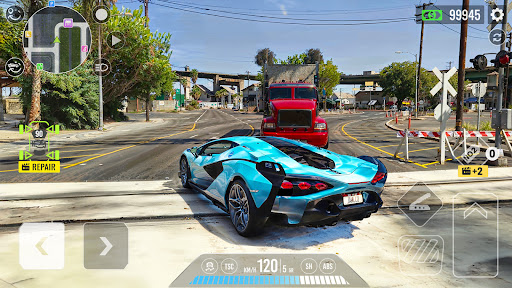
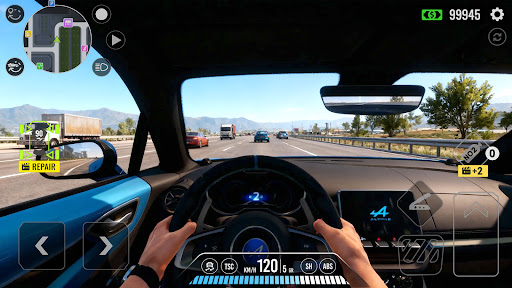
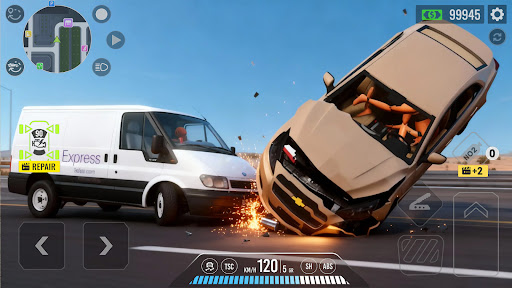
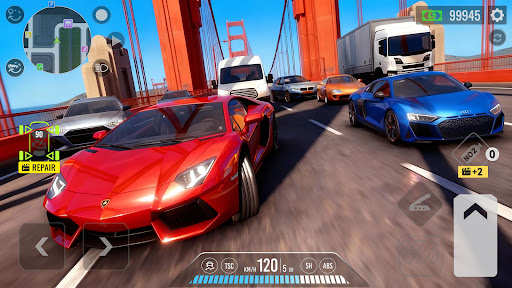
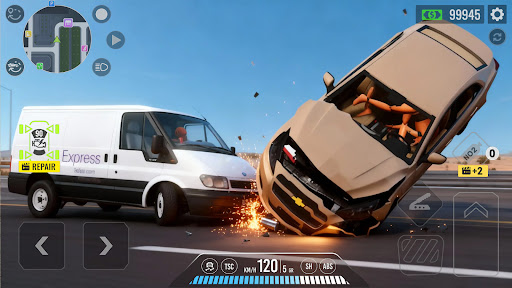
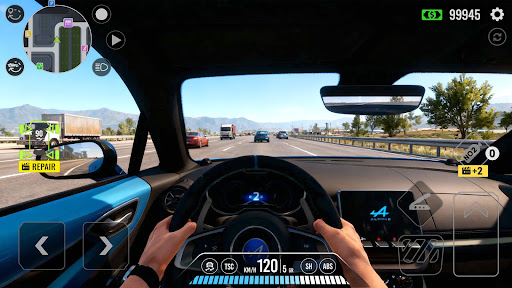
Traffic Car: Highway Driving delivers an immersive racing experience with realistic car physics and dynamic highway environments. The game features multiple vehicles, each customizable with performance upgrades and aesthetic modifications, allowing players to tailor their driving experience.

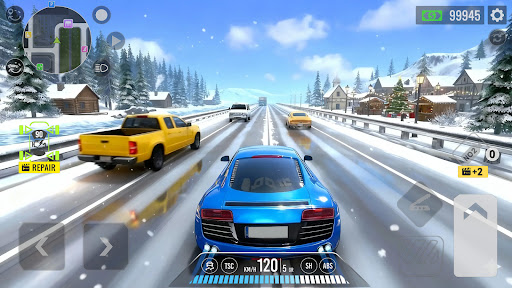
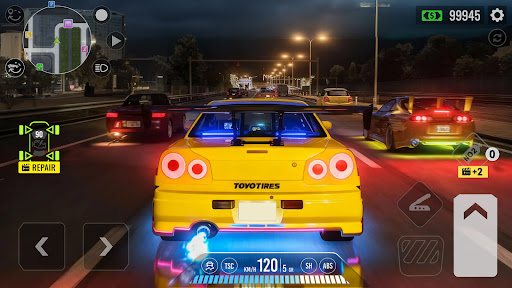
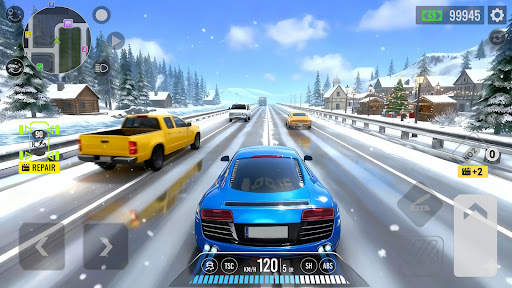
With varied weather conditions and day-night cycles, the game challenges players' driving skills in diverse scenarios. Gamers can choose from several modes including Mission Mode for task-based challenges, Dual Mode for AI races, Endless Drive for open exploration, and Challenge Mode for high-score pursuits.

Designed for both casual and hardcore gamers, Traffic Car offers intuitive controls and optimized performance across all Android devices, making it a top choice for mobile racing enthusiasts.

Features

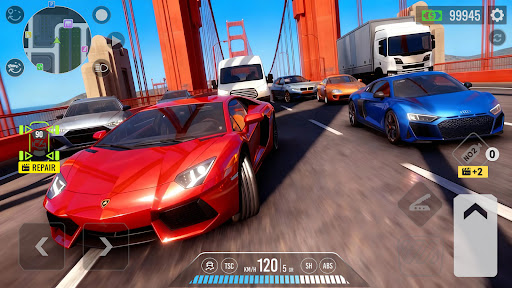
The standout feature of Traffic Car: Highway Driving is its realistic simulation of highway traffic and driving conditions. Players must navigate through heavy traffic, mastering lane changes and obstacle avoidance while experiencing different weather patterns and times of day.

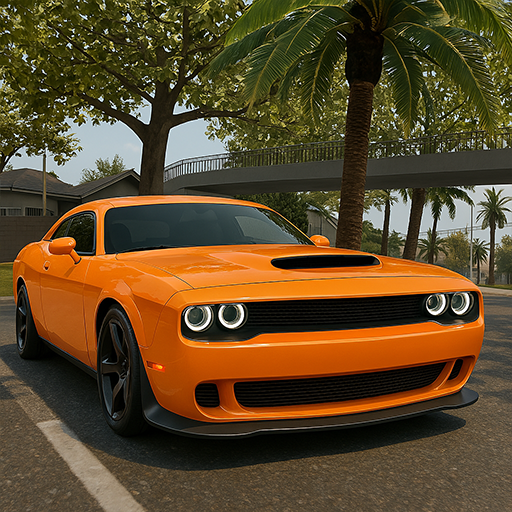
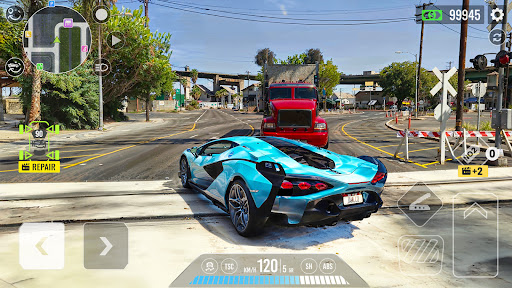
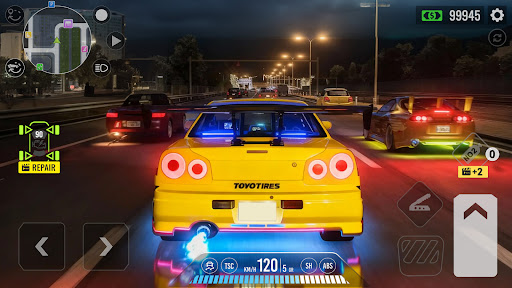
Customization plays a key role, as users unlock and upgrade various cars ranging from sedans to supercars. Each vehicle can be personalized with custom paint jobs, rims, spoilers, and more, enhancing both aesthetics and performance.

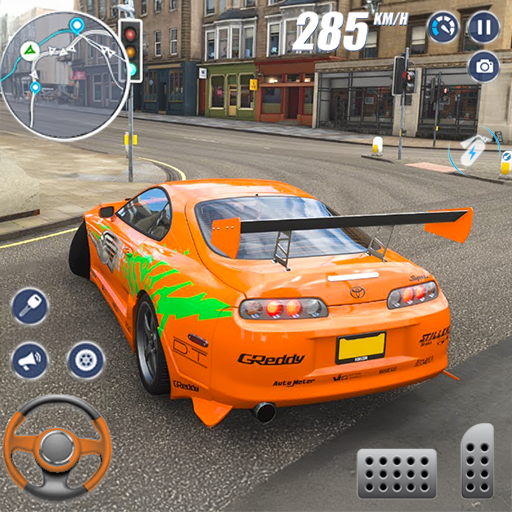
Visually, the game impresses with gorgeous 3D graphics, smooth animations, and detailed environments. Its smart traffic AI and captivating sound design further elevate the experience, ensuring seamless gameplay whether using tilt controls, touch buttons, or a virtual steering wheel.

Handling physics realism

In the realm of racing games, the authenticity of handling physics plays a pivotal role in delivering an immersive and believable driving experience. Traffic Car: Highway Driving excels in this aspect by offering hyper-realistic driving dynamics that cater to both casual gamers and enthusiasts seeking precision. The game employs advanced physics engines to simulate real-world vehicle behaviors, ensuring every turn, acceleration, and braking maneuver feels true to life. Players can expect varying degrees of traction on different road surfaces, realistic weight transfer during cornering, and accurate suspension feedback when navigating through dynamic highway traffic. This attention to detail extends to environmental factors as well; driving conditions such as day, night, sunny, or snowy weather alter the gameplay experience significantly, demanding adaptive strategies from the player. Moreover, the extensive customization options available for each car allow users to fine-tune performance parameters like power, steering sensitivity, braking efficiency, and overall handling characteristics. These modifications not only enhance personalization but also directly impact how vehicles respond under diverse circumstances, providing a deeper layer of engagement. By prioritizing handling physics realism, Traffic Car: Highway Driving ensures that every virtual journey is not just about reaching destinations but experiencing the thrill of mastering complex driving techniques within a richly simulated world.

Control precision & input latency

Control precision and minimal input latency are crucial elements that define the quality of any racing simulation, and Traffic Car: Highway Driving sets a high standard in these aspects. The game offers multiple control schemes including tilt, touch buttons, and a virtual steering wheel, catering to different preferences and play styles. Each control method has been meticulously designed and optimized to ensure responsive handling with negligible delay between player inputs and in-game actions. For instance, when using the virtual steering wheel, players will notice immediate reaction to their swipes and turns, allowing for precise navigation through dense traffic or sharp bends. Similarly, the touch button controls provide tactile feedback with split-second responsiveness, making high-speed overtakes and sudden stops more manageable and intuitive. The developers have also paid special attention to optimizing the game for a wide range of Android devices, including budget models, without compromising on control accuracy or introducing lag. This optimization guarantees a seamless experience regardless of hardware limitations. Furthermore, the ability to switch between third-person and top-down views adds another dimension to control precision, enabling players to choose perspectives that best suit their situational awareness needs. Whether executing delicate maneuvers in challenging mission modes or simply cruising along endless highways, Traffic Car: Highway Driving empowers users with reliable and precise controls that enhance immersion and satisfaction. Such dedication to refining control mechanisms underscores the game's commitment to delivering an unparalleled racing experience where every action translates into tangible progress on the track.

Props

Realistic driving physics

Extensive customization options

Variety of game modes

Stunning 3D visuals

Optimized for all devices

Cons

Repetitive gameplay elements

In-app purchases needed

Occasional bugs

Limited track variety

Ads between sessions
Features and Functions

What is this app and what can I use it for?

A realistic racing simulator with customizable cars and varied game modes.

How do I download and install this app on my device?

Visit Google Play Store, search for Traffic Car, tap Install, and open after download.

How do I get started after opening the app for the first time?

Select a car, adjust controls, and start with simple missions to learn the basics.

What are the main features and capabilities of this app?

Realistic traffic, car customization, multiple modes, and stunning 3D visuals.

How can I customize my experience and adjust preferences?

Adjust control styles, camera views, and customize cars to fit your preferences.

How do I save or bookmark my favorite content for later access?

Save favorite cars by upgrading them or bookmarking custom designs in the garage.

How can I share content with friends or on social media?

Share your best race replays or custom car designs via social media links.

How do I access detailed information and explore more content?

Access detailed stats in the profile section and explore new cars and missions.

What permissions does this app need and how do I manage them?

Needs access to storage and location permissions managed in app settings.

How do I check for updates and keep the app running smoothly?

Enable auto-updates in Google Play Store or manually check for updates regularly.
Show more

User Reveiws

{{ comment.reviewer_name }}
{{ comment.review_date_formatted}}
{{ comment.review_content }}
{{ tab.name }}
{{ comment.reviewer_name }}
{{ comment.review_date_formatted}}
{{ comment.review_content }}
No reviews with this rating