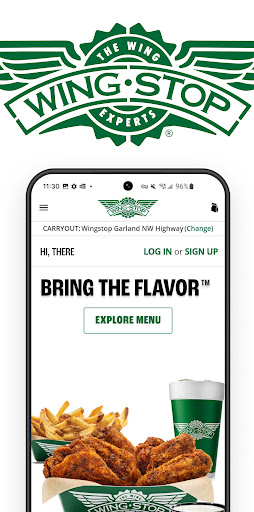
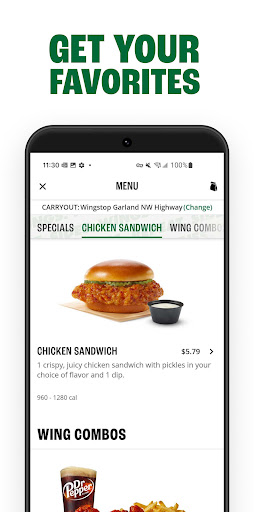
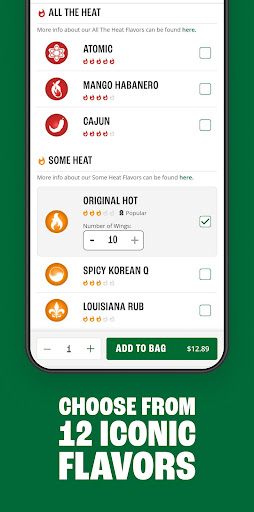

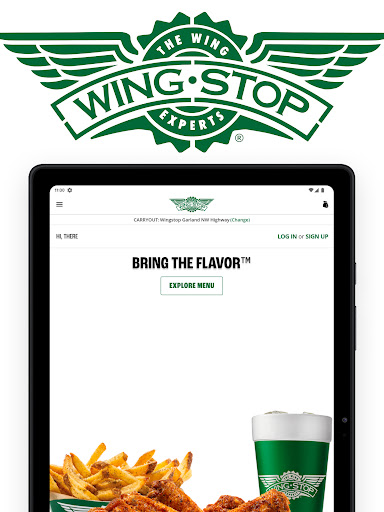
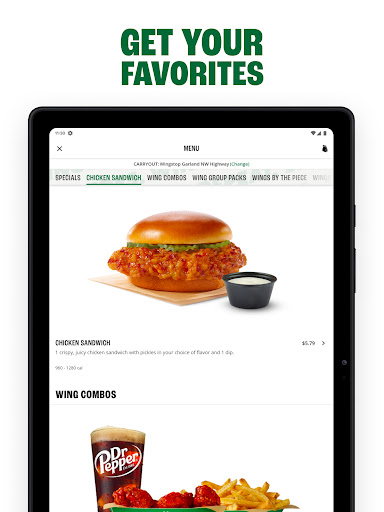
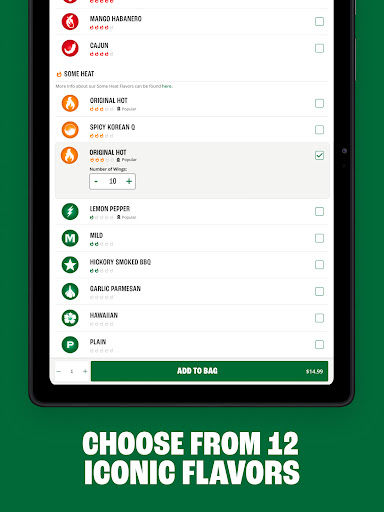
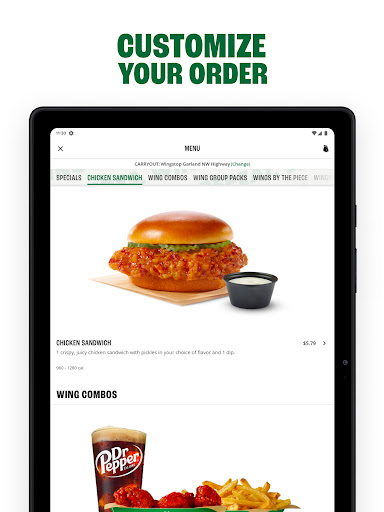
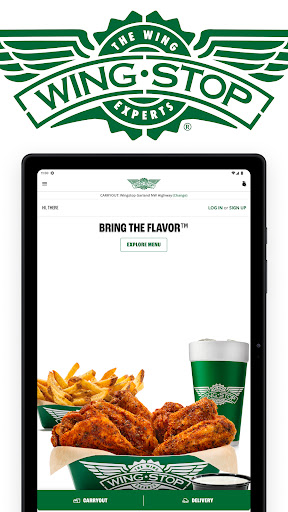
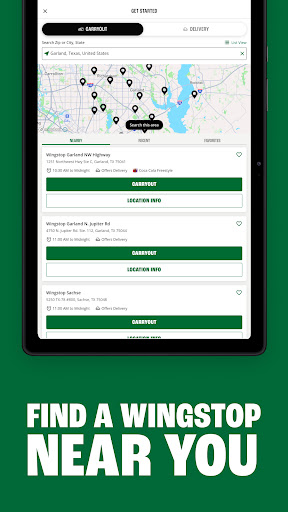
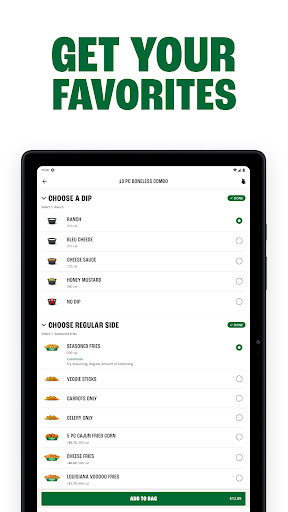
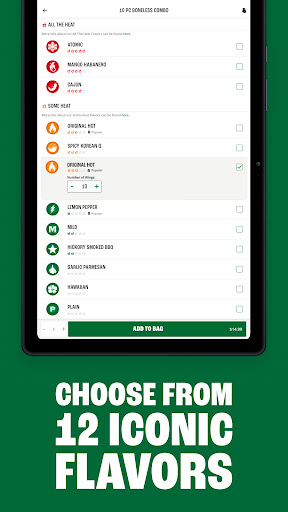
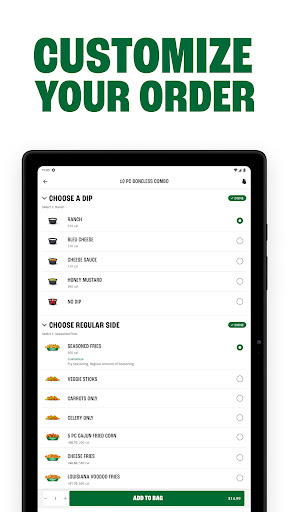
Wingstop is a premier food and drink app designed to elevate your dining experience with iconic flavors. The app allows users to create custom orders featuring wings, crispy tenders, chicken sandwiches, and an array of sides and dips. With its user-friendly interface, Wingstop makes it simple to order ahead for pickup or delivery, ensuring that bold flavors are just a few taps away.
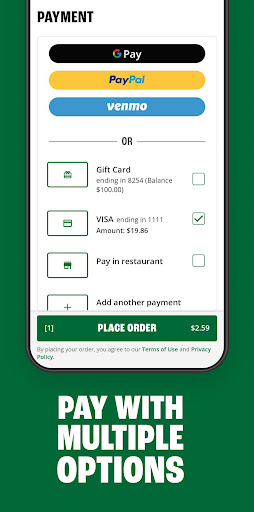
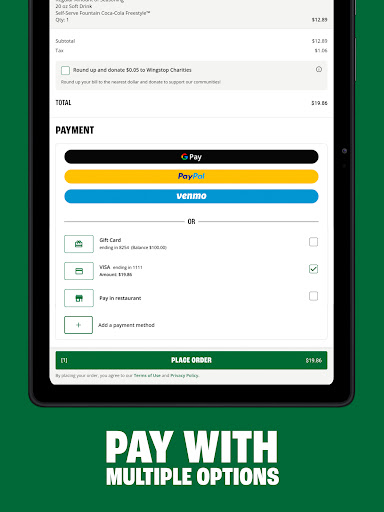
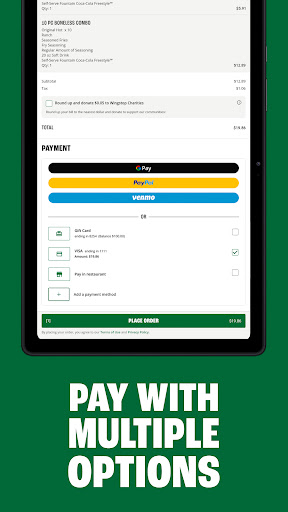
One standout feature is the ability to schedule orders up to seven days in advance, catering to both spontaneous cravings and planned gatherings. Whether you're managing a large group order or simply treating yourself, Wingstop's app streamlines the process with saved preferences, favorite locations, and multiple payment options including Google Pay, PayPal, and credit cards.
Perfect for busy professionals, families, or anyone craving quality food, Wingstop ensures convenience without compromising on taste. By combining seamless functionality with a diverse menu, this app brings restaurant-quality meals directly to your fingertips, enhancing both individual and group dining experiences.
Wingstop offers a variety of innovative features that enhance the food ordering experience. One key aspect is the streamlined checkout process, which allows users to place orders for pickup or delivery with minimal steps. This efficiency is complemented by the ability to save favorite Wingstop locations, delivery addresses, and preferred payment methods, creating a personalized and hassle-free experience.
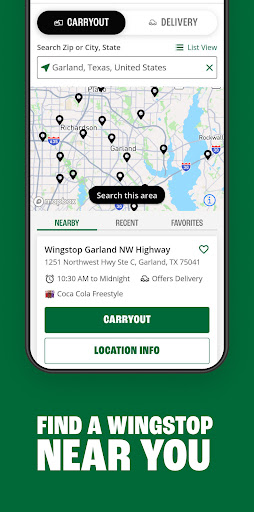
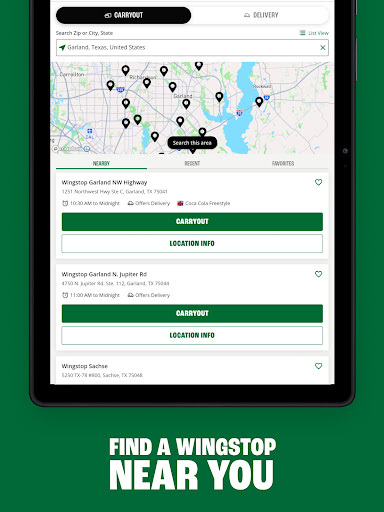
The app also supports advanced scheduling, enabling customers to place orders up to seven days ahead of time. This forward-thinking functionality is ideal for planning events or ensuring timely meal arrivals. Additionally, Wingstop provides essential tools like store locators with directions and detailed information about each location, empowering users to make informed decisions.
With support for multiple payment methods such as Google Pay, PayPal, Venmo, and traditional credit cards, Wingstop caters to diverse customer preferences. These features collectively ensure that every interaction with the app is convenient, efficient, and tailored to meet modern dining needs.
User-friendly interface
Customizable orders
Multiple payment options
Saved preferences for faster checkout
Convenient scheduling feature
Limited to U.S. residents
No international delivery
Occasional app glitches
Requires account creation
Delivery fees may apply

Get 20% Back at thousands of 4+ star restaurants when you pay using inKind
 4.90
4.90
Enjoy all your Legendary favorites at Texas Roadhouse!
4.80
Choose From A Wide Array of Wines, Spirits, Beers & More
4.60
Order from local pizzerias
4.20
Real ones order on the app, earn points, score deals, and skip the line.
4.40
The ultimate app to save recipes from Instagram, TikTok, Facebook & more.
4.60
Order ahead & earn rewards
4.60
Food Delivered to your door! Order from 1800+ Grocery & Retail Store Brands.
4.10
Get Rewards, Easy Ordering & Exclusive Offers
4.70
Order for Pickup and Delivery
4.70
Mexican Food Pickup & Delivery
4.70
Order your Domino's favorites then follow the progress with Domino's Tracker®!
4.60
Order your Buffalo Wild Wings favorites for takeout & delivery
4.50
Order ahead, receive points with qualifying purchase & redeem available rewards.
4.50
Home baked, made easy! Passionate baking with Mauela Kjeilen @passionforbaking
4.40
Order, Deals & Rewards
4.20
Order Food, Track, and Earn Rewards
3.80
Check out the most rewarding way to get Whataburger just like you like it!
3.30
Krispy Kreme Mobile Ordering, Loyalty and Hot Light
3.20


User Reveiws