
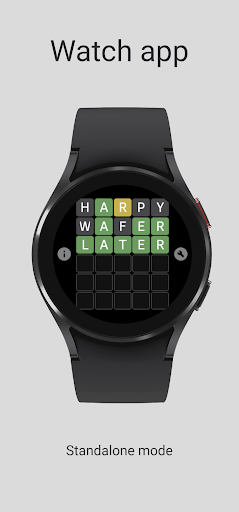

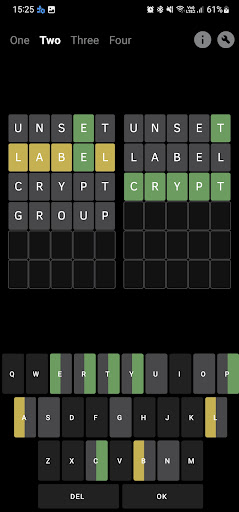

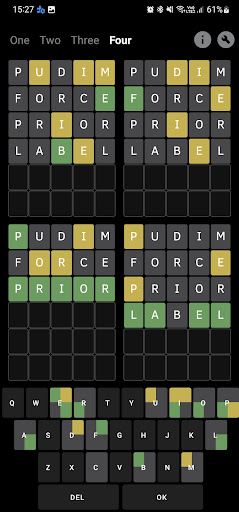

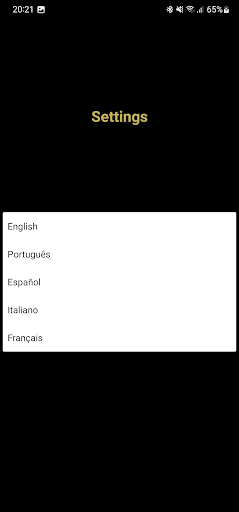
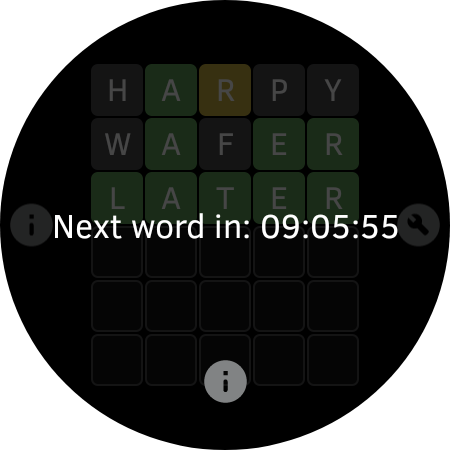
Word - Daily word game is an engaging word-guessing application designed for both smartphones and smartwatches with Wear OS. This app supports multiple languages including English, Portuguese, Spanish, Italian, and French, offering users a versatile linguistic challenge. The core function of the app revolves around guessing words, with additional features such as language selection, statistics checking, and various game modes like 'One', 'Two', 'Three', and 'Four' available exclusively on the phone app. With 1636 words per language, it provides extensive vocabulary practice.
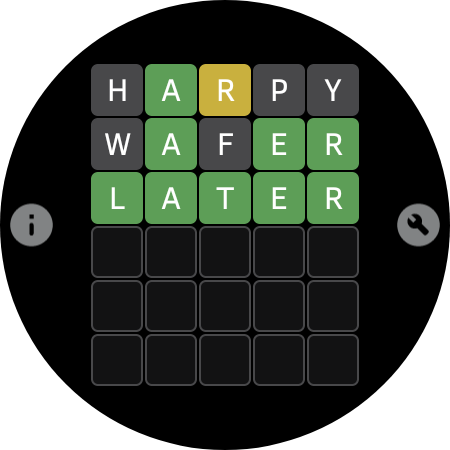
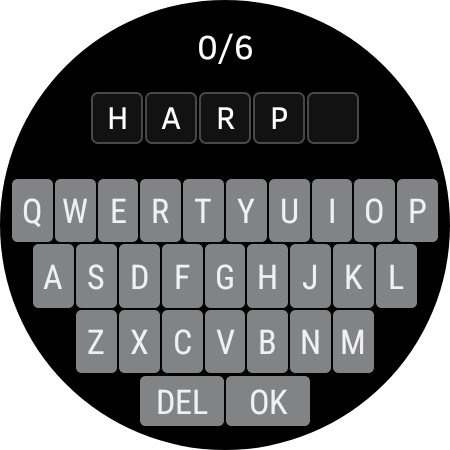
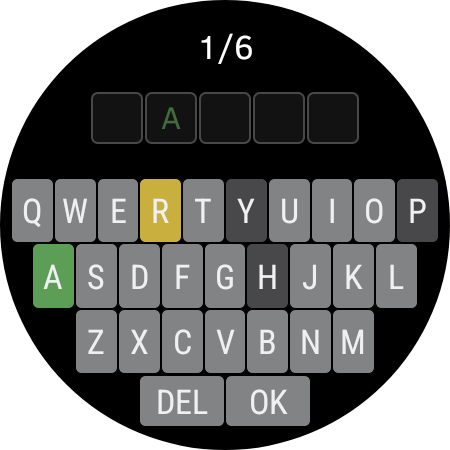
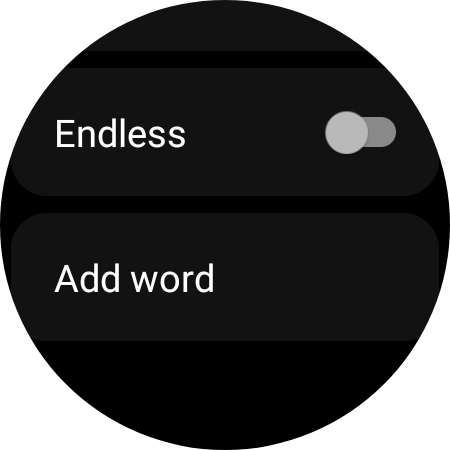
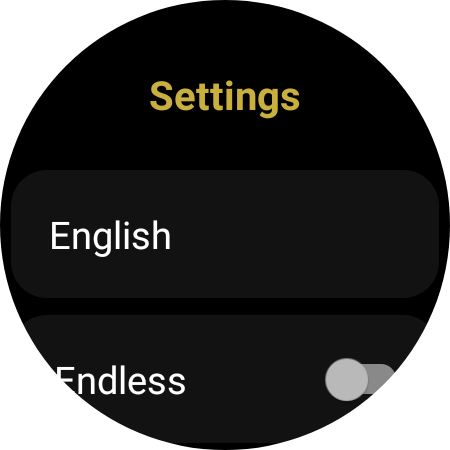
The app's endless mode offers continuous gameplay specifically on Wear OS devices, making it ideal for users who enjoy gaming on the go. Its compatibility with both smartphone and smartwatch platforms allows players to engage with word puzzles anytime, anywhere. The intuitive color-coded feedback system (green for correct letter in the right place, yellow for correct letter in the wrong place, and gray for incorrect letters) enhances the user experience by providing clear guidance during gameplay. Whether you're looking to improve your vocabulary or simply enjoy a quick mental challenge, Word - Daily word game delivers both entertainment and cognitive benefits.
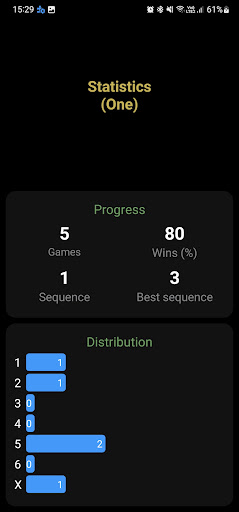
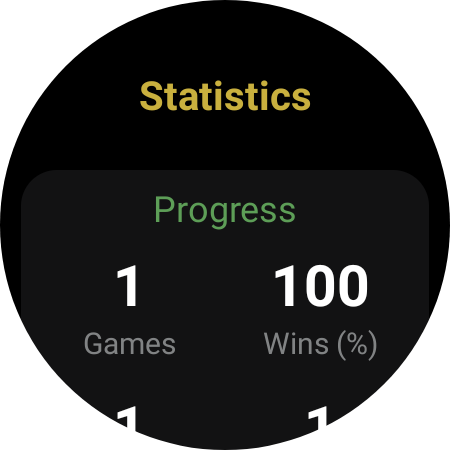
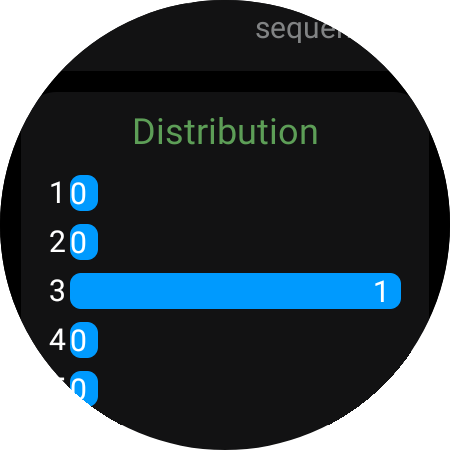
Word - Daily word game stands out with its comprehensive set of features tailored for word game enthusiasts. One of its key characteristics is the multilingual support, allowing users to switch between five different languages before starting a game. This feature not only broadens the player base but also aids in language learning and practice. Additionally, the app provides statistical tracking, enabling users to monitor their progress over time and strive for improvement.
Another notable aspect is the inclusion of distinct game modes ('One', 'Two', 'Three', and 'Four') exclusive to the phone version, which adds variety and complexity to the gameplay. For smartwatch users, the endless mode ensures unlimited playtime without interruptions. The app also incorporates a third-party library for its word database, ensuring a wide range of vocabulary while maintaining the possibility for future updates based on user feedback. Furthermore, the straightforward instructions and color hints (green, yellow, gray) make the game accessible even to beginners, enhancing overall usability and enjoyment.
User-friendly interface
Multilingual support
Statistics tracking
Variety of game modes
Endless gameplay on Wear OS
No shared data between devices
Limited language interface
Compatibility issues
Third-party word library
Ads may be present
Enhance your mind and unwind with word puzzles and solitaire. Play now!
 4.80
4.80
Looking for inspiration? Enjoy offline Bible word games and unlock daily verses.
4.80
A smart word game that's challenging your mind with more than 1000 levels
4.80
260 professional cryptic crosswords to keep you pondering.
4.40
Word puzzles with cute bears to enjoy, just don’t let the bubble bee bother you!
4.2
A roguelike word game!
4.70
Crossword puzzles for all ages- easy to hard games. All offline!
4.80
Unleash your inner codebreaker! Solve challenging cryptograms & word puzzles.
4.70
Train your brain daily with fun crosswords and addictive word puzzles!
4.80
Word search games, anagram, crossword & logic puzzle! Brain training and relax!
4.90
The highly addictive fun word game.
4.70
Play Word Games & train your brain in Word Collect - Word Games Fun Word Games!
4.70
101 offline games: words, puzzles, quizzes! Play, learn and compete!
4.70
The classic word game with advanced AI and built-in definitions
4.60
3000+ levels of word puzzles fun. Connect words, improve vocabulary, boost IQ!
4.60
Logic word search puzzles! Brain game, unscramble letters! Daily crossword games
4.50
Daily crossword puzzles for brain training! Master vocabulary with word games!
4.50
Play heads up with family and friends in an amazing charades and guessing game!
4.30
Get the Party Started with the Ultimate Charades Game! Give Hints, Make Guesses.
3.90


User Reveiws