








1Invites

4.80

Information

Category:

Events

Price:

Free

Rank:

30

Rating:

4.80

Overview

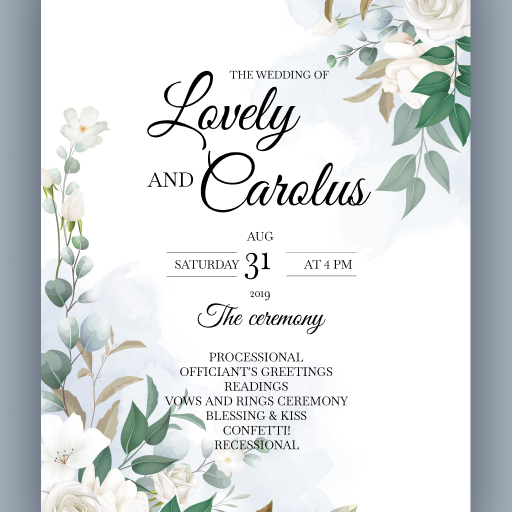
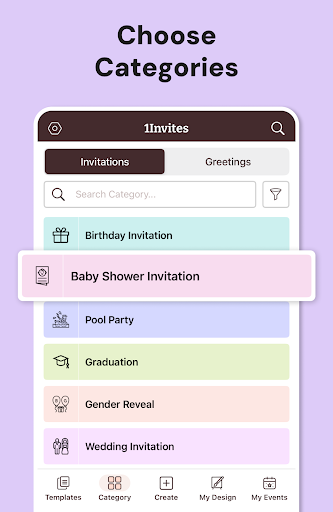
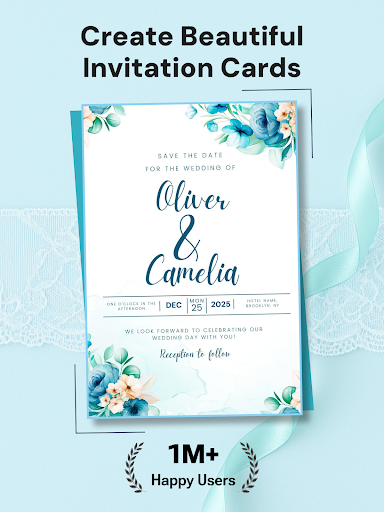
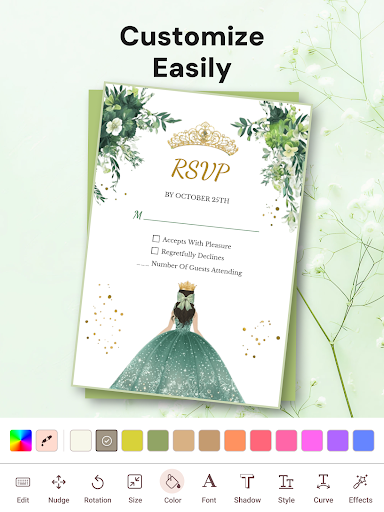
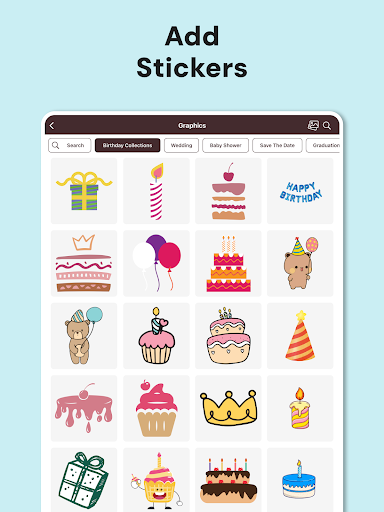
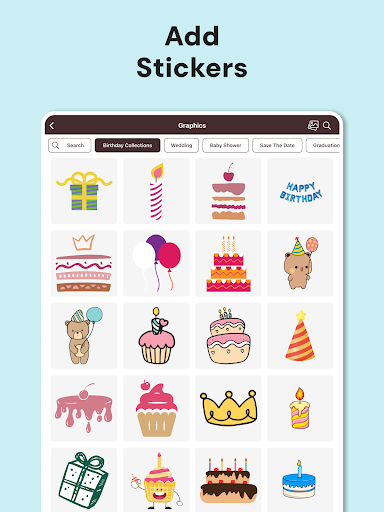
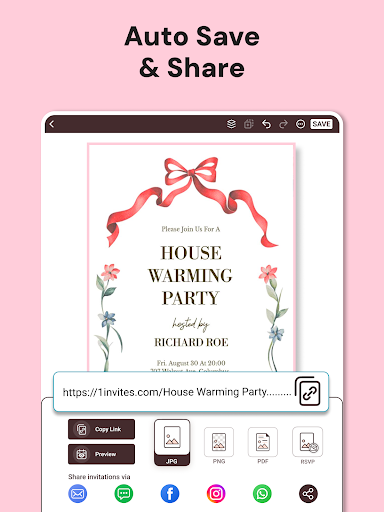
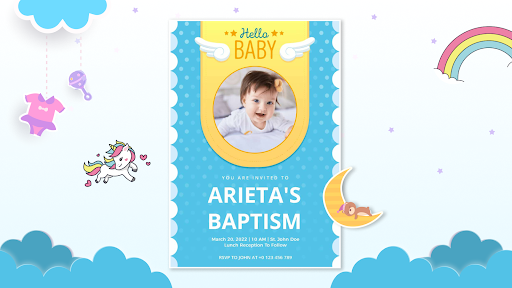
1Invites is a comprehensive event management application that combines professional invitation design with smart RSVP tracking. The app offers over 20,000 customizable templates for various occasions including weddings birthdays and corporate events. Users can create stunning invitations using the intuitive editor which includes fonts stickers backgrounds and frames. Beyond design the app provides complete event planning tools such as guest list management real-time RSVP tracking and smart PDF links for location maps or event websites.

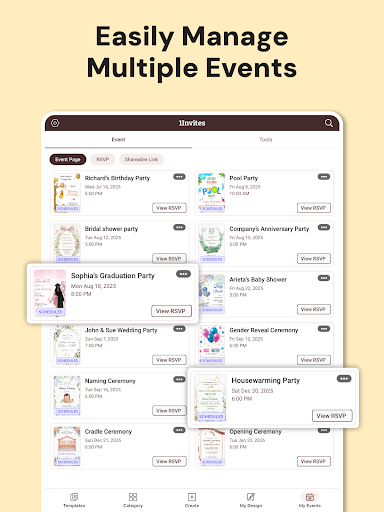
The app's standout feature is its all-in-one approach allowing users to design send and manage event invitations without needing separate tools for design and organization. This makes it particularly useful for individuals planning multiple aspects of an event. Whether you're organizing an intimate gathering or a large celebration 1Invites streamlines the process by integrating design and management into one platform ensuring a stress-free experience.

Features

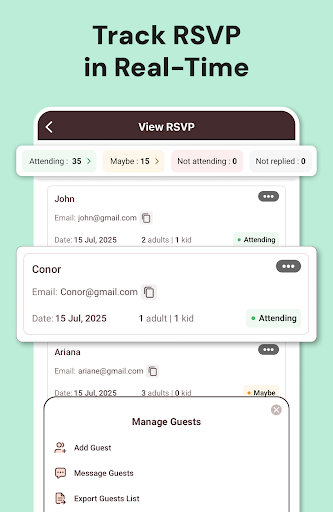
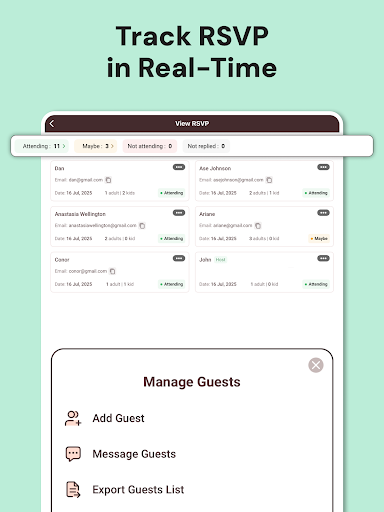
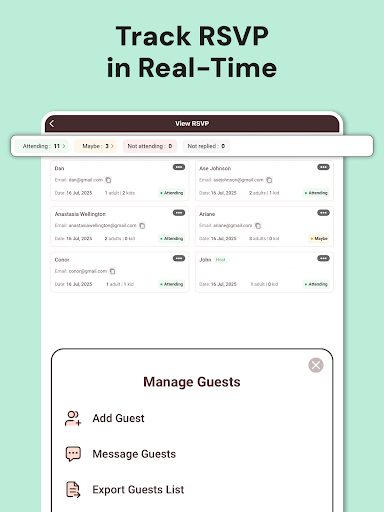
1Invites distinguishes itself through its robust feature set tailored for both design and event management. The app includes an advanced RSVP management system that allows users to track responses in real-time eliminating the need for manual follow-ups. It also features an Event Creator tool where users can input event details date time venue and guest lists in one centralized location.

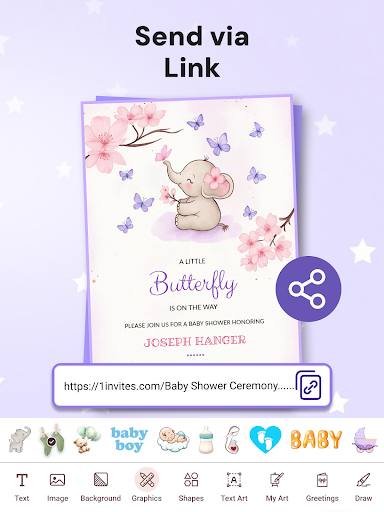
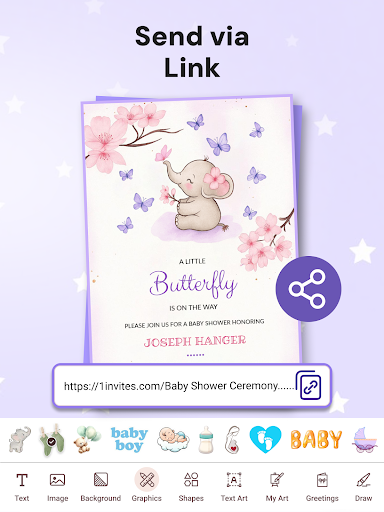
Another key aspect is the Smart PDF Links functionality enabling clickable links within invitations that direct guests to essential information like Google Maps or event websites. The Guest List Manager further enhances usability by organizing confirmations dietary preferences plus-ones and special notes. With rich design libraries and photo editing capabilities users can customize invitations to match their event's theme while enjoying seamless digital sharing options or high-quality print exports.

Task creation & detail customization

Task creation and detail customization are essential features for any event planning application as they allow users to define and organize the specifics of their events with precision The ability to create detailed tasks ensures that every aspect of an event is accounted for from invitations to RSVP tracking In the case of 1Invites users can leverage a comprehensive suite of tools to not only design stunning invitation cards but also manage various elements of their events Users can specify event details including date time venue and guest lists directly within the app This level of detail customization extends to the invitation design process where users have access to over 20000 templates tailored for different types of events such as weddings birthdays and corporate gatherings The intuitive editor provides options for fonts stickers backgrounds frames and decorative elements enabling users to craft personalized invitations that capture the spirit of their occasions Moreover the app's smart RSVP tracking system allows users to monitor responses in real-time which is crucial for effective event management By setting up events and sending out invitations through 1Invites users benefit from automated collection and organization of guest responses eliminating the need for manual tracking or follow-ups This seamless integration of task creation and customization empowers users to plan their events more efficiently ensuring that all critical components are addressed and managed effectively Ultimately these capabilities contribute to a stress-free planning experience allowing users to focus on celebrating with their guests rather than getting bogged down by logistical details

Reminder settings

Reminder settings play a pivotal role in ensuring the success of any event by helping organizers keep track of important deadlines and pending tasks In the context of 1Invites this feature is designed to assist users in managing their events by providing timely notifications and reminders for pending RSVPs This functionality is particularly beneficial when organizing large-scale events where keeping track of numerous invitees can become overwhelming With 1Invites reminder settings users can set up automatic notifications that prompt guests who have not yet responded to their invitations These reminders serve as gentle nudges encouraging recipients to submit their RSVPs thereby improving response rates and enabling better planning The appu2019s smart RSVP management system works in tandem with these reminder settings to provide real-time updates on attendance statuses This means that users can instantly see who has confirmed declined or not yet responded allowing them to make informed decisions about event logistics such as seating arrangements catering needs and overall capacity planning Furthermore the ability to customize reminder intervals and messages adds another layer of personalization to the event management process Users can tailor these reminders to fit the tone and urgency of their specific events whether formal or casual By integrating reminder settings into its comprehensive event management suite 1Invites enhances the user experience by reducing the administrative burden associated with event planning This thoughtful approach to reminder management helps ensure that no detail is overlooked and that events run smoothly from start to finish

Props

User-friendly interface

Extensive template library

Real-time RSVP tracking

All-in-one event management

Smart PDF functionality

Cons

Limited free templates

Premium features locked

Occasional bugs reported

Learning curve for new users

Export quality varies

Features and Functions

What is this app and what can I use it for?

An all-in-one app for designing invitations and managing events with RSVP tracking.

How do I download and install this app on my device?

Search for 1Invites on Google Play Store download and install from there.

How do I get started after opening the app for the first time?

Choose a template customize it then create your event and guest list.

What are the main features and capabilities of this app?

Design invitations RSVP tracking guest list management smart PDF links.

How can I customize my experience and adjust preferences?

Adjust design elements RSVP settings and notification preferences in settings.

How do I save or bookmark my favorite content for later access?

Save favorite templates directly within the app's design library section.

How can I share content with friends or on social media?

Use built-in sharing options to send via WhatsApp email or social media.

How do I access detailed information and explore more content?

Access detailed event analytics and explore more templates in the app.

What permissions does this app need and how do I manage them?

The app needs storage and contact permissions managed in device settings.

How do I check for updates and keep the app running smoothly?

Check the app store regularly for updates and enable auto-update in settings.
Show more

User Reveiws

{{ comment.reviewer_name }}
{{ comment.review_date_formatted}}
{{ comment.review_content }}
{{ tab.name }}
{{ comment.reviewer_name }}
{{ comment.review_date_formatted}}
{{ comment.review_content }}
No reviews with this rating