
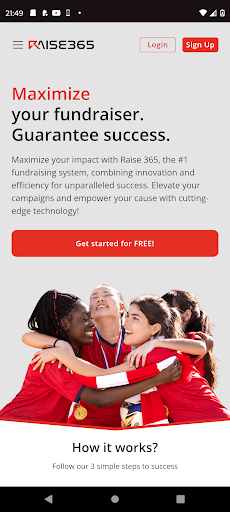
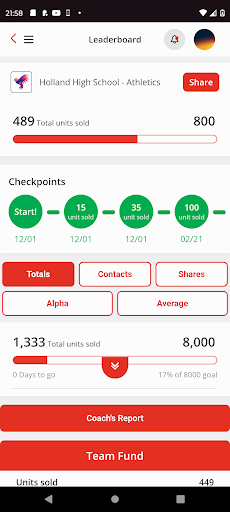
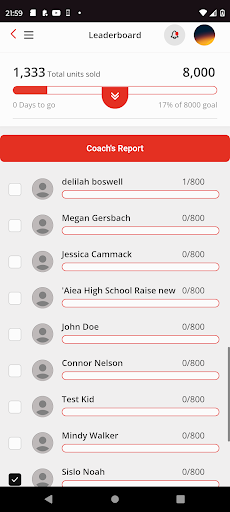
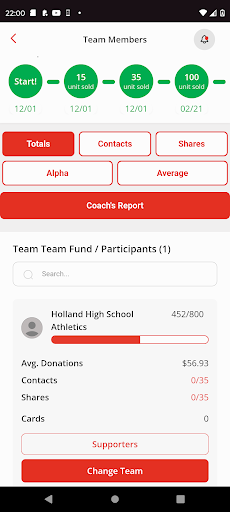
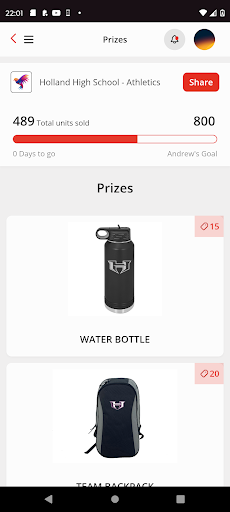

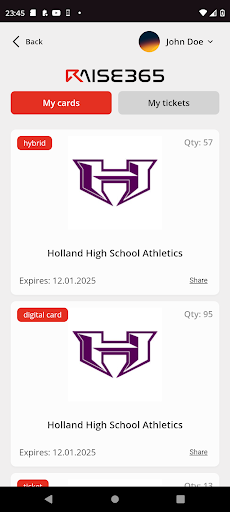
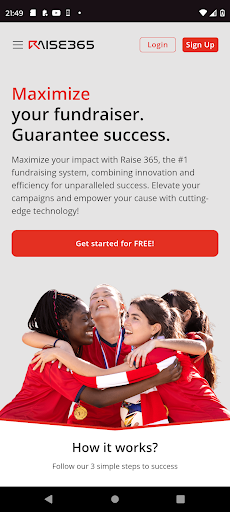
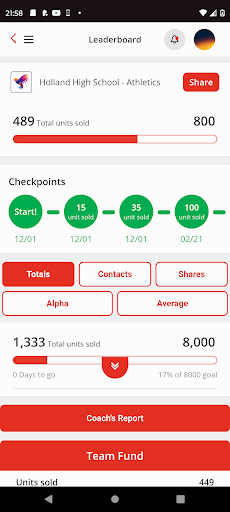
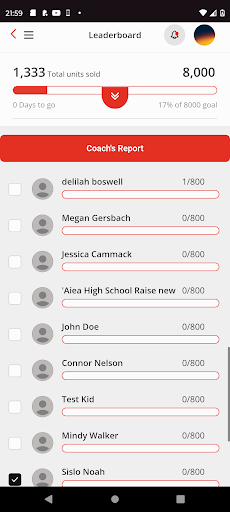
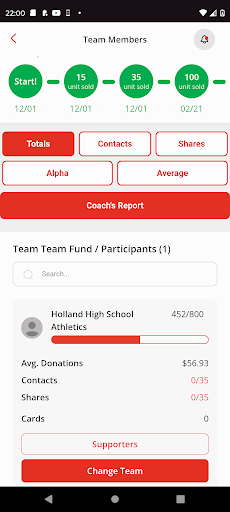
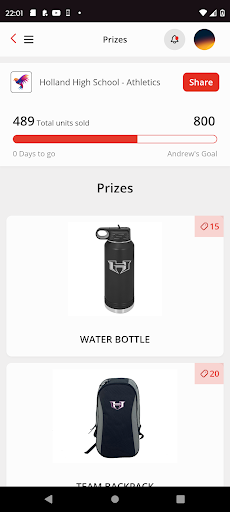

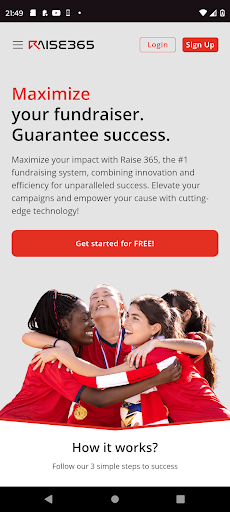

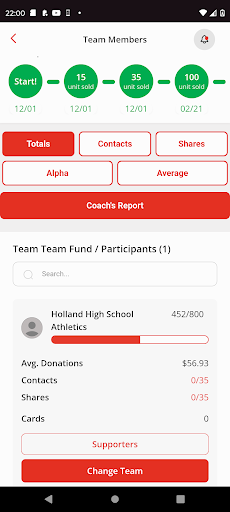
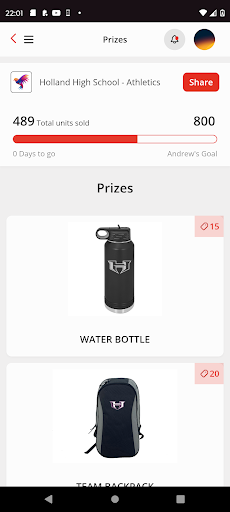
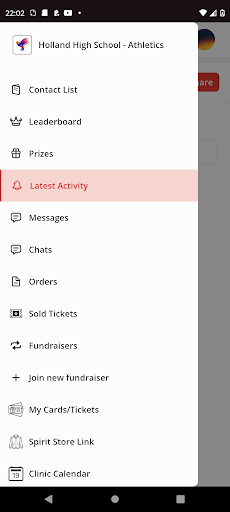
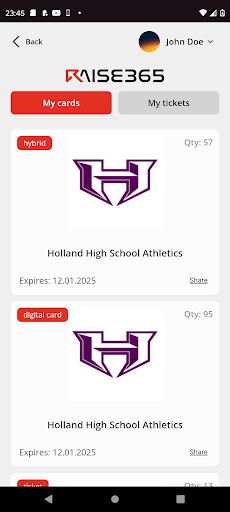
RAISE-365 is a cutting-edge fundraising application tailored for schools, teams, and various groups aiming to maximize their fundraising efforts. The app leverages advanced technology to ensure a seamless user experience while tracking campaigns from initiation to completion.
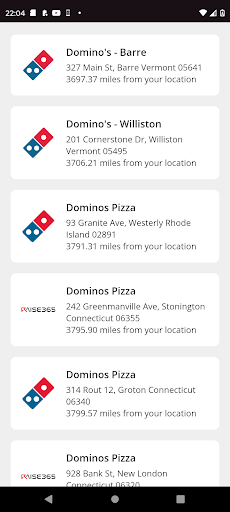
A standout feature of RAISE-365 is its Digital Discount cards, which foster connections between communities and businesses nationwide. This innovative approach not only supports local businesses in thriving but also offers significant savings to consumers, making each fundraising campaign both successful and profitable.
Whether you're managing a small school fundraiser or coordinating a large-scale group initiative, RAISE-365 provides the tools necessary to achieve exceptional results. Its comprehensive tracking system ensures that every phase of the fundraising process is transparent and efficient, delivering real value to users.
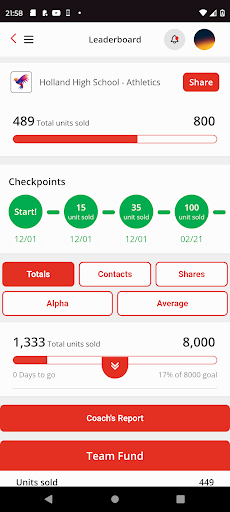
RAISE-365 boasts an array of features designed to enhance fundraising success. One key aspect is its advanced tracking system, which allows users to monitor their campaigns from start to finish with precision. This feature ensures that every step of the process is transparent and manageable, providing peace of mind and strategic insights.
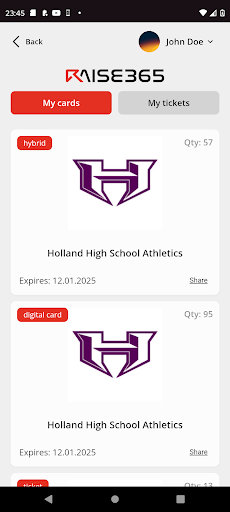
In addition to robust tracking capabilities, RAISE-365 offers multiple products within its ecosystem. Among these are Digital Discount cards, which serve as a bridge connecting communities and businesses across the country. These cards not only help businesses thrive by increasing visibility but also provide substantial savings to consumers, thereby enhancing community engagement and support.
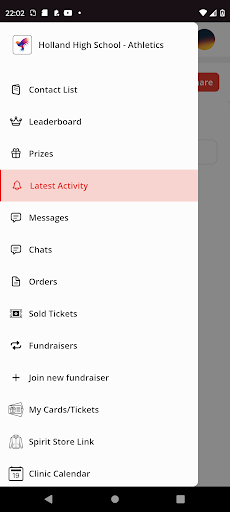
The app's user-friendly interface simplifies the entire fundraising process, making it accessible even to those new to digital fundraising. With intuitive navigation and clear instructions, users can easily set up and manage their campaigns, ensuring maximum efficiency and effectiveness.
User-friendly interface
Advanced tracking system
Digital Discount card integration
Community-business connection
Profitable fundraising campaigns
Limited customization options
Premium features require subscription
Occasional performance lags
Steep learning curve for beginners
Customer support response time

The calendar app in this 2026 year see all dates.
 4.20
4.20
Here you can choose tickets for films, performances, concerts and other events
4.60
Purchase line-skip passes, drinks, cover, and more at bars and clubs
3.50
For weddings, parties & events
4.60
Everything you need for the Best Thursday Ever.
4.40
Events, Meetings, Photo Shoots
4.50
TodayTix is the easiest way to get tickets to the best shows in your city.
4.90
Buy and Sell Tickets for Concerts, Sports, and Theater.
4.70
Discover events & experiences in NYC, LA, Chicago, DC, Miami and more!
4.70
Fantasy of Lights Event App
5.00
CUE Live utilizes ultrasonic sound waves to sync devices at CUE enabled events
4.80
Create invitation cards for birthdays, weddings, Christmas and more.
4.80
The KRUU app - plan, celebrate, remember
4.80
Find tickets to upcoming concerts, sports events, festivals, shows, attractions
4.70
Connect with an ecosystem of 5M+ eventgoers and organizers.
4.50
ETH Mining provides secure way to mine Ethereum & earn ETH in Cloud mining app
3.50
Mobile Event Guide for Greater NY Dental Meeting
4.1
Some connections are better kept private
4.5
Soft Proxy for Your Online World
4.2


User Reveiws