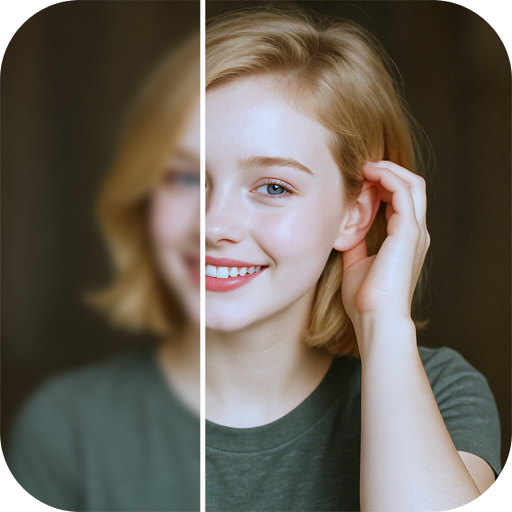

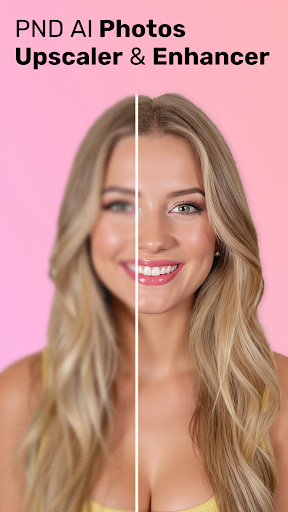

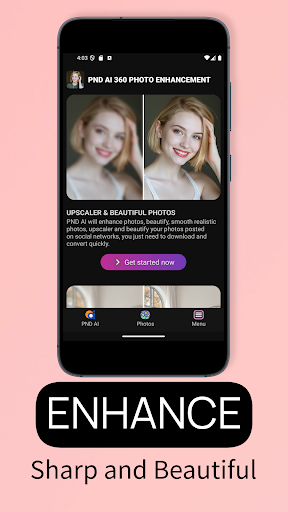
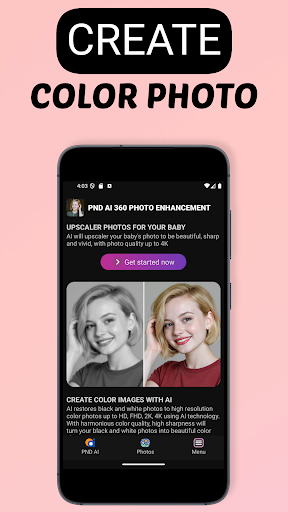
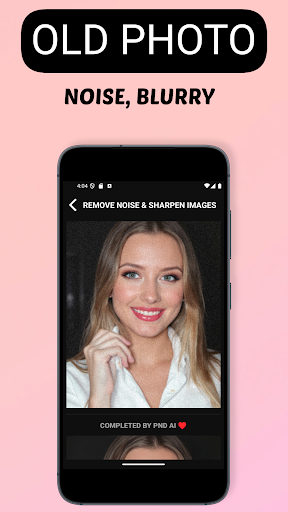
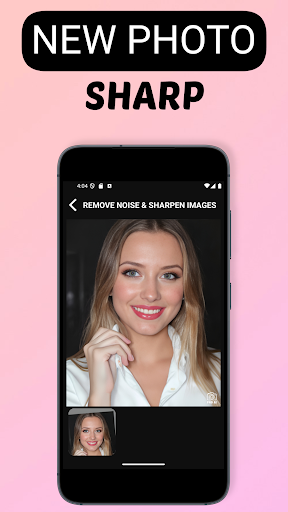
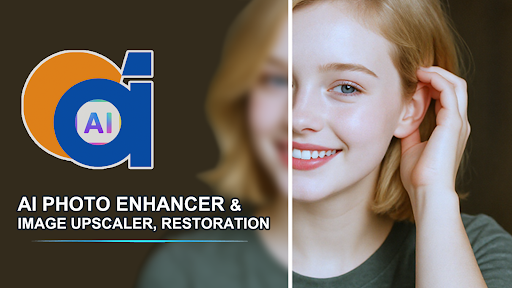
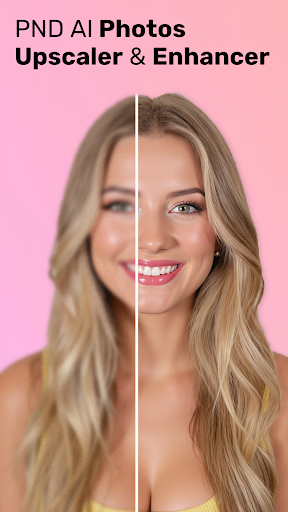

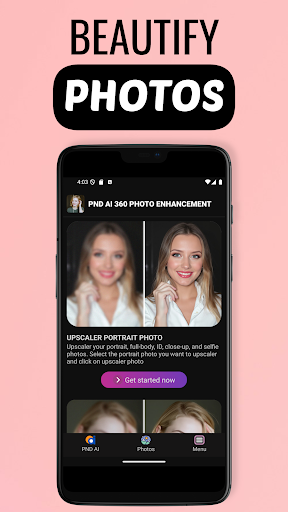
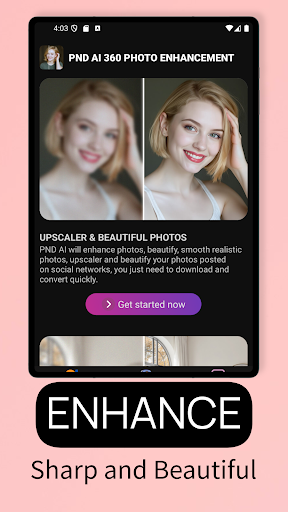
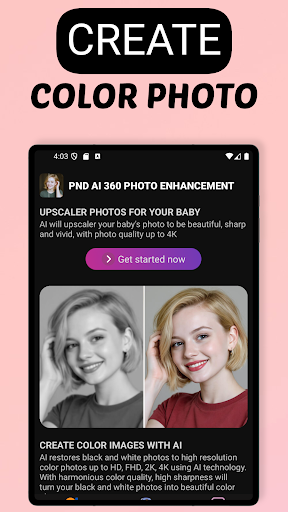
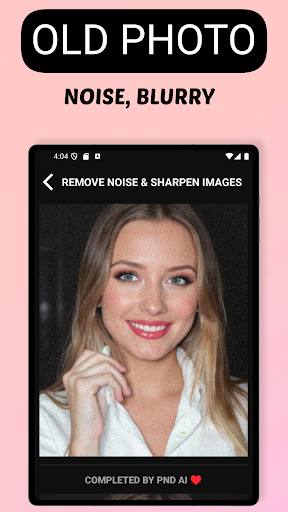
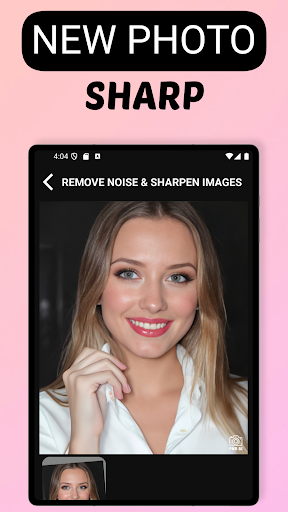
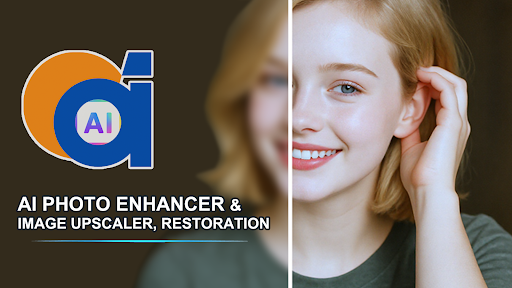
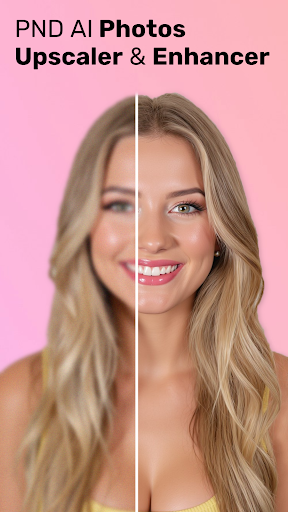
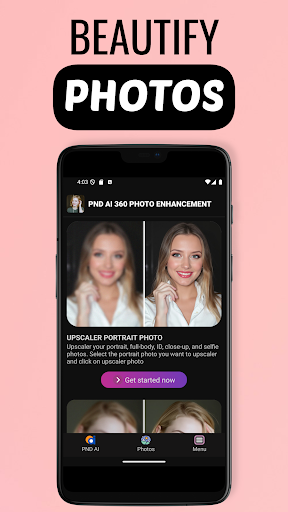
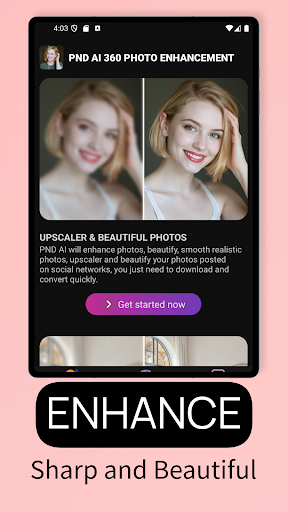

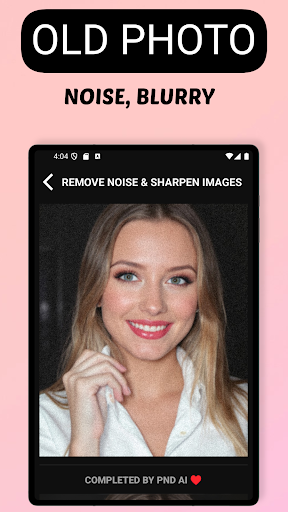
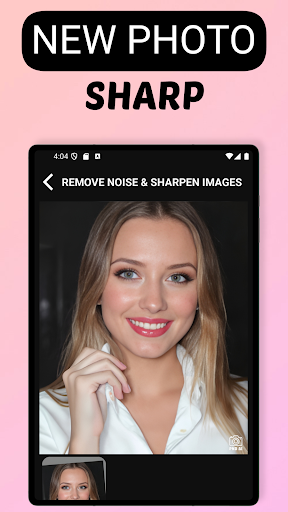
AI Photo Enhancer 360 is a cutting-edge artificial intelligence application designed to transform your old, blurry, or damaged photos into sharp and vivid images with just one touch. This powerful tool utilizes advanced AI technology to automatically detect and repair imperfections in photos while maintaining their natural look.
The app offers an extensive range of features including photo sharpening, restoration of old and blurry photos, black and white photo colorization, beautification, and image upscaling up to 8K resolution. Whether you want to restore precious memories or enhance portrait photos with studio-like quality, AI Photo Enhancer 360 delivers professional results effortlessly.
With its user-friendly interface and automatic processing capabilities, this app brings efficiency and convenience to photo editing. It's the perfect solution for anyone looking to breathe new life into their old photos or improve the quality of their digital images.
AI Photo Enhancer 360 stands out with its comprehensive feature set tailored for photo restoration and enhancement. The app employs sophisticated AI algorithms that can intelligently process and restore damaged areas, sharpen blurry images, and add vibrant colors to black and white photos.
Beyond restoration, the app serves as a modern photo creation tool. Users can improve portrait photos by smoothing skin, removing blemishes, adjusting lighting, and enhancing backgrounds to achieve professional-grade results. The inclusion of advanced AI Gen technology allows for the creation of unique profile photos in various styles - from artistic to cartoonish.
One of the app's most impressive capabilities is its support for increasing photo resolution up to 2K, 4K, and even 8K without compromising details. This makes it possible to repurpose low-resolution photos for high-quality printing, designing, or sharing on digital platforms.
User-friendly interface
Advanced AI technology
Multiple enhancement options
High-resolution upscaling
Secure data processing
Requires internet connection
Premium features may cost extra
Limited manual controls
Processing time varies
Subscription model

Shop Smarter, Dress Better, and Shine Brighter!
 4.10
4.10
Enhance your selfies with face beauty makeup tool and an easy background remover
4.70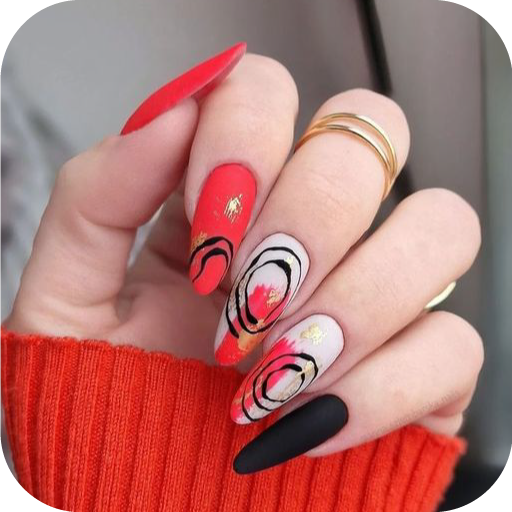
Design your nails, manicure and pedicure with nail paint art and nail idea app
3.90
Your on-demand aesthetician
4.40
All-in-one solution for independent beauty pros to manage & grow their business
4.30
Edit Your Photos and Videos with Beauty Filters & Get Makeup Artist Tutorials
3.60
Try on different hairstyles and hair colors, glasses and jackets | Cartoon face
4.10
Book beauty salon, hair or health and wellness experiences in an instant
4.90
Snap stunning selfies with AI from the Sweet Beauty Camera editor
4.10
Use your phone as a makeup mirror, shaving mirror. Magnifying mirror with light!
4.80
Beauty Camera & Selfie Camera snap Beauty selfie with filter, makeup, stickers
4.80
Unique selfie filter camera! Upload live sticker & face filter every week!
4.70
Beauty Camera - Selfie Camera with beauty editing tool, makeup, filter, sticker
4.60
Crown Heart Emoji Photo Editor has given you the chance to look cute girl
4.40
Seasonal color palettes for shopping clothes and makeup products with confidence
4.20
True mirror app with zoom, LED light, for makeup & shaving anywhere!
4.20
Healthier, more beautiful with Medicube Digital Clinic AGE-R!
4.10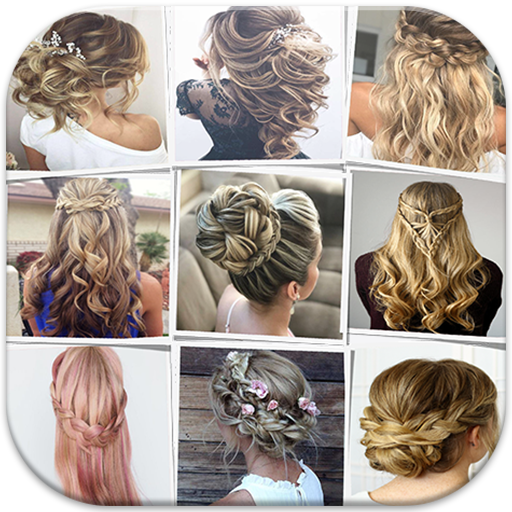
Make beautiful Hairstyles for girls with your own hands in little bit of time
4.00
Enhance Your Look with Face Analysis, Hair Style Changer, Beauty Score, Rating
3.90


User Reveiws