


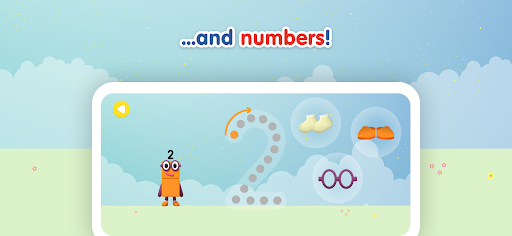

Alphablocks and Numberblocks, How to Write is an educational app designed specifically for young children to learn writing skills in a fun and engaging way. The app leverages the popular Alphablocks and Numberblocks characters from CBeebies shows to teach letter formation and fine motor skills through interactive activities.
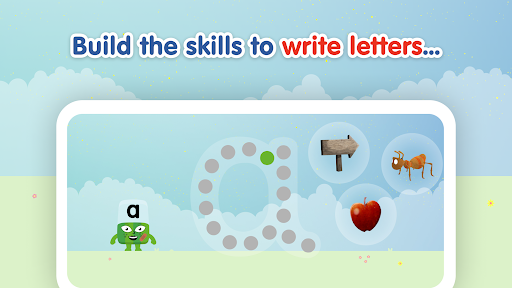
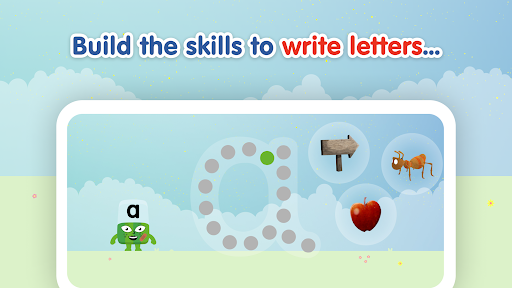
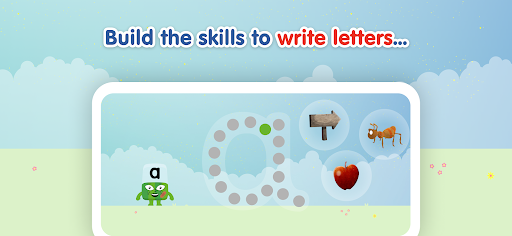
The app features a carefully scaffolded learning trajectory that progresses from generic practice lines to pre-letter lines and finally to complete letter formation. It divides letters into four families based on their shapes, allowing children to build confidence as they master simpler forms before advancing to more complex ones. Each activity is accompanied by catchy rhymes that reinforce the movements needed for writing.
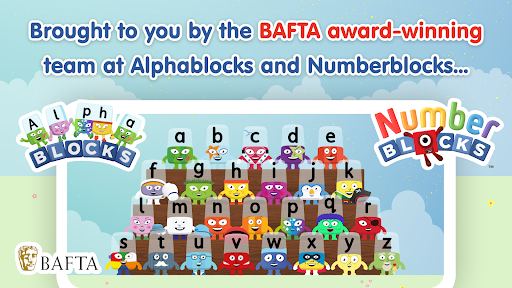
This app is ideal for parents and educators looking for a safe, ad-free digital learning tool that combines education with entertainment. Created by BAFTA award-winning studios and endorsed by literacy experts, it provides a comprehensive approach to early writing development.
One of the standout features of Alphablocks and Numberblocks, How to Write is its unique approach to teaching letter formation. The app breaks down each letter into one of four families - Bouncy, Straight Line, Curly, and Zigzag - based on shared characteristics. This method helps children recognize patterns and develop muscle memory for writing.
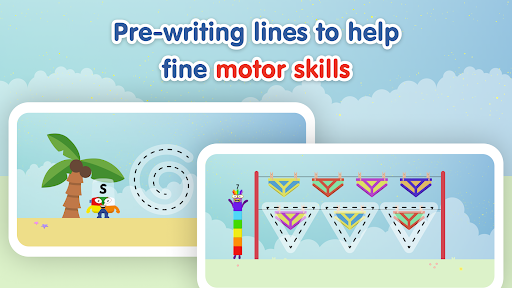
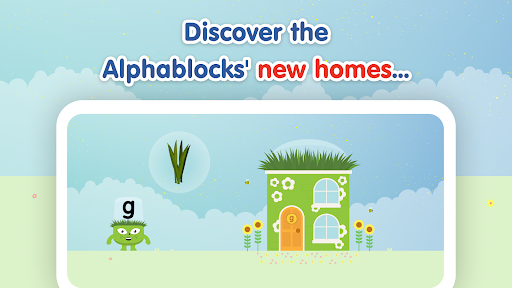
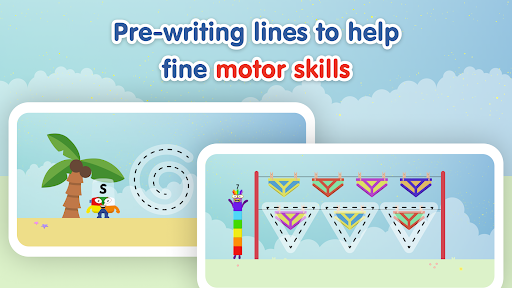
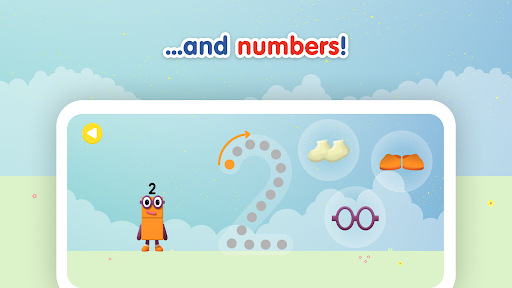
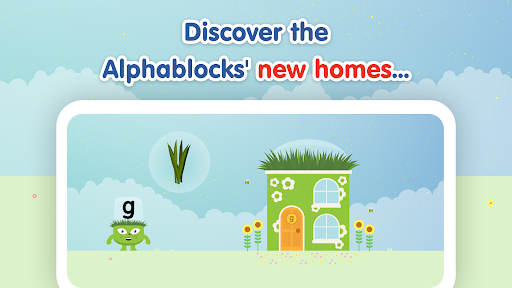
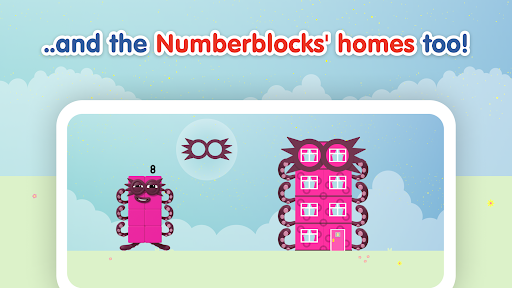
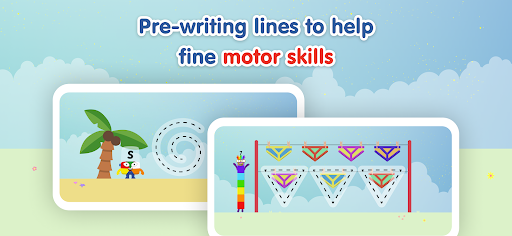
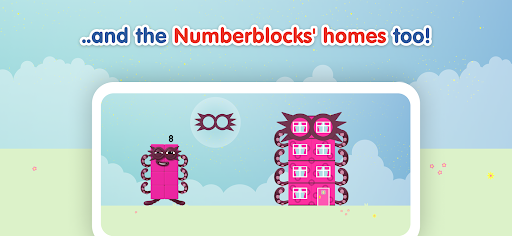
In addition to letter tracing, the app includes pre-writing line exercises that improve fine motor skills. These activities are complemented by special writing rhymes for each letter and number, making the learning process more memorable. The app also incorporates game-like elements where children help characters find their way home, adding an extra layer of engagement.
All content is presented in a COPPA and GDPR-K compliant format, ensuring a safe learning environment. The app maintains a 100% ad-free space while offering high-quality animation and educational content developed by top literacy experts and educators.
Engaging characters
Safe learning
Expert-designed
Fun rhymes
Ad-free
Limited advanced
No multi-user
Premium cost
Single language
Device specific
A world to build at the tip of your fingers!
 3.80
3.80
Absorbing, highly visual, effective learning of multiplication, division
4.5
Imagine, build and ride your own Rollercoaster!
3.90
Where the beloved world of Peppa Pig meets the creativity of LEGO DUPLO!
4.00
Tons of kids safety games, cartoons, and stories are included in one kids app!
4.70
A cube building game for small (and large) builders.
4.40
Where Little Healers can Make a Big Difference!
4.00
Build your own BRIO railway!
4.30
Amazing learning and educational games for children of all ages.
4.70
Creative beauty & fashion
4.50
Tracing, phonics & spelling games for toddlers, preschool & kindergarten kids!
4.50
Fun baby games for kids. Play baby piano, musical instruments & nursery rhymes.
4.50
Play and build with Bluey & friends in this fun LEGO® game!
4.40
A must-have sequel to our Learn Letter Sounds with Carnival Kids app
4.30
Enjoy the fun kid's hospital play game with Cocobi, the little dinosaurs!
4.00
Find the hidden Numberblocks, add them together and see what happens.
3.50
Play the fun healthy habits game for kids with Cocobi the little dinosaurs.
3.40
Learn and practice multiplication and division
4.0
Get points, learn Spanish, repeat. Speedrun your way to knowledge.
4.3


User Reveiws