
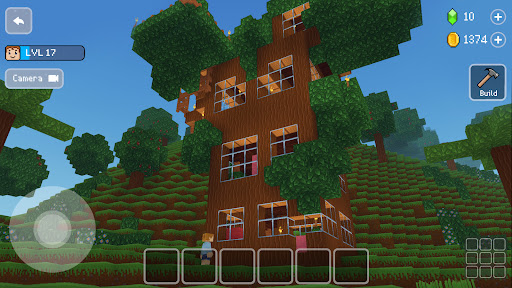

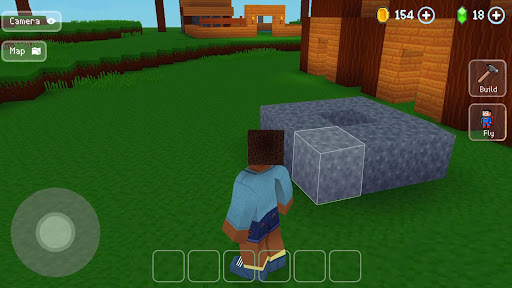
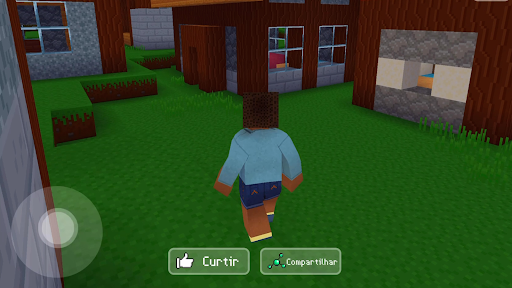
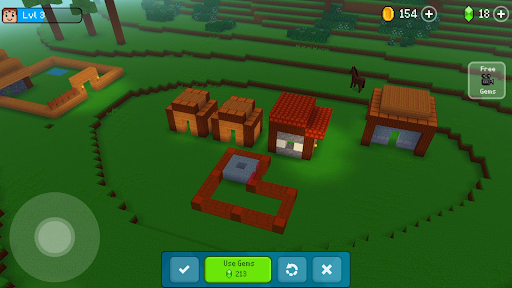


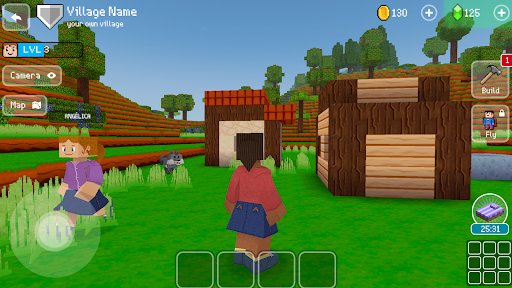
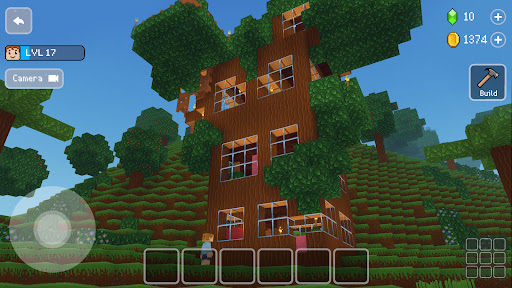
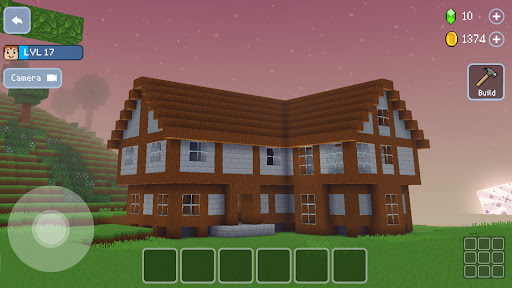
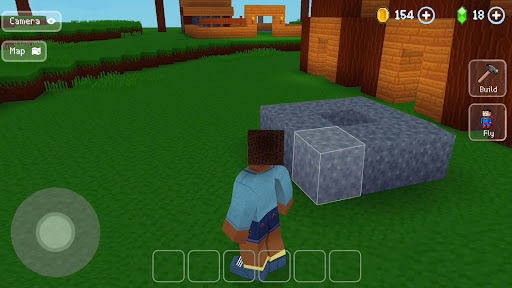
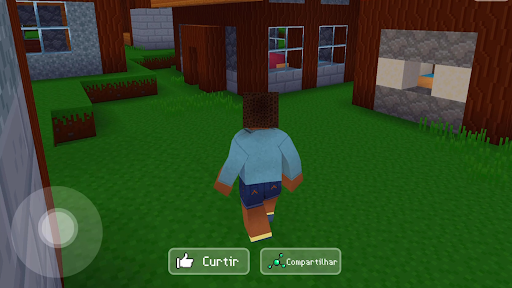
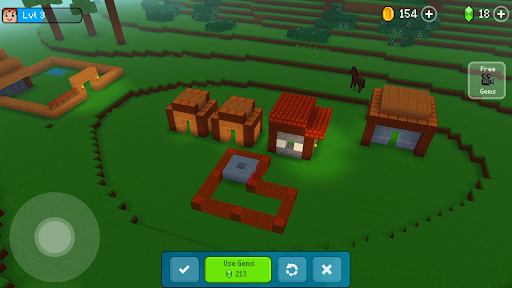
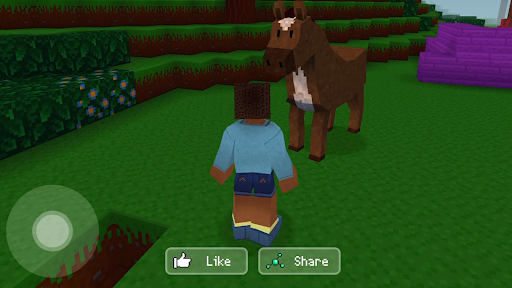
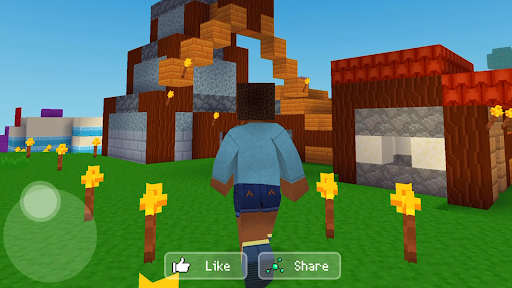

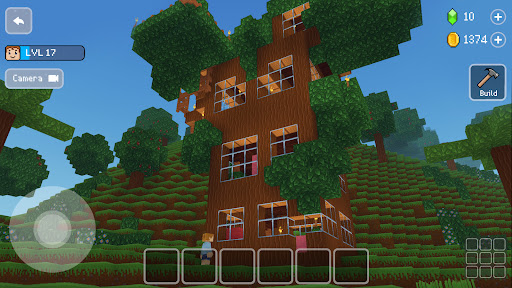

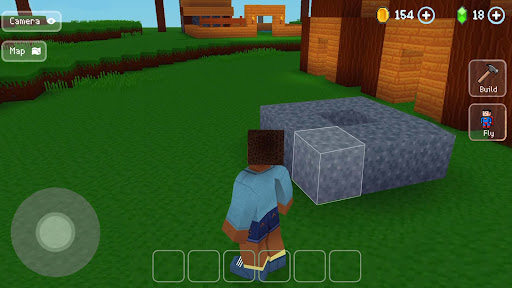
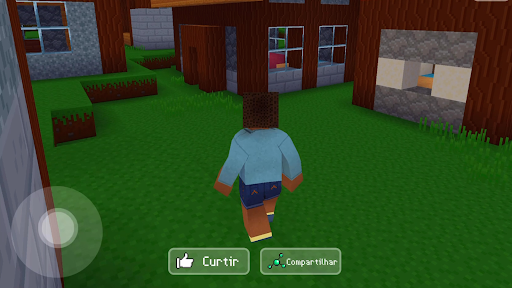
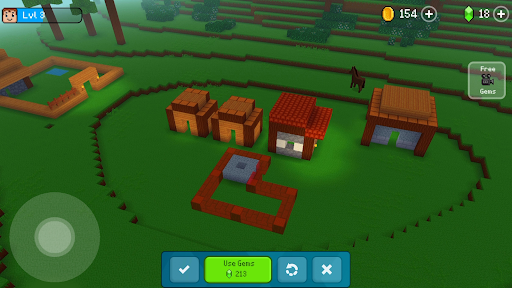
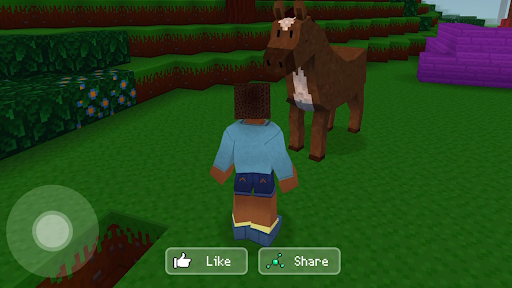
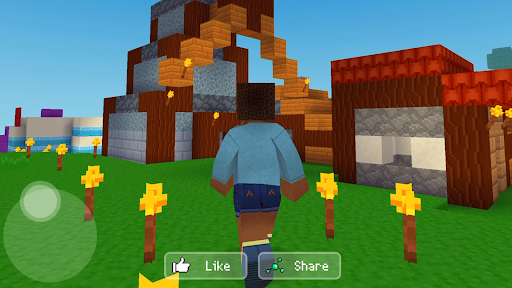
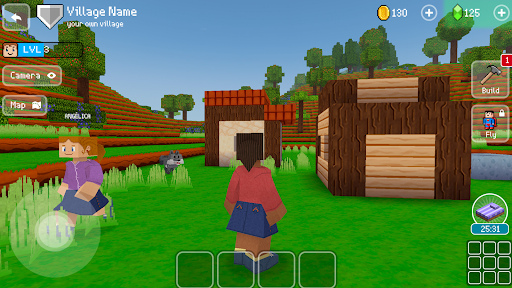
Block Craft 3D is an engaging arcade-style building game that allows players to craft and expand their own villages or freely construct in an open-ended world. The core function of this app revolves around creativity and construction, letting users build a variety of structures from houses to castles, and even the Eiffel Tower. One of its standout features is the ability to simulate life within these crafted environments, providing both fun and immersive gameplay. With special pixel graphics and a range of customizable characters, it offers a visually appealing experience. Additionally, the game supports multiplayer interactions, allowing friends to visit each other's creations, thus enhancing social engagement. This makes Block Craft 3D not just a game but a platform for creative expression and community interaction.
The app also includes elements such as pet adoption, which adds another layer of interaction and enjoyment. Unlike many other block games filled with challenges like monsters, Block Craft 3D focuses purely on construction and exploration, making it suitable for players who enjoy a more relaxed gaming atmosphere. Its value lies in fostering creativity, offering entertainment, and building a sense of community among players, all within a vibrant and colorful world.
Block Craft 3D stands out due to its rich set of features designed to enhance user experience. One of the primary characteristics is the freedom it offers in construction. Players can build a myriad of structures using different materials and designs, limited only by their imagination. This feature is complemented by the game's unique pixel graphics, which give it a distinctive visual style that appeals to fans of retro aesthetics.
Another significant aspect is the life simulation element, where players can simulate daily activities within their constructed worlds. This adds depth to the gameplay and keeps users engaged over long periods. Furthermore, the inclusion of pets and animals introduces an additional interactive component, allowing players to adopt and play with various creatures, from dogs and cats to elephants. Multiplayer functionality enriches the experience by enabling visits to friends' cities, promoting cooperative building, and creating a vibrant community. Lastly, the ability to create custom blocks and sell them for gems adds an economic layer, encouraging creativity and strategic thinking.
Highly creative
Engaging pixel art
Life simulation
Multiplayer support
Pet adoption feature
Limited to pixel art
No competitive mode
Monetization via gems
Repetitive after a while
Steep learning curve

Gameboy Color Emulator
 4.60
4.60
A fluid, action-packed arcade space shootout!
4.2
Infinite Arcade
4.2
Play fun multiplayer games with friends on one device! Two, Three, Four players!
4.60
Relax and catch fish for your aquarium while earning rewards in these tank games
4.40
The only Sega Saturn emulator for Android
4.40
Play all your favorite Playstation games in your android device!!
4.50
Original Space Adventure Experience
4.60
Save the galaxy from alien shooter in classic galaxy shooter-classic arcade game
4.80
Ready… Set… DASH! Play now!
4.70
Local offline 2 3 4 player multiplayer minigames - race, tanks, football
4.60
Flip and flail a rag doll through endless levels and plunge into outlandish fun!
4.60
Save the Galaxy from galaxiga alien - Classic arcade shooter game
4.60
Hit as hard as you can and make the penguin learn to fly! Arcade jumping game
4.50
Jump and fly your way through danger in this rythm-based action platformer!
4.50
Frenetic party game, pass the bomb to the other players!
3.80
You are a Black Hole, escaping the darkness trying to swallow you!
3.60
This app is a very fast emulator
3.40
Turn-based pixel game where jumping is the only weapon!
4.2


User Reveiws