
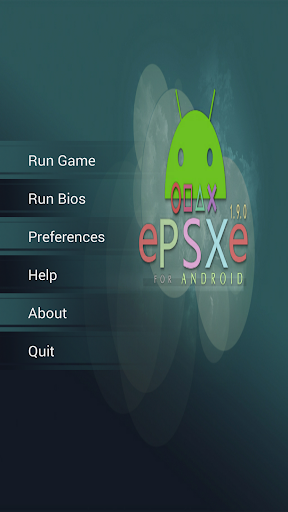
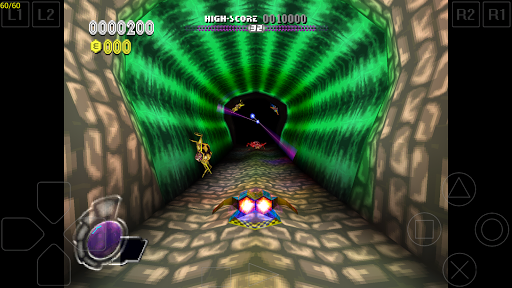
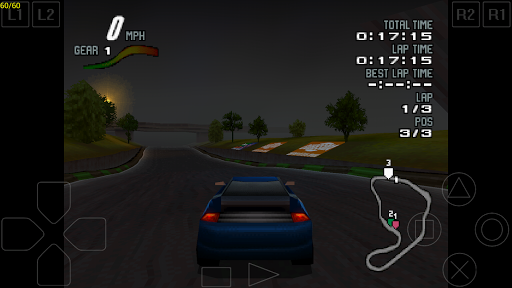


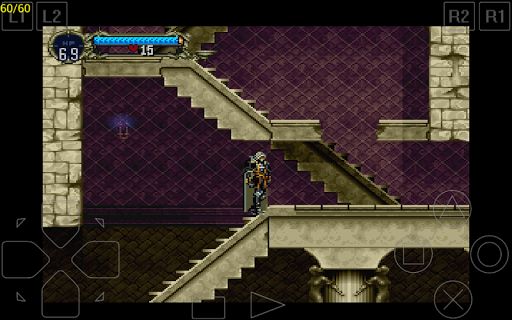
ePSXe for Android is a highly compatible Playstation emulator, bringing PSX and PSOne gaming to modern devices. With compatibility rates exceeding 99%, it ensures smooth gameplay and accurate sound reproduction. Designed for both smartphones and tablets, the app supports single-player and multiplayer modes, including an engaging split-screen option for two players.
The app features advanced graphics enhancement options such as 2x/4x software rendering and OpenGL renderers, delivering HD-quality visuals. It also supports various control methods, including touchscreen controls, hardware buttons, and external gamepads like WiiMote, Xbox 360, and Moga. Additionally, ePSXe offers native support for ARM and Intel Atom X86 processors, ensuring optimal performance across different devices.
ePSXe stands out with its comprehensive feature set tailored for an immersive gaming experience. The app supports multiple controller configurations, allowing users to map hardware buttons on devices like Xperia Play or connect external Bluetooth and USB gamepads. This flexibility caters to both casual gamers and enthusiasts seeking authentic console-like controls.
Graphics enhancement is another key feature, with options for 2x/4x software rendering and two distinct OpenGL renderers. These allow players to enjoy games in HD quality while maintaining high performance. The inclusion of cheat codes, savestates, and memcard compatibility further enriches the user experience by providing functionalities similar to those found in the PC version of the emulator.
Additionally, ePSXe's support for multiplayer gaming through split-screen mode makes it versatile for social gaming sessions. Its compatibility with a wide range of devices and optimized performance on ARM and Intel Atom X86 processors ensure that users can enjoy their favorite Playstation games seamlessly on their mobile devices.
High compatibility rate
HD graphics enhancement
Multiplayer support
Flexible control options
Optimized performance
No included games
Complex setup required
Resource-intensive
Limited touchscreen functionality
Requires technical knowledge

Turn-based pixel game where jumping is the only weapon!
 4.0
4.0
Sharpen your mind and reflexes while playing 4Way Dash
4.4
Try this unique restaurant sim and enjoy the fun of cooking in busy kitchens!
4.70
A fluid, action-packed arcade space shootout!
4.5
Reach high, and shine in the neon world in 3D!
4.5
Stack the blocks as high as you can!
4.30
Meet Snake Run Race! Slither through an obstacle course in our fun running game!
4.70
This app is a very fast emulator
3.40
A fast, full-featured GBA emulator with link cable emulation.
3.90
Jump and fly your way through danger in this rythm-based action platformer!
4.70
Flip and flail a rag doll through endless levels and plunge into outlandish fun!
4.60
Merge bowmasters to win the bow and arrow war! Play the fun archery game!
4.60
Premium version. Save the galaxy from alien shooter in this classic game
4.50
Running game: dance in a twerk battle and become the twerk hero in our fun race!
4.30
Mine planets, upgrade your space ship, battle others, and dominate the galaxy!
3.90
John GBC is GB/GBC emulator. This emulator is easy to use.
3.80
Neogeo MVS/AES Emulator
3.30
Monster Run its a game for relax.
4.0
Infinite Arcade
4.4


User Reveiws