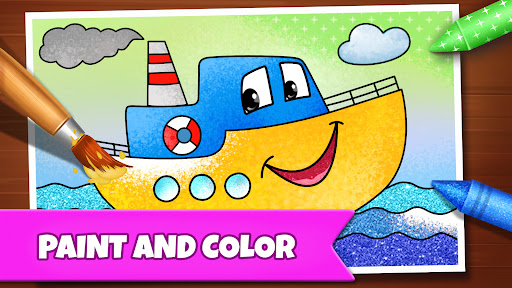
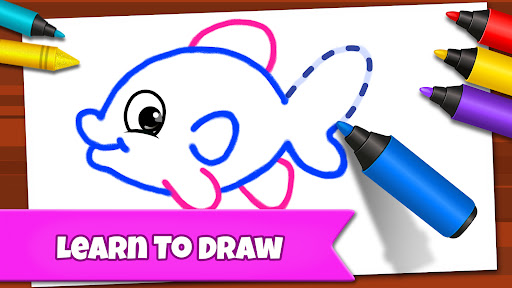

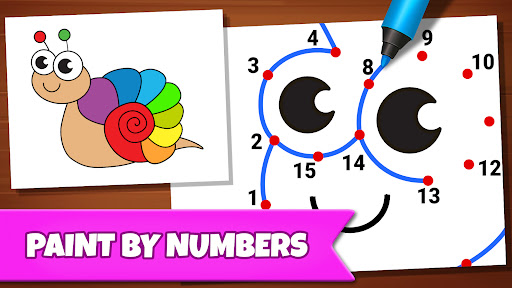
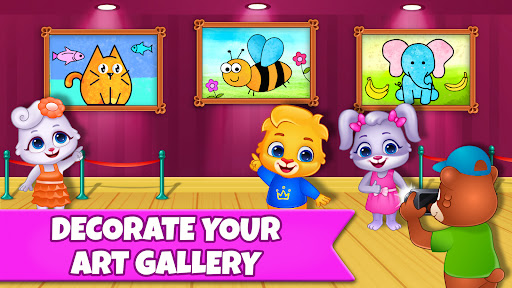

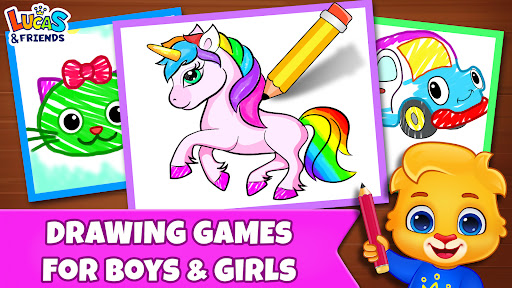
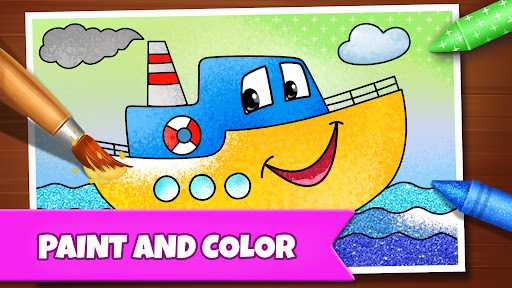
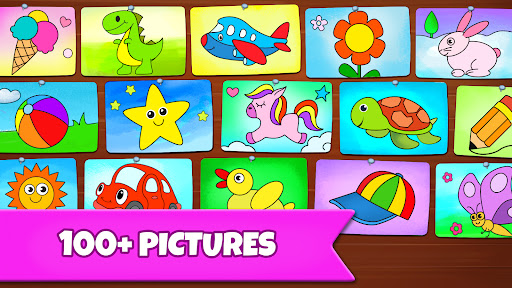
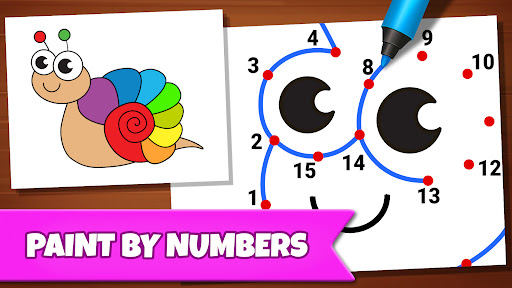
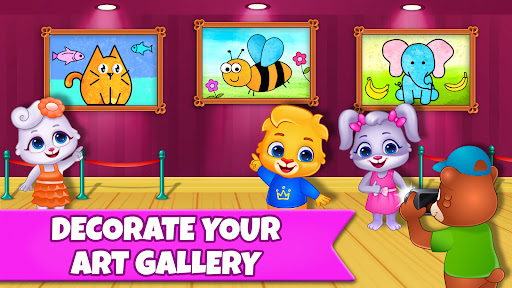
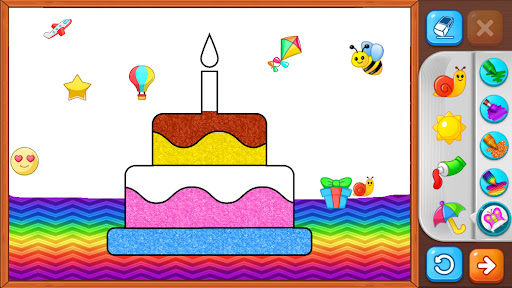
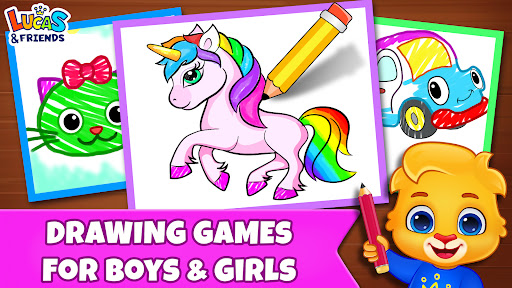

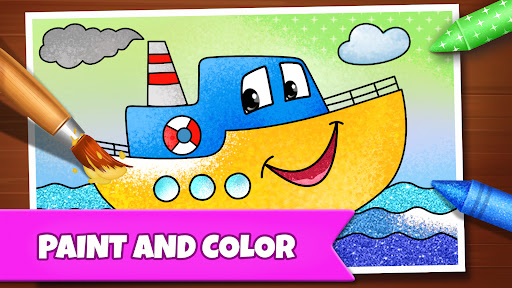
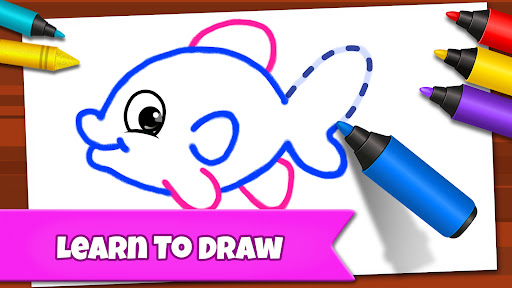
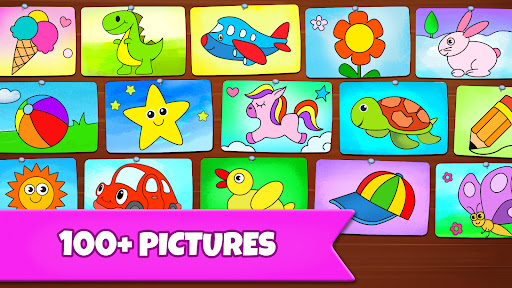
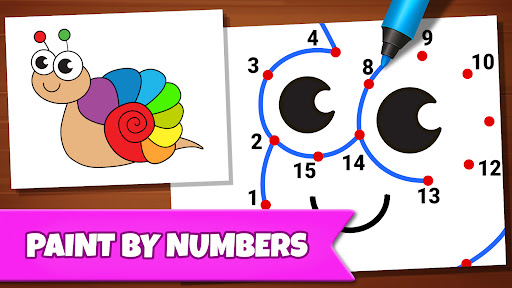
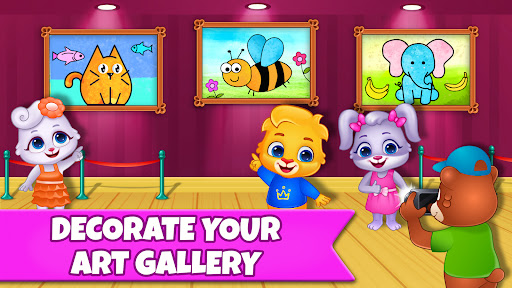
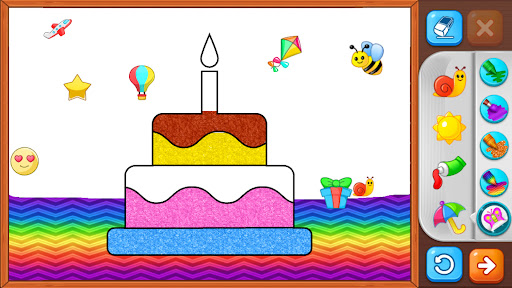
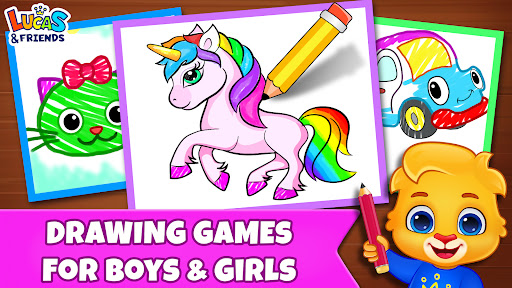
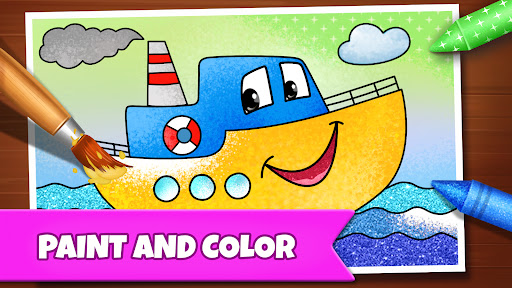
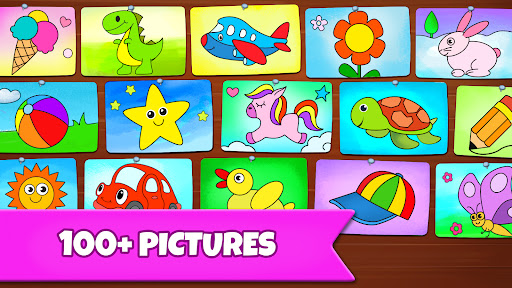

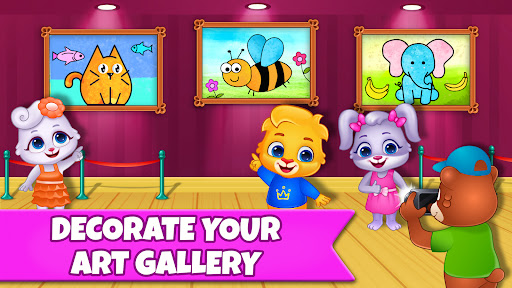
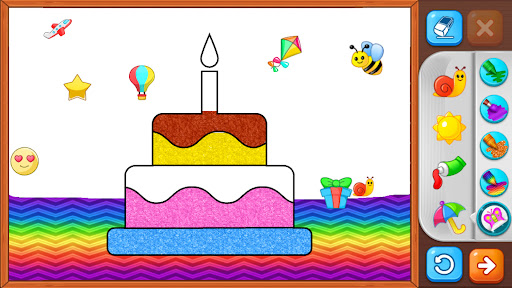
Drawing Games: Draw & Color is an educational app designed to engage children in creative activities while helping them learn essential skills. The app offers a variety of drawing and coloring modes that teach kids how to draw, recognize shapes, numbers, and pictures, and express their emotions through art. With interactive features like Connect the Dots, Glow Paint, and Memory Drawing, this app provides a safe and fun environment for toddlers, preschoolers, and kindergartners to develop their artistic abilities and cognitive skills.
The app's standout feature is its diverse range of educational modes tailored to different age groups. Toddlers can enjoy simple activities like Auto Draw, where they watch paintings come to life, while older children can tackle more complex tasks like Learn to Draw, which guides them step-by-step through the drawing process. Each mode is crafted to ensure that children remain engaged while learning important developmental skills. Parents can feel confident knowing that their kids are using a completely free app with no in-app purchases or ads to distract from the educational experience.
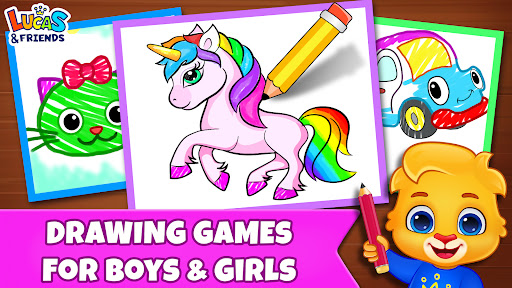
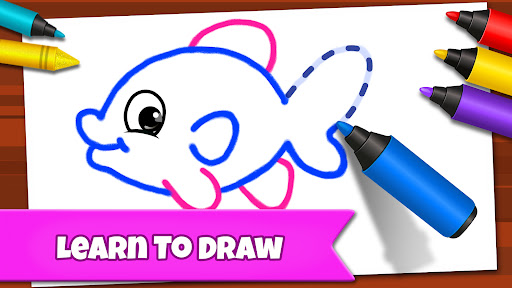
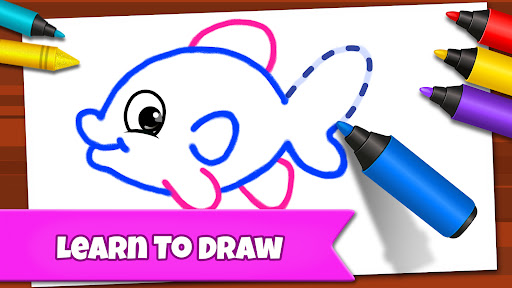
Drawing Games: Draw & Color stands out due to its comprehensive selection of educational drawing modes. The Learn to Draw feature breaks down complex images into simple steps, allowing children to follow along and create their own artwork. This not only teaches them how to draw but also boosts their confidence as they see their progress. Another notable feature is the Connect & Color mode, where kids connect dots to reveal colorful pictures. This activity enhances their number recognition and fine motor skills while providing a sense of accomplishment as they complete each picture.
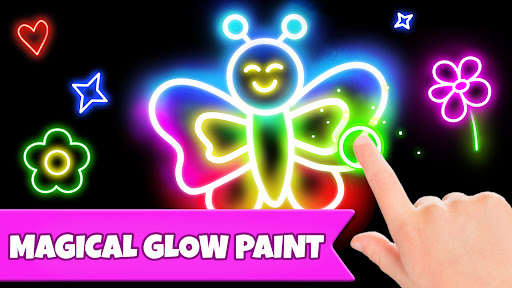
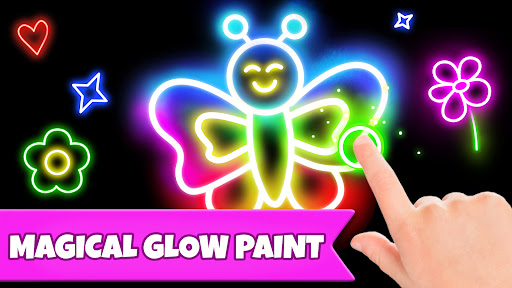
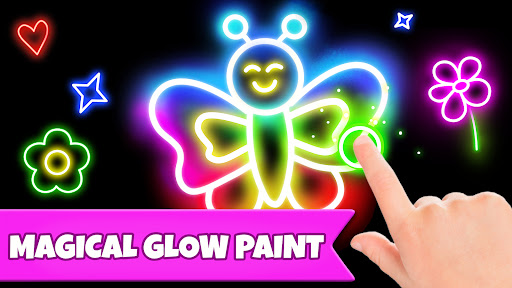
In addition to structured drawing activities, the app includes creative tools such as Glow Paint, which lets kids experiment with glowing colors to create unique artworks. The Memory Drawing mode challenges children to replicate lines from memory, improving their concentration and visual memory. These features collectively contribute to a holistic learning experience, combining education with entertainment. The app's commitment to being completely free without any in-app purchases or advertisements ensures that children remain focused on learning and having fun without interruptions.
User-friendly interface
Educational content
No in-app purchases
Engaging activities
Safe for kids
Limited advanced features
Basic graphics
Few customization options
Occasional bugs
Simple sound effects
Stack the States® 2 makes learning US geography fun!
 4.50
4.50
Play the fun princess party game for kids with Cocobi the little dinosaurs.
4.10
Dress up, Makeover, and Party! Design a Wonder World!
3.90
Creative beauty & fashion
4.50
Math Games For Kids To Learn Addition, Subtraction, Multiplication and Division.
4.30
Play pretend & explore at the doctor's & school in Daniel Tiger's Neighborhood.
3.30
Fun phonics & alphabet tracing game for toddlers, preschool & kindergarten kids!
4.60
Design dreamhouses and dress up creatively in the ultimate role-playing game!
4.70
3D school bus driving game for kids!
4.50
Amazing toddler coloring games for 2+. Enjoy painting games
4.60
Enjoy coloring with wide variety of 1000+ coloring games for kids & drawing game
4.50
Fun baby games for kids. Play baby piano, musical instruments & nursery rhymes.
4.50
Pretend play in Pepi City: become a doctor or a patient. Our city, your stories!
4.30
OG Trail - Lets you play the classic Oregon Trail simulation game on Android
4.20
Animal games! Adopt virtual pet dog, cat & rabbit to create your pet world!
4.10
Clean the messy house & play with cute kitty in this fun cleaning game for kids!
3.70
Create, Style, Repeat!
3.70
Safe, fun, ad-free games for kids! For babies, toddlers, & kids age 2-6
3.60
Find the hidden Numberblocks, add them together and see what happens.
3.50


User Reveiws