
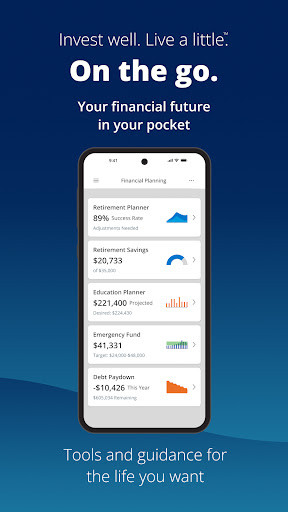
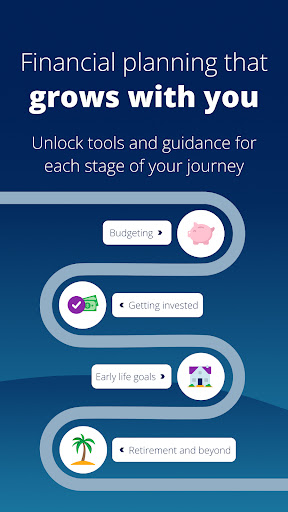
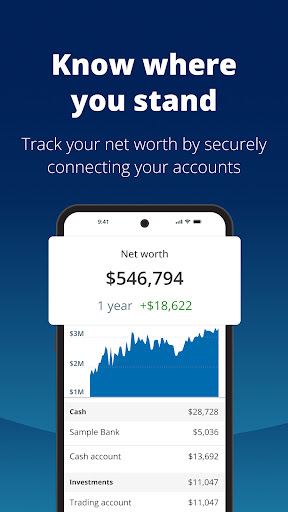
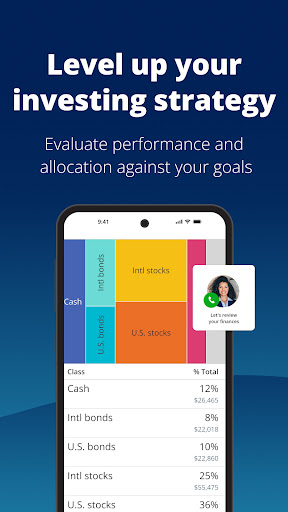
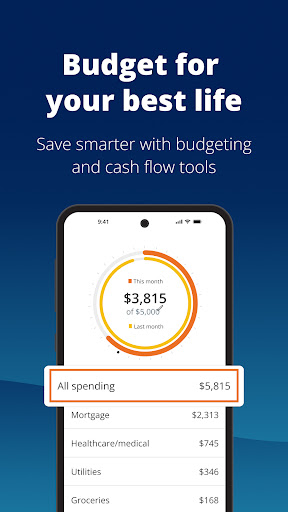

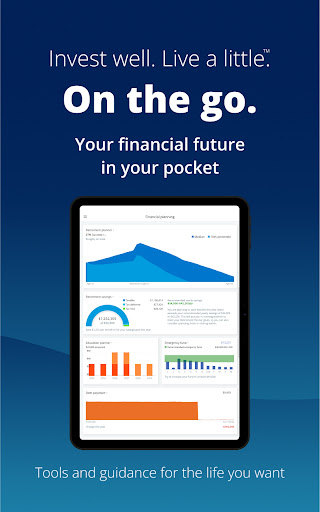
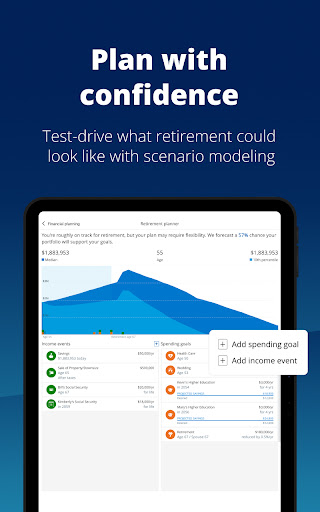
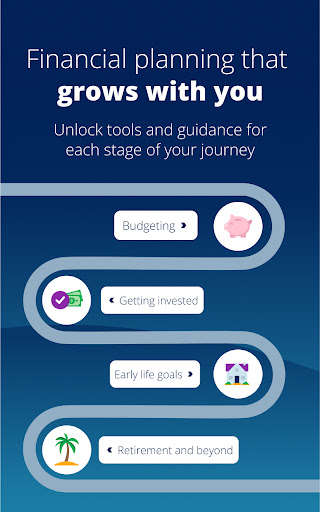
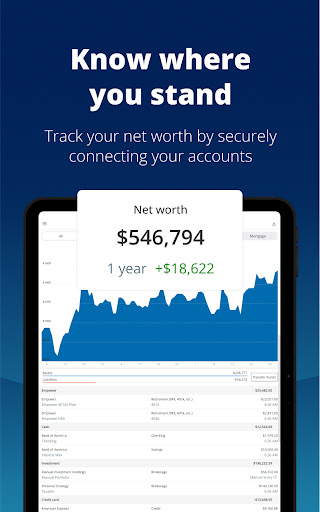
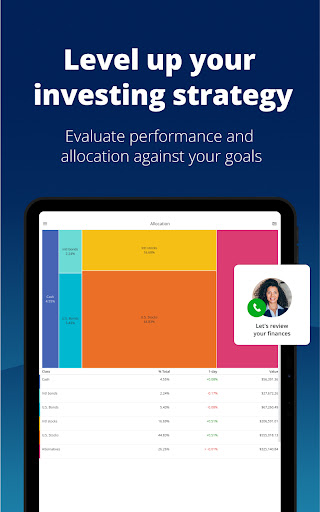

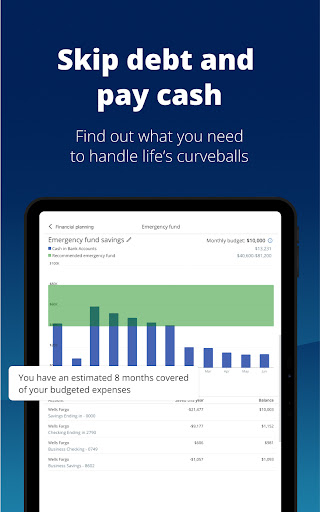
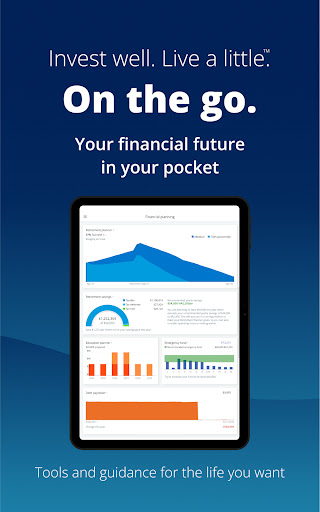
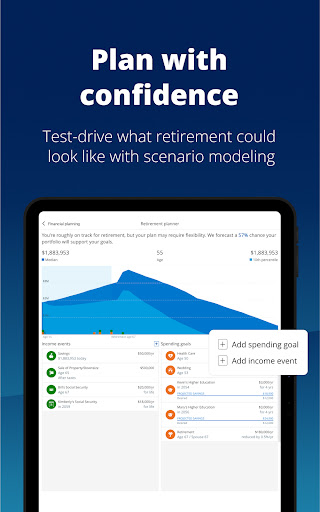
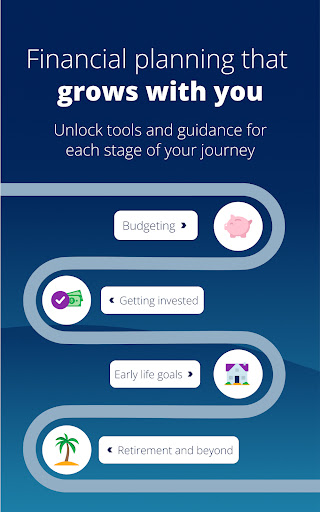
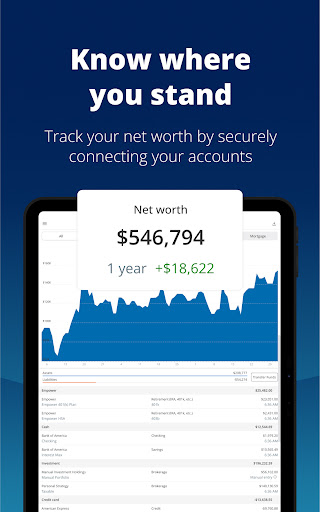


Empower is a comprehensive financial management application designed to simplify and streamline your personal finance tracking. The app consolidates all your financial accounts into one intuitive dashboard, providing a complete overview of your net worth, income, expenses, and investments. With features like retirement planning, budget setting, debt management, and emergency fund building, Empower equips you with industry-leading tools to achieve financial clarity.
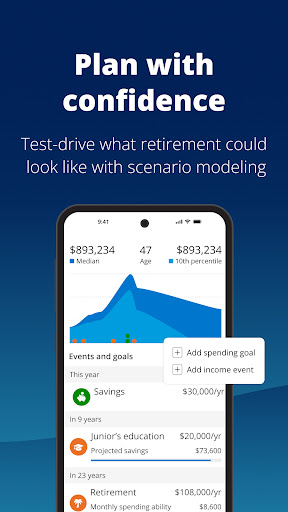
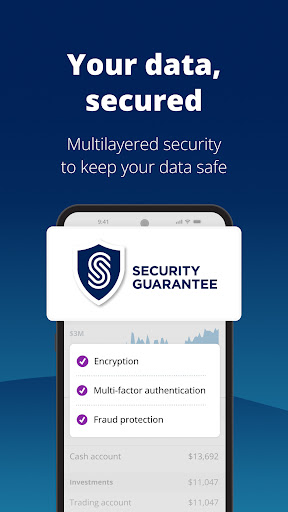
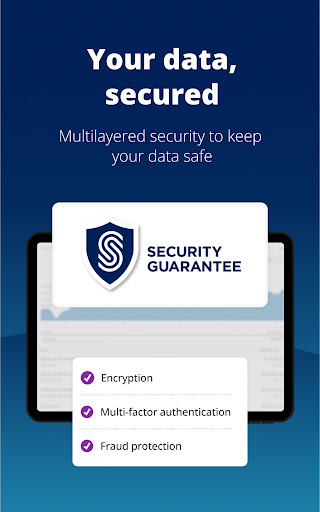
What sets Empower apart is its ability to simulate various financial scenarios, including recessions, and provide professional investment advice. The app employs advanced security measures such as biometric and multi-factor authentication to ensure your data remains protected. Whether you're looking to track your net worth or optimize your investment portfolio, Empower offers the necessary tools to help you reach your financial goals efficiently.
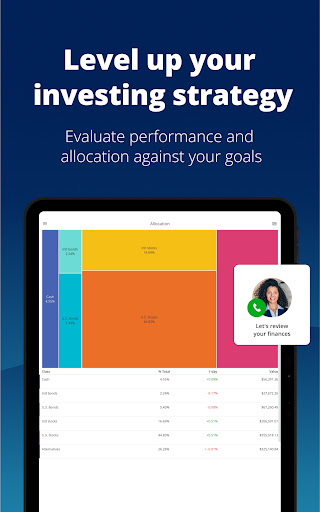
Empower stands out with its robust feature set tailored for effective financial management. The app's signature capability is its unified dashboard that displays all your financial accounts in one place, eliminating the need to log in to multiple platforms. It offers powerful planning tools that allow users to simulate economic downturns, compare different financial scenarios, and identify allocation imbalances in their portfolios.
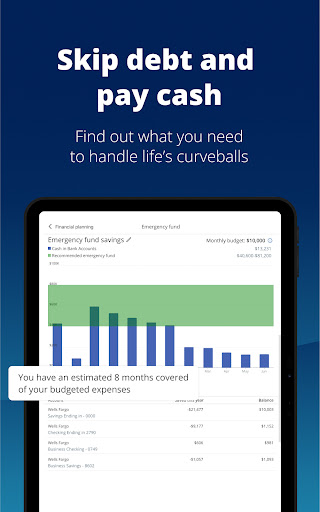
Another key feature is the app's focus on security, employing biometric authentication and multi-factor verification to safeguard sensitive information. Users can also access professional investment advice and utilize tools for debt reduction and emergency fund creation. With functionalities like budget tracking, expense categorization, and retirement planning, Empower provides a holistic approach to managing personal finances, saving users time and offering peace of mind.
User-friendly interface
Comprehensive account integration
Advanced security features
Professional investment advice
Scenario simulation tools
Premium features require subscription
Occasional syncing issues
Limited international support
Higher learning curve
Some features are US-only

Bank better with our new app
 3.80
3.80
Manage your prepaid cards and add to Google or Samsung Wallet.
4.60
Early payday cash advance up to $150 a day with a max of $1,000 per pay period
4.70
Your insurance, anytime, anywhere
4.00
Get 250$ Cash Advance to solve emergencies instantly in loan app called LendMe
4.70
Car Insurance Made For You.
4.50
Our Chase Mobile App makes it easy for you to bank on the go 24/7.
4.60
Banking with no monthly fees, fee-free overdraft, and early payday.
4.70
Send money and bitcoin easily. Invest, bank and do more with your money
4.70
Join 12M+ users. Instant cash advances, personal loans, build credit, save money
4.80
Pay rent on your schedule.
4.70
Pay, bank & build credit.
4.70
Play for fun, earn for real. Collect rent by owning virtual land & get cashback
4.60
Access State Farm accounts, policies, ID cards and more
4.60
Save, spend & get paid faster²
4.50
Manage budget, save money, or file tax. Build, track & improve your credit score
4.40
Mine Bitcoin in the cloud! Earn BTC daily with high-speed mining power.
4.30
Registration of your debts and Mdionatk and assembled, as well as a significant reports
4.30
View BSC Transactions for multiple accounts
3.90


User Reveiws