







Keiki Learning games for Kids

4.50

Information

Category:

Educational

Price:

Free

Rank:

N/A

Rating:

4.50

Overview

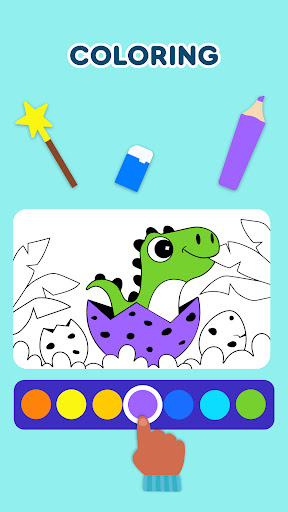
Keiki Learning Games for Kids is an educational app designed to make learning enjoyable and engaging for toddlers and preschoolers. The app offers a variety of interactive games that cover essential early learning topics such as ABCs, numbers, colors, shapes, and more.

With its collection of fun songs, cartoon characters, and puzzles, Keiki provides a safe and ad-free environment for children to develop their cognitive skills. The app's content is crafted by child education experts to ensure both entertainment and educational value, making it ideal for young learners aged 2-5 years.

Parents can utilize this app as an effective tool to introduce their children to fundamental concepts in math, language, and logic. The colorful graphics and playful activities are tailored to capture the attention of young minds while promoting their developmental growth through play.

Features

Keiki Learning Games boasts a diverse range of features designed to engage and educate young children. One standout feature is the collection of ABC puzzle games that help toddlers recognize letters and understand basic phonics through interactive play.

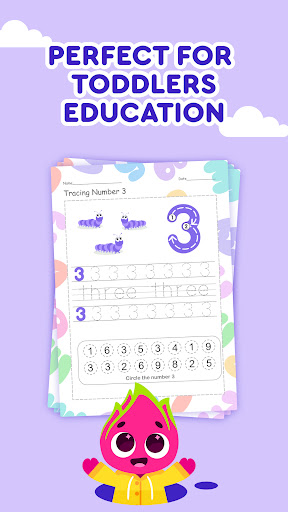
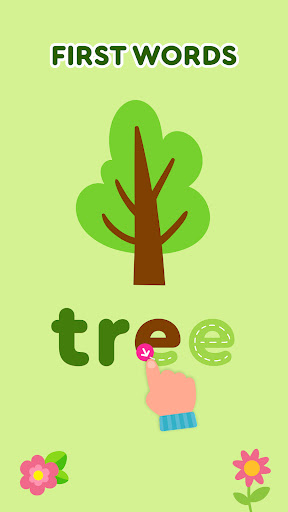
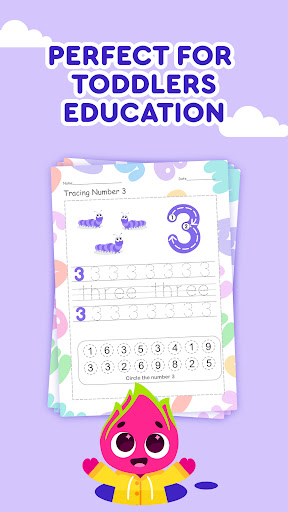
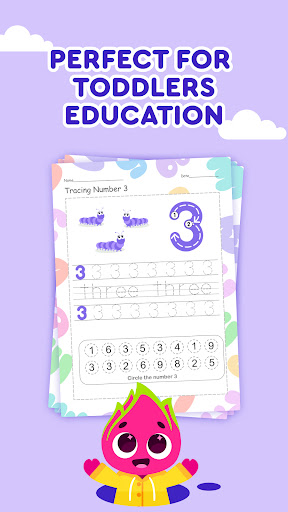
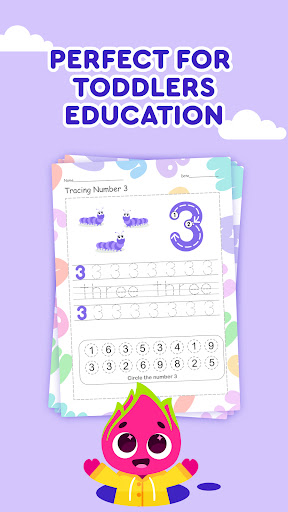
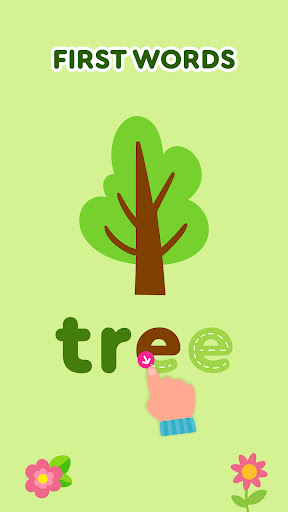
The app also includes tracing activities for letters, which introduces writing skills in a fun way. Additionally, the Spin & Turn puzzles challenge children's problem-solving abilities as they figure out how to rotate pieces to complete pictures, enhancing their spatial awareness.

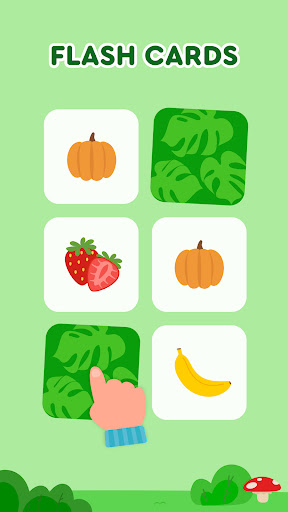
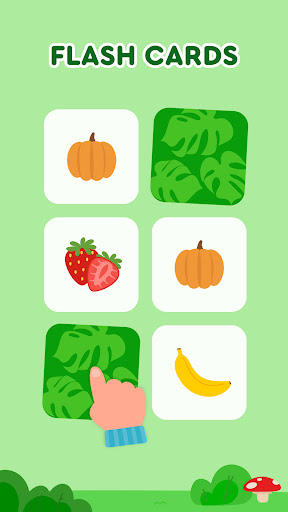
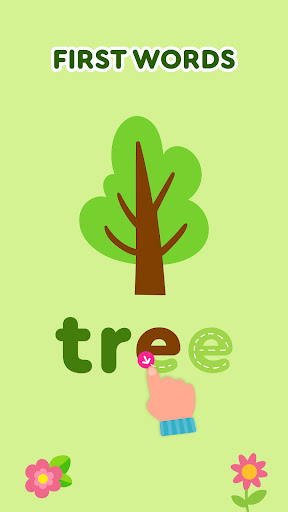
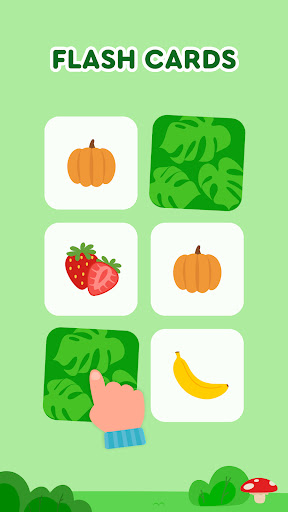
Memory card games and spelling activities further reinforce learning by encouraging letter and word recognition. With adjustable difficulty levels and various themes like animals and food, Keiki ensures that each child's learning experience is personalized and never monotonous.

Content authority & curriculum alignment

In the realm of educational applications like Keiki Learning games for Kids content authority and curriculum alignment play pivotal roles in ensuring that the learning experience is both enriching and accurate. Content authority refers to the credibility and reliability of the educational material provided within the app. For Keiki this means that all the ABC games for kids tracing letters spelling exercises and other educational activities are designed and reviewed by child education experts. This ensures that every piece of information every game and every song included in the app adheres to educational standards and effectively aids in a child's cognitive and academic development. Curriculum alignment on the other hand ensures that the app's content matches with educational standards followed by schools and educational institutions. Keiki achieves this by incorporating essential learning areas such as numbers math colors shapes and phonics which are fundamental blocks taught in early childhood education. By aligning its fun and interactive activities with these foundational subjects Keiki not only supplements school learning but also prepares preschoolers for their future academic journey. The significance of these aspects lies in providing children with a structured yet enjoyable learning path that builds a strong foundation for lifelong learning. Parents and educators can be confident that the time spent on Keiki is productive and contributes positively to the child's educational growth.

Gamification-learning integration

Keiki Learning games for Kids excels in gamification-learning integration transforming traditional learning methods into engaging interactive experiences for young learners. Gamification involves incorporating game-like elements into educational content making the learning process more appealing and enjoyable for children. In Keiki this approach is evident through its diverse range of activities including toddler puzzles memory games cooking simulations and color recognition tasks. Each of these games is meticulously crafted to ensure that while children are having fun they are simultaneously acquiring essential skills and knowledge. For instance the app includes FUNNY SONGS which help kids learn letters numbers animals body parts colors alphabet phonics and shapes through catchy tunes. These songs create an entertaining atmosphere where learning becomes second nature to the child. Additionally the DIDI CARTOONS feature provides educational puzzles with themes like cars and animals stimulating logical thinking and problem-solving abilities. The incorporation of SPIN & TURN TODDLER PUZZLE EDUCATIONAL GAMES further enhances this blend of fun and learning by challenging children to figure out how to rotate puzzle pieces to complete pictures fostering spatial awareness and fine motor skills. Moreover Keiki offers HARVEST and COOKING games which immerse children in practical scenarios teaching them about fruits vegetables and kitchen etiquette through playful interactions. Such integrative methods make abstract concepts tangible and relatable thereby deepening understanding and retention. Overall Keiki demonstrates how effective gamification-learning integration can significantly enhance educational outcomes by capturing childrenu2019s interest maintaining their engagement and ultimately facilitating meaningful learning experiences.

Props

User-friendly interface

Educational and entertaining

Variety of learning games

Ad-free environment

Expert-designed content

Cons

Limited to preschool level

No multiplayer options

Some features may require purchase

Graphics could be outdated

Occasional bugs reported

Features and Functions

What is this app and what can I use it for?

An educational app for toddlers with interactive learning games

How do I download and install this app on my device?

Download from Google Play Store or Apple App Store

How do I get started after opening the app for the first time?

Follow the on-screen tutorial for initial setup guidance

What are the main features and capabilities of this app?

Features include ABC puzzles, tracing letters, memory games

How can I customize my experience and adjust preferences?

Adjust game settings and preferences in the app menu

How do I save or bookmark my favorite content for later access?

Save favorites by creating a user profile within the app

How can I share content with friends or on social media?

Share progress via social media links provided in the app

How do I access detailed information and explore more content?

Access detailed info through in-app educational resources

What permissions does this app need and how do I manage them?

App needs basic device permissions managed in settings

How do I check for updates and keep the app running smoothly?

Check Google Play Store regularly for updates and enable auto-update
Show more

User Reveiws

{{ comment.reviewer_name }}
{{ comment.review_date_formatted}}
{{ comment.review_content }}
{{ tab.name }}
{{ comment.reviewer_name }}
{{ comment.review_date_formatted}}
{{ comment.review_content }}
No reviews with this rating