Lithium Pro is a premium upgrade for the free Lithium app, designed to enhance your reading experience. This app unlocks advanced features that are seamlessly integrated into the main application. With its powerful synchronization capabilities and customizable interface options, it offers an elevated level of personalization and convenience for avid readers.
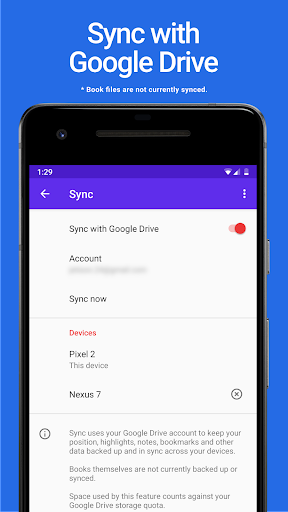
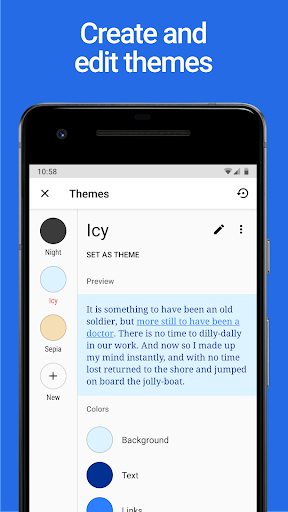
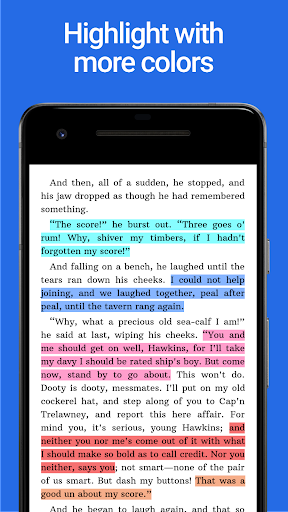
Key functionalities include Google Drive sync for data backup across devices, custom themes for personalized aesthetics, and additional highlight colors for better organization. These features collectively provide users with a more versatile and engaging reading environment.
Ideal for those who frequently switch between devices or desire a tailored reading setup, Lithium Pro ensures your library and preferences are always up-to-date and visually appealing. The ability to customize themes and utilize enhanced annotation tools adds significant value for users seeking a more refined digital reading experience.
The Lithium Pro app boasts an array of sophisticated features that significantly enhance the core functionality of the free version. One of its standout capabilities is the automatic synchronization feature, which utilizes Google Drive to maintain consistency of user data across multiple devices, ensuring you can pick up right where you left off.
Another remarkable aspect is the custom themes feature, allowing users to personalize their reading interface by adjusting background colors, text colors, and link colors. This level of customization extends to creating, editing, and deleting themes, giving readers unprecedented control over their visual experience. Additionally, the app provides an expanded selection of highlight colors, enabling more nuanced note-taking and content organization.
These features work in concert to create a more immersive and personalized reading environment. The combination of cloud synchronization and interface customization makes Lithium Pro particularly valuable for users who demand both practicality and aesthetic flexibility in their digital reading tools.
Seamless cross-device syncing
Highly customizable theme options
Expanded highlight color palette
Regular feature updates
Enhanced reading organization
Requires separate free app
No book content backup
Premium price point
Limited to Google Drive
Complex initial setup

Guide for dōTERRA® Products
 3.60
3.60
Bible, Catechism, Study, Saints, Mass Readings, Rosary, Prayer, Bible in a Year
4.80
The favorite Christmas story comes to life!
4.80
Discover Stars and Planets: Live Map Shows Current Constellations in Full Detail
4.70
Enjoy your favorite books
3.50
Provides location information of vehicle Shift Interlock releases.
4.30
Daily Prayer, personalized Bible Study, AI-guided Insights, and Spiritual Growth
4.80
Unlock unlimited access to bestselling ebooks, novels, stories, and audiobooks
4.60
The Apostolic Lutheran Church hymnal
4.4
Learn Thai with 195,000+ entries, crisp Thai sounds, big text; works offline.
4.80
"Do you like green eggs and ham?"
4.70
Werewolf novels & romance stories in audiobooks for book lovers! Werewolf storie
4.60
Manage collectibles, survey and treasure maps in Elder Scrolls Online.
4.40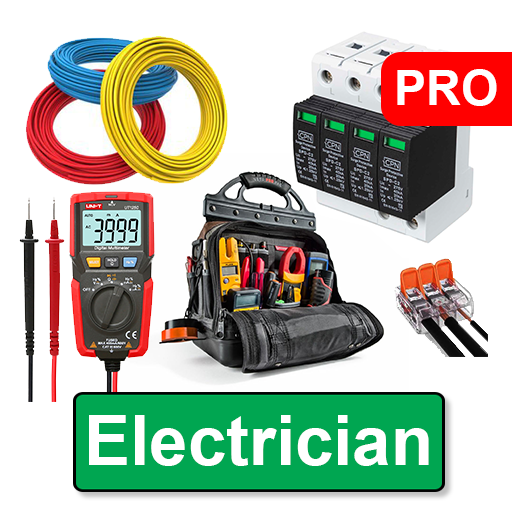
Learn Electricians' Handbook PRO complete guide beginners to advance.
4.40
Shop over 13 million new and used books at up to 80% off list price
4.20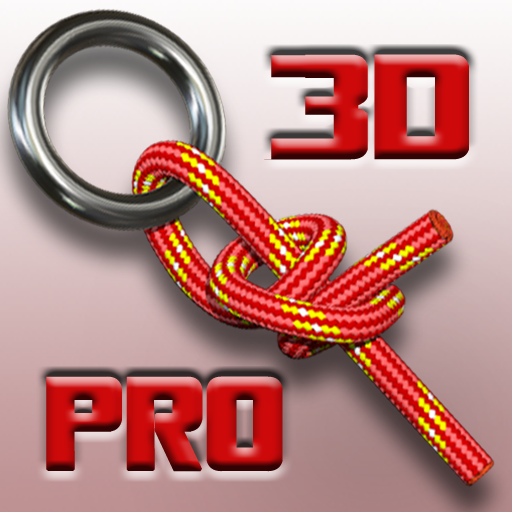
Knots 360 Pro ( 3D ) shows you animated 192 knots in 3D perspective
4.10
“There was one last piece of cake. My little sister said ‘Me too!’”
4.00
Novels, audiobooks, ebooks & fanfiction. Read anytime, anywhere!
3.40
A guide for the Court of Atonement spiritual healing process.
4.4


User Reveiws