
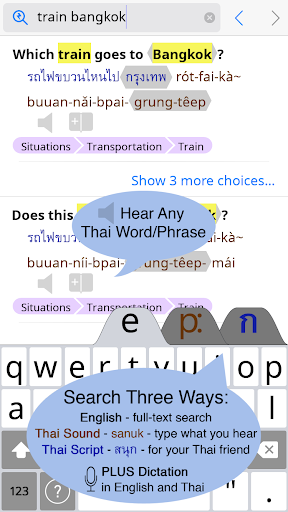
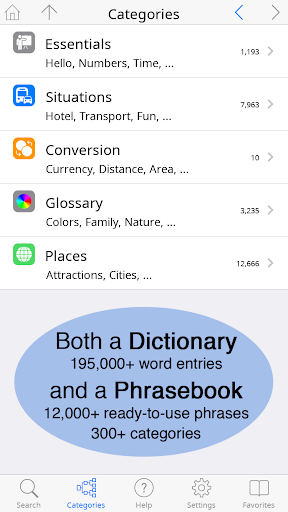
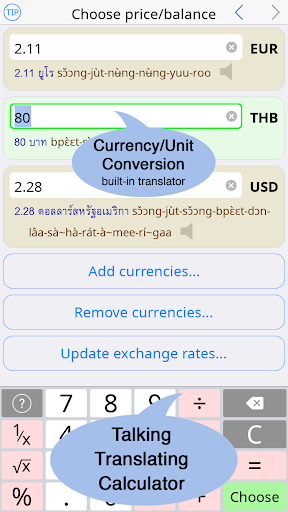
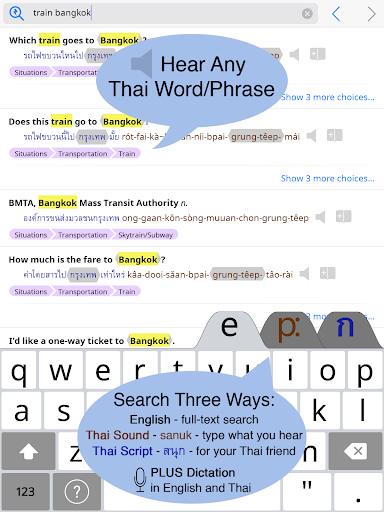
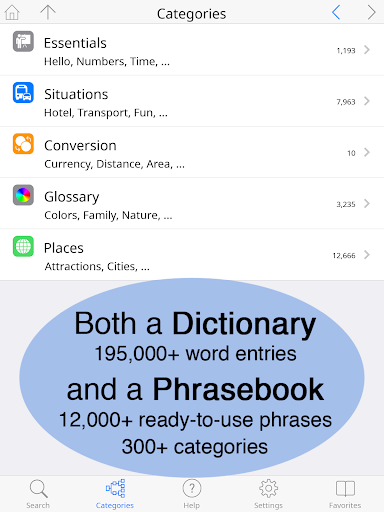
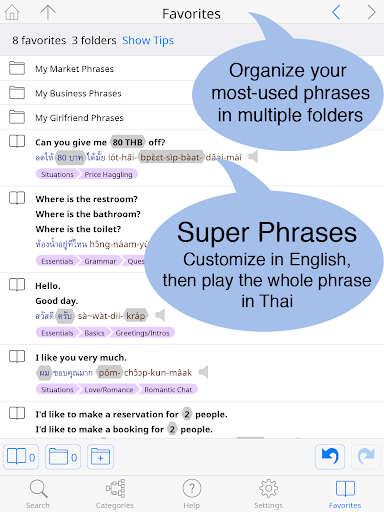
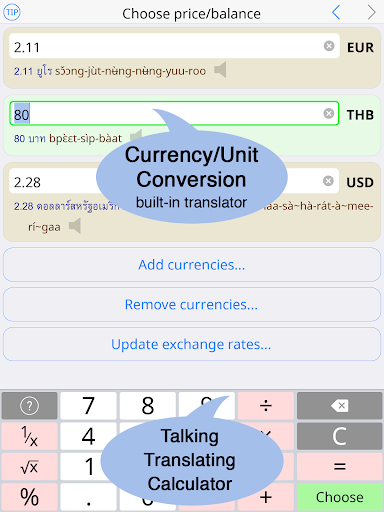
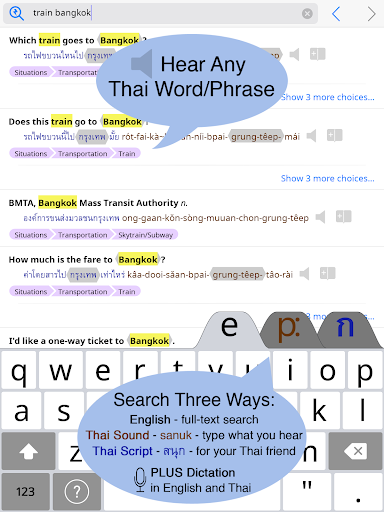

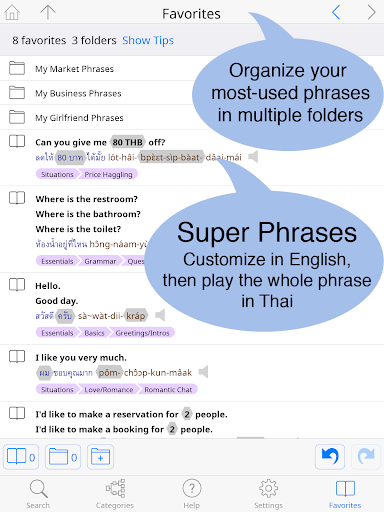

Thai <> English Dictionary is a comprehensive language tool designed for travelers, professionals, and students alike. With over 195,000 entries and 250,000 translations, it offers extensive coverage for Thai language learners. The app features a built-in phrasebook with 300+ categories and 12,000+ ready-to-use phrases, all fully searchable. A unique aspect of this dictionary is its offline functionality, allowing users to access entries and high-quality native speaker sound recordings without an internet connection.
The app provides multiple pronunciation guides and supports customizable text sizes for comfortable reading. Its user-friendly interface includes both standard and big-key Thai keyboards. Unlike typical dictionaries, this app is specifically crafted for non-native speakers, offering detailed explanations of word meanings, formality levels, and even syllable stress notations. Whether you're navigating daily conversations or studying Thai in-depth, this dictionary serves as an essential learning companion.
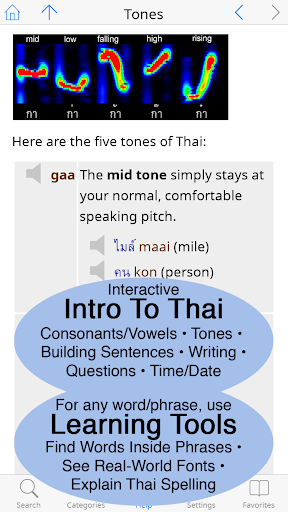
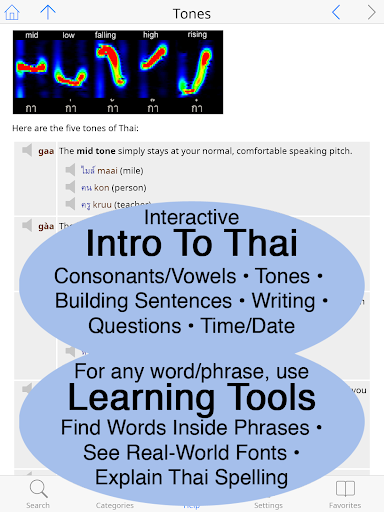
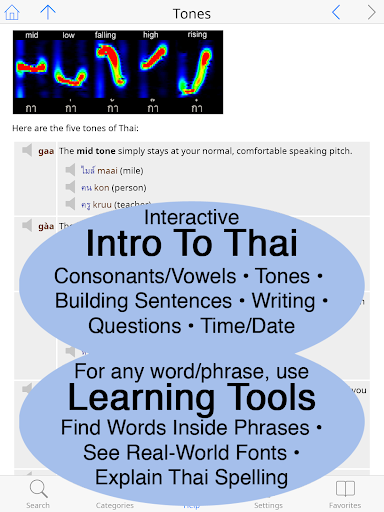
This dictionary app stands out with its industry-first Thai learning tools. Users can explore component words of any entry, view words in multiple real-world fonts, and access detailed breakdowns of Thai pronunciation with clickable sounds. The app's speaking and writing introduction section provides comprehensive language guidance, including grammar coverage and visual explanations of Thai spelling.
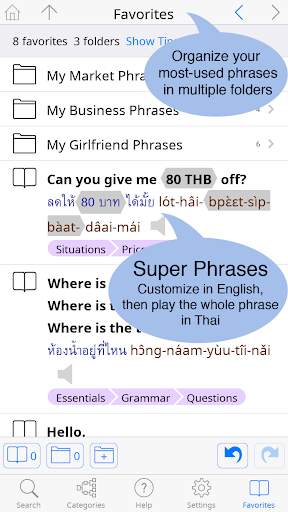
A key feature is the built-in phrasebook organized into practical categories like travel, health, and shopping. Each entry follows a two-way conversational format to facilitate communication. Additionally, the app offers mind-blowing functionalities such as slow playback options for sound recordings and customizable layout preferences. These robust features make language learning more accessible and engaging for users at all proficiency levels.
Extensive word coverage
Offline functionality
High-quality audio
User-friendly interface
Customizable settings
Premium price point
Large app size
Complex for beginners
Limited visual design
No social features

“There was one last piece of cake. My little sister said ‘Me too!’”
 4.00
4.00
University of North Carolina Herbarium presents the flora of TN, AL, & MS.
4.0
Track your Star Wars book collection across Canon & Legends
4.80
Personalized Chat with Bible
4.80
Read aloud texts, audiobooks, PDFs or any eBook with text to speech AI audio
4.60
Full text, sheet music, and recordings of the print edition
4.60
America's best dictionary and thesaurus - with premium content and no ads
3.40
Daily rosary and gospel reflections for catholic
4.90
World's most comprehensive dictionary app: 13 languages, all online or offline!
4.80
What’s that bird? Just answer 5 questions, snap a photo, or record its song!
4.90
Read and study the Bible and other content in over 1,000 languages.
4.80
King James Bible read offline, AI Priest, Bible Quiz, Guiding Prayers & Plans
4.80
This is the pro version King James bible Offline that we have
4.70
Read the KJV Bible with Strong’s offline: reading plans, audio Bibles, and more.
4.70
Translate into 100+ languages with the world’s most accurate AI translator.
4.70
Read unlimited novels, audiobooks, stories & Unlock ebooks, fanfiction and more!
4.70
The Original & Authentic Crystals, Gemstones, Rocks & Minerals Encyclopedia.
4.60
Learn Electricians' Handbook PRO complete guide beginners to advance.
4.40
A wonderful reader for good time spend.
4.20


User Reveiws