
OsmAnd+ — Maps & GPS Offline

4.60

Information

Category:

Travel & Local

Price:

$ 39.99

Rank:

5

Rating:

4.60

Overview

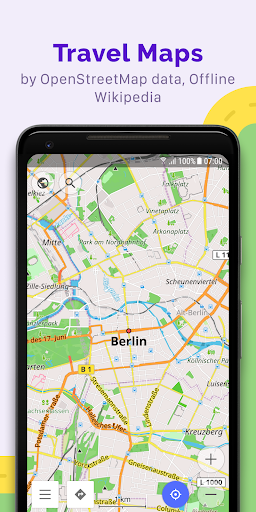
OsmAnd+ is a premier offline mapping and navigation application based on OpenStreetMap data, designed for travelers, outdoor enthusiasts, and professionals who require reliable GPS tools without an internet connection. The app offers advanced route planning, GPX tracking, and customizable map styles tailored to various activities such as hiking, cycling, and boating.

With features like contour lines, nautical depths, and offline Wikipedia, OsmAnd+ ensures users have access to detailed geographic and travel-related information even in remote areas. Its Android Auto support and unlimited map downloads make it a versatile tool for both casual and power users seeking comprehensive offline functionality.

Features

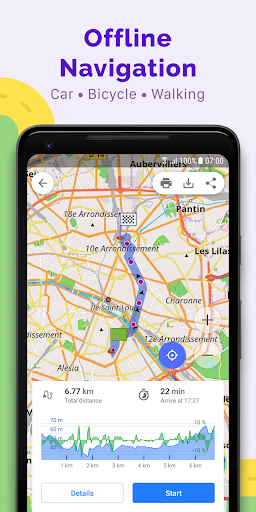
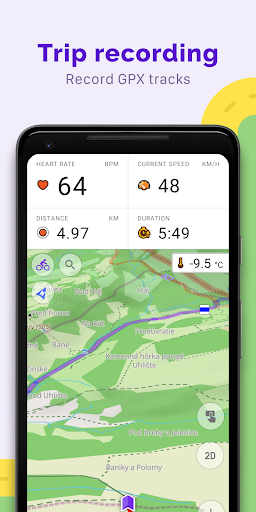
OsmAnd+ stands out with its extensive feature set tailored for diverse navigation needs. It supports multiple navigation profiles for vehicles, bicycles, pedestrians, and more, allowing users to customize routes based on road preferences and vehicle dimensions. The app's ability to plot and record GPX tracks offline makes it ideal for adventurers exploring areas without connectivity.

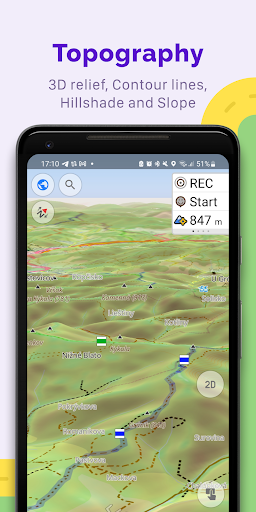
Additional highlights include topo data overlays, shading relief maps, and specialized map styles for activities like skiing or off-roading. Paid features under OsmAnd Pro, such as hourly map updates, weather plugins, and cloud backups, further enhance the app’s utility for users requiring real-time data and cross-platform synchronization.

Booking authenticity

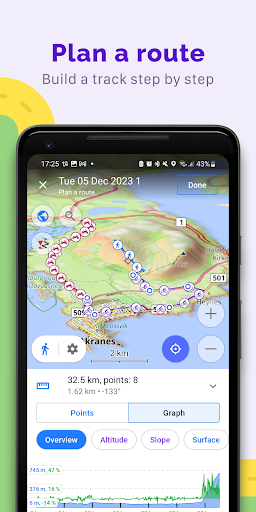
Booking authenticity in OsmAnd+ refers to the reliability and accuracy of the information provided for navigation and route planning without an internet connection. This feature is crucial for travelers who need dependable data while exploring unfamiliar areas. OsmAnd+ ensures booking authenticity by sourcing its maps from OpenStreetMap, which is regularly updated by a large community of contributors. The application allows users to download maps for offline use, ensuring that all navigational data is accessible even without an internet connection. Furthermore, OsmAnd+ offers customizable navigation profiles catering to different vehicles and activities, such as cars motorcycles bicycles pedestrians and more. Users can trust the app to provide accurate routing information based on their specific needs including road inclines and preferred roads. The ability to plot routes point by point using one or multiple navigation profiles adds another layer of authenticity to the booking process. Additionally OsmAnd+ supports GPX track recording and management enabling users to navigate through their own or imported GPX tracks. This functionality assures users that the routes they plan are authentic and reliable. Overall OsmAnd+ delivers a trustworthy booking experience by providing precise map data customizable navigation options and robust route planning tools all of which contribute to a seamless travel experience.

Price transparency

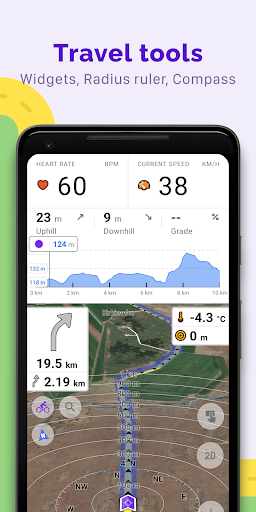
Price transparency in OsmAnd+ involves clear communication about the costs associated with using the app's features and services. As an open-source application OsmAnd+ prioritizes user privacy and control over data access making it a trustworthy choice for travelers. The app offers both free and paid features known as OsmAnd+ privileges and OsmAnd Pro subscription. OsmAnd+ privileges include benefits like Android Auto support unlimited map downloads topo data nautical depths offline Wikipedia and Wikivoyage travel guides. These features are available for a one-time purchase ensuring users understand exactly what they are paying for without hidden fees. For those seeking additional functionalities OsmAnd Pro subscription provides advanced options such as OsmAnd Cloud for backup and restore cross-platform compatibility hourly map updates weather plugin elevation widget customizable route lines and external sensors support via ANT+ and Bluetooth. Each of these premium features is clearly outlined allowing users to make informed decisions about their purchases. Moreover OsmAnd+ does not collect user data unless explicitly permitted by the user further enhancing price transparency. By offering detailed descriptions of each feature and its associated costs OsmAnd+ empowers users to select the services that best meet their needs without any surprises. This transparent pricing model fosters trust and satisfaction among users ensuring they know precisely what they are getting for their investment.

Props

Offline functionality

Customizable navigation

Detailed map styles

GPX track support

Active community

Cons

Complex interface

Paid subscription

Heavy storage use

Limited free features

Steep learning curve

Features and Functions

What is this app and what can I use it for?

OsmAnd+ is an offline map app for navigation and route planning using GPS.

How do I download and install this app on my device?

Download OsmAnd+ from Google Play Store and install it on your Android device.

How do I get started after opening the app for the first time?

Open the app, grant necessary permissions, and start by downloading offline maps.

What are the main features and capabilities of this app?

Key features include offline maps, GPX tracking, and customizable navigation profiles.

How can I customize my experience and adjust preferences?

Adjust map styles, navigation profiles, and widget settings in the app preferences.

How do I save or bookmark my favorite content for later access?

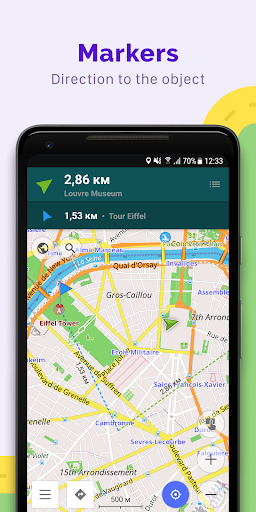
Save favorite locations or tracks via the Favorites or Markers option in the menu.

How can I share content with friends or on social media?

Share GPX tracks or locations directly through the app's sharing feature.

How do I access detailed information and explore more content?

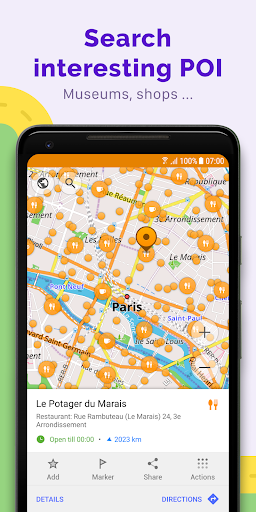
Access detailed info by tapping on map icons or using the search function.

What permissions does this app need and how do I manage them?

The app requires location and storage permissions to function properly.

How do I check for updates and keep the app running smoothly?

Check for updates in the app settings and enable auto-updates for maps.
Show more

User Reveiws

{{ comment.reviewer_name }}
{{ comment.review_date_formatted}}
{{ comment.review_content }}
{{ tab.name }}
{{ comment.reviewer_name }}
{{ comment.review_date_formatted}}
{{ comment.review_content }}
No reviews with this rating