



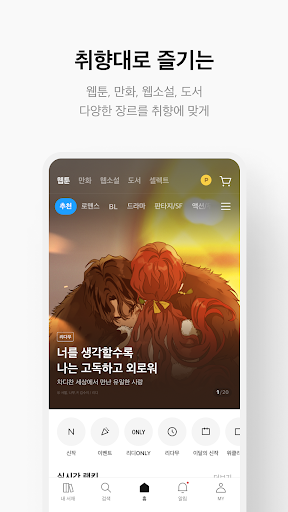
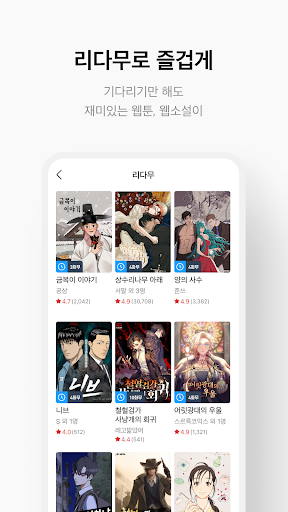



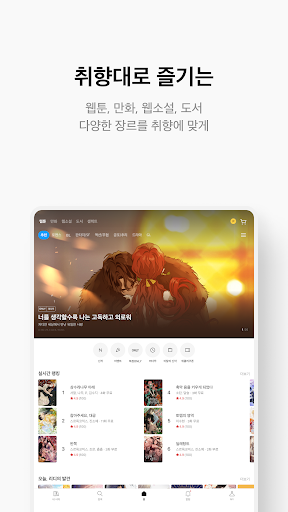

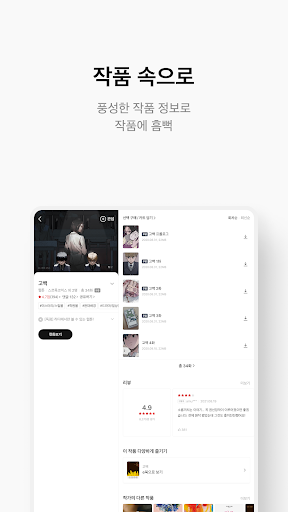
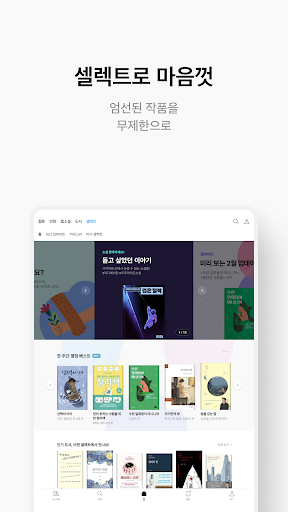

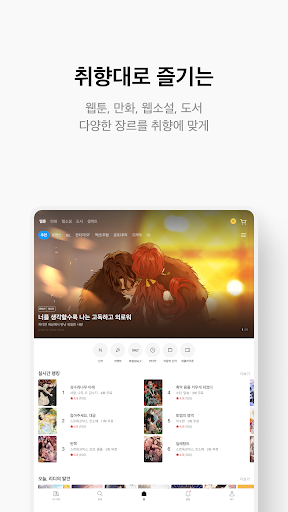

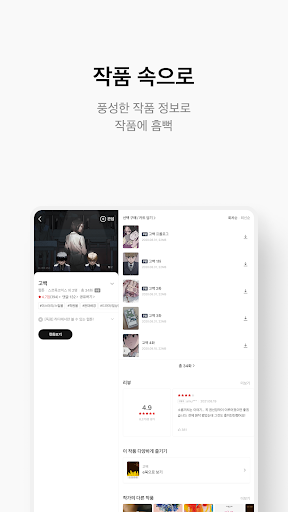


RIDI is a premier digital reading platform that offers an extensive collection of webtoons, web novels, and e-books. With its vast library, users can explore popular works across various genres including business economics, self-help, comics, and magazines for free. RIDI's real-time rankings highlight the most sought-after titles, ensuring you stay updated with trending reads.
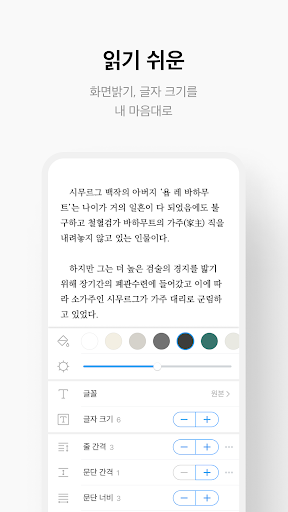
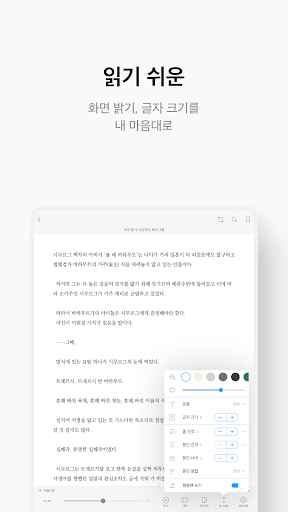
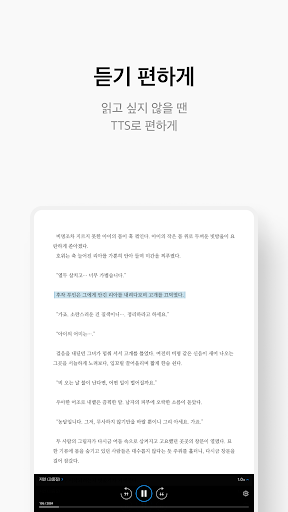
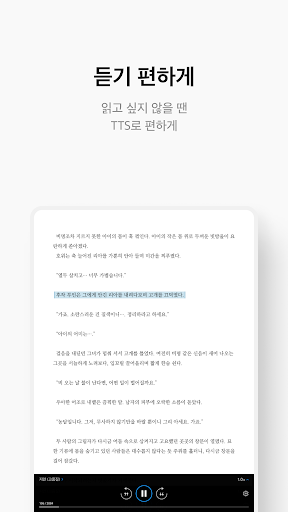
The app stands out with its data-driven recommendation system that suggests books tailored to individual preferences. Whether you're looking to purchase or rent, RIDI provides flexible options. Subscribers can enjoy unlimited access to bestsellers and new releases through the Ridi Select subscription for 4,900 won per month. The platform also boasts an advanced viewer with customizable settings for brightness, font size, type, and background color, as well as a text-to-speech listening feature for an immersive experience.
RIDI's standout features include its comprehensive library that caters to diverse reading tastes, from popular webtoons and novels to professional literature. The real-time ranking system allows users to quickly identify trending works, while personalized recommendations ensure that readers find content perfectly suited to their interests. For those hesitant about purchasing, RIDI offers a rental option, providing additional flexibility.
The Ridi Select subscription service grants unlimited access to a vast array of titles for a monthly fee, making it an attractive choice for avid readers. The app's viewer is designed for optimal readability, offering customization options such as brightness, font adjustments, and background colors. Furthermore, the integrated text-to-speech (TTS) function enables users to listen to their favorite books, enhancing accessibility and convenience.
Readers can engage with content by sharing memorable quotes and images, fostering a community of like-minded enthusiasts. RIDI also prioritizes user experience by allowing optional permissions for enhanced functionality, such as storing reading records and managing notifications for events and updates.
User-friendly interface
Extensive content library
Personalized recommendations
Flexible rental options
Advanced TTS feature
Limited offline functionality
Occasional subscription glitches
High storage requirements
Regional access restrictions
Ads in free version

A free paradise specially built for comic lovers. When you step into this comic universe full of surprises, it is like opening a door to endless joy. You are immediately immersed in the wonderful world brought by reading and enjoy the infinite charm of reading.
 4.1
4.1
Draw the comics with glow brushes! Easy and relax!
4.40
Official digital-manga store. Quality translations that support artists.
3.10
Find free mangas in Spanish
4.70
Dive into the App for Premium Comics, Webtoons and Manga!
4.80
This application will enable donated users only function in Perfect Viewer.
4.90
The most popular comic book reader.
4.80
from HipComic: Value Your Comic Book Collection with Just the Snap of a Photo.
3.80
A gathering place for a massive collection of genuine comics.
4.50
100k comics, manga & webcomics, including Batman, Invincible, Hellboy & more
4.60
Follow your favorite manga and get notifications for new chapters!
4.50
Scan comics instantly! Find comic value, price, and key collector details fast.
4.50
Manga reader for manga, manhua, manhwa & webtoon, online & offline, update daily
4.50
The anime tv for fans Sud and Dub
4.20
Arabic manga reader
4.00
Pose Tool 3D for the Artists, create any human figure pose quickly for your art.
4.00
Your key to unlocking manga and webtoons on the go
3.50
Experience the largest selection of DC comics anywhere with DC UNIVERSE INFINITE
3.40
Hot-blooded / Romance / Science Fiction All themes, Smart Recommendation + HD Reading
3.10


User Reveiws