

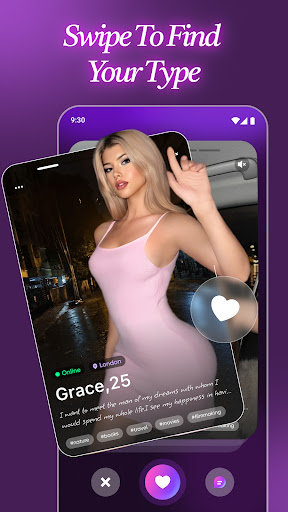
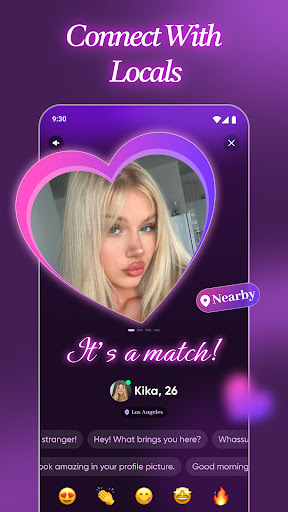
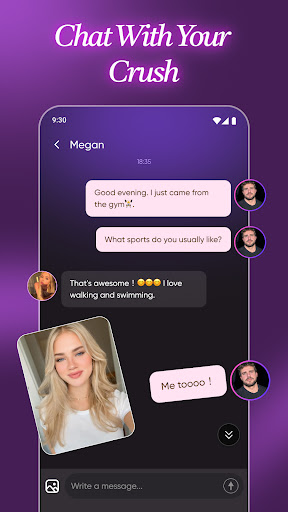
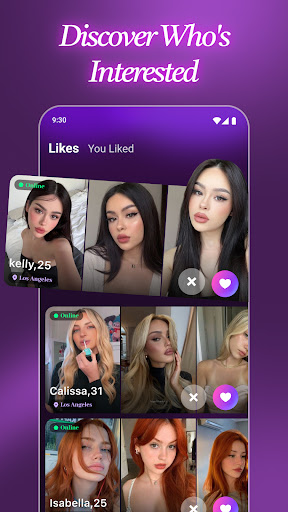


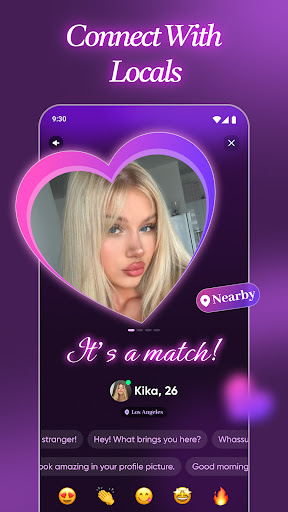
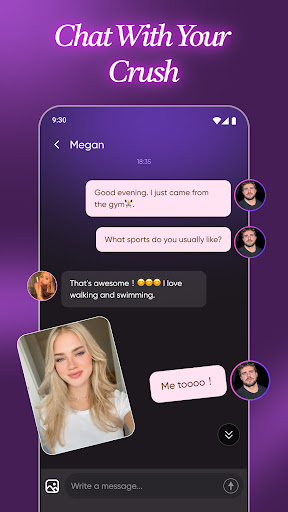
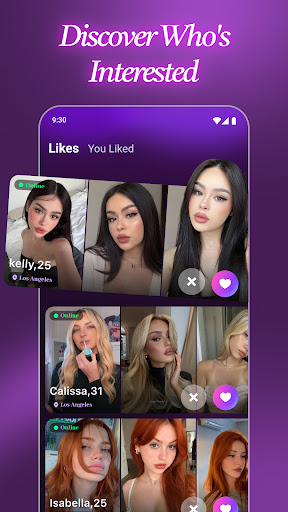

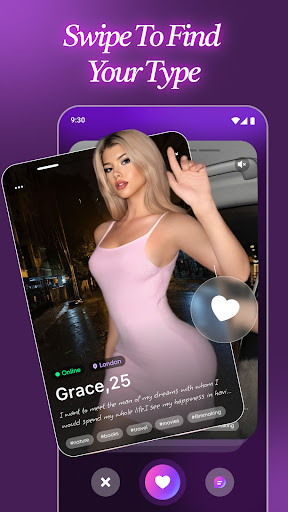

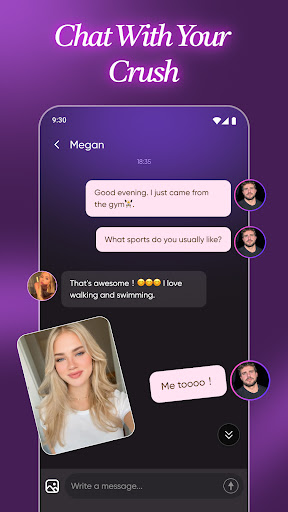

Rushly is a social networking app designed to help users quickly form meaningful connections. Whether you're looking for a casual coffee date, flirty conversation, or someone to share adventures with nearby, Rushly transforms 'what if' scenarios into immediate possibilities. The app emphasizes authenticity and fun, ensuring that every interaction is both genuine and pressure-free.
One of the standout features of Rushly is its commitment to verified profiles, which ensures that all users are real people. This verification process eliminates fake accounts and bots, fostering an environment where authentic connections can thrive. Additionally, Rushly's smart algorithm facilitates instant matches based on proximity, making it easy to meet new people in your area. Whether you're interested in spontaneous meetups or deeper relationships, Rushly provides the tools necessary to explore various types of connections at your own pace.
Rushly offers a variety of features that set it apart from other social networking apps. First and foremost, every profile on Rushly is verified, ensuring that users are interacting with genuine individuals rather than fake accounts or bots. This verification process helps maintain the integrity of the platform and enhances user trust.
Another key feature is the app's real-time matching algorithm, which connects users with nearby singles instantly. This location-based functionality makes it easy to find potential matches in your vicinity, whether you're planning a quick after-work drink or a weekend adventure. Additionally, Rushly goes beyond superficial attributes like appearance and focuses on learning your style and interests to provide smarter matches that align with your preferences.
The app also promotes a flirty and fun atmosphere, encouraging users to engage in playful banter and explore connections without any pressure. With Rushly, you can keep interactions light and thrilling, allowing chemistry to develop naturally over time. Overall, these features combine to create a unique and engaging experience that prioritizes both excitement and authenticity.
User-friendly interface
Verified profiles only
Real-time matching
Location-based discovery
Smart algorithm for deeper connections
Limited global reach
Premium features require subscription
Occasional bugs reported
Small user base in certain areas
Privacy concerns with location sharing
Get your NGL Link
 4.60
4.60
Honest dating app where real people find genuine love and real matches.
4.20
Dating for singles. Meet lonely people nearby online. Find your match here!
4.20
Go Live, Chat & Meet New People! Friends. And more than friends.
3.80
App to meet Lesbian, Gay, Bisexual, Transgender, Queer people. Find a local date
4.30
Live Chat & Match! Explore Real-Time Dating and Make Friends!
4.40
Free texting (SMS) to US, Canada & more. Free new number. Call free & Text free.
4.30
Connect and share ideas
4.10
Create & share photos, stories, & reels with friends you love
3.90
Widget Together, Share Whatever! Keep Pets & Share Sleep, Poop, Moods on Screens
4.70
The hottest live chat app so far. Video chat and meet great people...
4.60
live inside your fandom
4.60
A video app from OpenAI - AI video generation by the maker of ChatGPT
4.60
Watch 24/7 great live stream, or go live to boost your social followers!
4.50
Calling and texting app. 2nd virtual line plus new phone number. Txt & talk now.
4.40
A gathering place for 300 million people's life interests and hobbies
4.30
Positive social
4.20
The world's leading social networking app for gay, bi, trans, and queer people.
4.10
Follow the Truth! Join America's leading free-speech social platform.
3.10


User Reveiws