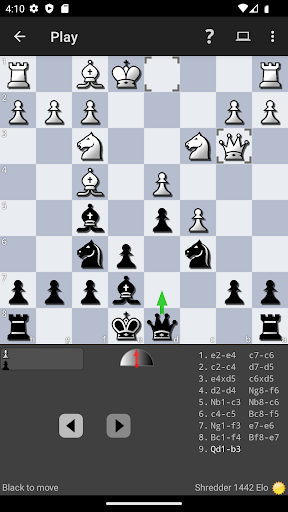


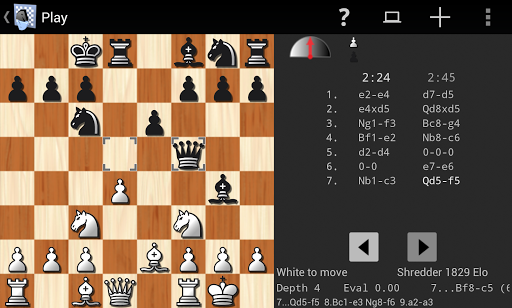
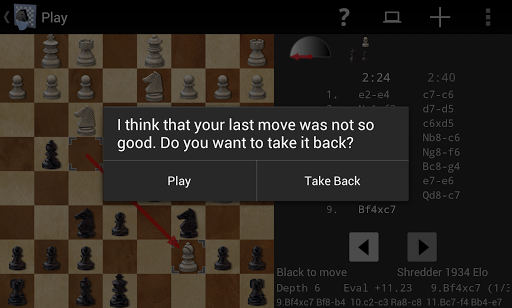
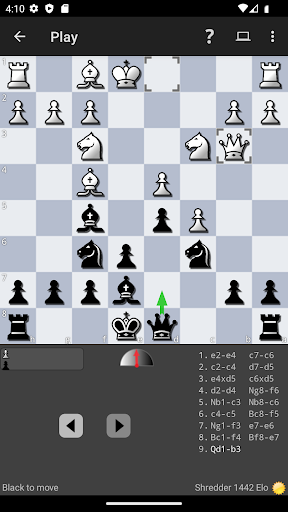
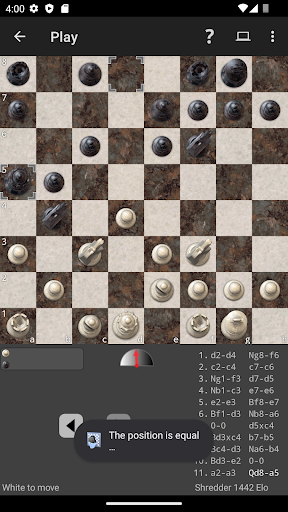
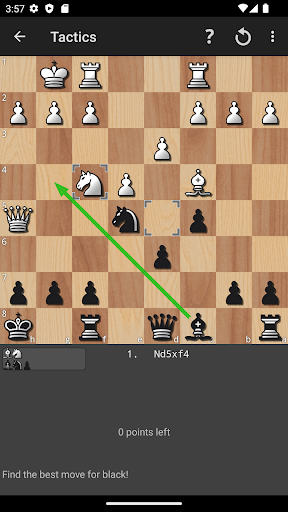
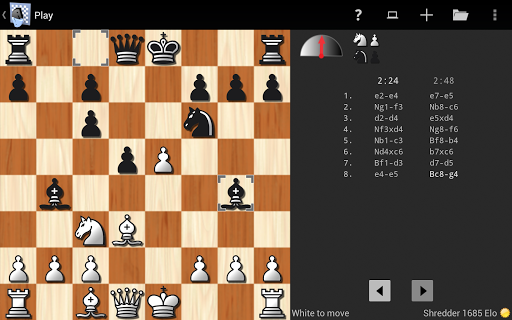
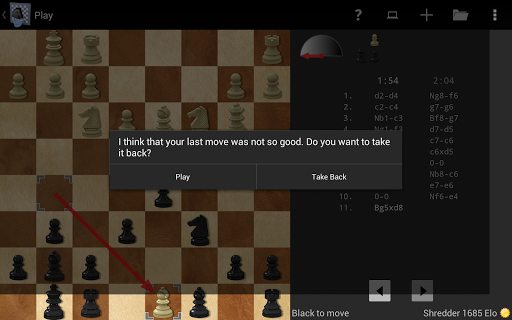
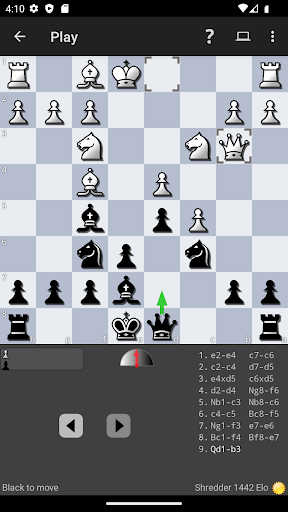
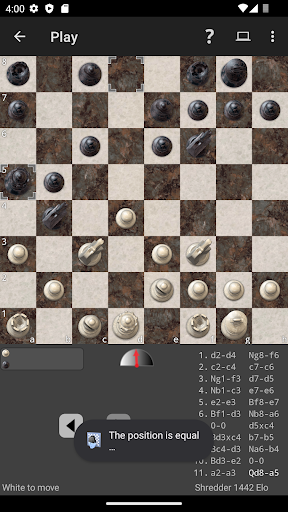
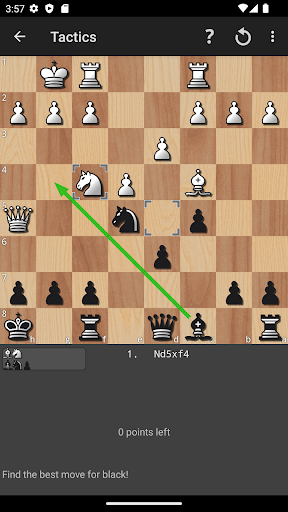


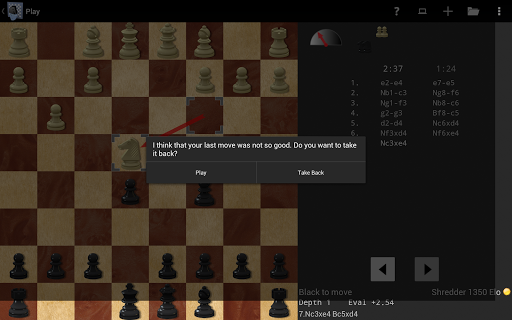
Shredder Chess is a premier chess application designed for both casual players and serious enthusiasts. As the 19-time computer chess world champion, Shredder offers an exceptional playing experience with adjustable difficulty levels ranging from beginner to master. The app provides users with the ability to play against the AI, solve over 1000 built-in chess puzzles, and receive performance tracking and advice. With additional features like a built-in coach to warn of potential mistakes, opening book variety, and game analysis tools, Shredder ensures a comprehensive improvement of your chess skills.
The app stands out with its unique ability to mimic human opponents of varying skill levels, even replicating typical human errors during gameplay. Users can analyze their games, identify mistakes, and learn from them. Shredder Chess supports importing and exporting games in PGN format, customizing positions, and choosing from different chess boards and pieces. Whether on mobile phones or tablets, Shredder Chess delivers a seamless and intuitive user experience that makes learning and playing chess engaging and accessible wherever you are.
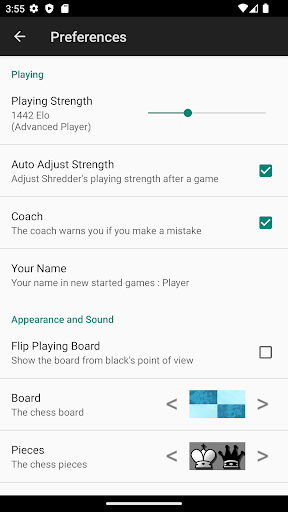
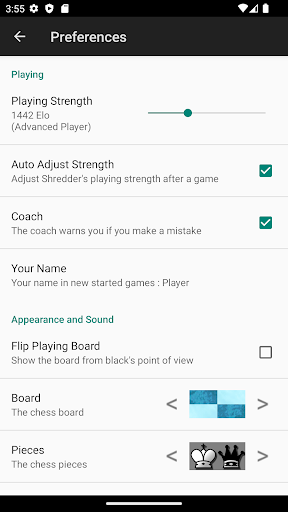
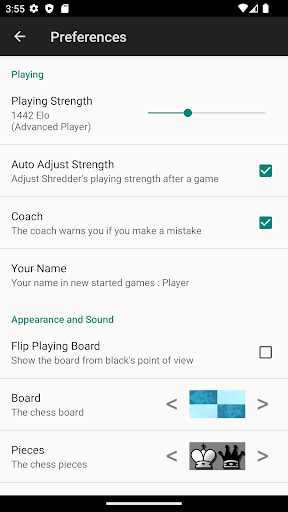
Shredder Chess boasts a wide array of features that cater to improving your chess gameplay. One standout feature is the adjustable playing strength, allowing users to customize their experience from beginner to master level. If preferred, Shredder can automatically adapt its strength to match the player's skill, providing a consistently challenging yet achievable opponent. Additionally, the app rates your play by calculating an Elo rating, giving users a measurable way to track their progress.
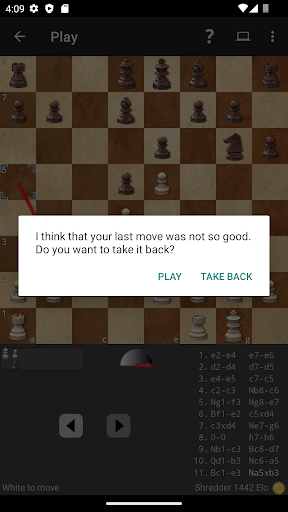
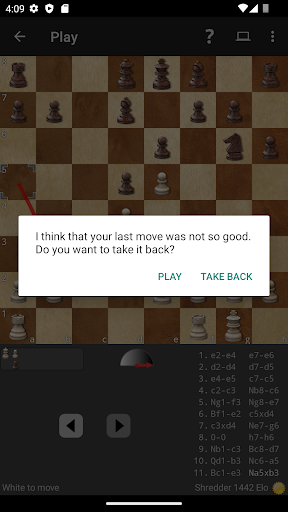
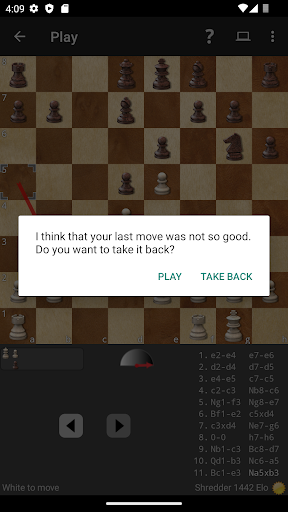
Another remarkable feature is the built-in library of 1000 chess puzzles, each designed to enhance tactical skills while keeping track of your solving performance. During gameplay, a virtual coach monitors your moves and alerts you to potential mistakes, ensuring you learn as you play. Shredder also includes advanced tools such as position analysis, a rich variety of opening books, and blindfold mode. These features collectively create a robust platform for analyzing games, experimenting with strategies, and ultimately refining your overall chess acumen.
World-class chess engine
Adjustable difficulty levels
Comprehensive game analysis
Intuitive user interface
Extensive puzzle library
No multiplayer mode
Limited social features
Premium price point
Occasional AI inconsistencies
Steep learning curve for beginners

City Building Strategy Game: find the perfect spot for every polyomino piece!
 4.60
4.60
Play free Bingo with millions worldwide, enjoy nonstop fun and win great prizes!
4.80
VENUS - the biggest DLC for Concorida has just been released!
3.80
Relive your favourite childhood game, now on mobile and tablet.
4.60
Pop Color – A Relaxing Zen Color Game
4.90
Large Numbers Coloring Book for Seniors. Color by number for zen and relax.
4.60
Solo RPG Engine & GM Emulator
4.50
The official digital version of the world's favourite explosive cat-based game!
4.60
The ultimate Chess app available. Install now for pure enjoyment!
4.80
Enjoy the classic board game of dice with friends. Roll Yatzy? Go!
4.90
Enjoy Classic Domino: Master each tile and play offline board games!
4.90
Relaxing Mahjong: Classic Tile Matching & Offline Puzzle Games! Install Now!
4.90
The official award-winning domino building strategy game comes to life!
4.80
Legendary board game classic from award-winning designer Vlaada Chvátil
4.70
Start Playing this cool Domino Game right now!
4.70
Choose your own life story again and again in this family-friendly board game!
4.60
An atmospheric companion app to enhance the Escape the Dark Castle board game.
4.50
The Family Game Night Classic
4.40
Dominoes online! Classic board games - Fives, Threes, Block and Draw Dominos!
4.40


User Reveiws