



Southwest Airlines

4.50

Information

Category:

Travel & Local

Price:

Free

Rank:

10

Rating:

4.50

Overview

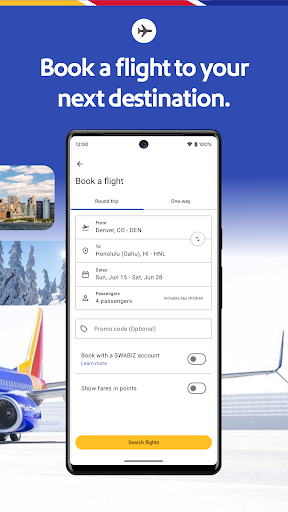
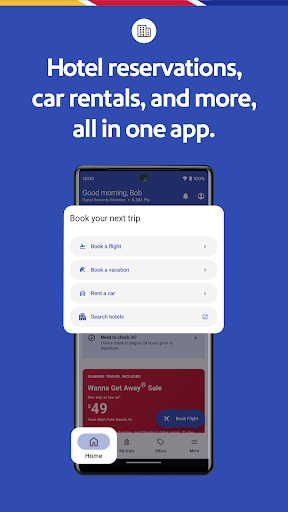
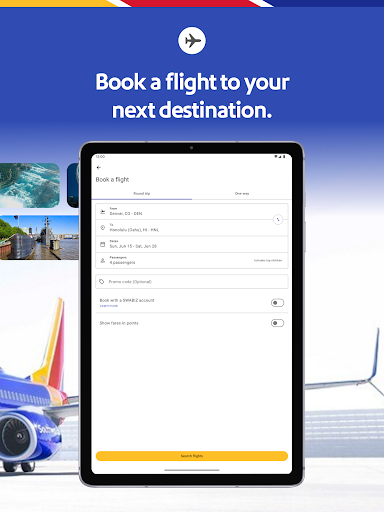
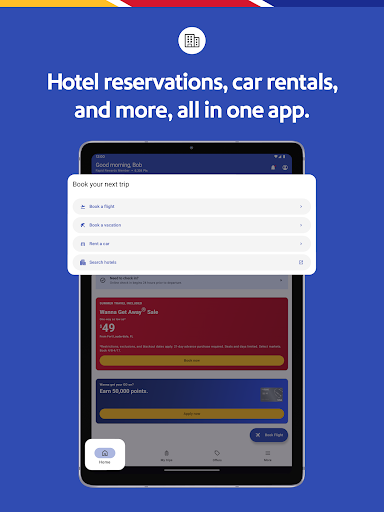
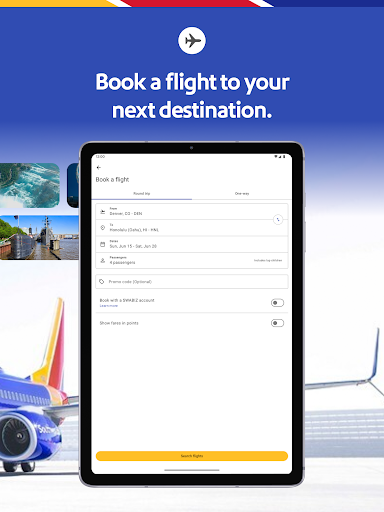
The Southwest Airlines app is a comprehensive travel solution that allows users to book flights, hotels, cars, cruises, or vacation packages with ease. The app simplifies the entire travel process from planning and booking to managing trips on the go.

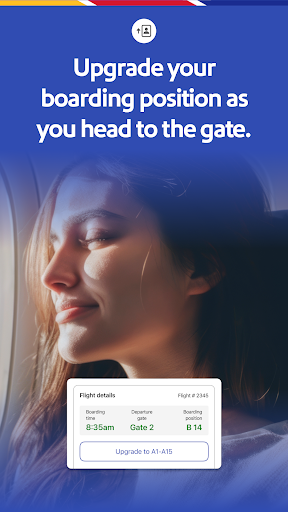
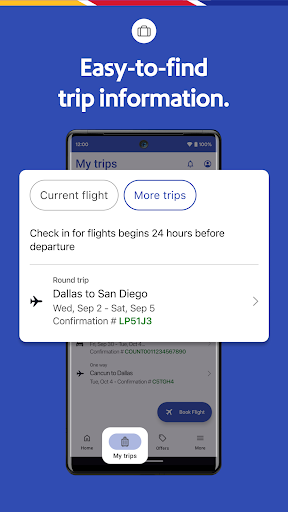
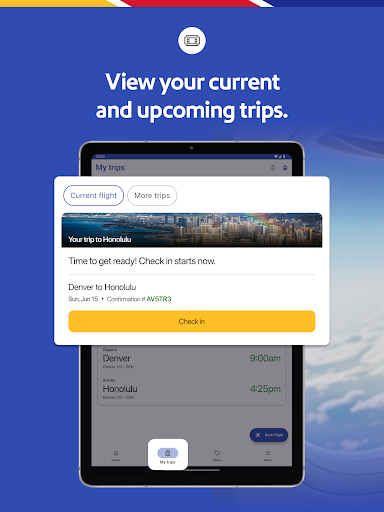
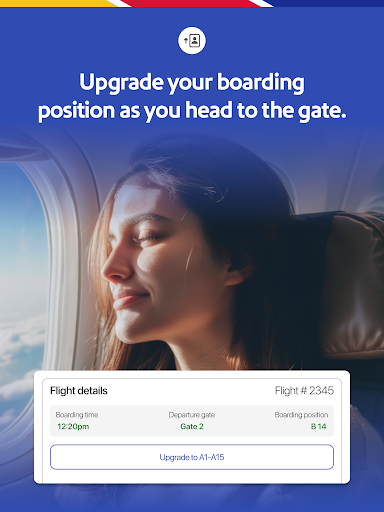
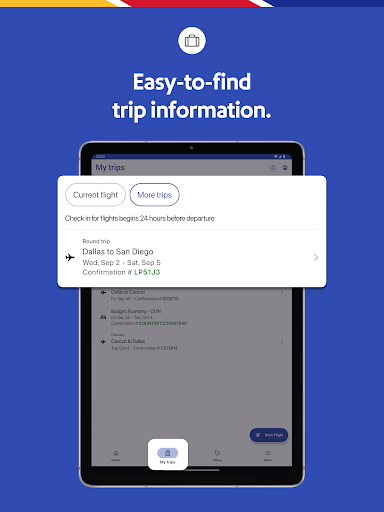
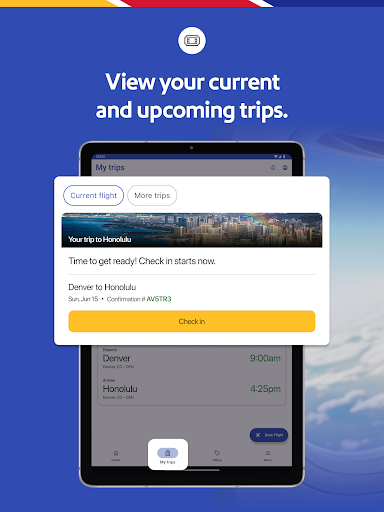
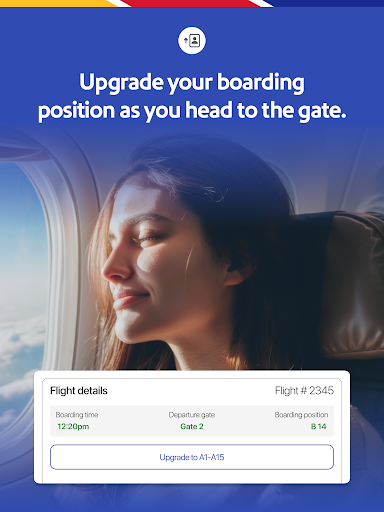
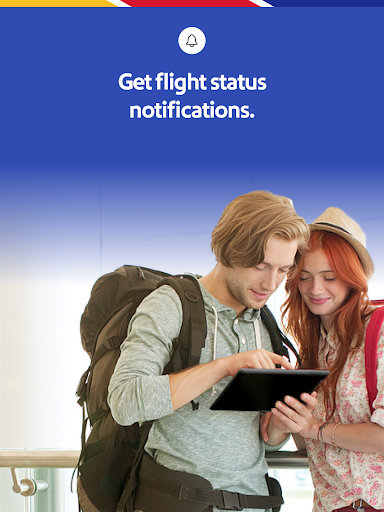
With features like 'My Trips' tab for gate information, boarding position, and flight status, travelers can stay informed about their journey. The app also supports last-minute bookings and offers mobile boarding passes 24 hours in advance, making airport navigation seamless.

Southwest Airlines app stands out by offering flexible payment options, live chat support, and integration with services like Lyft for airport transfers. It's an all-in-one tool designed to make travel effortless and enjoyable, whether you're a frequent flyer or planning a spontaneous getaway.

Features

The Southwest Airlines app boasts an array of features tailored for the modern traveler. Users can search, book, and manage flights while accessing detailed trip information through the 'My Trips' section. This includes gate details, boarding positions, and real-time flight statuses.

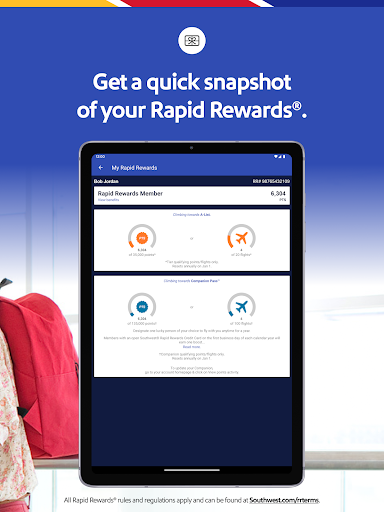
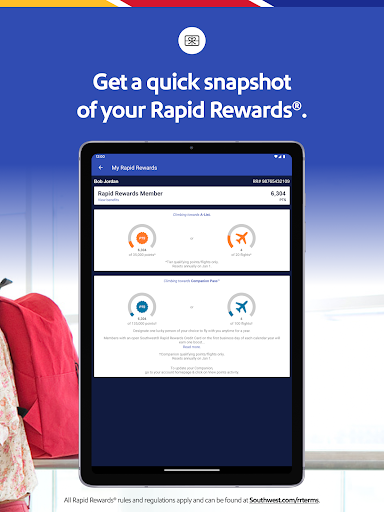
One innovative feature is the ability to redeem Rapid Rewards points for flights and hotel bookings directly within the app. Travelers can also take advantage of Getaways by Southwest, which allows bundling of flights, hotels, and car rentals into one package, offering flexibility and convenience.

Additional functionalities include mobile boarding passes, multiple payment methods including PayPal and Flex Pay, and access to inflight entertainment. These features collectively ensure a smooth and personalized travel experience, setting the app apart as a versatile travel companion.

Booking authenticity

Booking authenticity is a crucial aspect of any travel application as it ensures that all reservations made through the platform are legitimate and confirmed. For Southwest Airlines app users, this feature provides peace of mind knowing that their flights, hotels, cars, cruises, or vacation packages booked via the app are secure and guaranteed. The app facilitates an easy booking process where customers can search for available flights or hotel accommodations, make reservations, and receive immediate confirmation of their bookings. This confirmation is not just a simple acknowledgment but includes detailed information such as flight numbers, confirmation numbers, boarding times, and even gate information accessible through the 'My Trips' tab. Additionally, the app allows users to manage their bookings by making changes or cancellations directly from their mobile devices up to ten minutes before departure without losing their funds. Such flexibility enhances user confidence in using the app for their travel needs. Furthermore, the integration with services like Rapid Rewards ensures that every booking contributes towards earning points which can be redeemed later for qualifying purchases. Overall, the robust booking system within the Southwest Airlines app guarantees that travelers have a reliable tool at hand when planning their trips.

Price transparency

Price transparency in the context of travel applications refers to the clear display of costs associated with different services offered by the platform. In the case of the Southwest Airlines app, price transparency plays a significant role in enhancing customer trust and satisfaction. When users search for flights, hotels, rental cars, or vacation packages, they are presented with comprehensive pricing details that include base fares, taxes, fees, and any additional charges that might apply. This openness helps customers make informed decisions about their travel plans without worrying about hidden costs surfacing later during checkout or after purchase. Moreover, the app offers various payment options including PayPal, Flex Pay, credit/debit cards, and Southwest LUV Vouchers, allowing users to choose the most convenient method for them while clearly showing how these choices affect the final cost. Another aspect of price transparency is the ability to compare prices across different dates or destinations easily. Users can adjust their travel dates or select alternative airports to see how these changes impact overall expenses. Additionally, the app highlights special deals and promotions that could lead to significant savings. By providing such detailed insights into pricing structures, the Southwest Airlines app empowers travelers to plan their journeys efficiently while staying within budget constraints. Ultimately, this level of transparency builds stronger relationships between the service provider and its clientele, fostering loyalty and repeat business.

Props

User-friendly interface

Comprehensive travel options

Flexible payment methods

Live chat support

Rapid Rewards integration

Cons

Limited international options

Inflight entertainment availability

Occasional bugs reported

Geographic restrictions

Advanced booking limitations

Features and Functions

What is this app and what can I use it for?

A travel app for booking flights, hotels, and more with trip management tools.

How do I download and install this app on my device?

Visit Google Play Store, search 'Southwest Airlines', and tap install to download the app.

How do I get started after opening the app for the first time?

Sign in or create an account, then explore the home screen to start booking your trip.

What are the main features and capabilities of this app?

Book flights, hotels, manage reservations, mobile boarding, and earn rewards points.

How can I customize my experience and adjust preferences?

Adjust settings via the 'More' tab to customize notifications and app preferences.

How do I save or bookmark my favorite content for later access?

Save favorite flights or hotels in the 'My Trips' section for quick future access.

How can I share content with friends or on social media?

Share flight details via email or social media directly from the trip summary page.

How do I access detailed information and explore more content?

Access detailed flight info in 'My Trips' and explore destinations using the search feature.

What permissions does this app need and how do I manage them?

The app needs location and notification permissions; manage these in device settings.

How do I check for updates and keep the app running smoothly?

Enable automatic updates in Google Play Store settings to keep the app updated.
Show more

User Reveiws

{{ comment.reviewer_name }}
{{ comment.review_date_formatted}}
{{ comment.review_content }}
{{ tab.name }}
{{ comment.reviewer_name }}
{{ comment.review_date_formatted}}
{{ comment.review_content }}
No reviews with this rating