
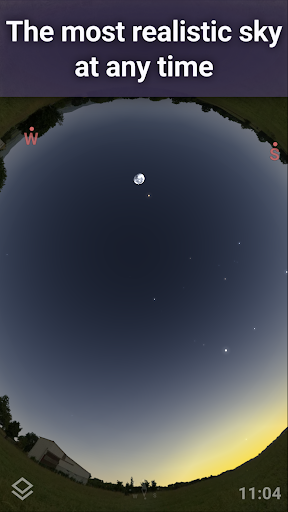
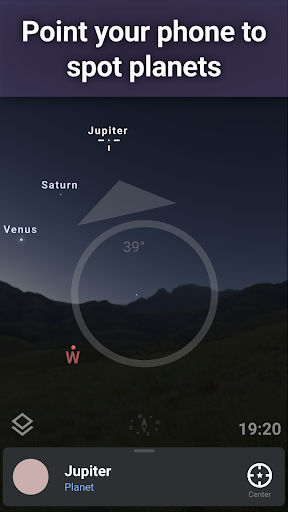
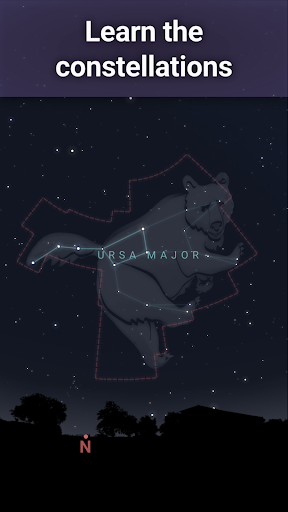
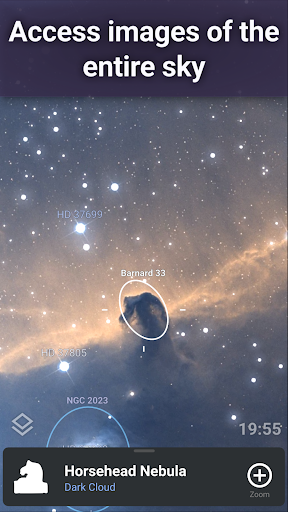
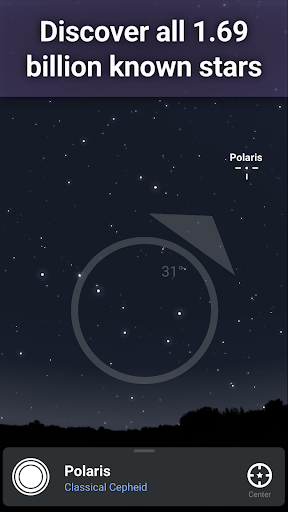

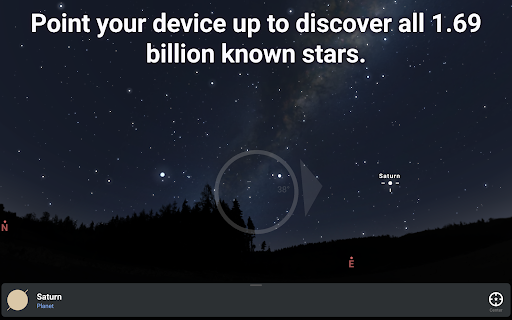

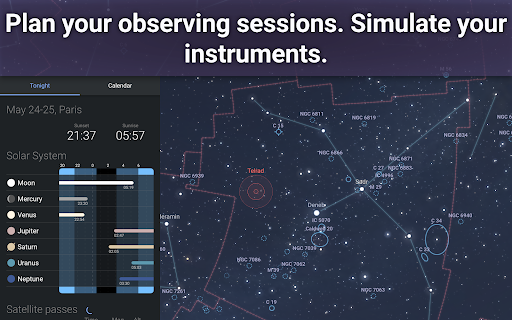
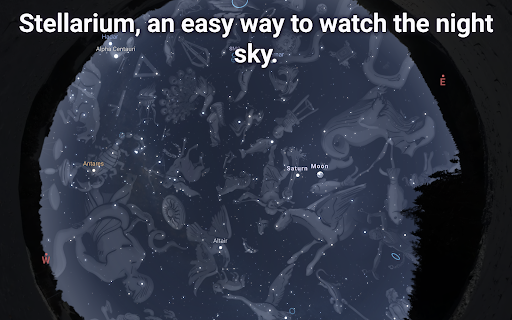
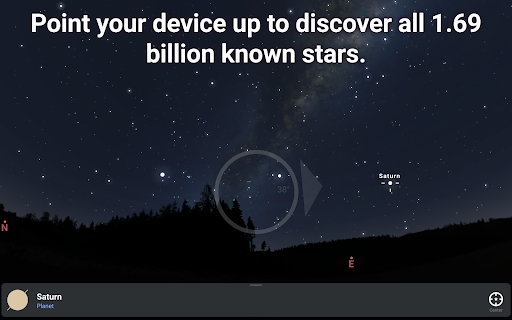
Stellarium Plus is an advanced planetarium app designed for both amateur stargazers and professional astronomers. The application provides a real-time, accurate representation of the night sky, featuring stars, planets, constellations, and deep-sky objects visible from any location on Earth. With its intuitive interface, users can easily navigate through over 1.69 billion celestial bodies, including stars from the Gaia DR2 catalog, all known planets, and numerous deep-sky objects.
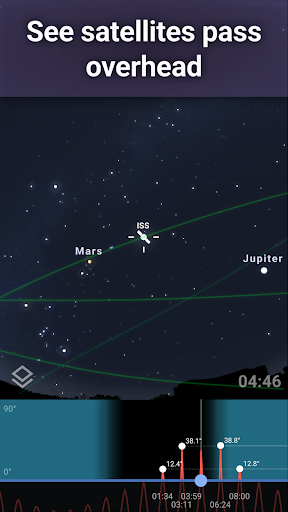
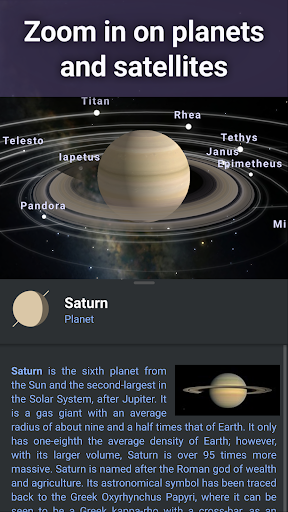
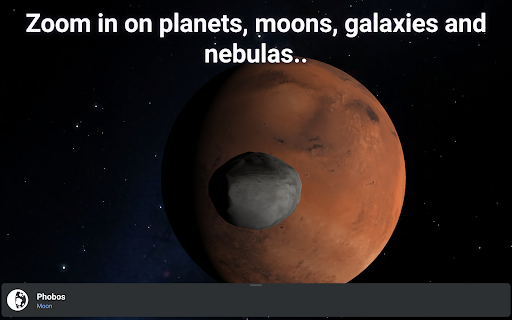
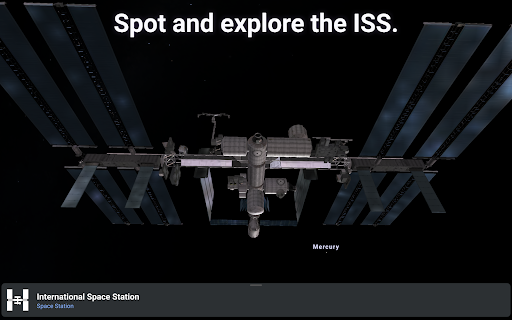
This educational tool stands out with its extensive collection of features tailored to enhance astronomical learning and exploration. Users can simulate the sky from different cultures' perspectives, track artificial satellites like the ISS, and even control telescopes via Bluetooth or Wi-Fi. The app's detailed 3D renderings of solar system planets and their moons offer an immersive experience that brings the wonders of the universe closer to the user.
Whether you're an educator looking to enrich your astronomy curriculum or a hobbyist eager to explore the cosmos, Stellarium Plus serves as an invaluable resource. Its offline functionality ensures accessibility in remote locations, while the night mode feature helps preserve dark adaptation during observational sessions.
Stellarium Plus boasts an impressive array of features that cater to diverse astronomical interests and educational needs. One of its standout capabilities is the massive database of celestial objects, reaching up to magnitude 22, which far exceeds the standard version's magnitude 10 limit. This extensive catalog includes all known stars, planets, natural satellites, comets, and minor solar system objects, providing users with unparalleled access to the universe's vastness.
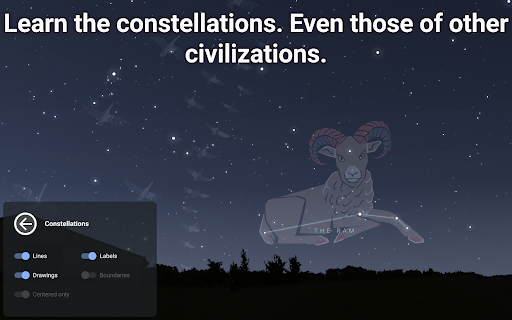
The app's innovative functionalities extend beyond mere observation. It allows users to simulate atmospheric conditions such as sunrise, sunset, and refraction effects, creating a more realistic stargazing experience. Additionally, the constellation illustrations from various cultures offer a unique perspective on how different civilizations perceived the night sky. The advanced telescope control feature supports multiple protocols, enabling seamless integration with popular telescope models.
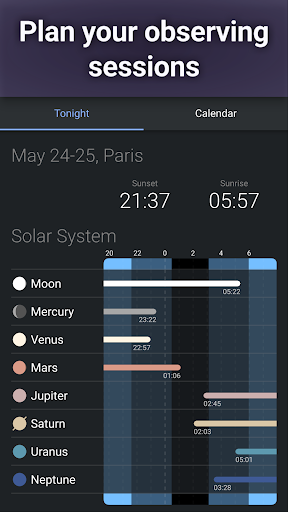
For serious astronomy enthusiasts, Stellarium Plus offers sophisticated tools for planning observing sessions. These include predicting celestial object observability and calculating transit times. The app's ability to function offline with a reduced dataset of 2 million stars and deep-sky objects makes it particularly valuable for field observations in areas with limited internet connectivity.
User-friendly interface
Extensive celestial database
Realistic sky simulation
Offline functionality
Cross-platform compatibility
High system requirements
Steep learning curve
Occasional performance issues
Limited free content
Complex setup for telescope control

Grazing Risk Monitoring Service
 4.4
4.4
Turn scrolling hours into improving your knowledge, communication, intelligence
4.50
Explore myths and gods across cultures with in-depth insights and stories.
5.00
Perform physics experiments with your phone. (by the RWTH Aachen University)
4.70
Astronomy Guide to the Night Sky
4.40
The Fighter Verses Bible memory system helps you memorize God's Word.
4.50
MONOPOLY JUNIOR brings Hasbro's classic the board game to life.
3.00
Learn to make peaceful contact with extraterrestrial civilizations
4.10
School Communication
4.30
Learn Words Daily in Just Minutes - Boost Your Language Skills Fast!
4.60
Prepare for the BCBA / BCaBA exam. Study ABA with the ABA Wizard app.
4.60
Stargazing Guide App. Stars and constellations map. Solar system planets finder.
4.60
An easy to use yet powerful and full-featured flashcard study app.
4.50
Practice Casino Roulette Payouts for Table Game Dealers and Croupiers
4.40
One of the most engaging and innovative ABC apps on the market.
4.30
Master note reading with StaffWars….
4.00
An aviator’s preparation, study and test tool for FAA Knowledge Exams.
3.90
Explore the City of the Sun in Augmented Reality
3.70
THE MOST COMPREHENSIVE JUMPMASTER STUDY RESOURCE AVAILABLE.
3.40


User Reveiws