
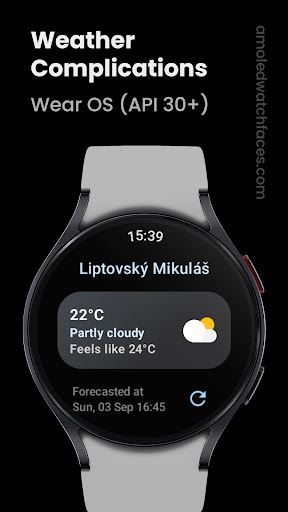
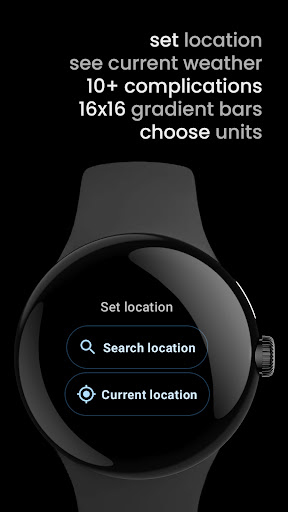
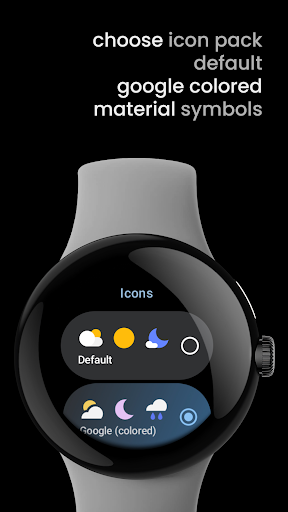

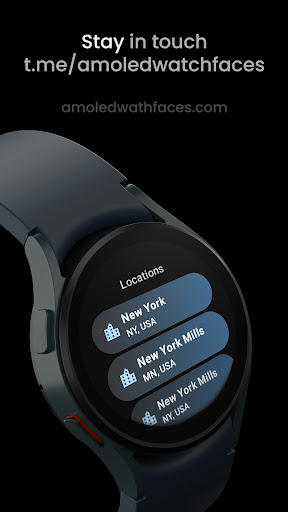
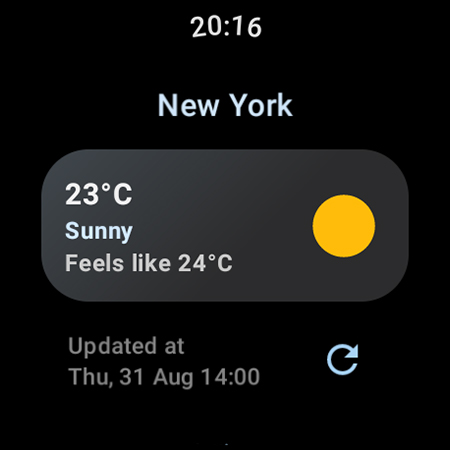
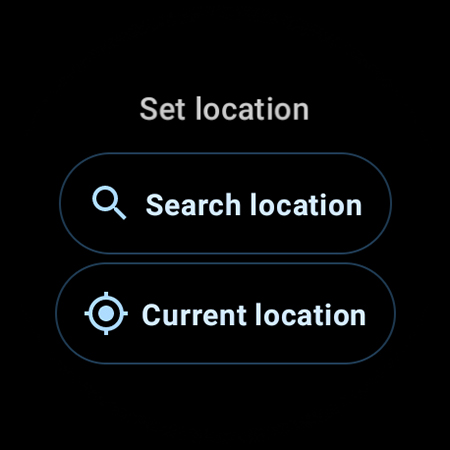
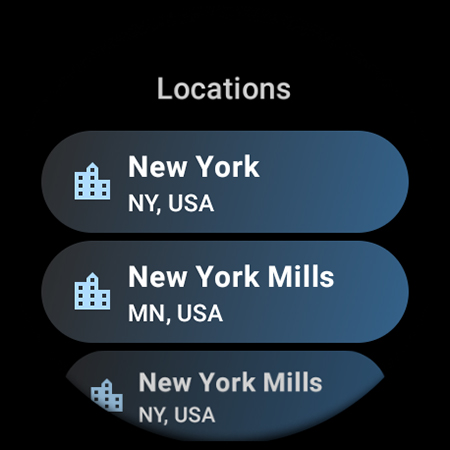
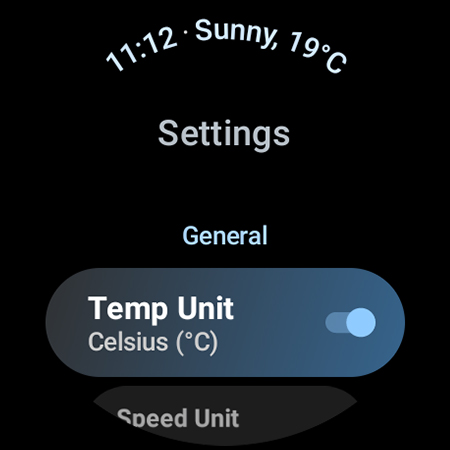
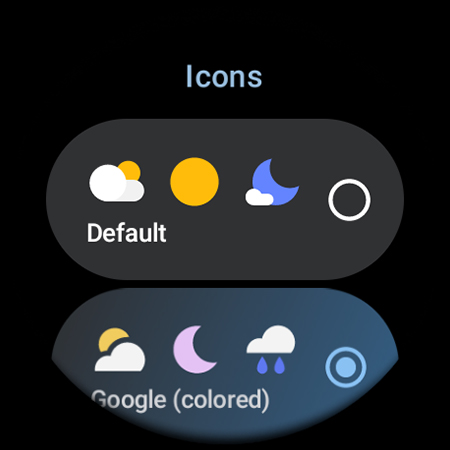
Weather Complications is a specialized app designed for Wear OS API 30+ devices, offering comprehensive weather-related complications in one place. The app refreshes data every 35 minutes to optimize battery life while maintaining up-to-date weather information with a data freshness rate of 15 minutes. In the absence of an internet connection, it uses forecasted data for the current hour.
This app supports various custom complications including Air Quality Index, Atmospheric Pressure, UV Index, and more, providing users with detailed insights into environmental conditions. It leverages reliable weather data sources such as www.weatherapi.com and openweathermap.org, ensuring accurate and timely updates. With its diverse range of supported types like SHORT_TEXT, LONG_TEXT, RANGED_VALUE, ICON, and SMALL_IMAGE, Weather Complications caters to different user preferences and needs.
Designed for convenience and efficiency, this app is ideal for users who want quick access to essential weather details directly on their smartwatches without compromising battery performance. Whether you need real-time weather updates or long-term forecasts, Weather Complications delivers valuable information tailored to enhance your wearable experience.
Weather Complications stands out due to its extensive array of features that cater specifically to Wear OS users. One notable feature is the integration of multiple weather data sources, including www.weatherapi.com and openweathermap.org, allowing users to choose between default and custom provider keys based on their preference. This flexibility ensures that users receive the most relevant and accurate weather information available.
The app offers over a dozen customizable complication types, ranging from Air Quality Index and Atmospheric Pressure to UV Index and Wind conditions. Each type comes with options like SHORT_TEXT, LONG_TEXT, RANGED_VALUE, ICON, and SMALL_IMAGE, enabling users to personalize their watch faces according to their specific requirements. Additionally, the app's ability to continue displaying forecasted data during periods of no connectivity adds a layer of reliability and convenience.
Another significant advantage is the optimization for battery life, achieved through a 35-minute refresh interval. This balance between frequent updates and power conservation makes Weather Complications an excellent choice for users seeking both functionality and efficiency. By combining robust data sources with versatile customization options, this app provides a superior weather tracking solution for smartwatch enthusiasts.
User-friendly interface
Comprehensive weather data
Customizable complications
Optimized battery usage
Reliable offline functionality
Limited to Wear OS
No BOGO promo availability
Requires Google Places API
Premium features may cost extra
Dependent on third-party data
A tool that provides real-time and 5-day weather info.
 4.1
4.1
Local weather forecast, reliable daily weather report
4.30
Room Temperature Thermometer meter shows indoor, outdoor temperature, humidity.
4.40
Arrive safely! Travel weather forecasts for your entire trip at time of arrival.
3.60
Know the weather earlier.
3.90
weather forecast, weather radar, weather widget in one local weather app
4.70
Industry leading whitetail movement predictor & hunting app.
4.60
Accurate, beautiful weather with landscapes depicting weather, sky, season.
4.50
Weather radar map, storm tracker, local forecast, live rain alerts & daily news.
4.60
Your ultimate app for accurate local weather information!
4.60
Get the ad-free version of the highly rated WeatherBug app for accurate weather!
4.50
Weather watch face for Wear OS 5
4.40
Accurate weather forecast and beautiful weather & clock widgets
4.20
Stay Ahead Of Changing Weather Conditions
4.00
Storm Radar, Alerts & Live Weather Forecasts Right on Your Home Screen
3.70
Moon phase calendar with live wallpaper, lunar widget, & 3D simulation.
3.60
A powerful weather forecast to get real-time weather information
3.60
Most precise & accurate compass app give true North South East West directions.
3.00
Your local weather app with storm radar, rain tracker, weather maps & AQI.
4.5


User Reveiws