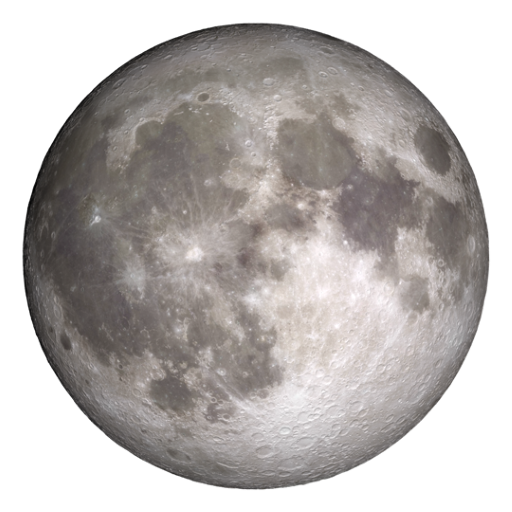
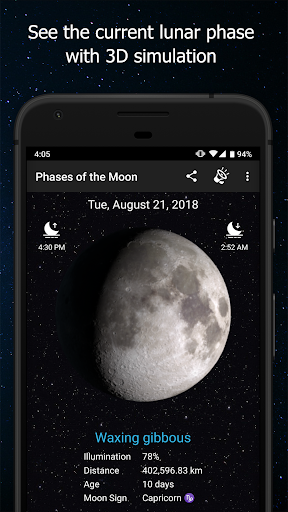
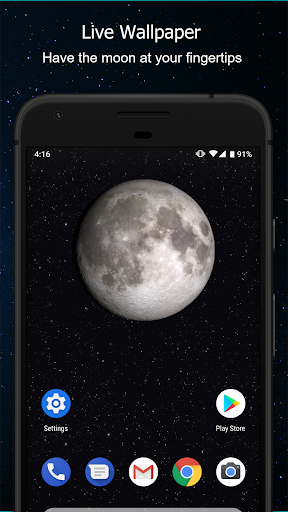
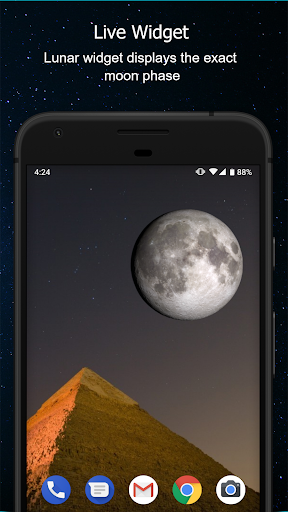
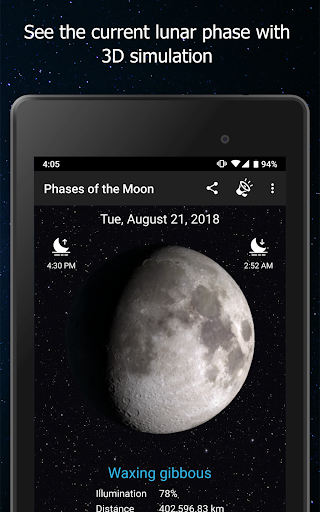

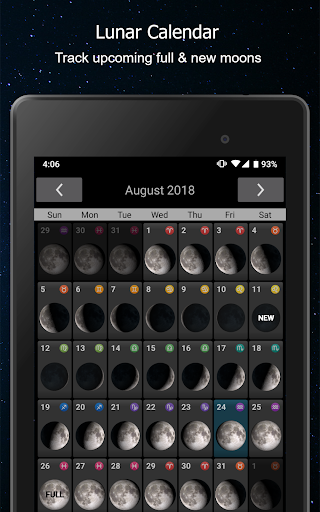
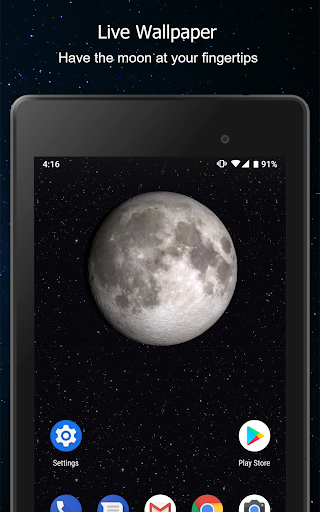
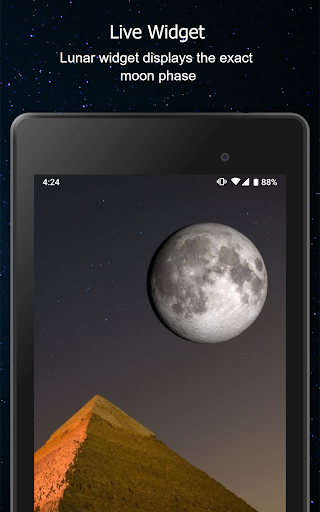

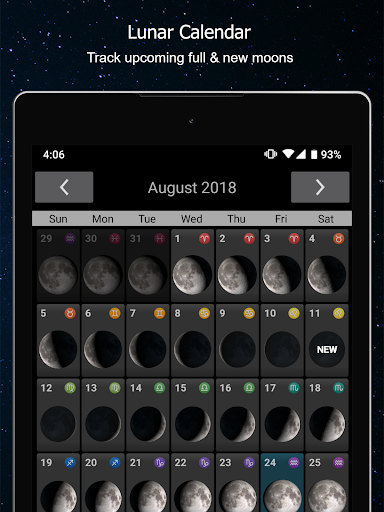
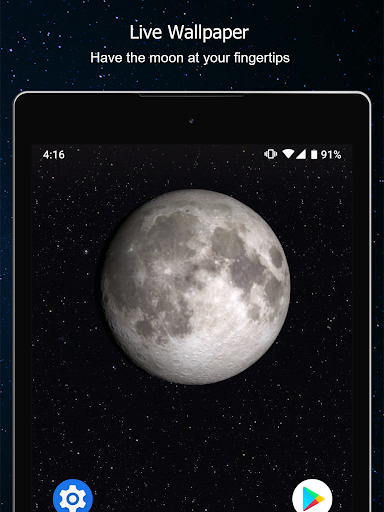
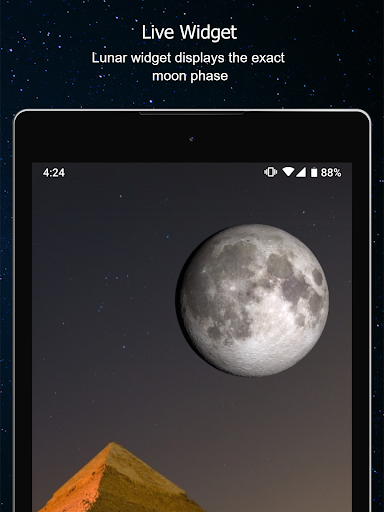
Phases of the Moon Pro is a comprehensive weather app designed for astronomy enthusiasts and casual observers alike. This 3-D simulation app provides real-time tracking of Moon phases, offering users accurate data on moon rise and set times, illumination percentages, phase names, zodiac locations, and distance measurements. The app's elegant design and user-friendly interface make it both informative and enjoyable to use.
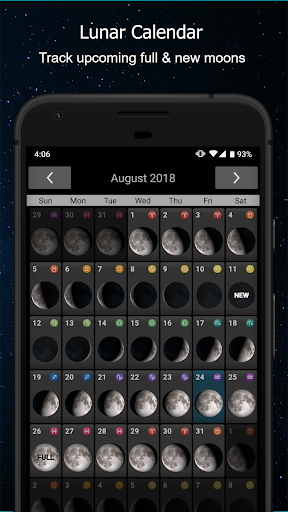
One of the standout features is its interactive functionality, allowing users to swipe through Moon phases or even 'spin' the Moon to advance through its cycles quickly. With additional tools like a monthly calendar, live wallpaper, and widget, users can conveniently monitor upcoming lunar events such as Full Moons, New Moons, and eclipses. Whether you're an amateur astronomer or simply curious about the night sky, this app offers valuable insights into Earth's natural satellite.
Phases of the Moon Pro stands out with its rich feature set tailored to enhance your lunar observation experience. A key highlight is the Moon Phase Alerts functionality, which lets users set reminders for specific lunar events, ensuring they never miss significant occurrences like eclipses or supermoons. Additionally, the app tracks all Moon cycles, including waxing crescents and waning gibbous phases, displayed via either a live wallpaper or an integrated calendar.
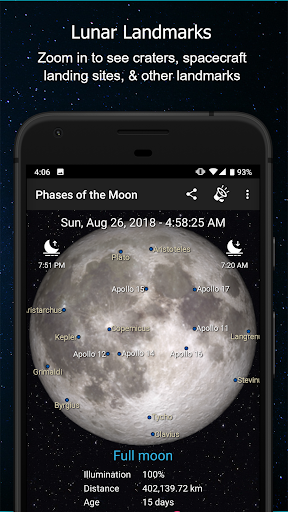
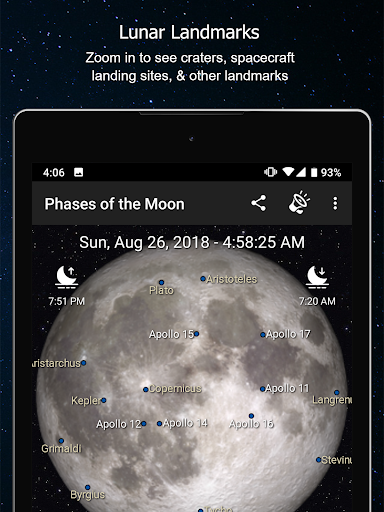
The app leverages NASA data to provide a stunning 3-D simulation of current lunar phases, complete with dynamic shadow changes. Users can also access detailed information such as moon rise/set times, distances, and zodiac positions. Interactive elements allow you to drag or zoom into the Moon’s surface, revealing craters, landing sites, and libration effects. These innovative features not only educate but also engage users in understanding the complexities of lunar movements.
User-friendly interface
Real-time moon data
Interactive 3D model
Detailed phase alerts
Live lunar wallpaper
Premium version costly
Ads in free version
Occasional GPS issues
Limited planet info
Heavy on battery

Accurate weather forecast and beautiful weather & clock widgets
 4.20
4.20
Personal Weather Station PRO - Meteo monitor to check your WU info and charts.
4.20
Road weather, live radar, wind, snow, and conditions along your driving route.
4.70
Storm Radar, Alerts & Live Weather Forecasts Right on Your Home Screen
3.70
The moon phases app for tracking the lunar calendar, blue moon and full moon.
4.80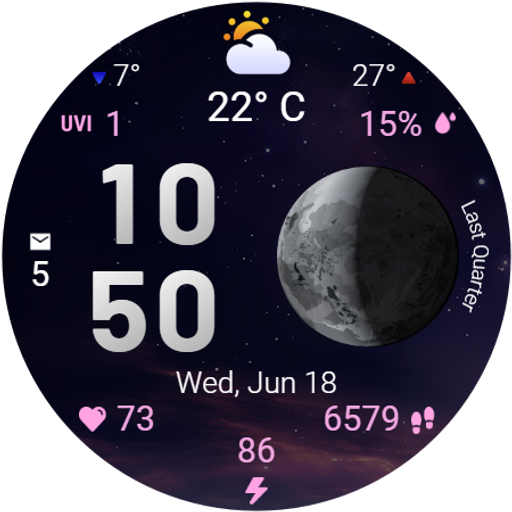
Detailed weather info and moon phase, subtle animation, customizable
4.0
Aviation weather made simple. Visual decoder for METAR & TAF
4.90
Your ultimate app for real-time weather information!
4.70
Live NOAA weather app to track storm, rain, wind, lightning & real local updates
4.20
Weather radar, hyperlocal tracker and weather maps: follow your weather station
4.80
Weather - Local weather forecast, weather daily & hourly, weather radar
4.80
Local Weather provides accurate and current hourly and daily forecasts.
4.80
Thermometer shows indoor and outdoor temperature
4.70
Powerful US and worldwide earthquake feed with earthquake alerts and maps.
4.60
Local forecast, alerts, rain, snow and wind radar, air quality & weather widget
4.60
Track rainfall totals with ease using our rain gauge app. Accurate rain tracker.
4.50
An unofficial app version of the National Weather Service (Weather.gov)
3.90
The Weather Network TV App - Your weather when it really matters
2.90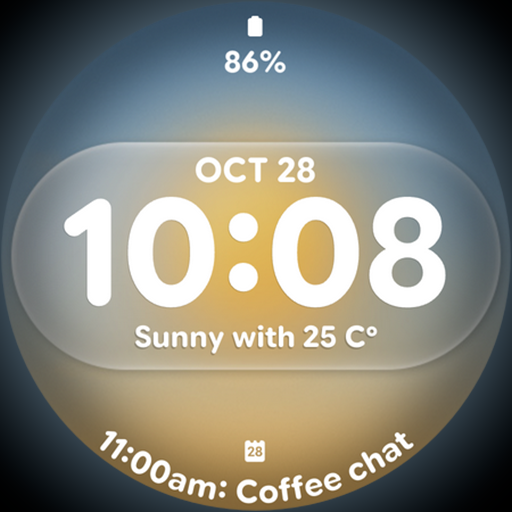
Dynamic weather watch face with glass effect, bold time & 7 complications.
4.4


User Reveiws