
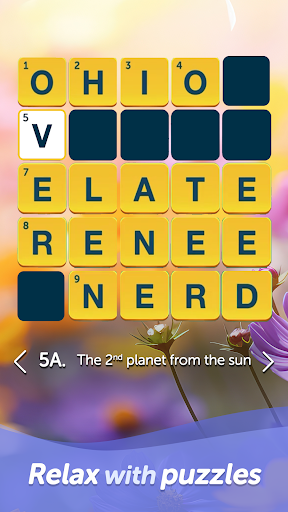
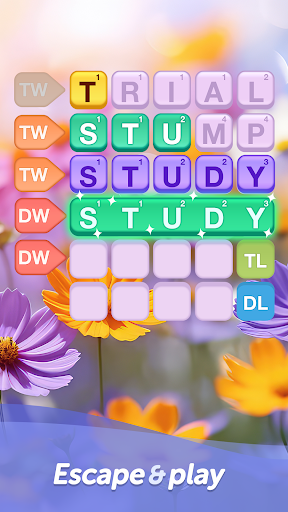
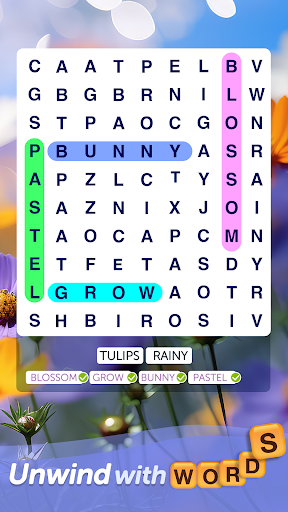
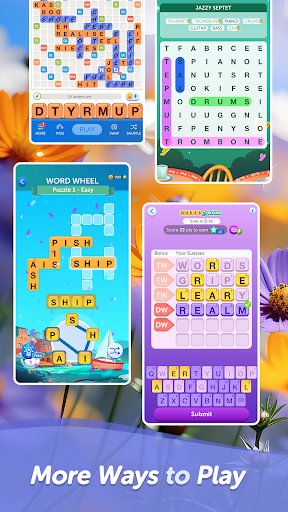
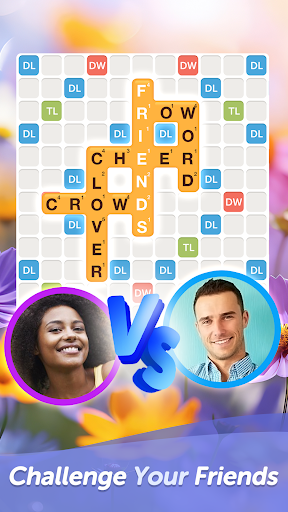

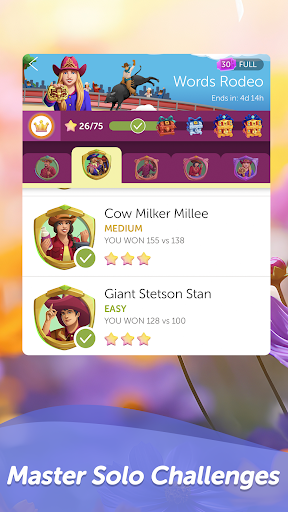
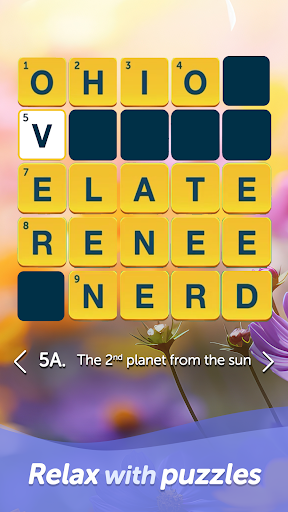
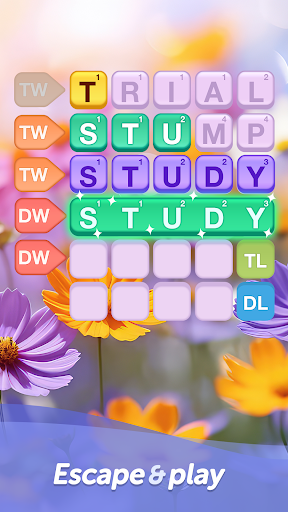

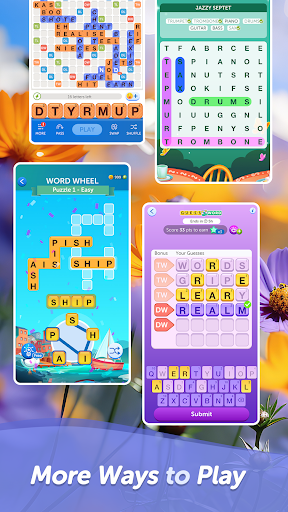
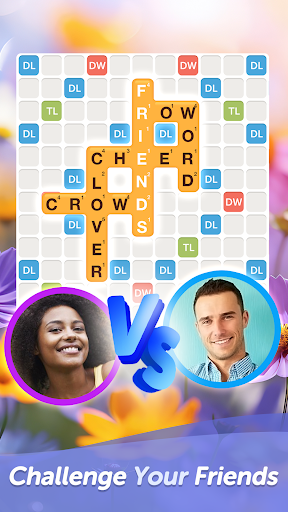


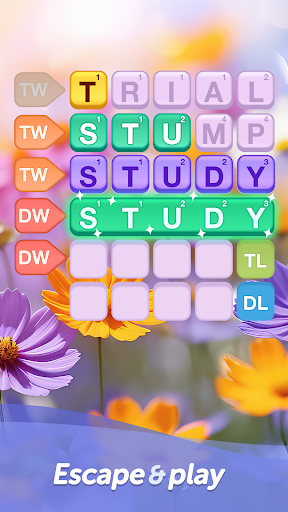
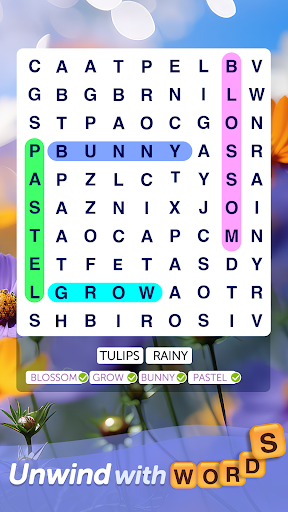
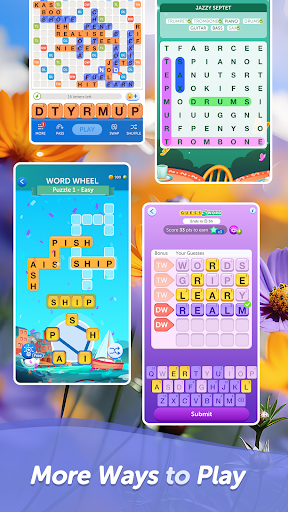

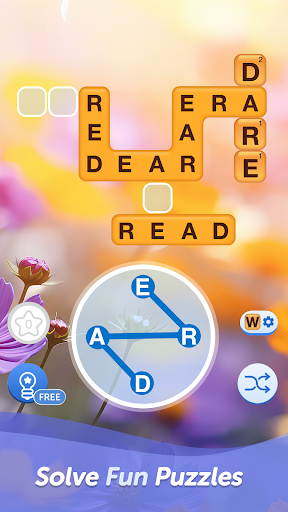

Words With Friends Word Game is a premier multiplayer word game that combines classic board game elements with modern mobile gaming. This app allows players to unscramble letters, form words, and compete against friends or AI opponents in crossword-style challenges. The game features multiple modes including solo challenges and themed WordMasters, making it perfect for both casual and dedicated word game enthusiasts.
The app goes beyond basic gameplay by offering various ways to enhance your experience. Players can complete word goals to earn rewards, customize their gaming style through stickers and tile designs, and participate in limited-time events like Word Wheel. With its engaging combination of strategy, vocabulary building, and competitive play, Words With Friends delivers an unparalleled word gaming experience across Android devices.
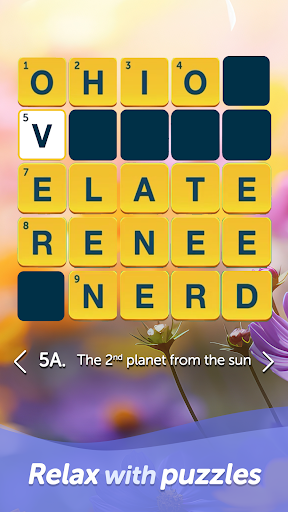
Ideal for adults who enjoy brain teasers and crossword puzzles, this app helps expand vocabulary while providing hours of entertainment. Whether you're looking to challenge your mind during commutes or engage in friendly competition with loved ones, Words With Friends offers the perfect platform to train your brain and showcase your spelling skills.
Words With Friends stands out through its diverse feature set designed to maximize player engagement. The core functionality revolves around creating games with friends or using Smart Match to find suitable opponents. Players can strategically place tiles on boards resembling traditional crosswords, aiming for high scores while expanding their vocabulary.
Beyond standard multiplayer modes, the app offers rewarding progression systems. Through the Rewards Pass, users complete specific word goals to unlock exclusive collectibles every six weeks. Additionally, the Solo Challenge mode lets players test their skills against increasingly difficult AI opponents called WordMasters, ensuring continuous mental stimulation without needing human opponents.
Customization options abound as well; players can personalize their experience with unique stickers, tile styles, and profile frames. Special mini-games like Word Wheel provide quick, timed challenges that refresh regularly, adding variety to the gameplay. These features collectively create a dynamic and immersive environment for word game enthusiasts.
User-friendly interface
Engaging multiplayer modes
Variety of customization options
Rewarding progression system
Regular content updates
In-app purchases can add up
Ads between moves
Occasional connectivity issues
Steep learning curve for beginners
Limited offline functionality
Word search puzzle game for brain training
 4.70
4.70
Great Word Game with Friends!
4.80
Relax and have fun with a combination of word games and solitaire!
4.60
Crossword puzzles for all ages- easy to hard. All offline!
4.90
Combine crossword clues with a fill in the quote cryptogram style answer
4.30
Follow 25 rules and use your wits to escape from the horrifying school.
4.4
Relax, train your brain and improve your vocabulary with Word Search Journey
4.80
Zen Word - where challengers relax, solve word games, and train their minds!
4.80
Daily crossword puzzles for brain training! Master vocabulary with word games!
4.50
Search for FAITH and FUN!
4.90
Word Trip – where players relax, solve word puzzles, and boost your brainpower!
4.90
Enhance your mind and unwind with word puzzles and solitaire. Play now!
4.80
Explore the world playing word puzzle games. Relax your brain by finding words
4.80
101 offline games: words, puzzles, quizzes! Play, learn and compete!
4.70
A roguelike word game!
4.70
Try to find the hidden words!
4.30
InWords is a word puzzle game where you list as many words as you can.
4.4
Word puzzles with cute bears to enjoy, just don’t let the bubble bee bother you!
4.5
Who is the Imposter? The ultimate group game for 3 to 30 players!
4.5


User Reveiws