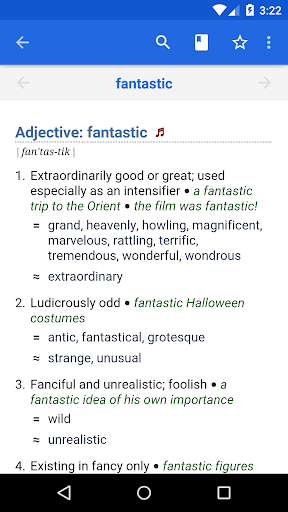
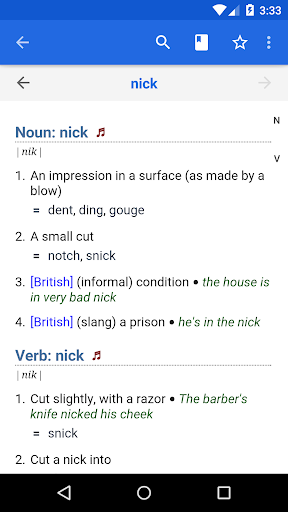

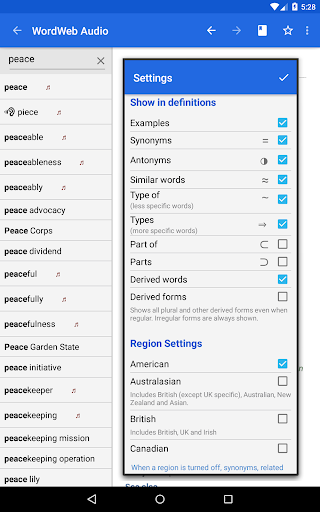
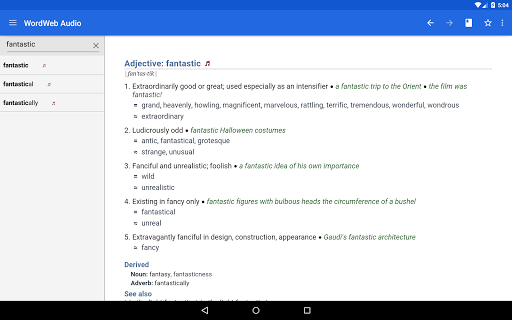
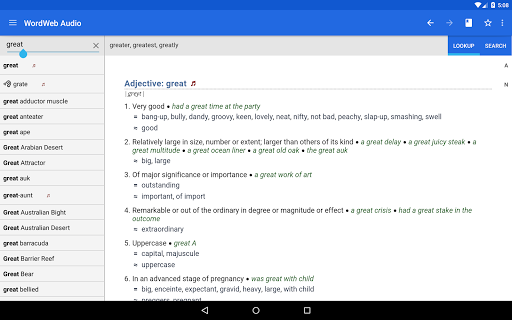

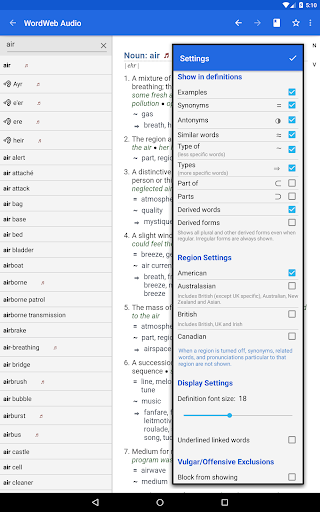
WordWeb Audio Dictionary is an essential reference tool for anyone looking to expand their English vocabulary. This offline dictionary and thesaurus app provides comprehensive word definitions, synonyms, related terms, and professionally recorded pronunciations. With a vast database of 285,000 words and phrases, it covers various forms of English including American, British, and Australian usage.
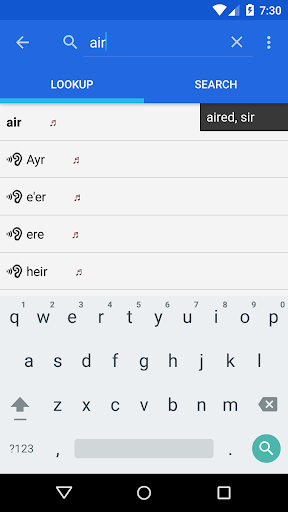
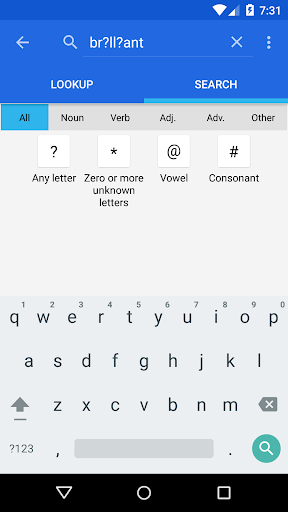
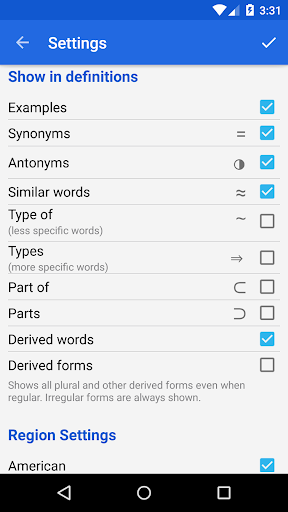
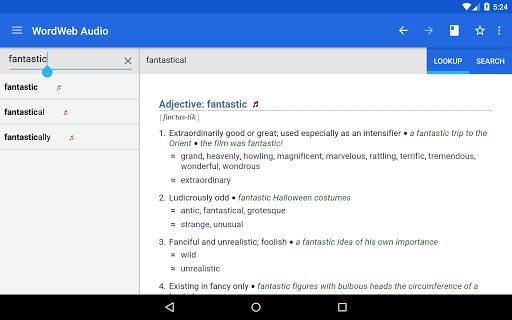
The app's intelligent search functionality offers spelling suggestions, sounds-like matches, and commonly confused words. It also features advanced search filters by word type and pattern matching. Users can bookmark entries, view usage examples, and even look up words directly from other apps. The inclusion of proper nouns and common abbreviations makes this an indispensable resource for students, professionals, and language enthusiasts.
Whether you're preparing for exams, writing academic papers, or simply improving your English skills, WordWeb Audio Dictionary serves as a valuable companion. Its offline functionality and extensive audio library help users learn correct pronunciations and speak better English without requiring an internet connection.
WordWeb Audio Dictionary stands out with its robust feature set designed for comprehensive language exploration. The app's core strength lies in its extensive offline database containing 225,000 word sense definitions, 70,000 professionally recorded audio pronunciations, and 85,000 text pronunciations. This wealth of information is complemented by an intelligent search system that suggests correct spellings and identifies commonly confused words.
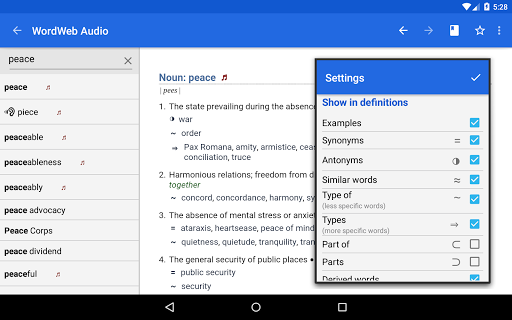
Advanced search capabilities include alphabetical listing, pattern-matching with wildcards, and filtering by parts of speech. The app's ability to drill down on any word within a definition creates an interconnected learning experience. Users can maintain their progress through bookmark support and history tracking while enjoying seamless integration with other apps via Android's share functionality.
Additional practical features include volume control settings, support for international English variations, and coverage of contemporary terms and abbreviations. The app's efficient use of space (requiring only 280MB) and its ability to function without an internet connection make it particularly valuable for travelers and those in areas with limited connectivity.
Comprehensive offline database
Professional audio pronunciations
Intelligent search functionality
Extensive synonym coverage
Cross-app word lookup
Requires significant storage space
No integrated grammar tools
Limited visual aids
Interface may feel dated
Premium version costs extra

Flora of Virginia Project (www.floraofvirginia.org)
 5.00
5.00
A guide for the Court of Atonement spiritual healing process.
4.2
Audiobook player with cross-device progress sync, playlists, and widget support.
4.80
Mirror Bible - eye-opening paraphrase translation of the NT by Francois du Toit
4.30
Crowd-sourced listing of businesses with anti-gun signs, and pro-2a alternatives
4.60
A wonderful reader for good time spend.
4.20
Scan. Price. Grade.
4.60
Daily thoughts, meditations, and prayers for living a sober life in recovery.
4.90
A KJV Bible with Apocrypha and precept-based study concordance
5.00
Daily Prayer, personalized Bible Study, AI-guided Insights, and Spiritual Growth
4.80
“I am the Lorax. I speak for the trees.”
4.80
This is the pro version King James bible Offline that we have
4.70
Unlock unlimited access to bestselling ebooks, novels, stories, and audiobooks
4.60
Research your family history to explore ancestors and search for your heritage
4.50
Bilingual dictionary with English translations of Modern Standard Arabic words.
4.30
Knots 360 Pro ( 3D ) shows you animated 192 knots in 3D perspective
4.10
A companion for prayer, with Azan alarm, Quibla direction, and Holy Quran book
4.10
CleverBook Pro makes the popular guide for the game even better!
4.00
Read popular romance books and web novels on the fantastic ebook reader
3.50


User Reveiws